



Order without the detour
A branded menu and checkout, with pickup, curbside, dine-in and delivery choices.
One connected platform
Your business, beautifully connected.
Every detail, connected. Explore all features.
Built around your business
Your business has its own rhythm.
Ready to begin? Get started online.
Explore at your own pace
See the possibilities. Find your next step.
Looking for a definition? Browse the glossary.

One connected platform
Platform

Built around your business
Solutions
 Start with a fresh perspective.See how your website and listings show up online, and where there’s room to improve.Get your free audit All solutions

Explore at your own pace
Resources
 Your brand, elevated.Explore the curated looks in the visual studio and find your starting point.Explore the visual studio Explore the glossary
Online ordering
Your food. Your brand. Your guest relationship. Commission-free ordering brings menu choices, easy checkout, pickup and delivery together—with the controls your kitchen needs.
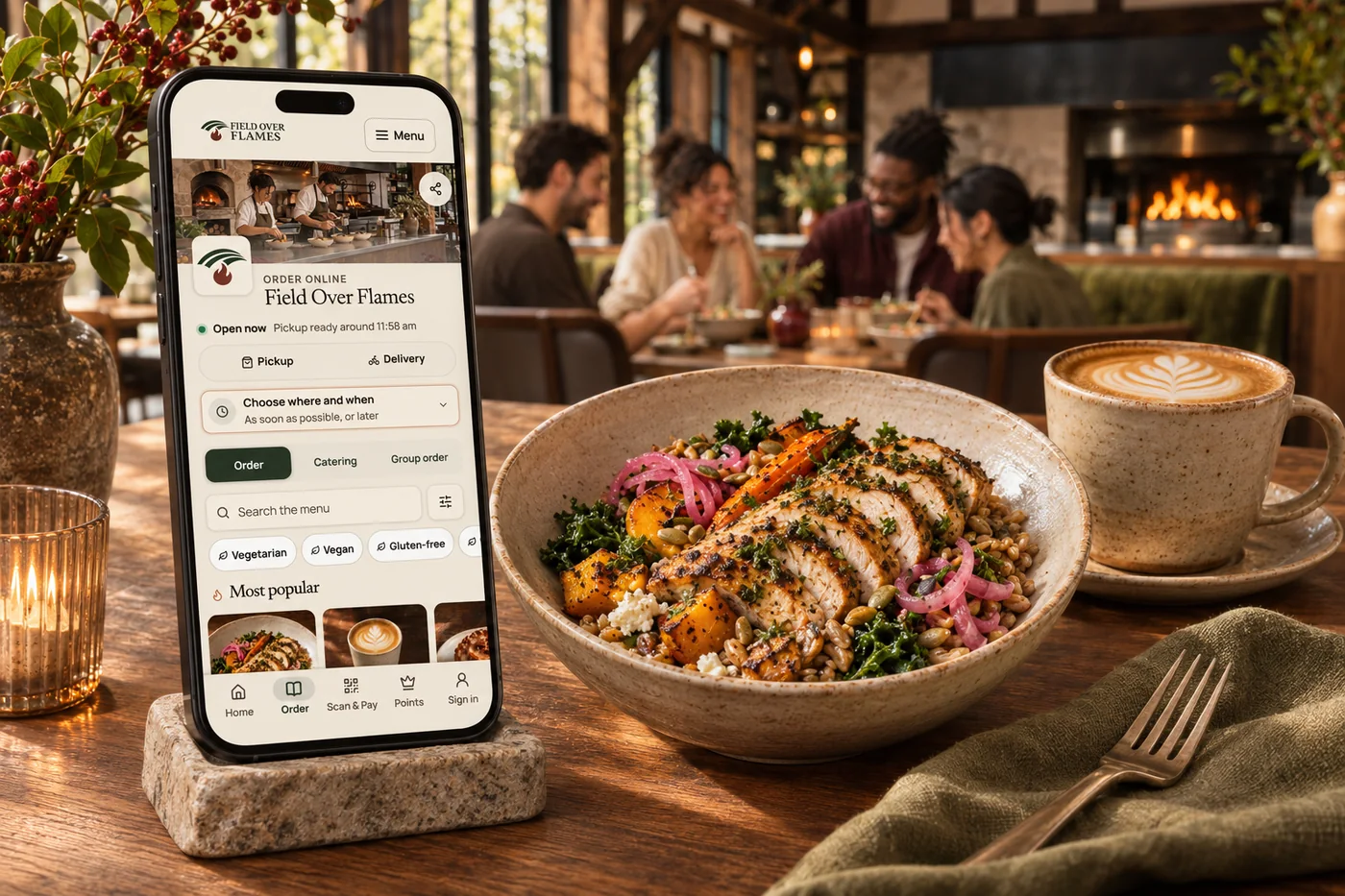
A branded menu and checkout, with pickup, curbside, dine-in and delivery choices.
Required choices, sizes, extras and dietary filters make complex menus easier to use.
Manage preparation times, scheduled orders, busy periods and sold-out items.
Relevant add-ons, bundles and rewards give guests useful reasons to add more.
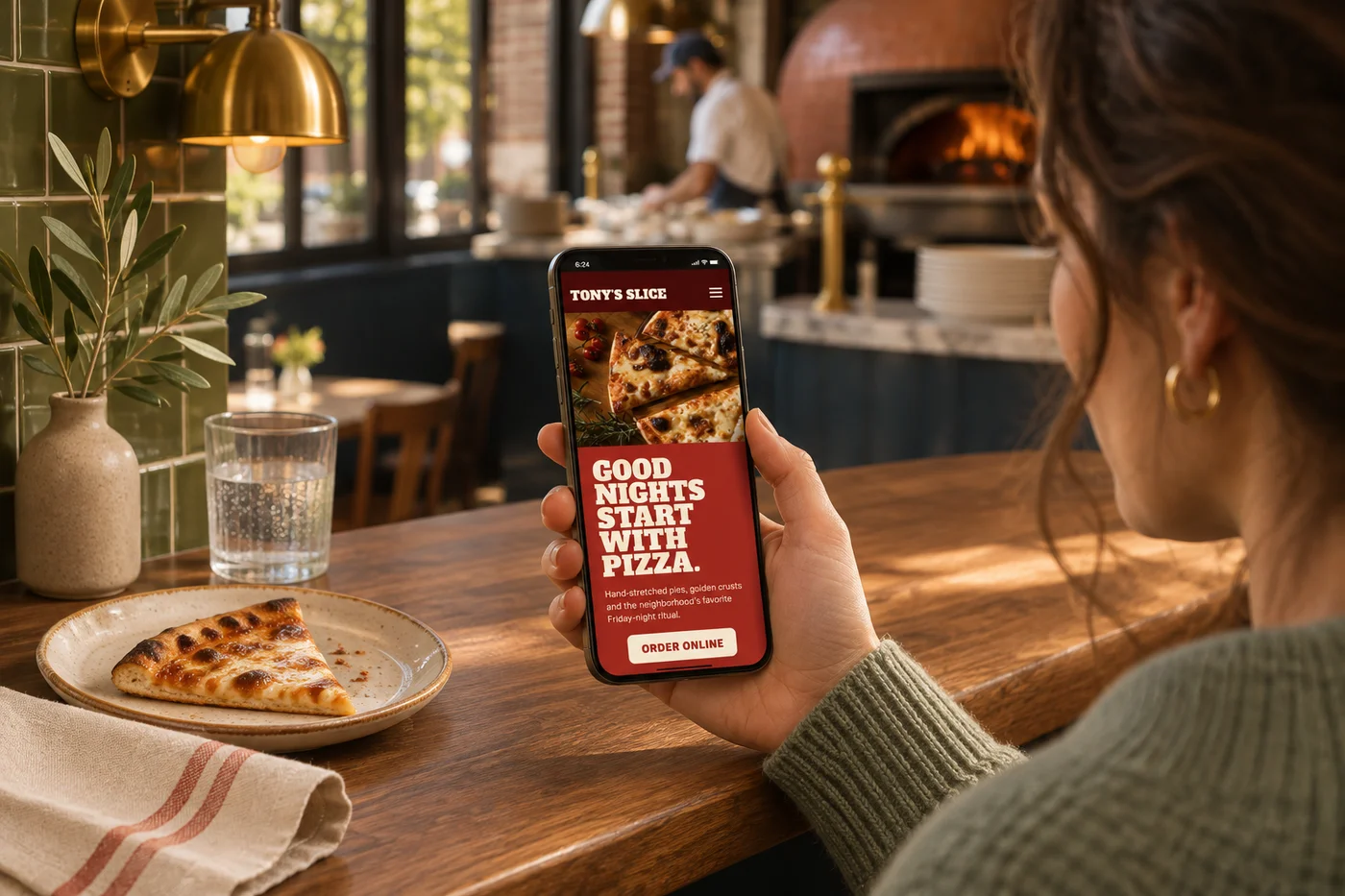
From a first look to a favorite order
Inviting food photography. Clear choices. A checkout that feels like part of your business. Keep the experience connected from your website to pickup, delivery and the next visit.
Payment processing and delivery charges are separate.
See how guests make it their ownA way to order for every occasion
Let guests order for now or choose a time that suits them. Your hours, preparation times and busy-period controls guide availability, while clear confirmations tell them when and where to collect.
Explore pickup ordering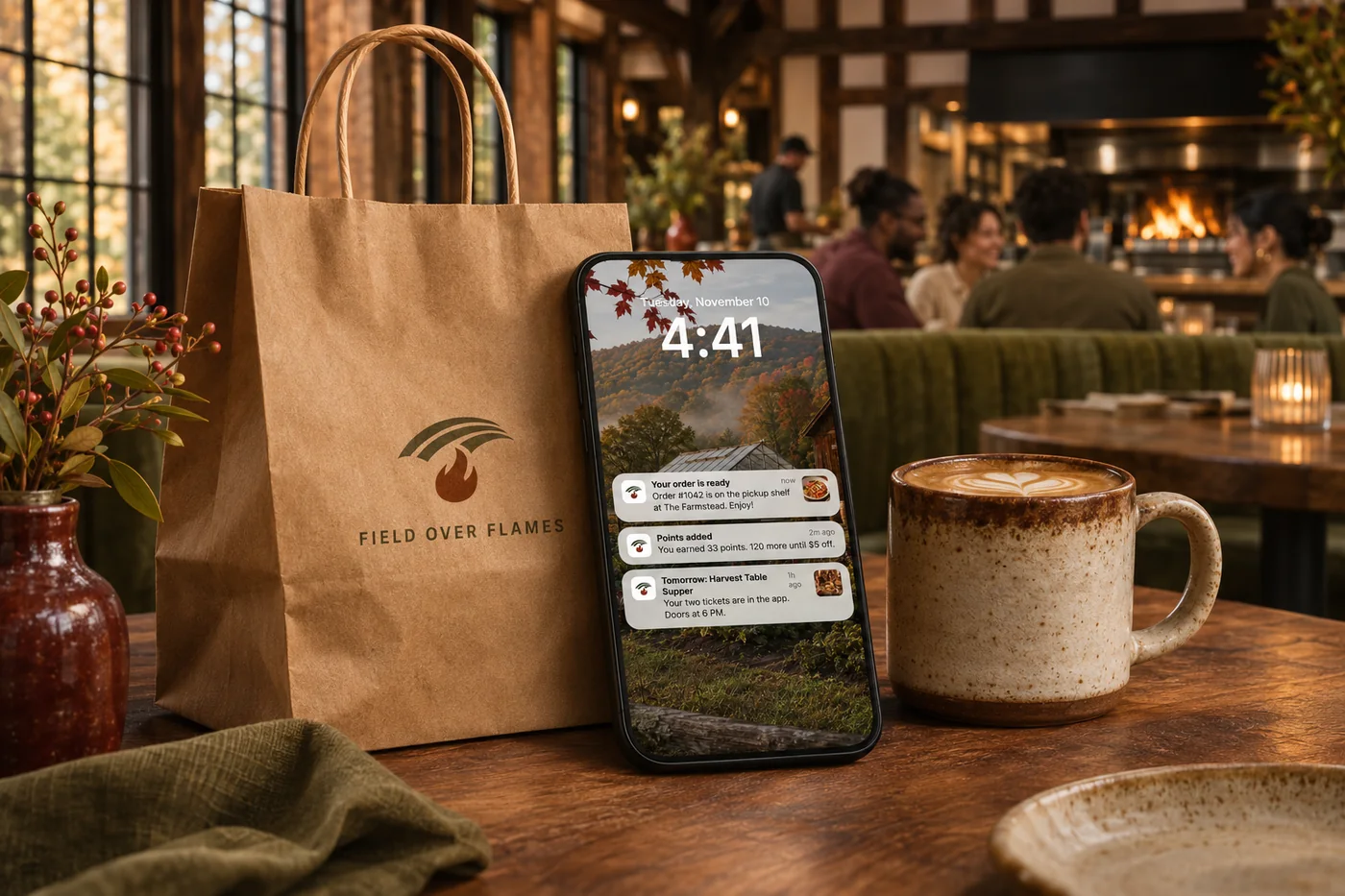
Assign deliveries to your own drivers or use partner couriers, with routing and tracking close at hand. Keep guests informed as their order makes its way from your kitchen to their door.
Explore delivery management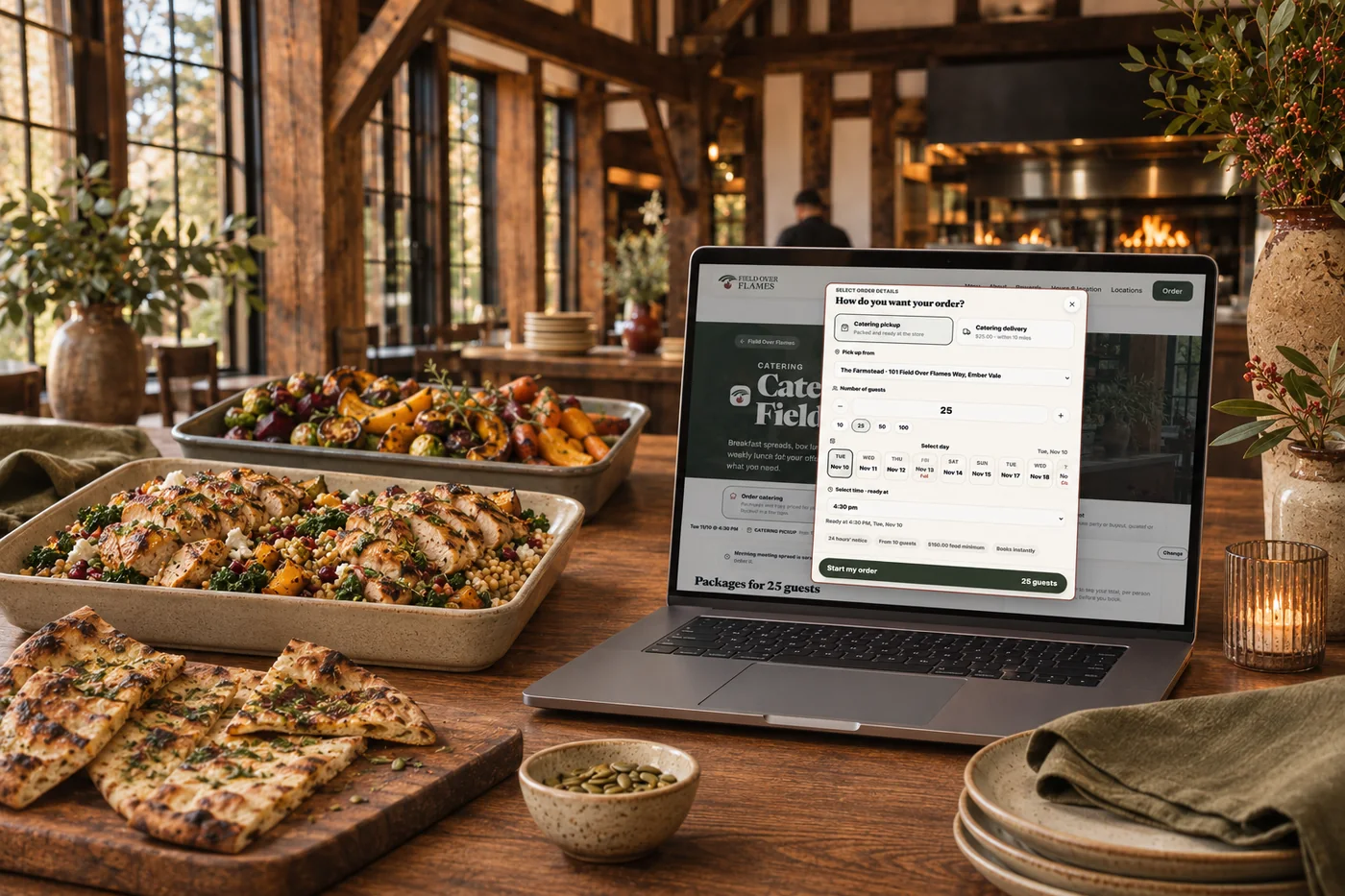
Let hosts choose catering packages, trays and meals online for a future occasion. Minimums, notice periods and availability guide their order, while headcounts and dietary details stay close to the kitchen.
Explore online catering
Collect the occasion details and prepare a tailored catering or event quote. Hosts can review the proposal, request changes and book, while your team keeps the scope, pricing and next steps together.
Explore event management
Share one order so everyone can choose their own meal. Set a group budget, with individual payment for eligible extras, and bring the choices together for an organized handoff.
Explore group ordersGo a little deeper
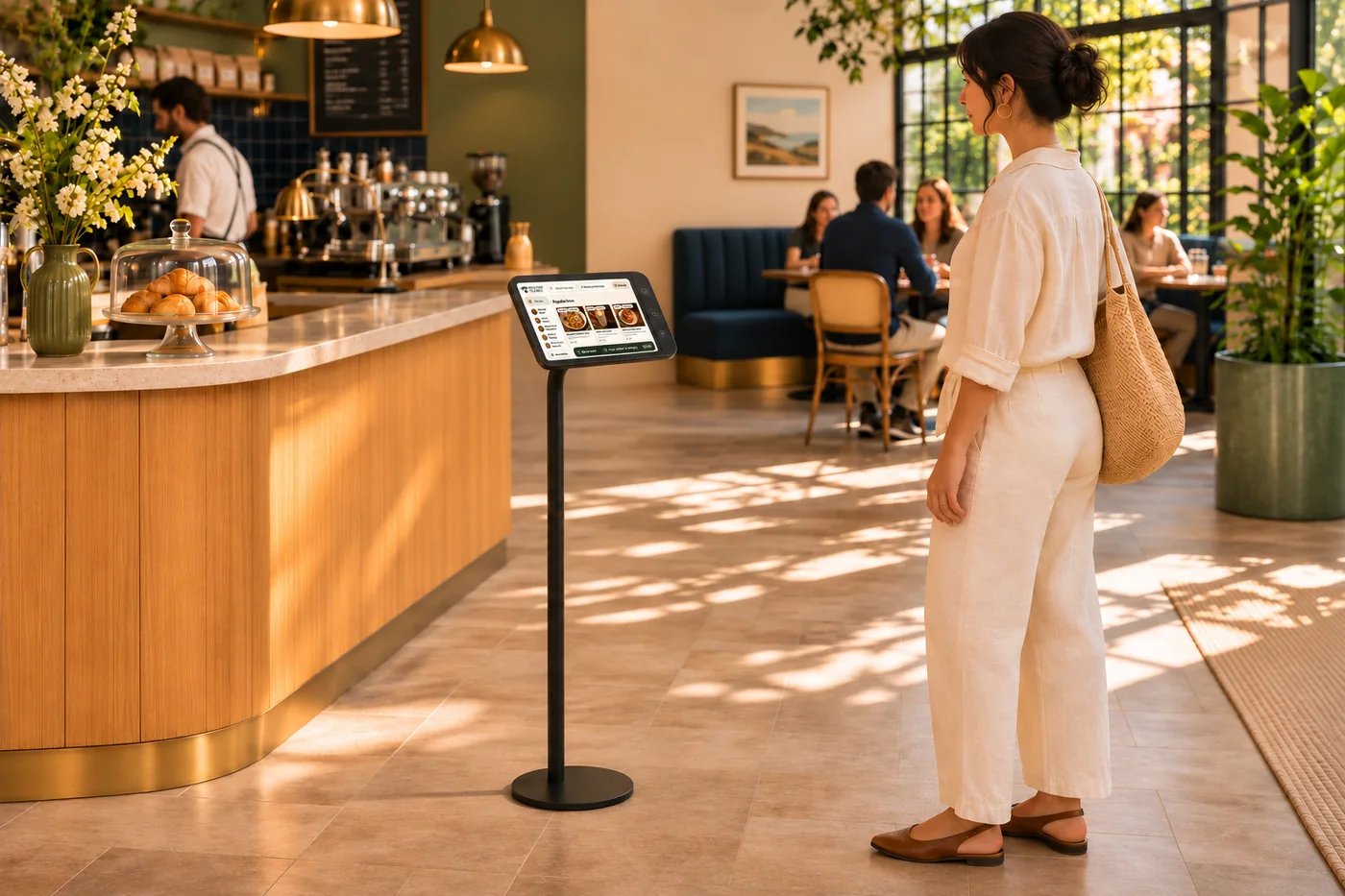
Sizes, toppings and extras with the detail your kitchen needs.
ExploreConfirmation, progress and handoff information that keeps guests in the picture.
Explore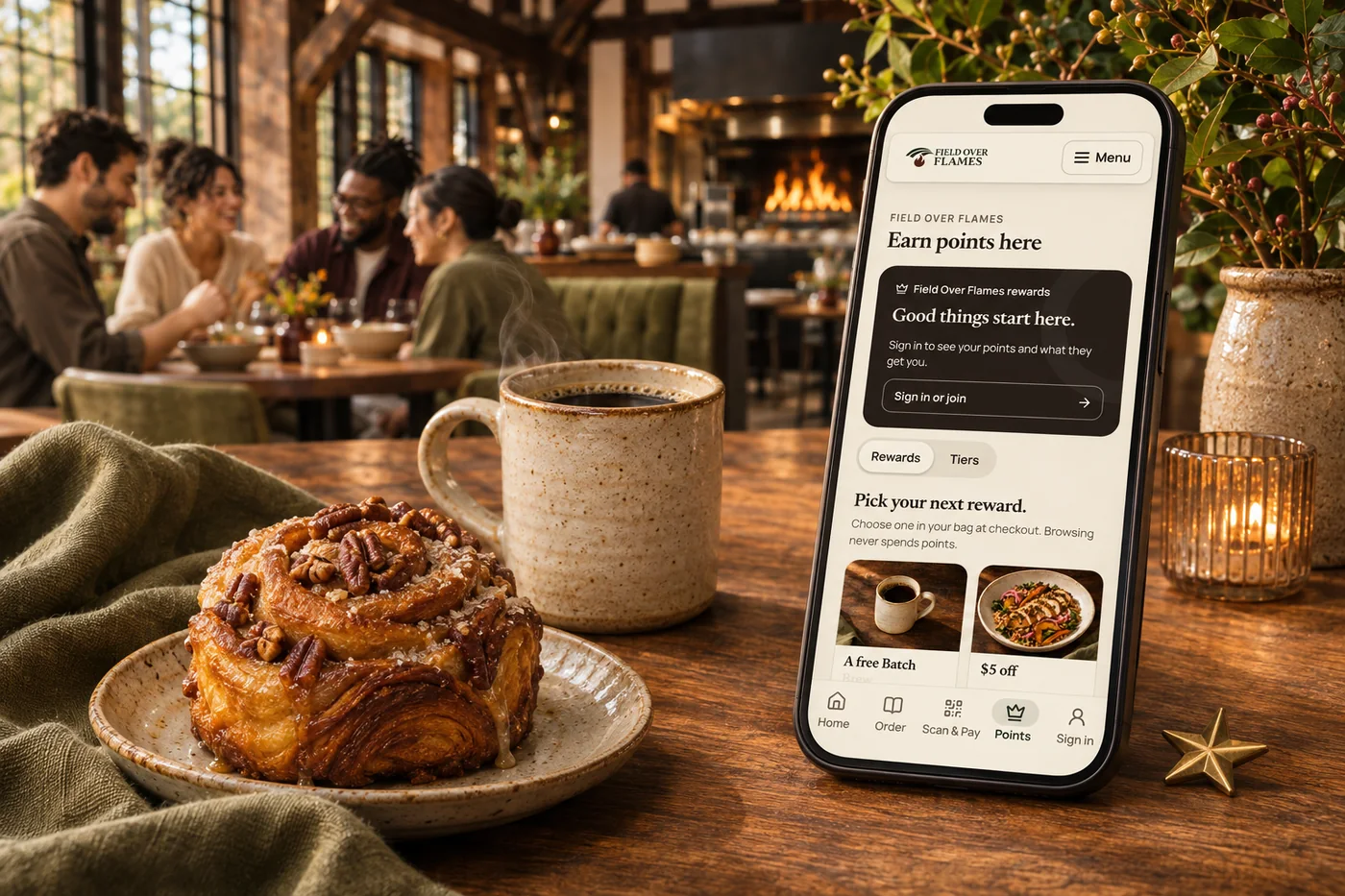
Past orders, current menu choices and loyalty give guests a reason to return.
Explore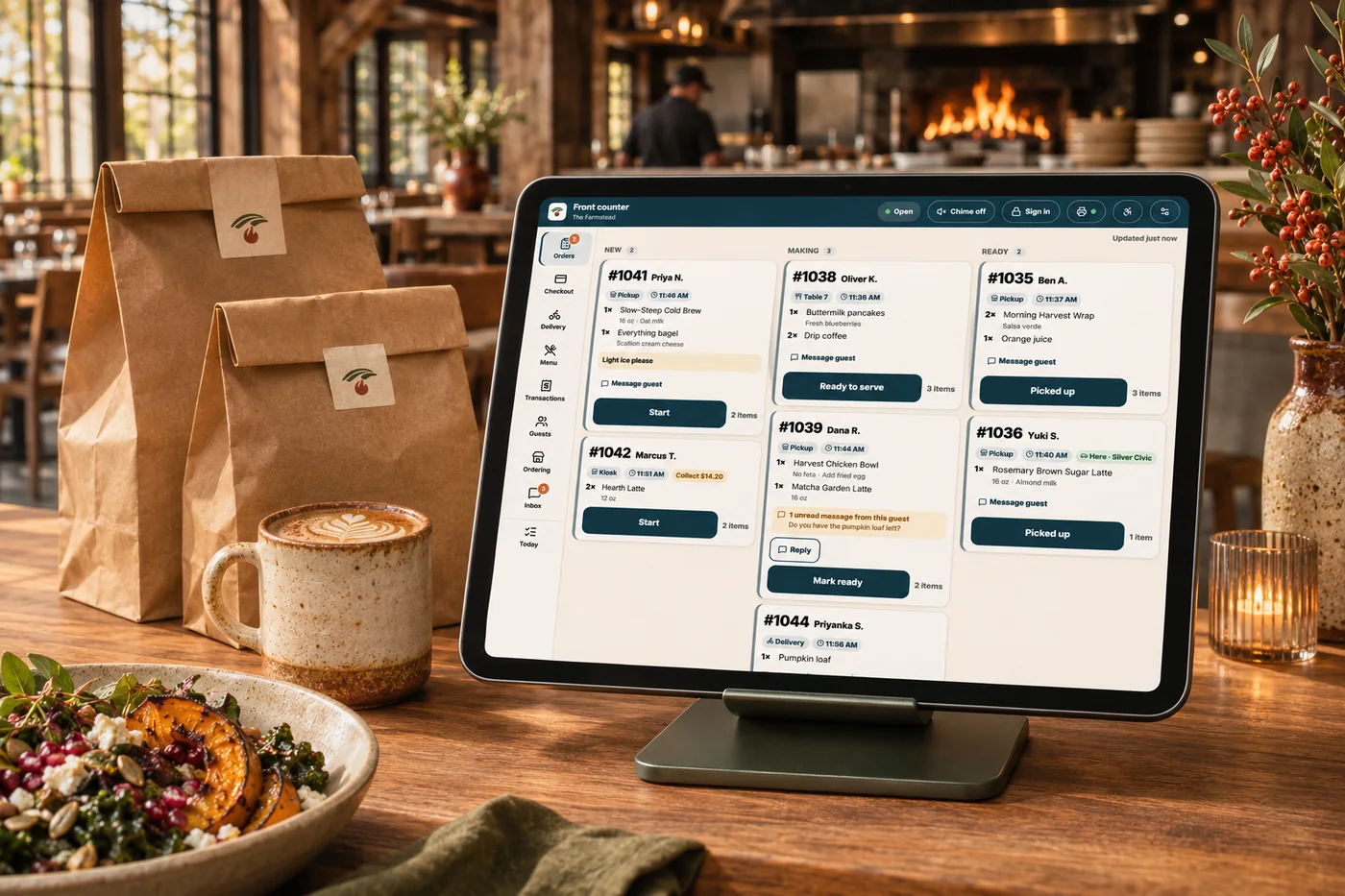
Keep catalog choices, prices and availability connected across the experience.
ExploreUnclear choices, awkward customization and uncertain collection times make ordering harder than it needs to be. Your branded ordering experience brings menus, modifiers, payment and handoff details together, so guests can choose confidently and the kitchen receives the order they intended. Shop & Table takes no order commission; payment processing and delivery charges are separate.
Part of a more connected business
Online catering
Let guests order catering packages, trays and meals online for a future pickup or delivery. Your menu, minimums and notice periods guide the order from the start.
Explore online catering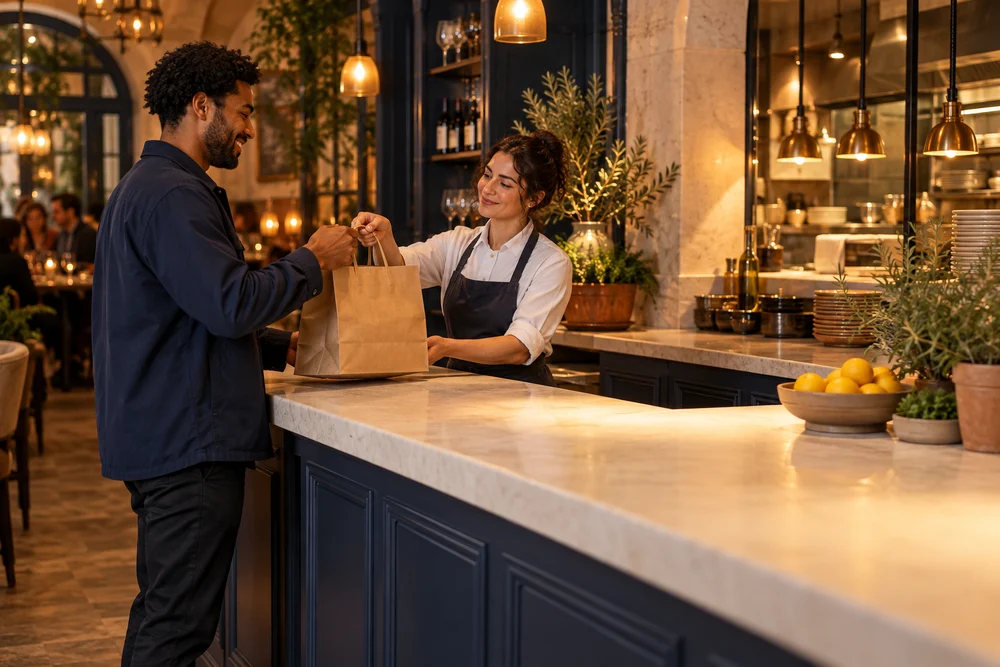
Delivery management
Assign, route, track and communicate from one delivery workspace.
Explore delivery managementYes. Required selections, sizes, extras and modifiers guide guests through the order. Dietary filters help them explore, while sold-out controls and preparation settings keep the menu aligned with your kitchen.
Relevant add-ons, bundles and rewards give guests reasons to complete their meal. Connect offers to your menu and review order results to see what earns its place.
Offer pickup, curbside, dine-in or delivery, with scheduled orders and preparation controls. Group orders bring individual choices together, while online catering lets hosts order packages in advance. For custom occasions, event management provides a separate inquiry and quote workflow.
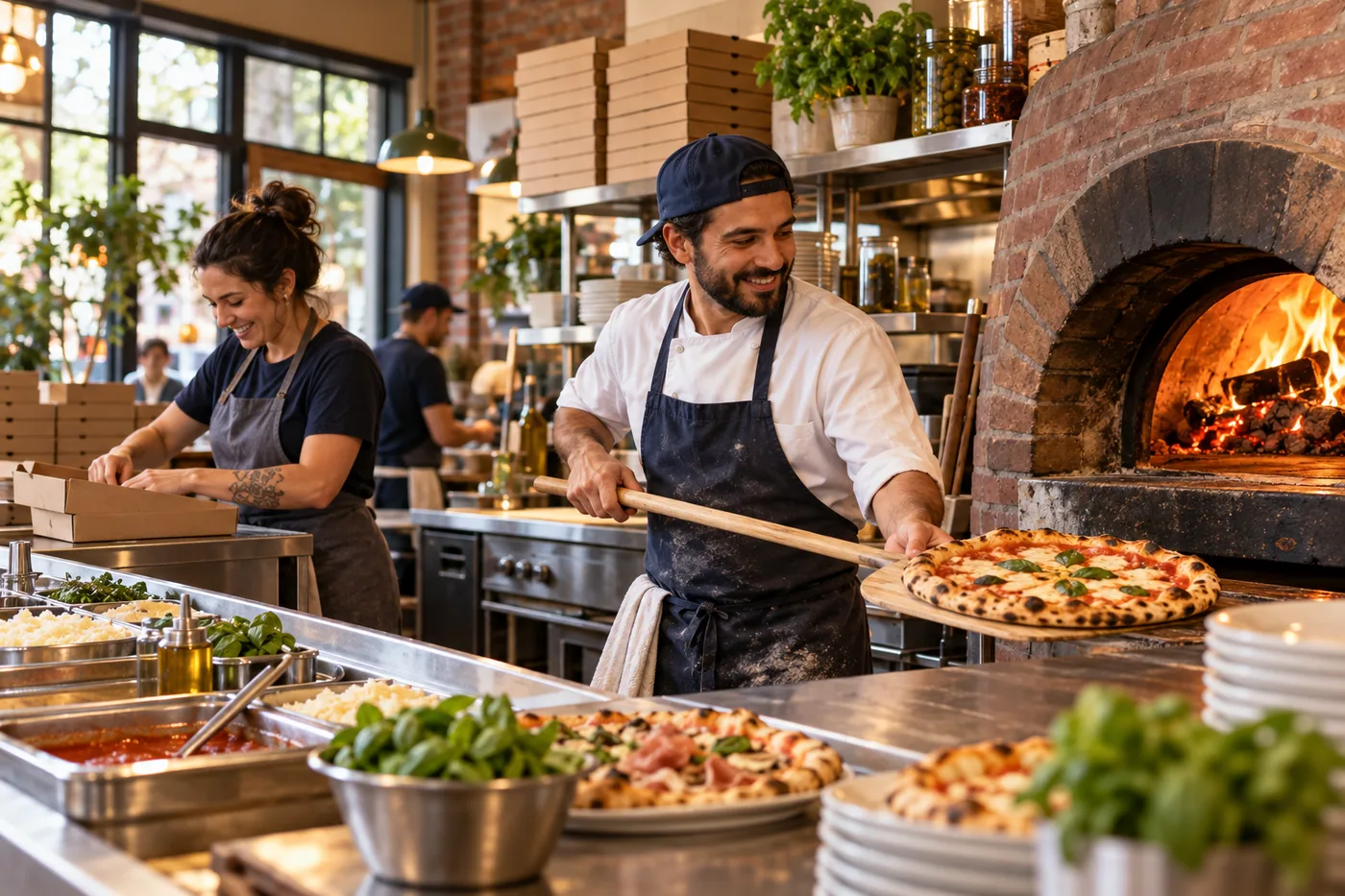
A branded menu and checkout, with pickup, curbside, dine-in and delivery choices. Bring it together with your brand and the tools your team already uses.

You are leaving shopandtable.com
We link out when a vendor’s own documentation or a regulator is the right source. The site you are about to visit has its own terms, its own privacy practices and its own content; none of it is covered by our Privacy Policy or Terms of Service, and a link is not an endorsement. It will open in a new tab.