



Bring back the usual
Use order history to help guests find a previous meal and start again with less searching.
One connected platform
Your business, beautifully connected.
Every detail, connected. Explore all features.
Built around your business
Your business has its own rhythm.
Ready to begin? Get started online.
Explore at your own pace
See the possibilities. Find your next step.
Looking for a definition? Browse the glossary.

One connected platform
Platform

Built around your business
Solutions
 Start with a fresh perspective.See how your website and listings show up online, and where there’s room to improve.Get your free audit All solutions

Explore at your own pace
Resources
 Your brand, elevated.Explore the curated looks in the visual studio and find your starting point.Explore the visual studio Explore the glossary
Favorites & easy reordering
Help a first order become a familiar habit. Bring past orders, favorites and loyalty into a branded experience guests want to use again.
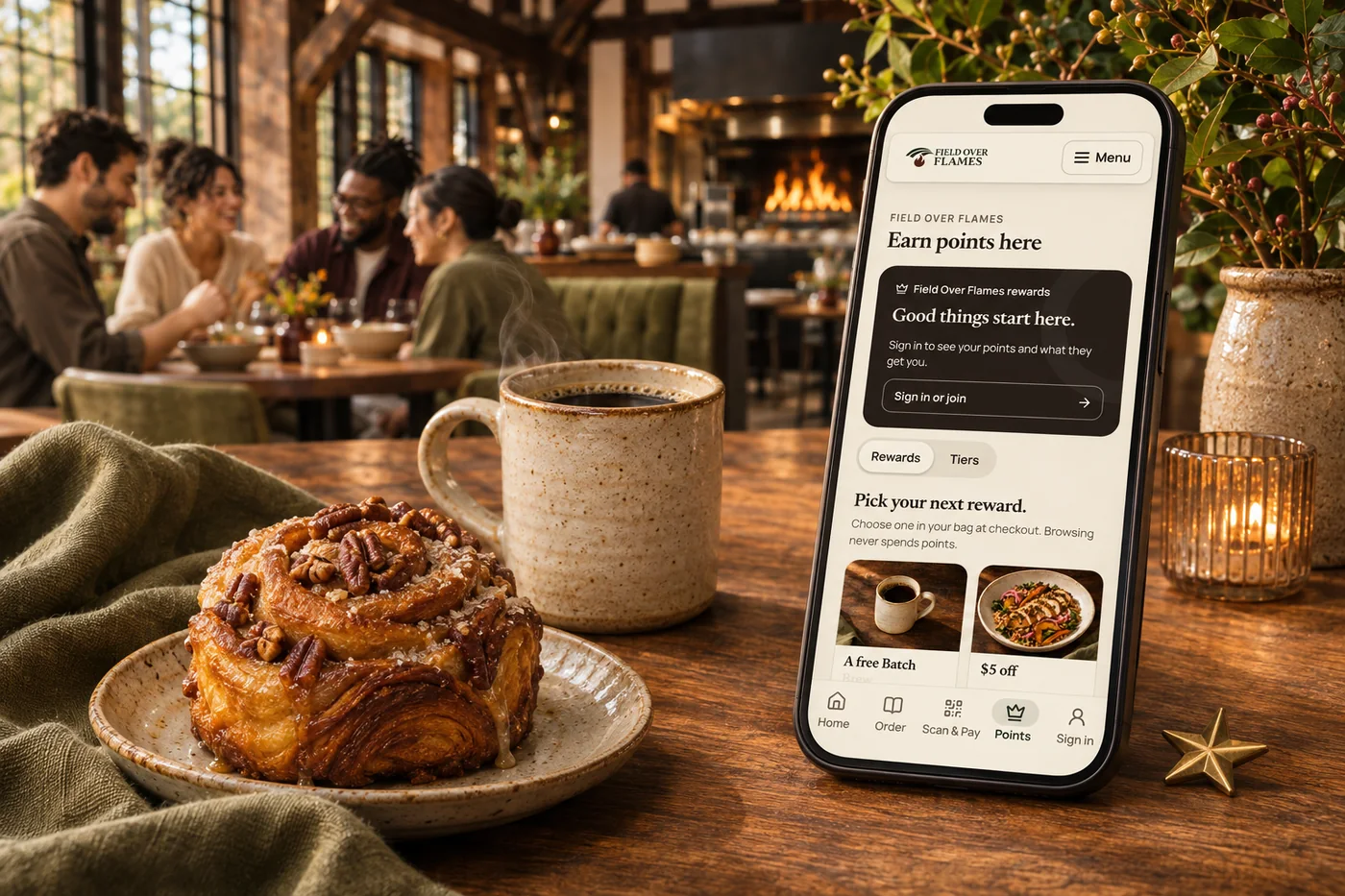
Use order history to help guests find a previous meal and start again with less searching.
Check current prices and availability when a past order is rebuilt.
Connect ordering with rewards and guest history so returning feels worthwhile.
Bring the experience into your branded app, with relevant messages and reasons to return.
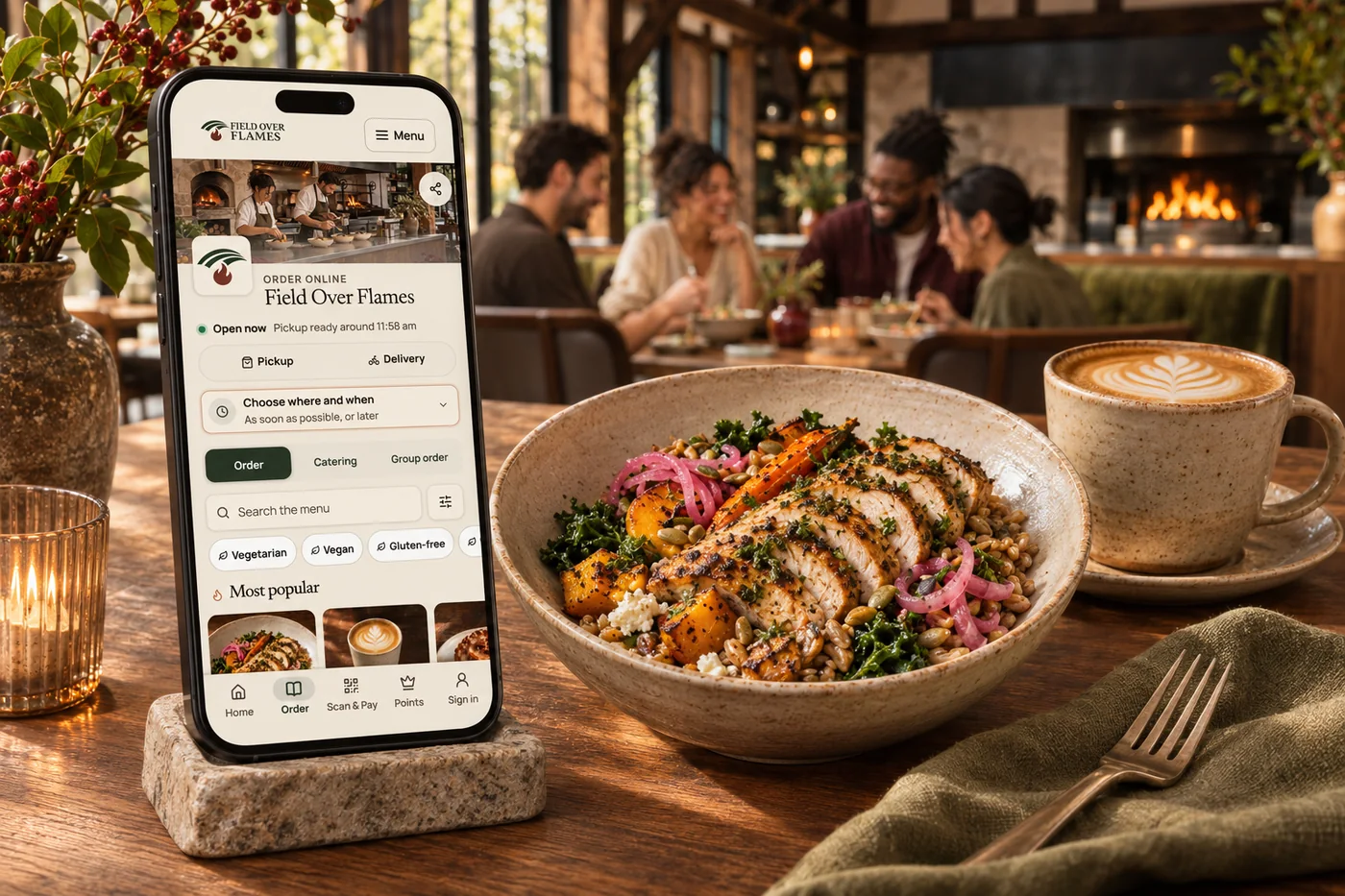
Regulars already know what they love. A connected guest experience makes it easier to find that order again, review today’s choices and check out. Loyalty and your branded app give the relationship somewhere to grow. Marketing can then reflect the guest’s history instead of treating every visit like the first.
Part of a more connected business
Loyalty & rewards
Build loyalty around your business, from smart customer groups and earned tiers to member pricing, exclusive benefits and recurring memberships. Connect Square points and rewards, then give guests more ways to belong.
Explore loyalty & rewardsBranded restaurant apps
A guest app in your own brand, with ordering, rewards and the reasons people come back. Shape the home screen around what matters to your business.
Explore branded restaurant appsNo. Rebuilding a previous order checks today’s menu, prices and availability. Guests can review changes before placing it.
Yes. Connected loyalty brings rewards and guest activity into the experience, so returning guests can see more value in ordering directly.
Yes. Guest segments and marketing flows can use order and visit history to shape a relevant invitation back, using the guest’s marketing permissions.
Yes. Your branded guest app brings ordering, favorites, rewards and messages into an experience that carries your identity.
Use order history to help guests find a previous meal and start again with less searching. Bring it together with your brand and the tools your team already uses.

You are leaving shopandtable.com
We link out when a vendor’s own documentation or a regulator is the right source. The site you are about to visit has its own terms, its own privacy practices and its own content; none of it is covered by our Privacy Policy or Terms of Service, and a link is not an endorsement. It will open in a new tab.