



Built around your food
Go beyond a basic list of extras. Give guests natural ways to customize a pizza, a drink or a meal, shaped around your menu.
One connected platform
Your business, beautifully connected.
Every detail, connected. Explore all features.
Built around your business
Your business has its own rhythm.
Ready to begin? Get started online.
Explore at your own pace
See the possibilities. Find your next step.
Looking for a definition? Browse the glossary.

One connected platform
Platform

Built around your business
Solutions
 Start with a fresh perspective.See how your website and listings show up online, and where there’s room to improve.Get your free audit All solutions

Explore at your own pace
Resources
 Your brand, elevated.Explore the curated looks in the visual studio and find your starting point.Explore the visual studio Explore the glossary
Order customization
Half-and-half pizza. Coffee with just the right sweetness. A cake with a personal message. Give guests the freedom to make an order their own, with choices that fit what you actually serve.
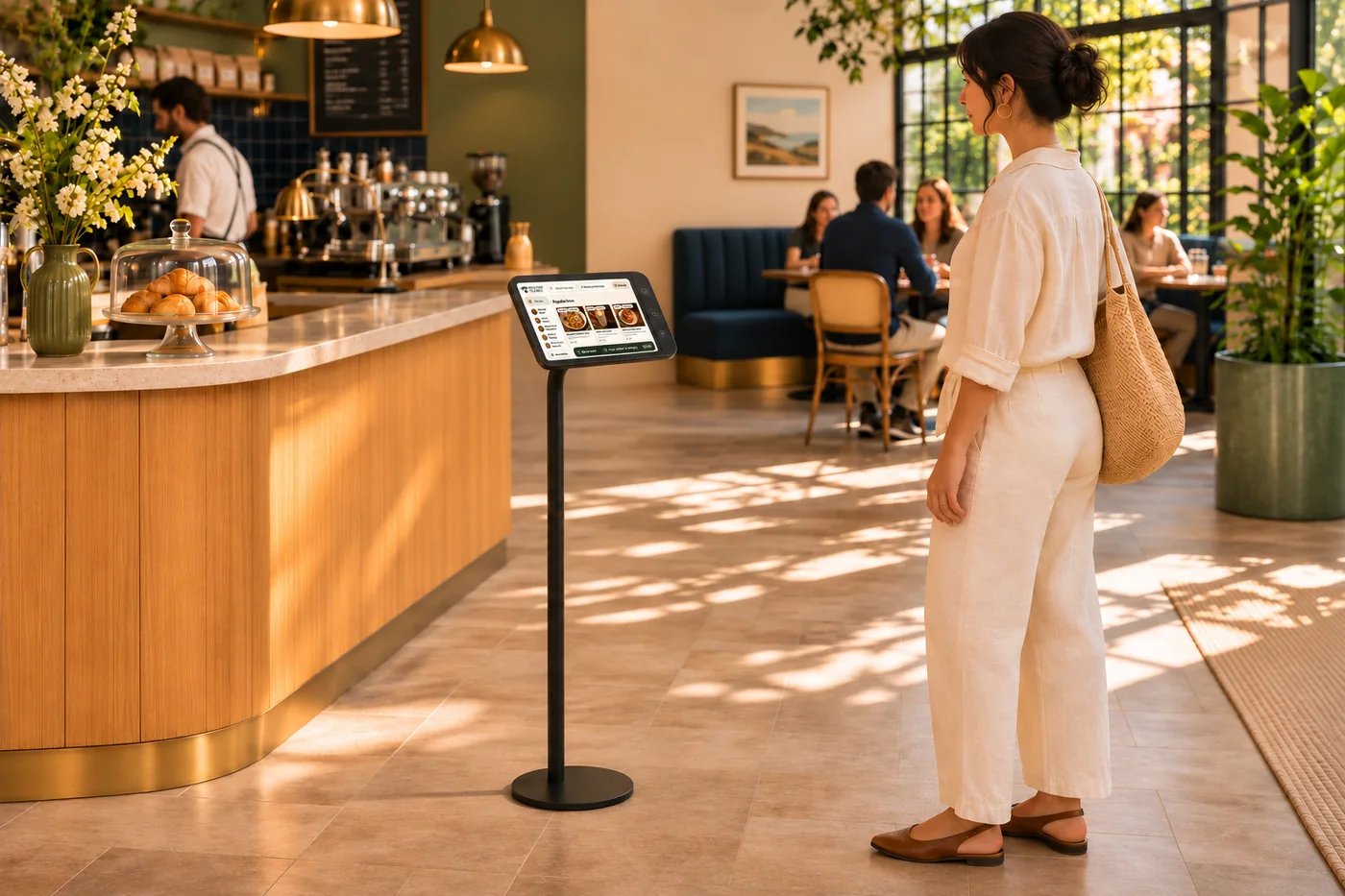
Go beyond a basic list of extras. Give guests natural ways to customize a pizza, a drink or a meal, shaped around your menu.
Let guests choose a little less, a little more or something just for them. Capture those preferences as they order, rather than leaving everything to a note.
One selection can lead to the next relevant question. Guide guests through their options without making them work through choices that do not apply.
Keep required selections and added prices in view as the order takes shape. Carry the chosen details through so your team can see what the guest asked for.
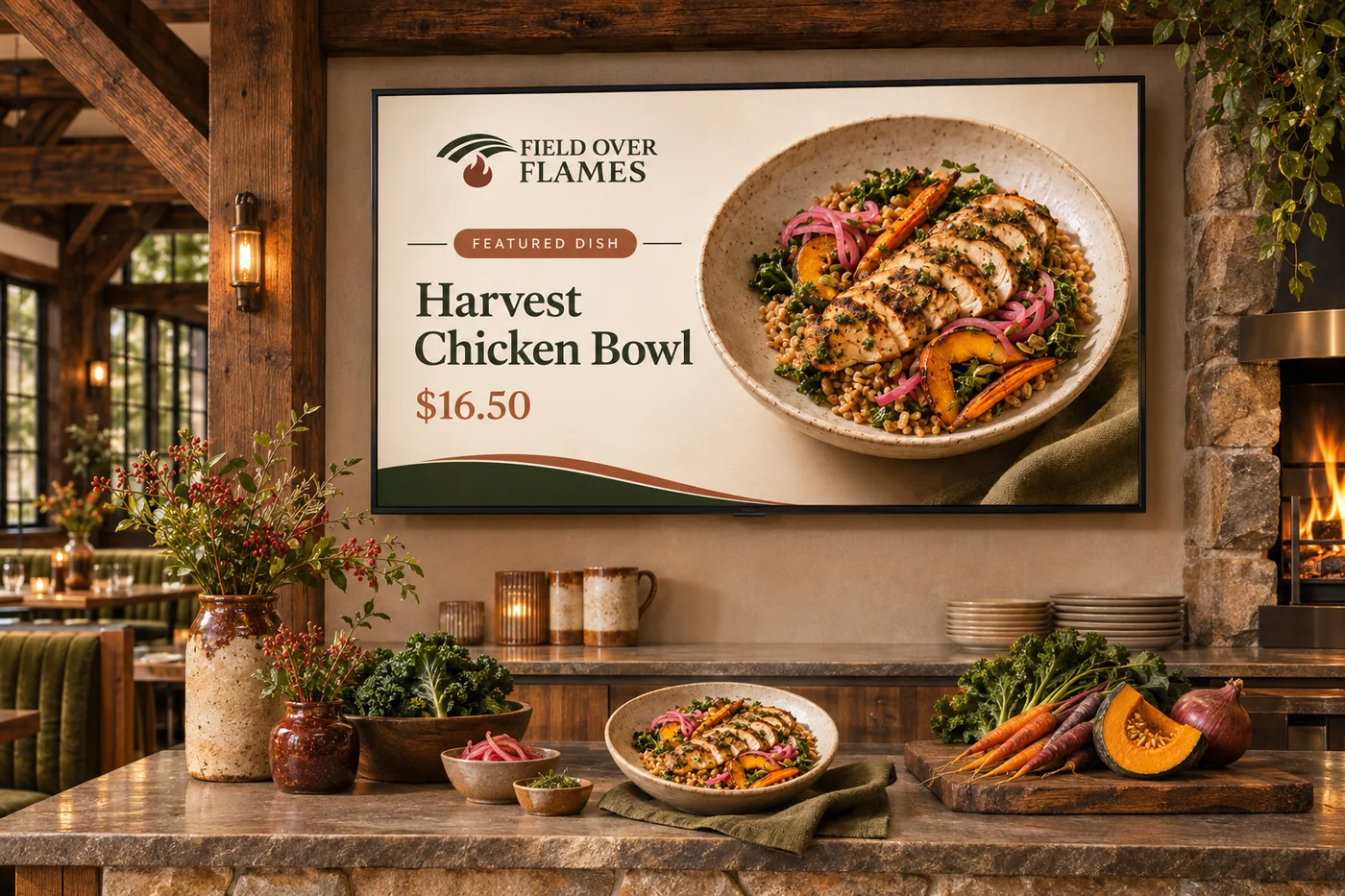
A guest does not think in modifier groups—they know how they like their food. Whether that means toppings on one half, fewer syrup pumps or a message on a celebration cake, your ordering experience can make the request feel natural. You set the options and prices; guests make it theirs without losing their way through the menu.
Part of a more connected business
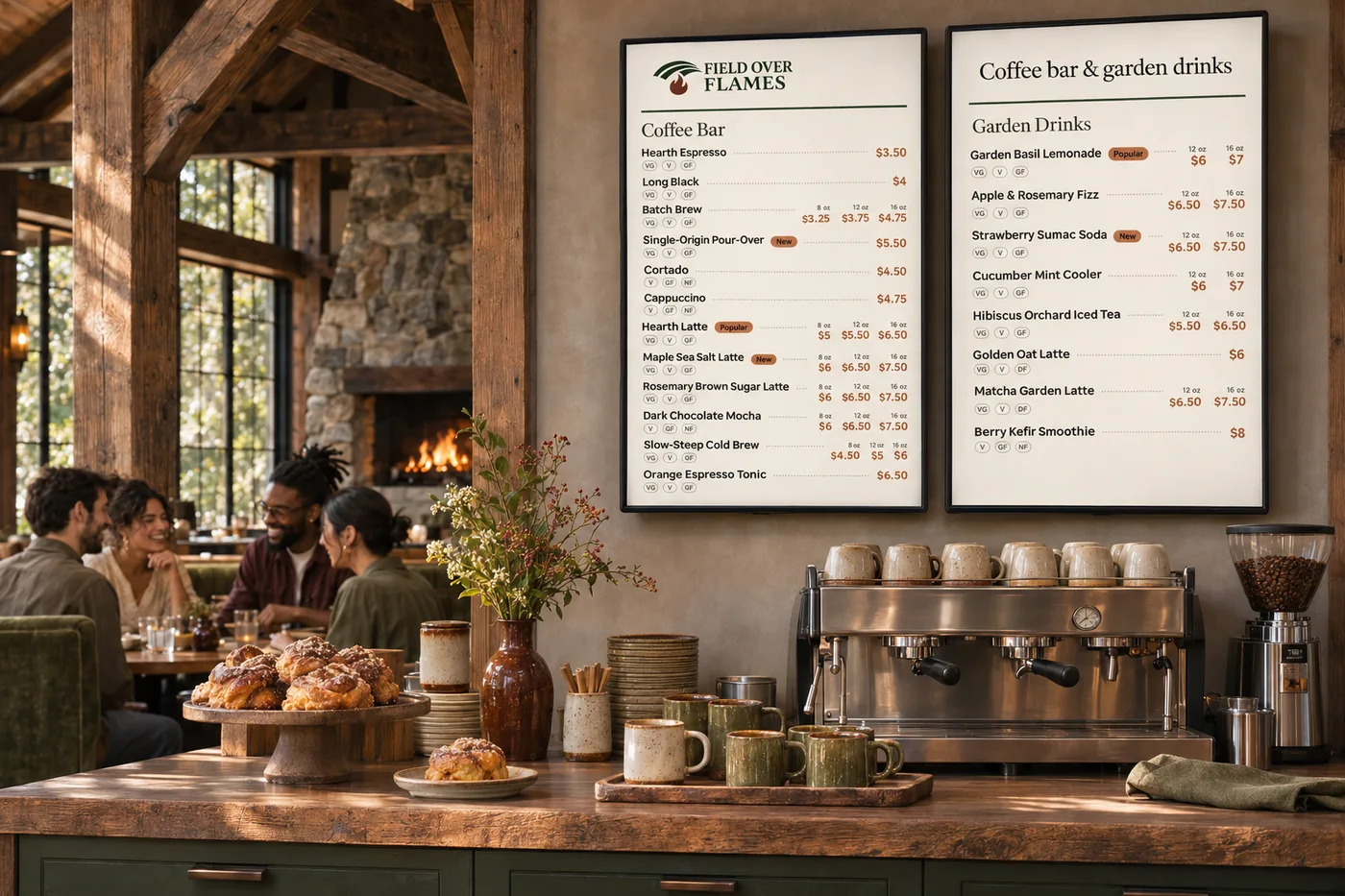
Menus & modifiers
One menu with the detail your kitchen needs. Organize sizes, toppings, combinations and availability across the places guests order.
Explore menus & modifiers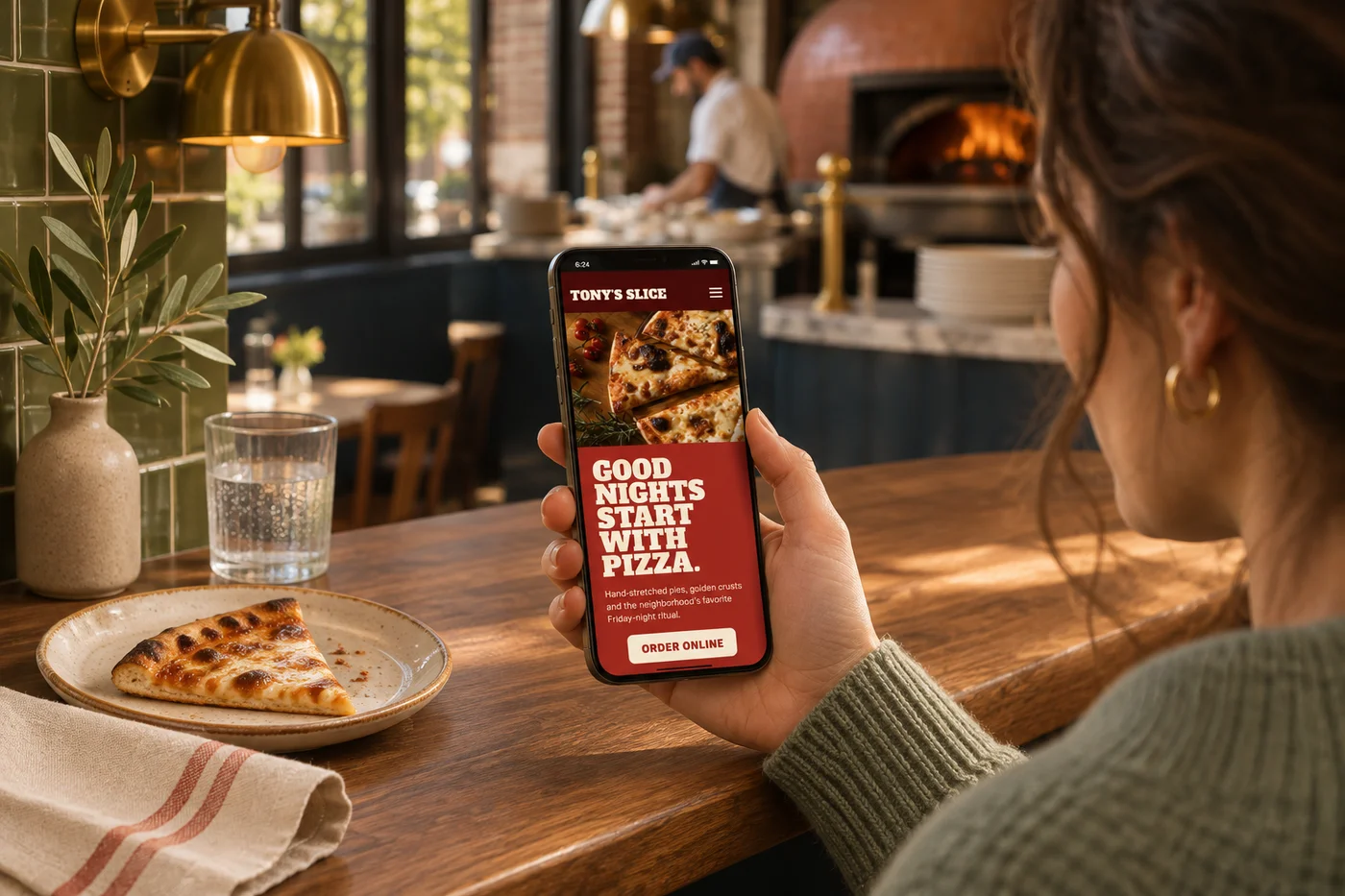
Online menus & dish pages
Give your menu the photography, detail and attention it deserves. Searchable menu and dish pages help guests find a favorite and move naturally into an order.
Explore online menus & dish pagesOffer everyday swaps and extras alongside half-and-half toppings, syrup amounts, light or extra portions and personal messages. Follow-up choices can appear when relevant, so even a detailed order stays approachable.
Yes. Required-choice prompts help guests complete the selections needed for an item, rather than discovering missing details at checkout.
Yes. Supported modifier prices appear with the choices, so guests can understand the effect on their order.
Dietary labels and filters help guests browse using the information your business maintains. They do not replace a conversation with the restaurant about allergies.
Yes. Supported catalog items and modifiers can connect with Square. Menu setup reviews how your choices should appear across ordering and the counter.
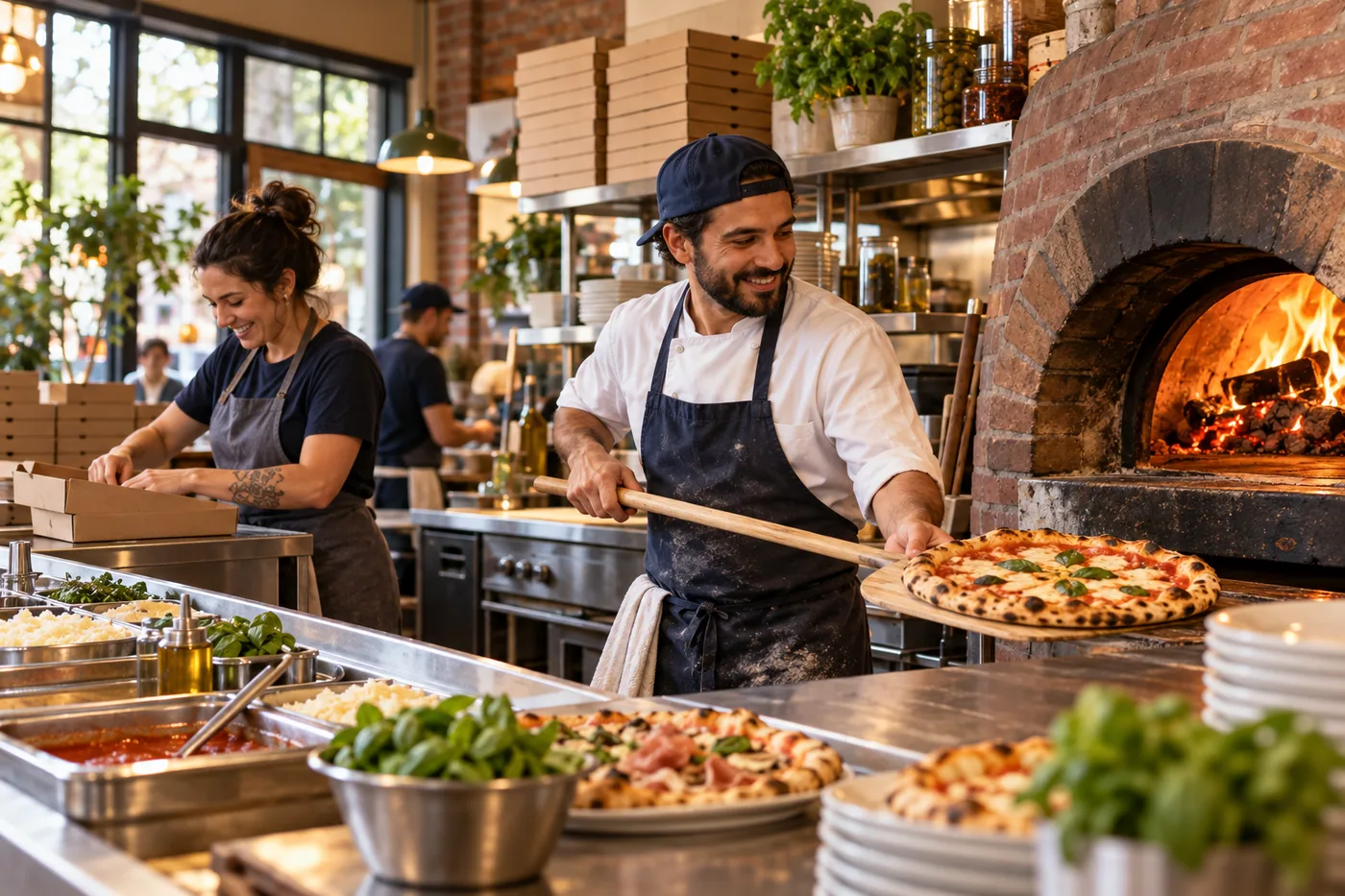
Go beyond a basic list of extras. Give guests natural ways to customize a pizza, a drink or a meal, shaped around your menu. Bring it together with your brand and the tools your team already uses.

You are leaving shopandtable.com
We link out when a vendor’s own documentation or a regulator is the right source. The site you are about to visit has its own terms, its own privacy practices and its own content; none of it is covered by our Privacy Policy or Terms of Service, and a link is not an endorsement. It will open in a new tab.