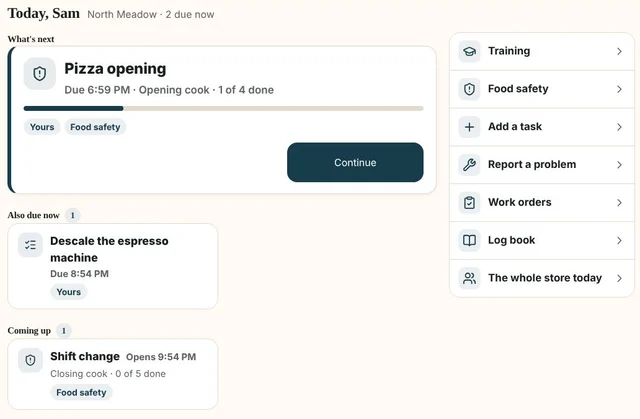
Start with what matters.
Opening routines, prep and daily checklists give each person a clear view of what needs doing next.
One connected platform
Your business, beautifully connected.
Every detail, connected. Explore all features.
Built around your business
Your business has its own rhythm.
Ready to begin? Get started online.
Explore at your own pace
See the possibilities. Find your next step.
Looking for a definition? Browse the glossary.

One connected platform
Platform

Built around your business
Solutions
 Start with a fresh perspective.See how your website and listings show up online, and where there’s room to improve.Get your free audit All solutions

Explore at your own pace
Resources
 Your brand, elevated.Explore the curated looks in the visual studio and find your starting point.Explore the visual studio Explore the glossary
Restaurant operations
From opening checks to the final handover, make the everyday work easier to follow. Bring inventory, supplier ordering, food costing and daily tasks together, with team phones and the Operations iPad app keeping everyone close to the work.
Opening routines, prep and daily checklists give each person a clear view of what needs doing next.
Keep training and operating guides close to the work, so your team can find help in the moment.
Bring food safety checks, the store log book and shift notes together for a clearer handover.
Report a problem, create work orders and keep maintenance tasks visible alongside the rest of the day.
Operations is included with Growth and Autopilot. Checklists and records support your team’s procedures; they do not replace required training or food safety responsibilities.
Restaurant inventory, purchasing and costing are part of the work—not another spreadsheet to keep up.
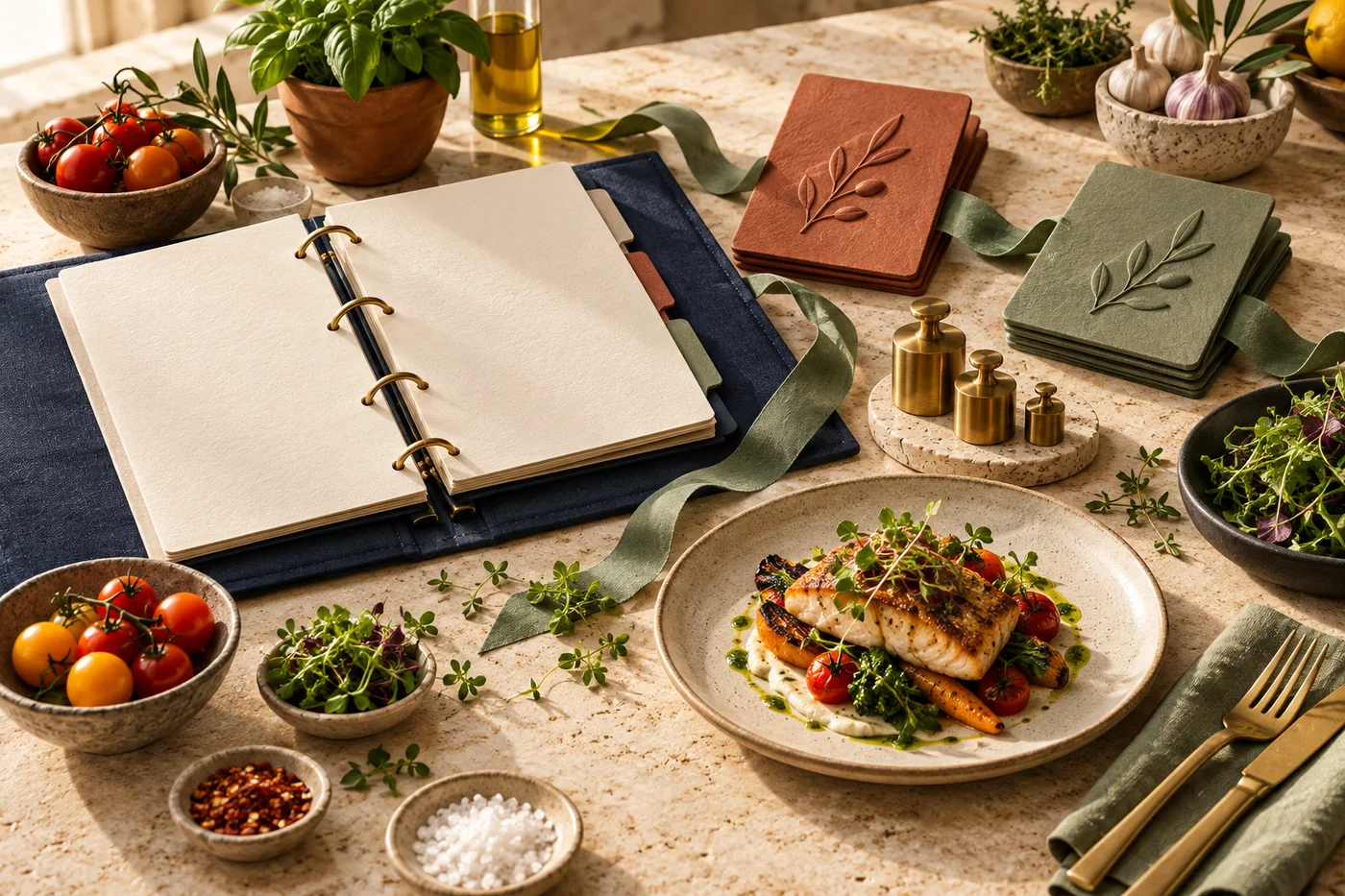
Inventory & supplier ordering
Count stock, track waste, prepare supplier orders and record deliveries. Keep shortages and damaged items in view.
Explore
Food costing & recipes
Connect recipes, yields and invoice prices. See what changing ingredient costs mean for your menu margins.
ExploreIn the store. On the move.
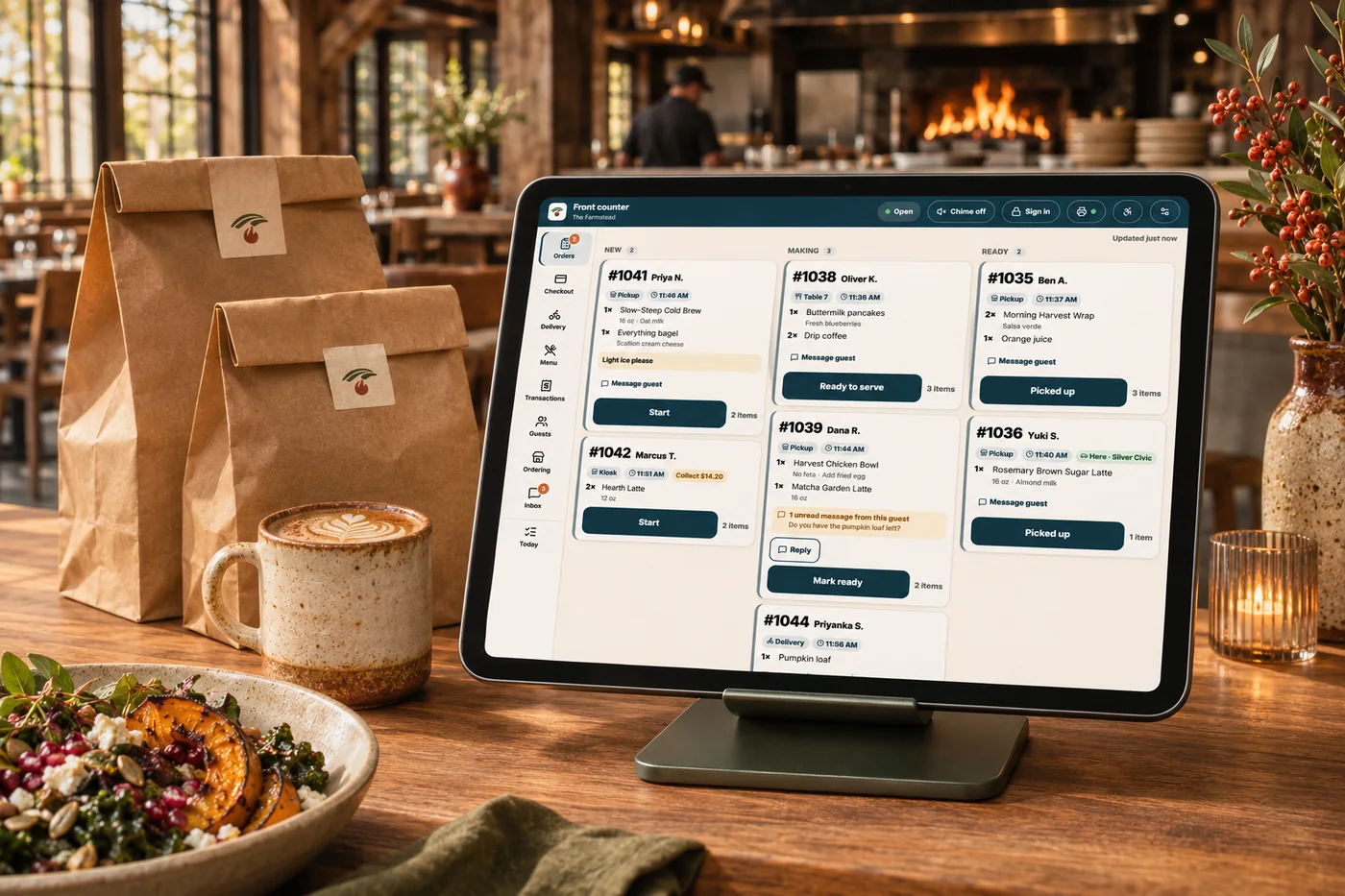
Give the counter team a shared view of the orders they are handling. Keep preparation, pickup and guest messages close so the next step is easier to follow.
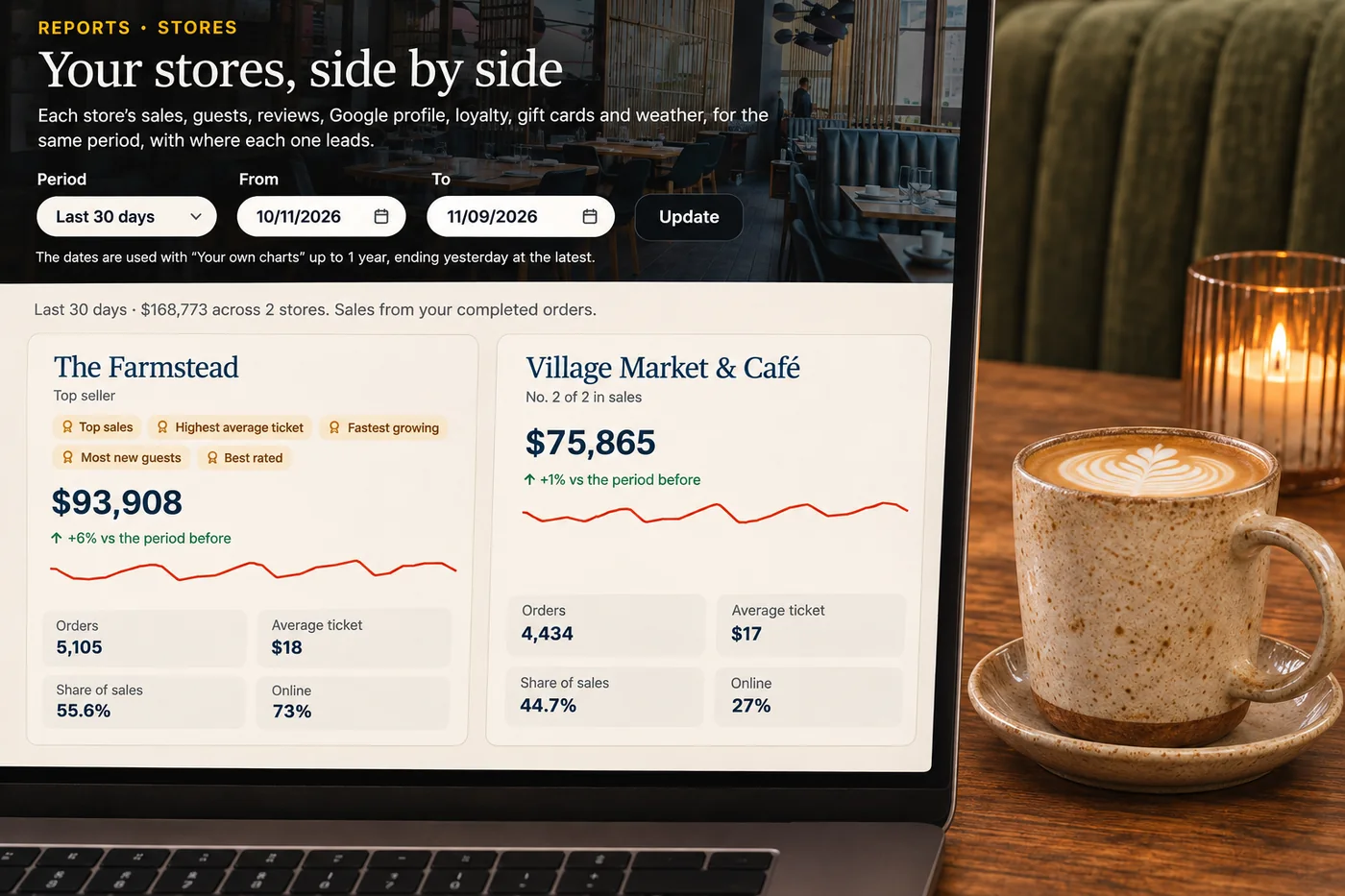
Check orders and team tasks from your phone when you are away from the counter. Use the business overview to see what needs your attention.
Explore operations & insights
One menu with the detail your kitchen needs. Organize sizes, toppings, combinations and availability across the places guests order.
ExploreAsk Andlen what needs attention, talk through an idea and improve a draft in your business’s voice. Your connected information gives the conversation context.
ExploreUnderstand what changed, why it matters and where to focus next. Read sales, customer activity and costs alongside competitor research and local conditions.
ExploreConnect ingredients, recipes and invoices to the items you sell. See the cost of a portion, a size or an extra before changing the menu.
ExploreBring stock, purchasing and recipe costs into your restaurant’s growth decisions. See what is available, what it costs and what makes sense to promote before preparing an offer.
ExploreLook at popularity and margin together. Find the dishes, prices and combinations worth revisiting, with your own sales and costs as the starting point.
ExploreKeep shared standards together while giving each store the local details and permissions it needs.
ExploreAssign, route, track and communicate across your own drivers and partner couriers. Keep the handoff close to the rest of your operations.
ExploreAn unfinished check, a maintenance issue or a new team member’s question can disappear between shifts. Bring daily tasks, training, food safety records and the store log into one team workspace. People can see what is due and what needs attention, so the next shift starts with the context the last one left behind.
Part of a more connected business
Opening and closing checklists, prep tasks, training, food safety records, the store log book and maintenance work orders. Your team can see what needs doing and keep the next shift informed.
Yes. Connect restaurant stock counts, waste, supplier orders and receiving with recipe costing. Move from the ingredients on hand to what needs ordering, with the cost of your dishes in view.
No. Team members can use their phones for daily tasks, training and operating guides. The Operations iPad app gives the restaurant a shared workspace for the work happening in the store.
Operations is included with Growth and Autopilot. The pricing page shows what each plan includes, implementation options and any separate usage charges.

Give your team a clear next step, keep handovers informed and spend less of your day chasing the details.

You are leaving shopandtable.com
We link out when a vendor’s own documentation or a regulator is the right source. The site you are about to visit has its own terms, its own privacy practices and its own content; none of it is covered by our Privacy Policy or Terms of Service, and a link is not an endorsement. It will open in a new tab.