


See where to focus
Compare available location results and spot the stores that need a closer look.
One connected platform
Your business, beautifully connected.
Every detail, connected. Explore all features.
Built around your business
Your business has its own rhythm.
Ready to begin? Get started online.
Explore at your own pace
See the possibilities. Find your next step.
Looking for a definition? Browse the glossary.

One connected platform
Platform

Built around your business
Solutions
 Start with a fresh perspective.See how your website and listings show up online, and where there’s room to improve.Get your free audit All solutions

Explore at your own pace
Resources
 Your brand, elevated.Explore the curated looks in the visual studio and find your starting point.Explore the visual studio Explore the glossary
For owners & corporate teams
From your second location to a growing restaurant group, bring the guest experience, marketing and daily operations together. See where each store needs attention without being everywhere at once.
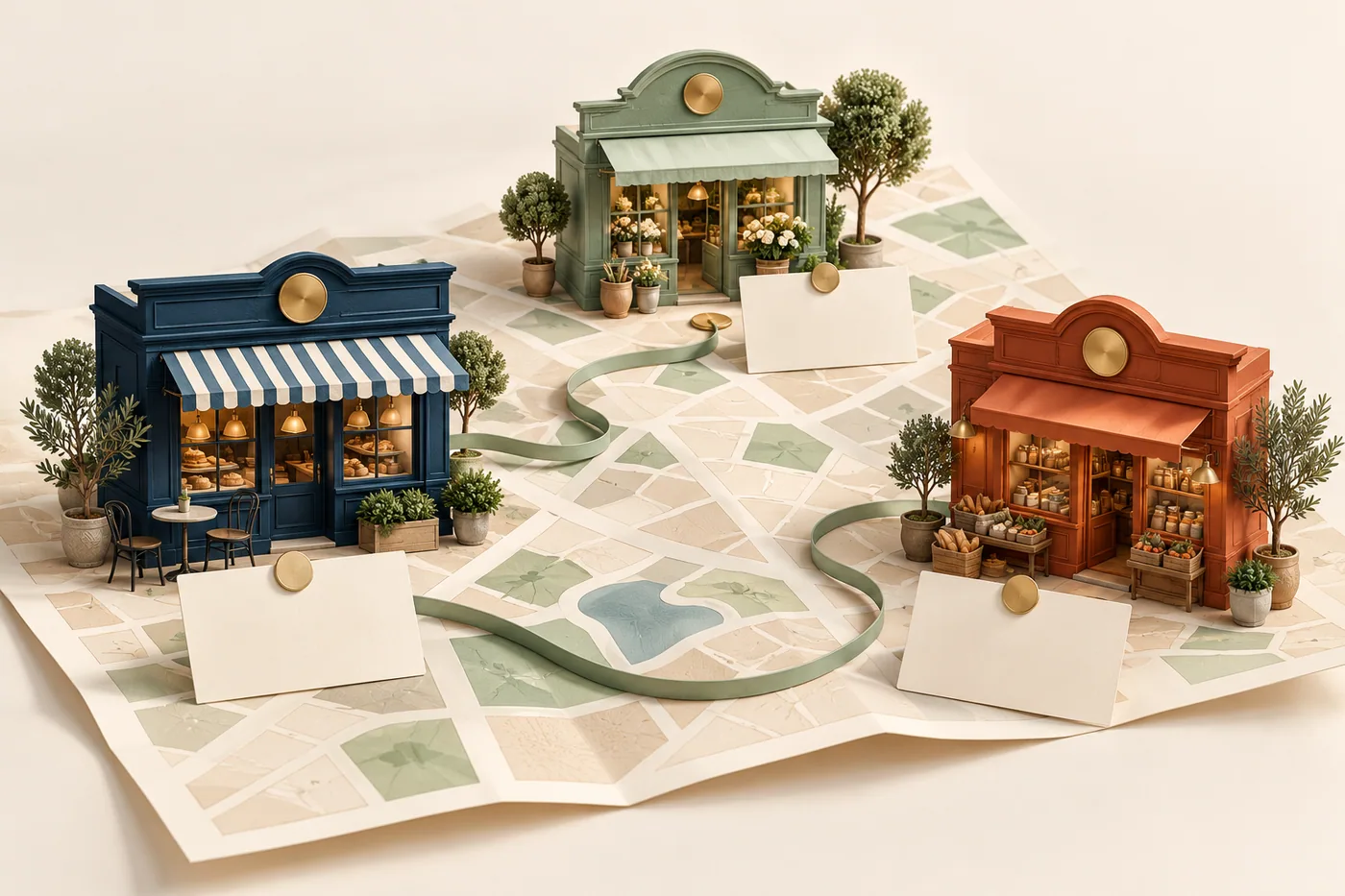
Across your locations
Keep your brand recognizable while each location serves the people around it.
Compare available location results and spot the stores that need a closer look.
Prepare one plan, then adapt the offer, audience and timing for each location.
Give managers access to their assigned stores and the everyday work they handle.
Your business, across every door
You own the locations. Your managers keep them moving. Shop & Table gives your central team a shared view of performance and the tools to carry a great experience from one store to the next.
Keep the brand consistent while each location manages the hours, availability and day-to-day details its guests depend on.
Built for the way you manage

Bring location sales and guest activity into one view. Find the strong performers and the stores that need a closer look.
Explore
Keep managers focused on their stores, with access to the orders, operations, purchasing and reports they are responsible for.
Explore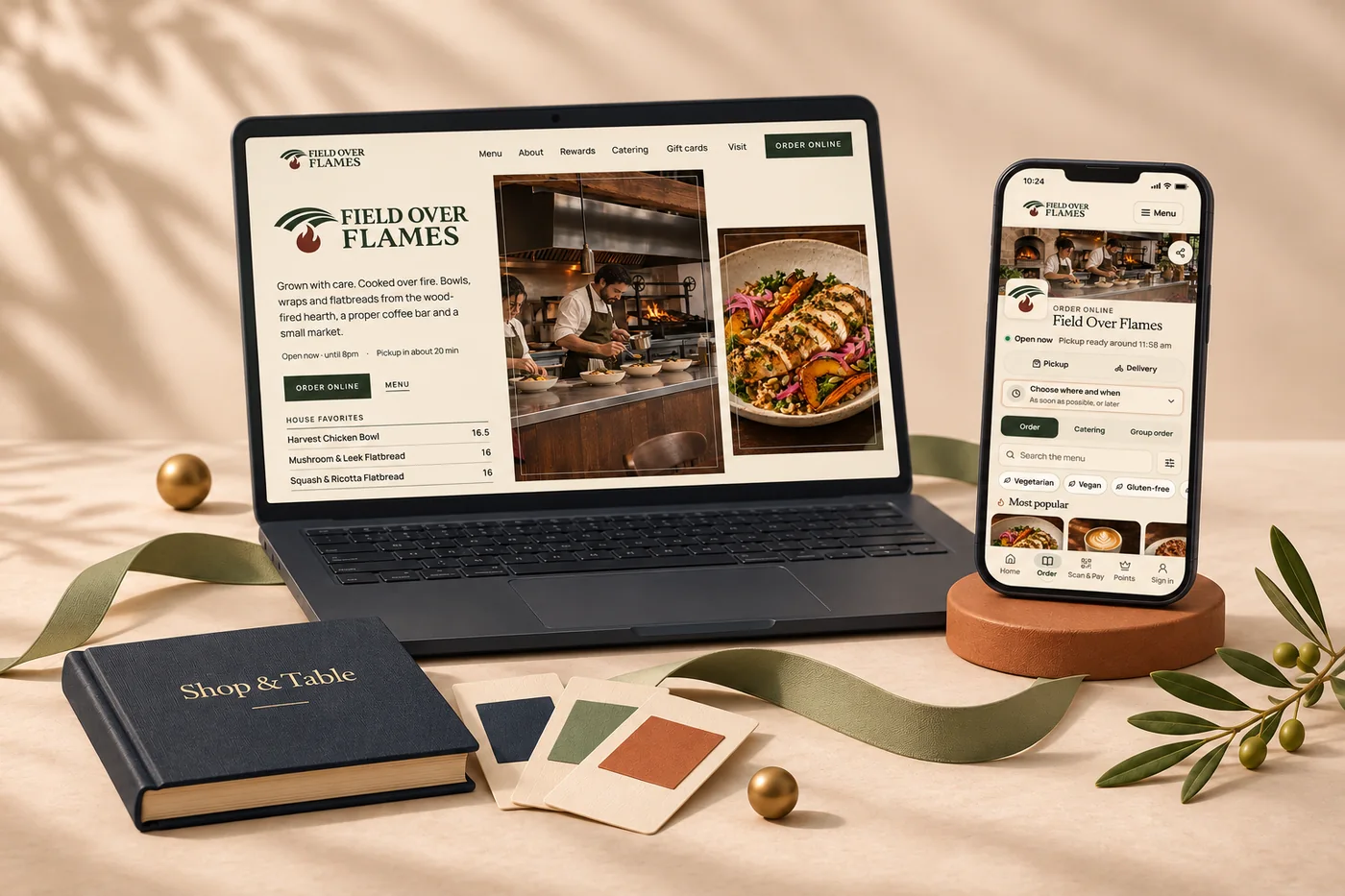
Coordinate menus and guest experiences while keeping each location’s hours, prices and availability accurate.
Explore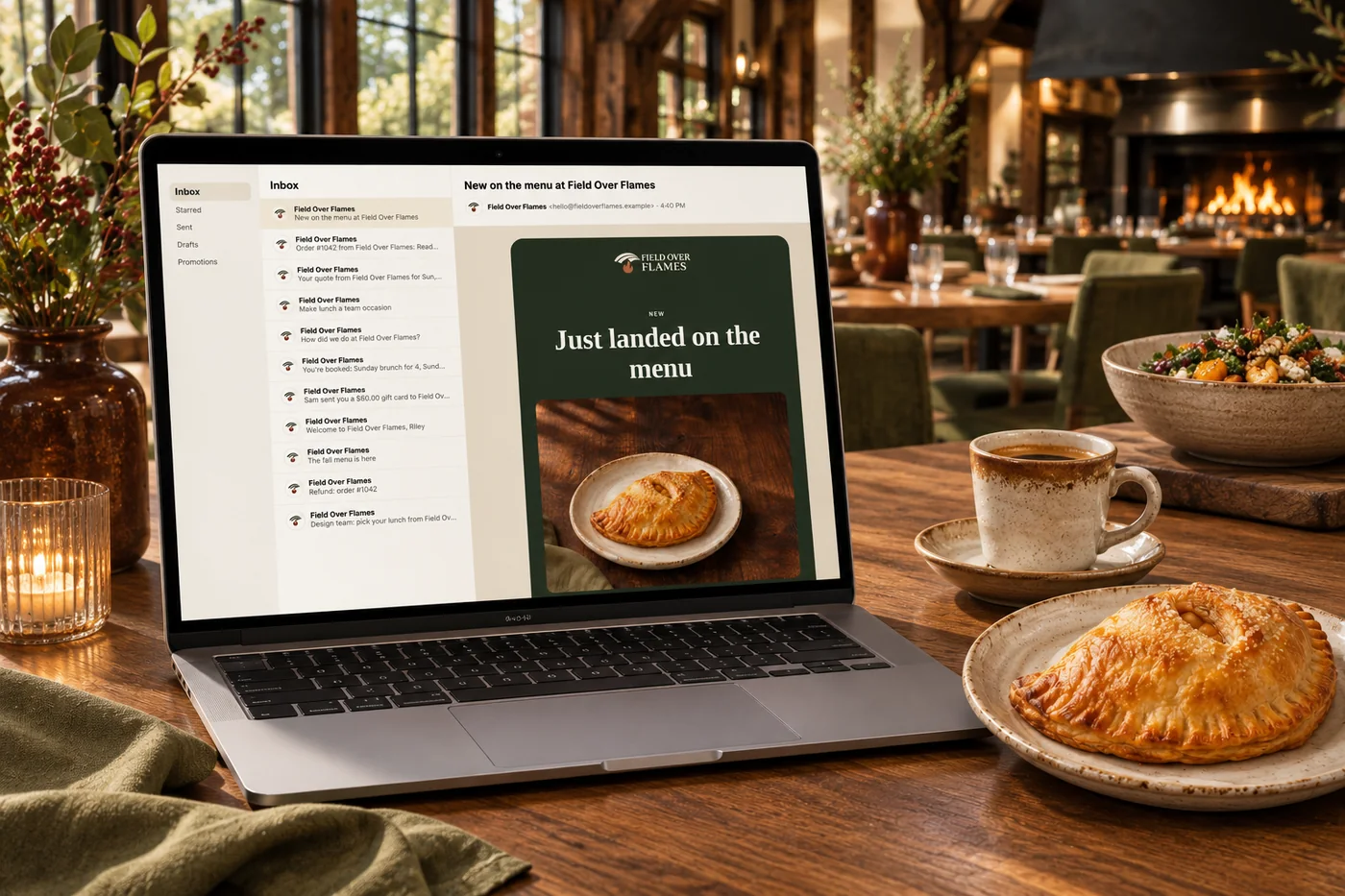
Build one brand-wide campaign plan, then adapt the offer, audience and timing to each location’s sales, customers and local conditions.
Explore
Bring ordering, loyalty and gift cards across participating locations, with location-level records behind the experience.
Explore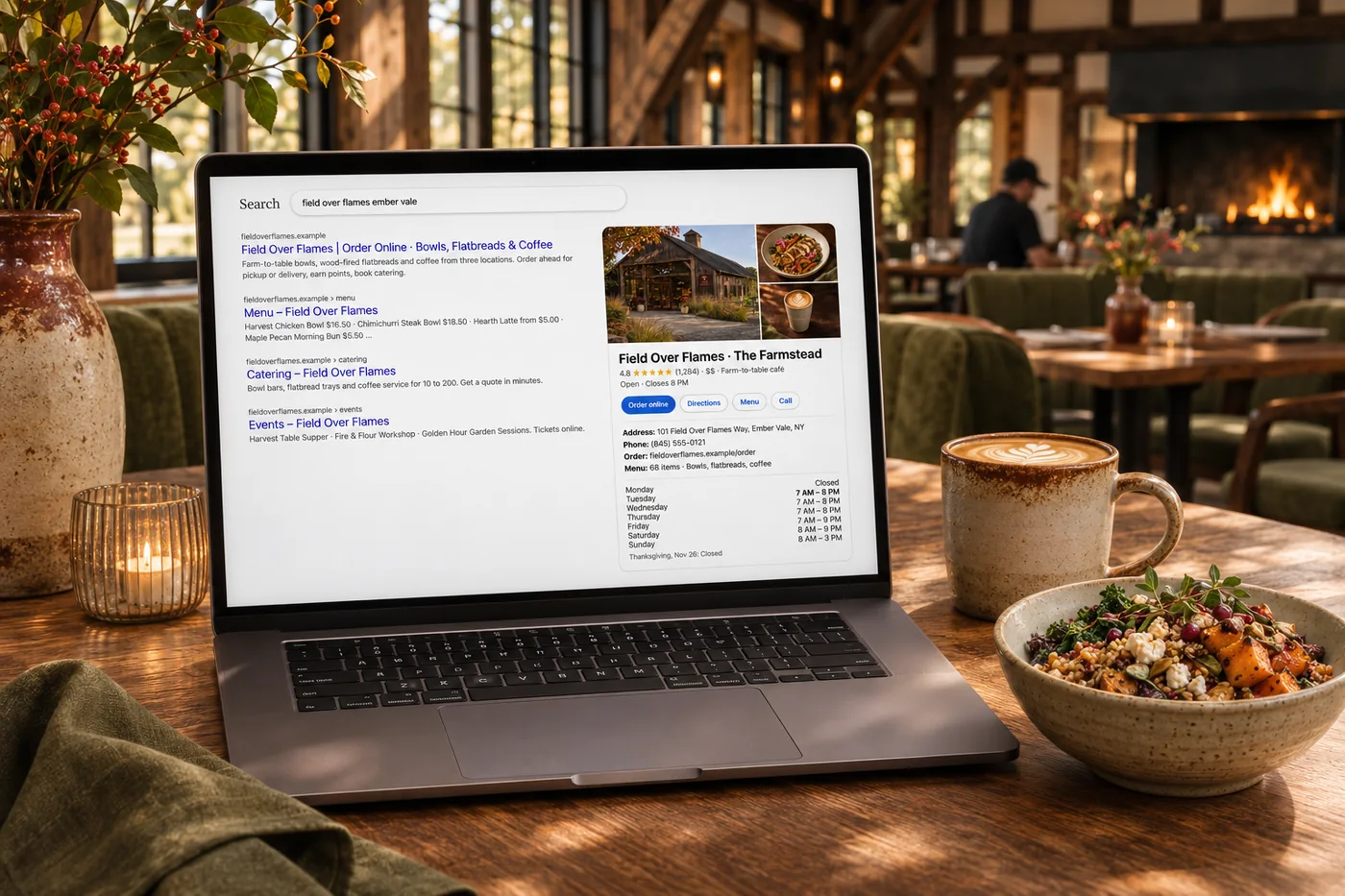
Maintain location listings and follow guest feedback, so the details people find match the store they visit.
ExploreKeep getting better
Use sales, guest activity and business data to spot patterns across your locations. Andlen helps your team understand what changed and prepare the next campaign or improvement.
See which locations need attention, learn from what works elsewhere in the group and prepare local adaptations for review. Compare results store by store before repeating a campaign.

Getting started
Work through self-guided setup to connect accounts, confirm local details and assign team access. Use an optional 15-minute kickoff call to choose priorities and decide what to launch first.
An optional 15-minute launch review is a chance to ask final questions and walk through the checklist. Calls are one a week, up to four, in your first 30 days. Get help through portal messages, email and SMS as your team works through setup.
Yes. This solution is for an owner or corporate team directly managing several locations. If independently owned franchisees operate under your brand, explore our franchise operations solution.
Yes. Location-manager access is limited to the stores assigned to that person, including orders, operations, purchasing and reports.
Yes. Shared branding can sit alongside location-specific hours, availability and supported menu settings. Your setup identifies which details are managed centrally and which stay local.
Confirm the location, connected systems and price, then work through its local details and team access in setup. Our support team can help with questions along the way.
Operating a franchise brand?
A franchise network needs a different relationship between headquarters and each business. Our brand portal brings standards, approvals, campaigns and franchise reporting together.
Explore franchise operations
Give your central team and local managers a connected way to work, from the next opening to the next busy service.

You are leaving shopandtable.com
We link out when a vendor’s own documentation or a regulator is the right source. The site you are about to visit has its own terms, its own privacy practices and its own content; none of it is covered by our Privacy Policy or Terms of Service, and a link is not an endorsement. It will open in a new tab.