



Complex choices, simple steps
Guide guests through required selections, extras and combinations in a clear order.
One connected platform
Your business, beautifully connected.
Every detail, connected. Explore all features.
Built around your business
Your business has its own rhythm.
Ready to begin? Get started online.
Explore at your own pace
See the possibilities. Find your next step.
Looking for a definition? Browse the glossary.

One connected platform
Platform

Built around your business
Solutions
 Start with a fresh perspective.See how your website and listings show up online, and where there’s room to improve.Get your free audit All solutions

Explore at your own pace
Resources
 Your brand, elevated.Explore the curated looks in the visual studio and find your starting point.Explore the visual studio Explore the glossary
Menus & modifiers
One menu with the detail your kitchen needs. Organize sizes, toppings, combinations and availability across the places guests order.
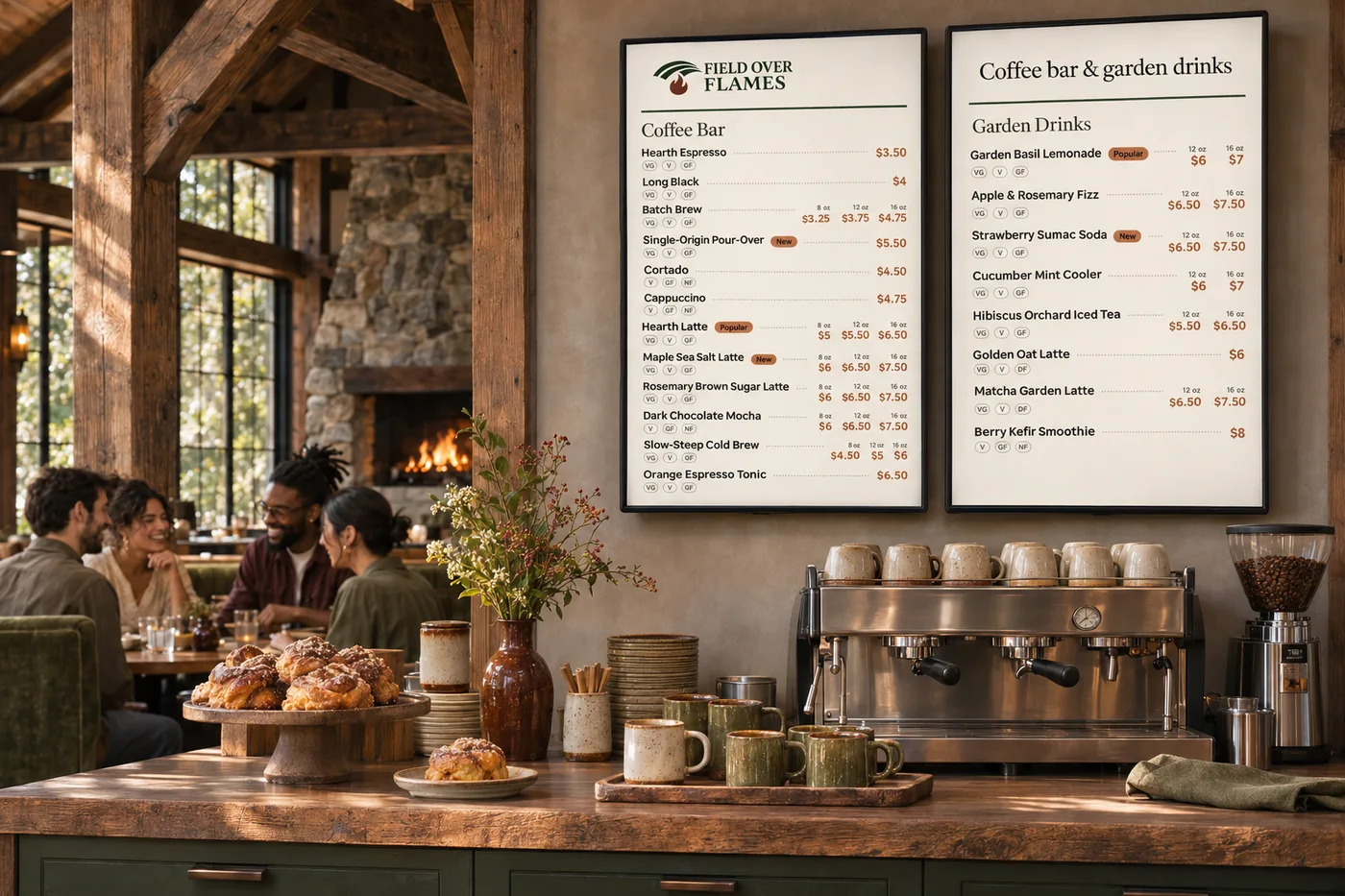
Guide guests through required selections, extras and combinations in a clear order.
Manage photos, prices, descriptions and sold-out status from your catalog.
Bring supported items and modifiers together with your connected Square catalog.
Connect recipes and ingredient costs to the items and sizes you sell.
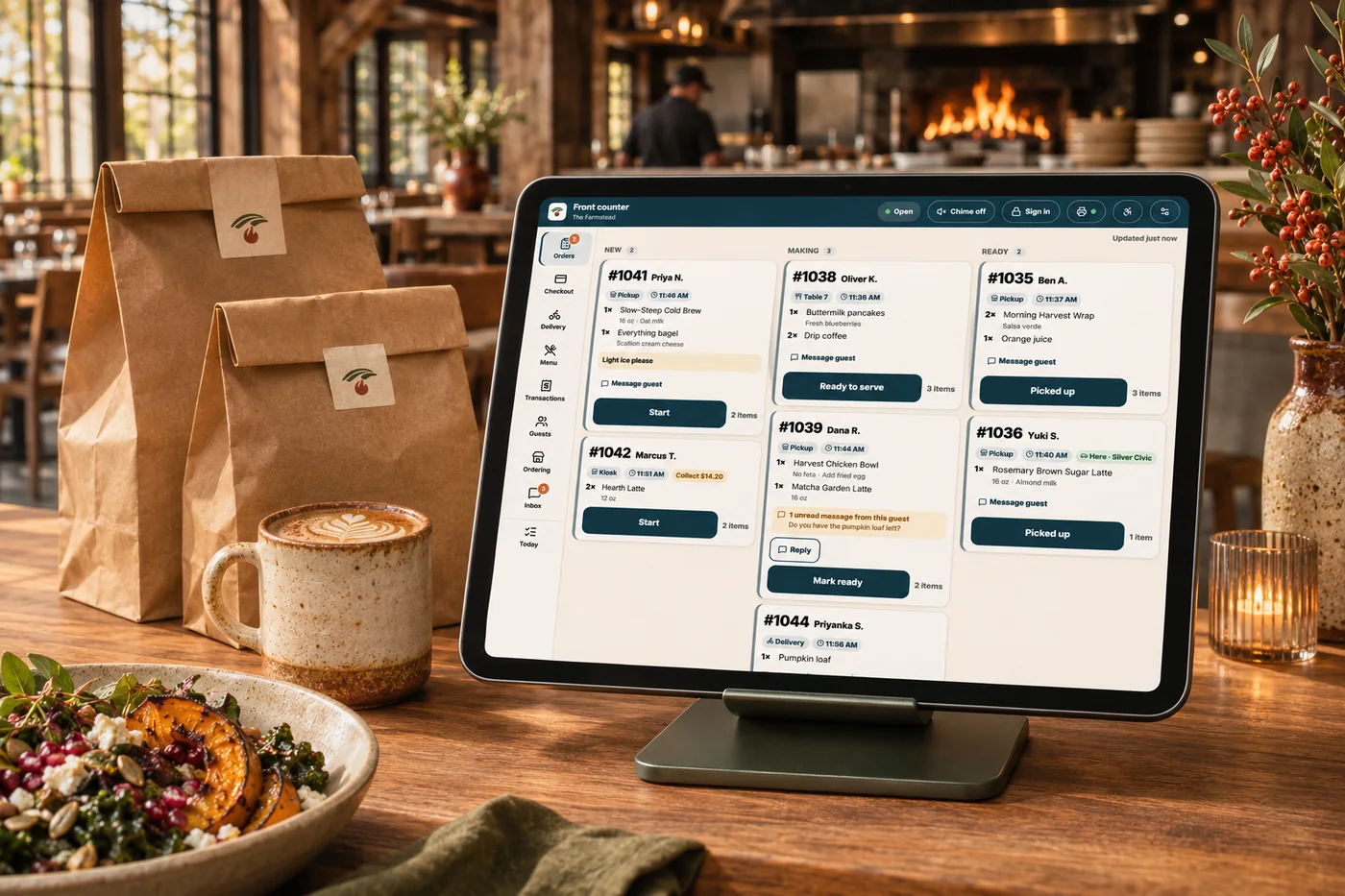
A new price, a sold-out dish or a complicated modifier can leave your team updating several places. Manage the menu structure once, with clear choices and item details shared across connected ordering, apps, kiosks and menu boards. Guests see the options they need, and the kitchen gets a more precise order.
Part of a more connected business

Food costing & recipes
Connect ingredients, recipes and invoices to the items you sell. See the cost of a portion, a size or an extra before changing the menu.
Explore food costing & recipes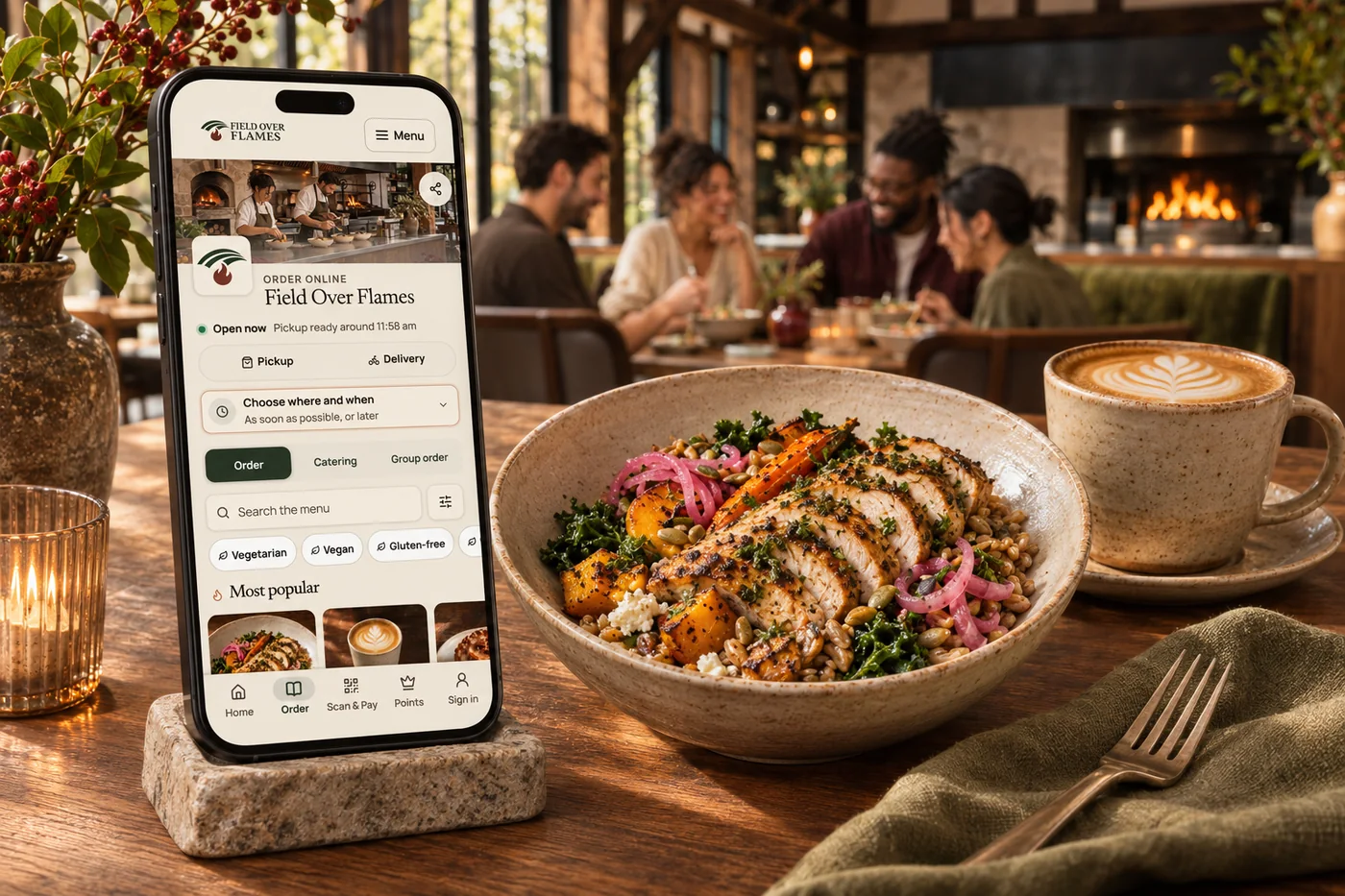
Online ordering
Your food. Your brand. Your guest relationship. Commission-free ordering brings menu choices, easy checkout, pickup and delivery together—with the controls your kitchen needs.
Explore online orderingGuide guests through required selections, extras and combinations in a clear order.
Bring supported items and modifiers together with your connected Square catalog.
Connect recipes, ingredient prices and yields to the items and sizes you sell. Review margins alongside sales before deciding whether to change a price, portion or promotion.
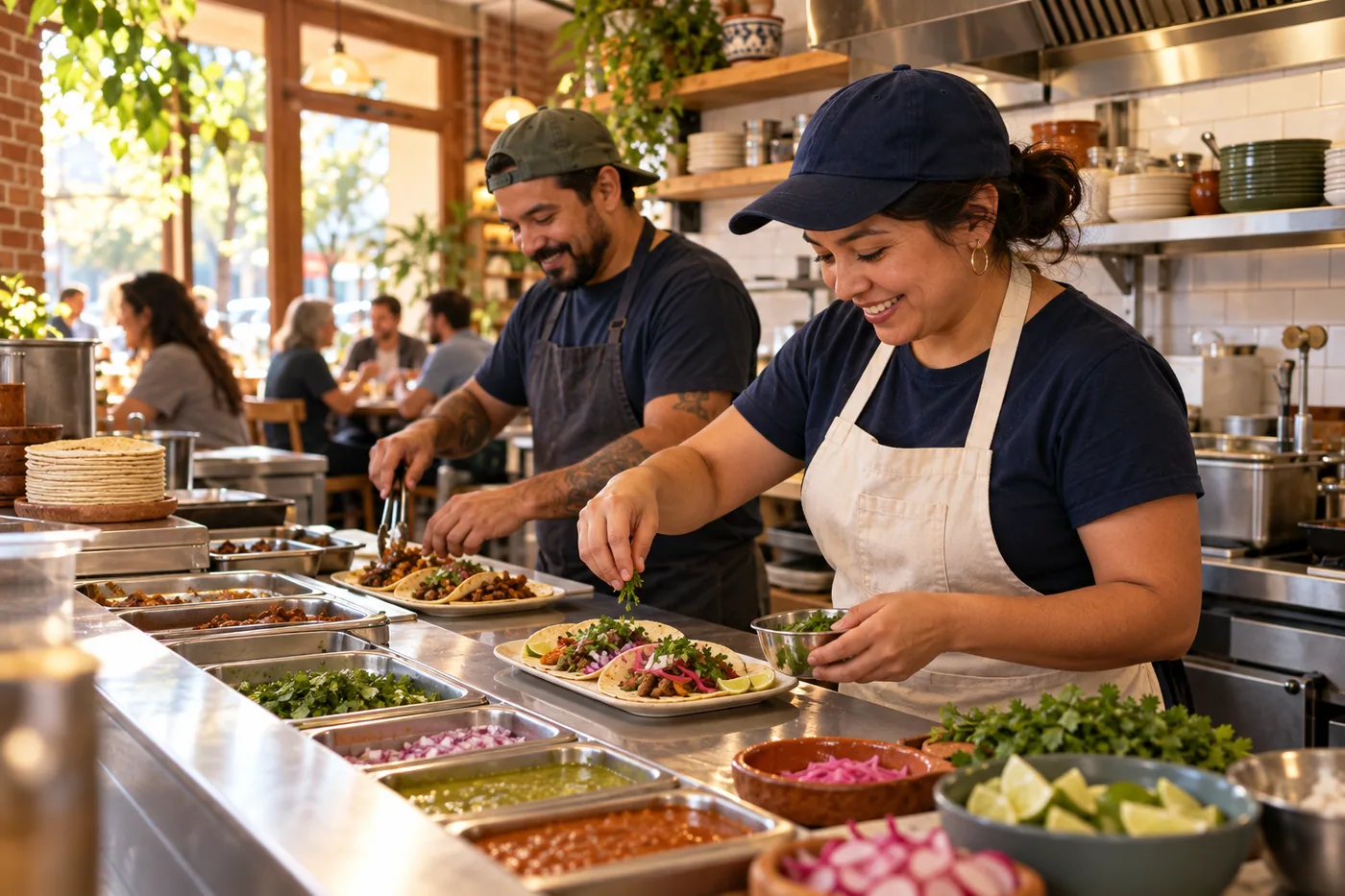
Guide guests through required selections, extras and combinations in a clear order. Bring it together with your brand and the tools your team already uses.

You are leaving shopandtable.com
We link out when a vendor’s own documentation or a regulator is the right source. The site you are about to visit has its own terms, its own privacy practices and its own content; none of it is covered by our Privacy Policy or Terms of Service, and a link is not an endorsement. It will open in a new tab.