



Order at their pace
Clear categories, photographs and step-by-step choices help guests find their meal.
One connected platform
Your business, beautifully connected.
Every detail, connected. Explore all features.
Built around your business
Your business has its own rhythm.
Ready to begin? Get started online.
Explore at your own pace
See the possibilities. Find your next step.
Looking for a definition? Browse the glossary.

One connected platform
Platform

Built around your business
Solutions
 Start with a fresh perspective.See how your website and listings show up online, and where there’s room to improve.Get your free audit All solutions

Explore at your own pace
Resources
 Your brand, elevated.Explore the curated looks in the visual studio and find your starting point.Explore the visual studio Explore the glossary
Self-order kiosks
A self-order experience that feels like your business. Let guests explore the menu and make their choices while your team keeps service moving.
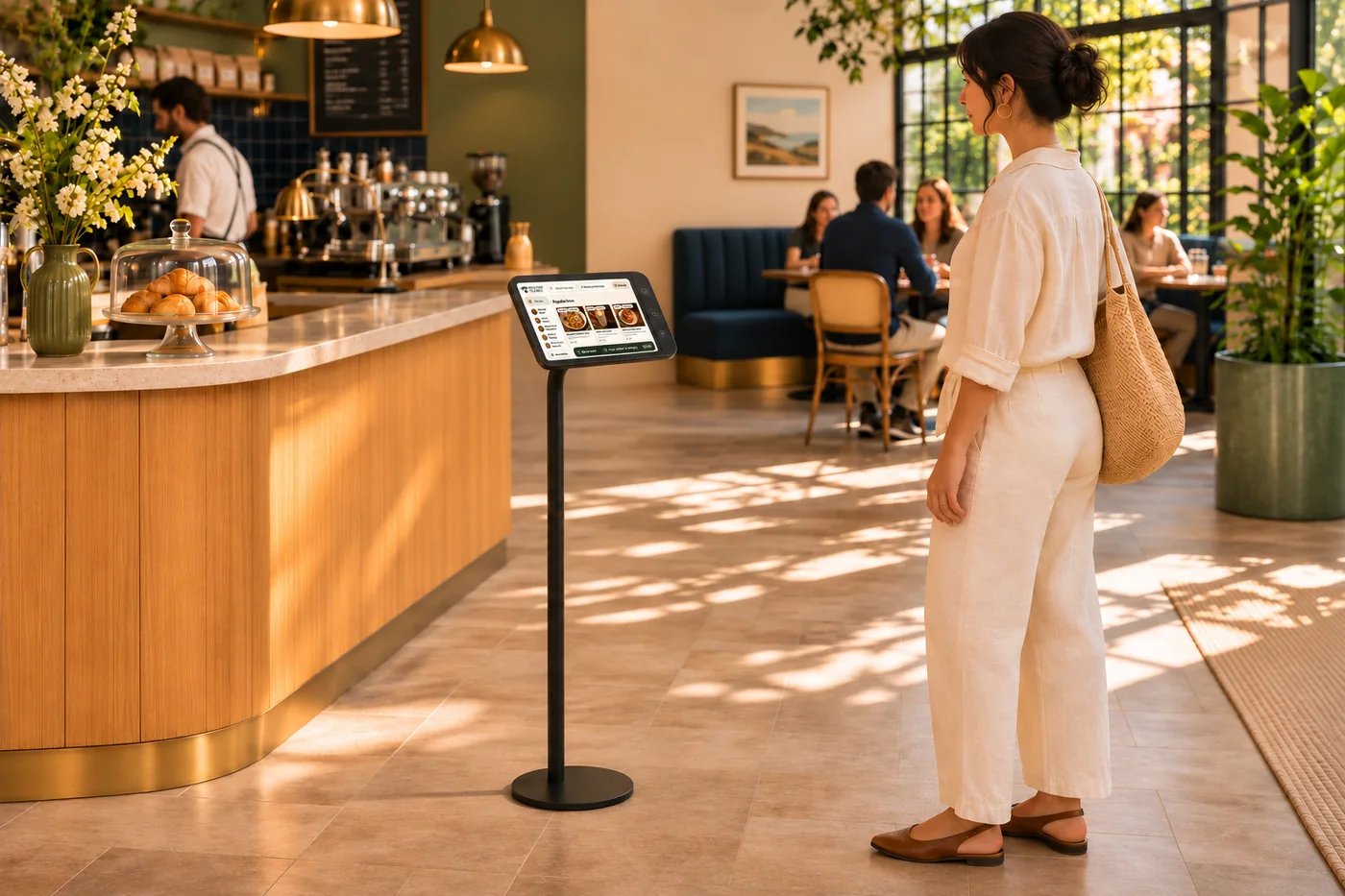
Clear categories, photographs and step-by-step choices help guests find their meal.
Carry the service choice, order details and table identification into the handoff.
Bring supported loyalty lookups, member menus and offers to the kiosk.
Shape the welcome screen and idle slides around your brand and counter.
From welcome to checkout
Welcome guests with the food and personality they recognize from your business. Give them a clear place to start exploring and placing an order.
Bring your menu and food photography together on Square Kiosk. Let guests explore their options and place an order at their own pace.
Some guests want a quick order; others need time to browse and customize. A branded self-order kiosk gives them that space, with connected menus and clear choices that reach your ordering workflow. Your team can stay available for the guests who need a hand, without handling every tap at the counter.
Part of a more connected business
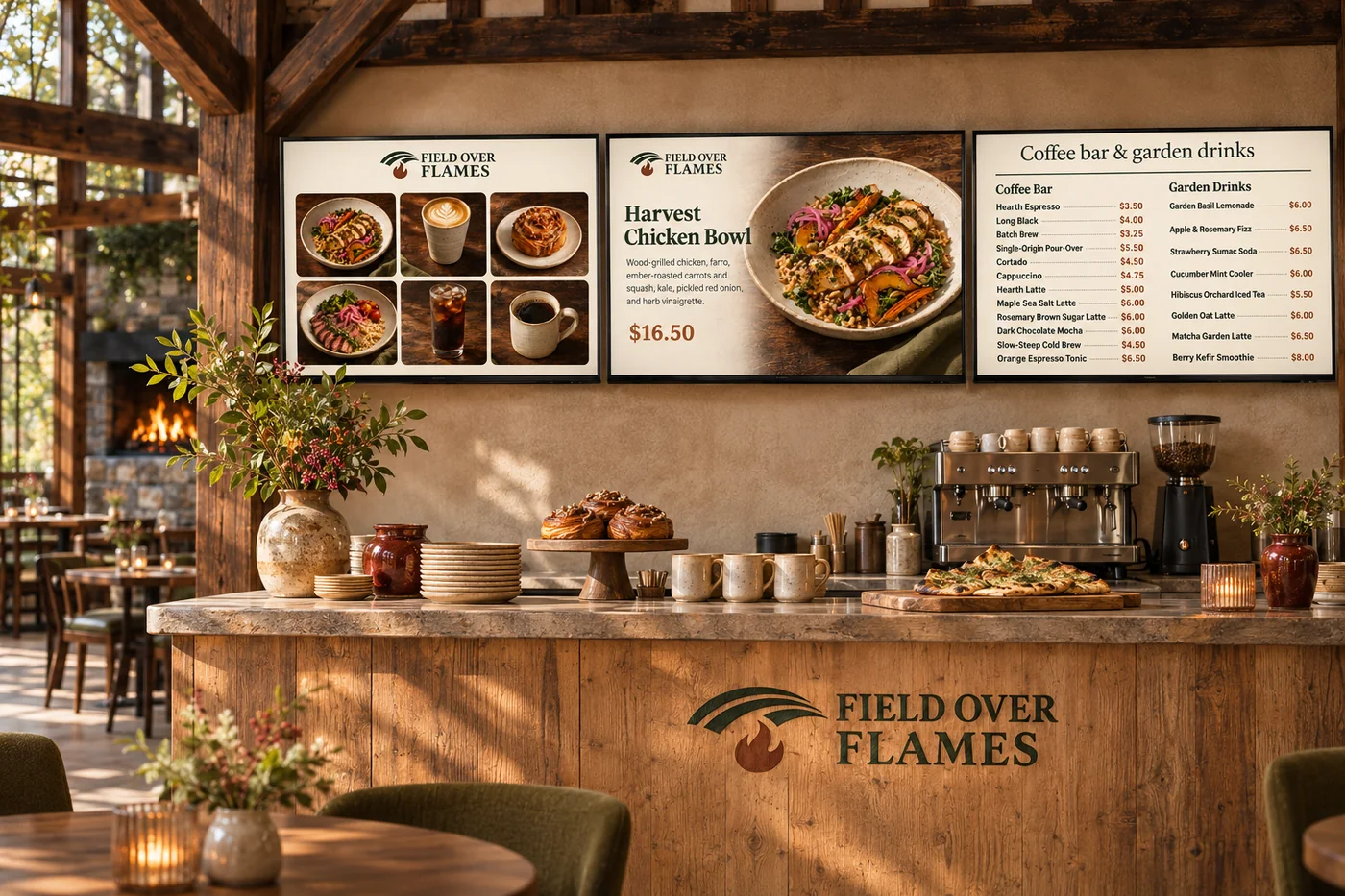
Digital menu boards
Turn screens into a natural part of your space. Show your food, your prices and what is ready to collect, in a design that belongs to your brand.
Explore digital menu boards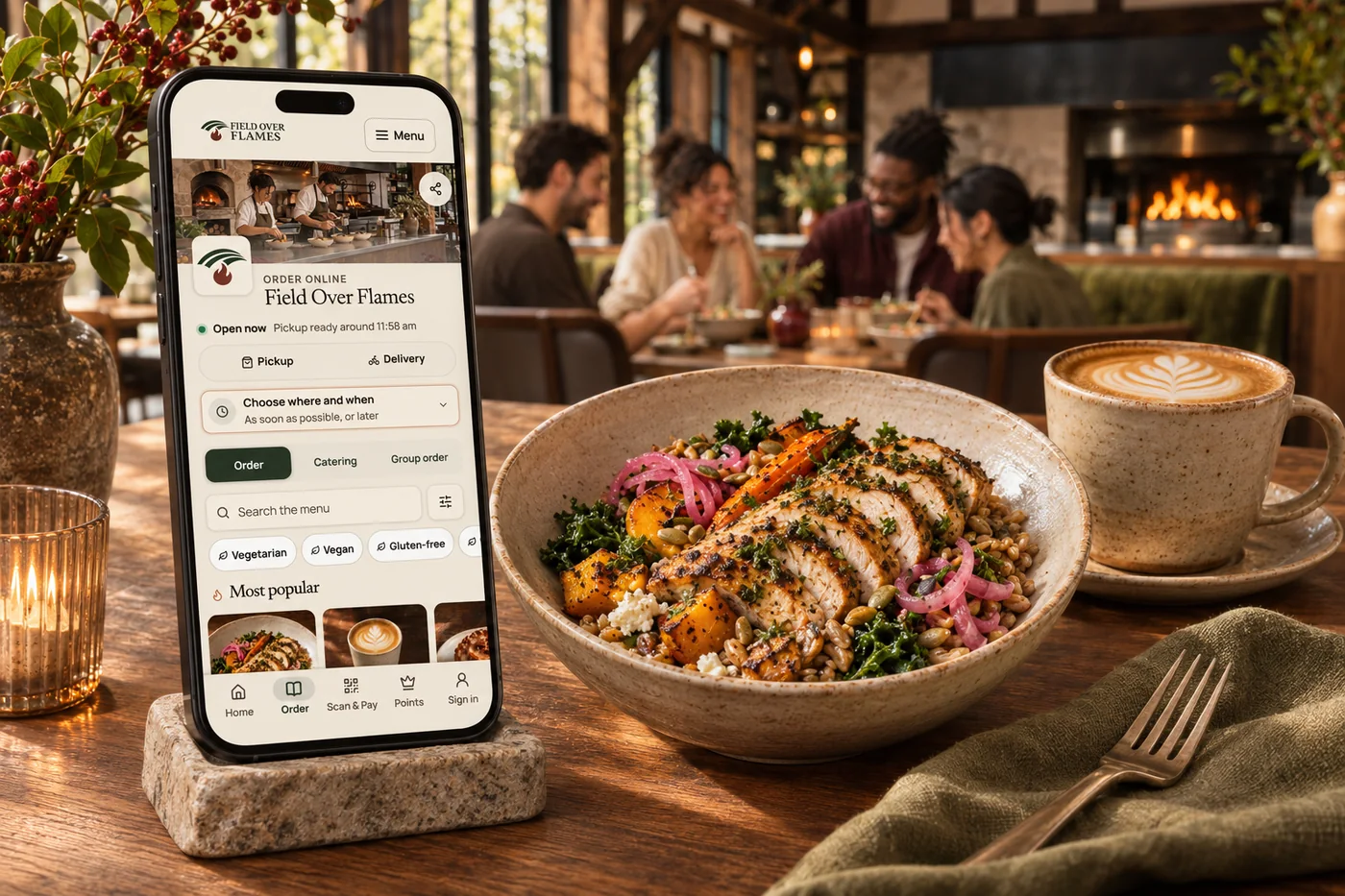
Online ordering
Your food. Your brand. Your guest relationship. Commission-free ordering brings menu choices, easy checkout, pickup and delivery together—with the controls your kitchen needs.
Explore online orderingClear categories, food photography and guided selections help people choose at their own pace. Service choices and order details carry into the handoff.
Supported loyalty lookups, member menus and offers bring more of the guest relationship to the counter.
Shape welcome screens and idle slides around your brand. Keep the kiosk connected with your menu and the experience guests see online.
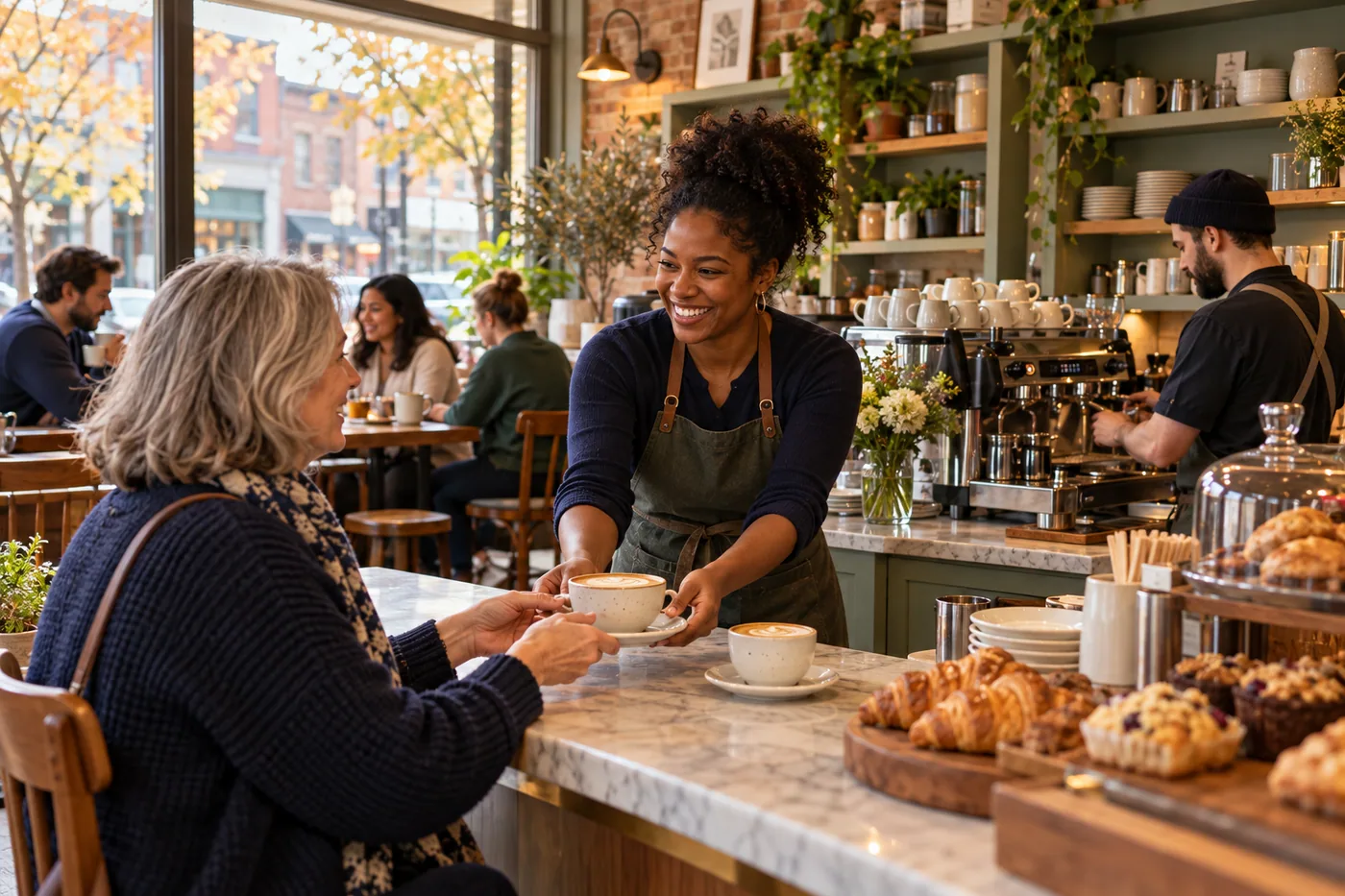
Clear categories, photographs and step-by-step choices help guests find their meal. Bring it together with your brand and the tools your team already uses.

You are leaving shopandtable.com
We link out when a vendor’s own documentation or a regulator is the right source. The site you are about to visit has its own terms, its own privacy practices and its own content; none of it is covered by our Privacy Policy or Terms of Service, and a link is not an endorsement. It will open in a new tab.