



01Account access
Your team. The right access.
Passkeys, authenticator-based two-step verification, session controls and role-based permissions help protect accounts. Store and capability limits keep access appropriate to the job.

One connected platform
Your business, beautifully connected.
Every detail, connected. Explore all features.
Built around your business
Your business has its own rhythm.
Ready to begin? Get started online.
Explore at your own pace
See the possibilities. Find your next step.
Looking for a definition? Browse the glossary.

One connected platform
Platform

Built around your business
Solutions
 Start with a fresh perspective.See how your website and listings show up online, and where there’s room to improve.Get your free audit All solutions

Explore at your own pace
Resources
 Your brand, elevated.Explore the curated looks in the visual studio and find your starting point.Explore the visual studio Explore the glossary
Trust & safety
Security belongs in the everyday: who can access an account, how payments are handled and what happens when something needs attention. The platform brings those controls into the work.

Protection in practice
01Account access
Passkeys, authenticator-based two-step verification, session controls and role-based permissions help protect accounts. Store and capability limits keep access appropriate to the job.
02Payments
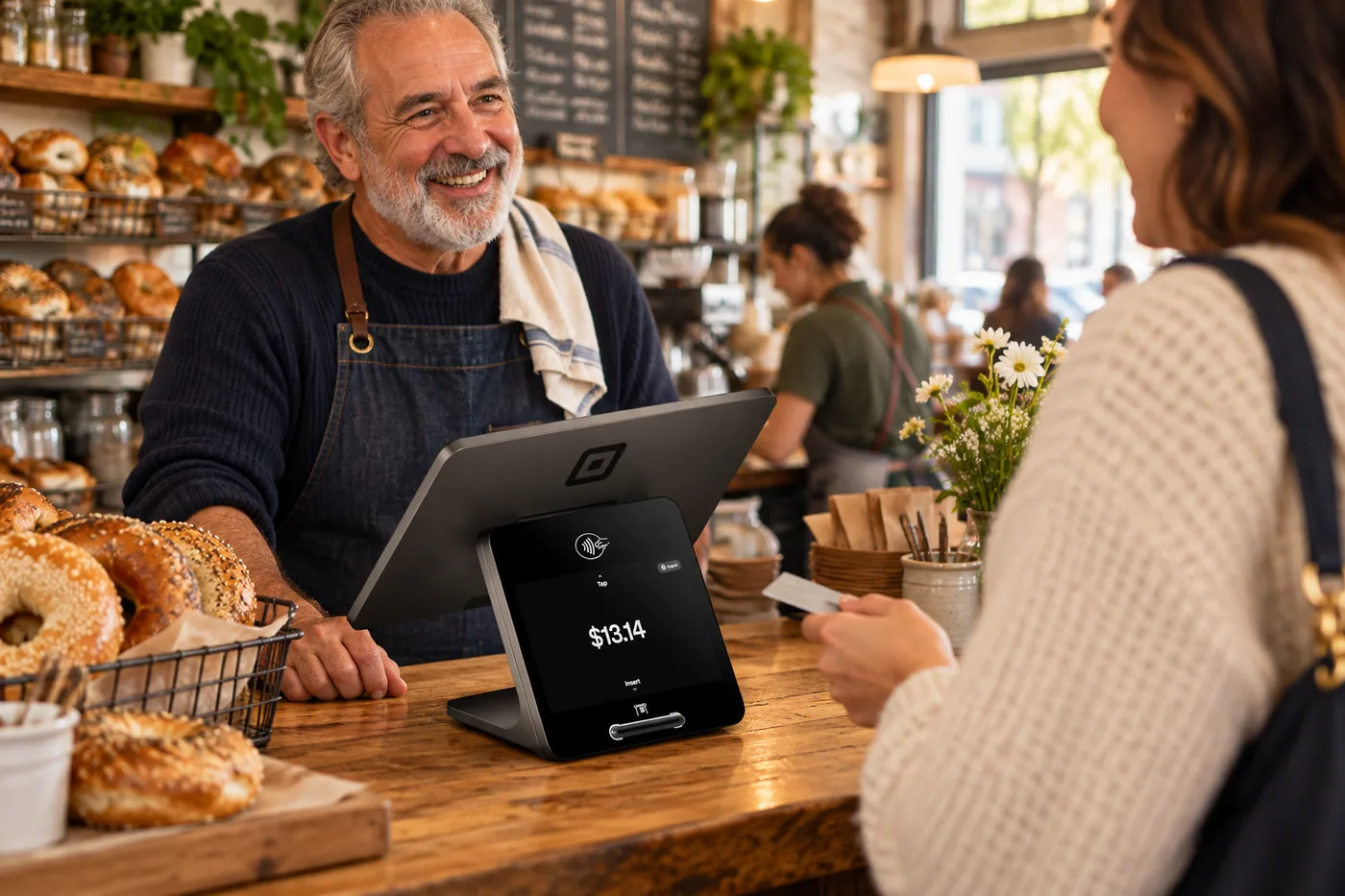
Square and Stripe provide PCI-compliant payment processing. Card entry and storage are handled through supported processor flows; we do not store full card numbers. Your business still has its own PCI responsibilities.
03Business information
Tenant-aware access, database policies and private media controls separate business records. Credentials stay on the server, and sensitive actions follow the configured authorization checks.
Everyday safeguards
Your accounts & information
AI & everyday oversight
Your privacy, in your hands
Use the on-site privacy center to ask for access, correction, a copy or deletion of your information. We verify the request before disclosing or deleting data, and coordinate with the relevant business when it controls the records.
Account exports can include records in spreadsheet-friendly CSV and JSON formats, along with stored files. Information held by connected providers may need a separate request or follow-up. Some records must be kept for legal, billing or fraud-prevention reasons.
Manage optional analytics and chat separately. Your privacy choices and accessibility tools remain available in the footer.
Open the privacy center
AI features send the information needed for the task to the provider handling that request. For requests sent through our shared AI gateway, we request that the model provider does not train on your prompts or retain them. Other AI connections have their own settings and terms. Read our AI & Vendor Disclosure and Privacy Policy for more detail.
Yes. Account owners can manage authorized representatives, review support-session history and end an open session. After launch, support access uses a dedicated verification process and expires automatically. Your sign-in password and MFA code should stay private.
Privacy requests are checked before information is released or deleted. Where a request involves connected services, there may be additional steps for the business or provider to complete. We keep track of that follow-up rather than treating every request as an instant deletion everywhere. Our Privacy Policy explains retention and exceptions.
Our AI & Vendor Disclosure explains the services used to help run the platform. You can also review our Data Processing Addendum for the terms covering information we process for client businesses.
Email security@shopandtable.com with what happened and where you noticed it. Please leave out passwords, sign-in codes and other people’s personal information.
Visit the public status monitor for published updates.
Yes. Submit an on-site request through the privacy center. Some transaction, legal and fraud-prevention records may need to be retained.

Explore the platform, understand the costs and make it your own.

You are leaving shopandtable.com
We link out when a vendor’s own documentation or a regulator is the right source. The site you are about to visit has its own terms, its own privacy practices and its own content; none of it is covered by our Privacy Policy or Terms of Service, and a link is not an endorsement. It will open in a new tab.