



Remember the favorites
Help returning guests find past orders and the items they enjoy.
One connected platform
Your business, beautifully connected.
Every detail, connected. Explore all features.
Built around your business
Your business has its own rhythm.
Ready to begin? Get started online.
Explore at your own pace
See the possibilities. Find your next step.
Looking for a definition? Browse the glossary.

One connected platform
Platform

Built around your business
Solutions
 Start with a fresh perspective.See how your website and listings show up online, and where there’s room to improve.Get your free audit All solutions

Explore at your own pace
Resources
 Your brand, elevated.Explore the curated looks in the visual studio and find your starting point.Explore the visual studio Explore the glossary
Guest experience
A relevant invitation. Helpful choices while ordering. Favorites and rewards ready for the next visit. Make the restaurant experience more personal using available customer preferences and activity.
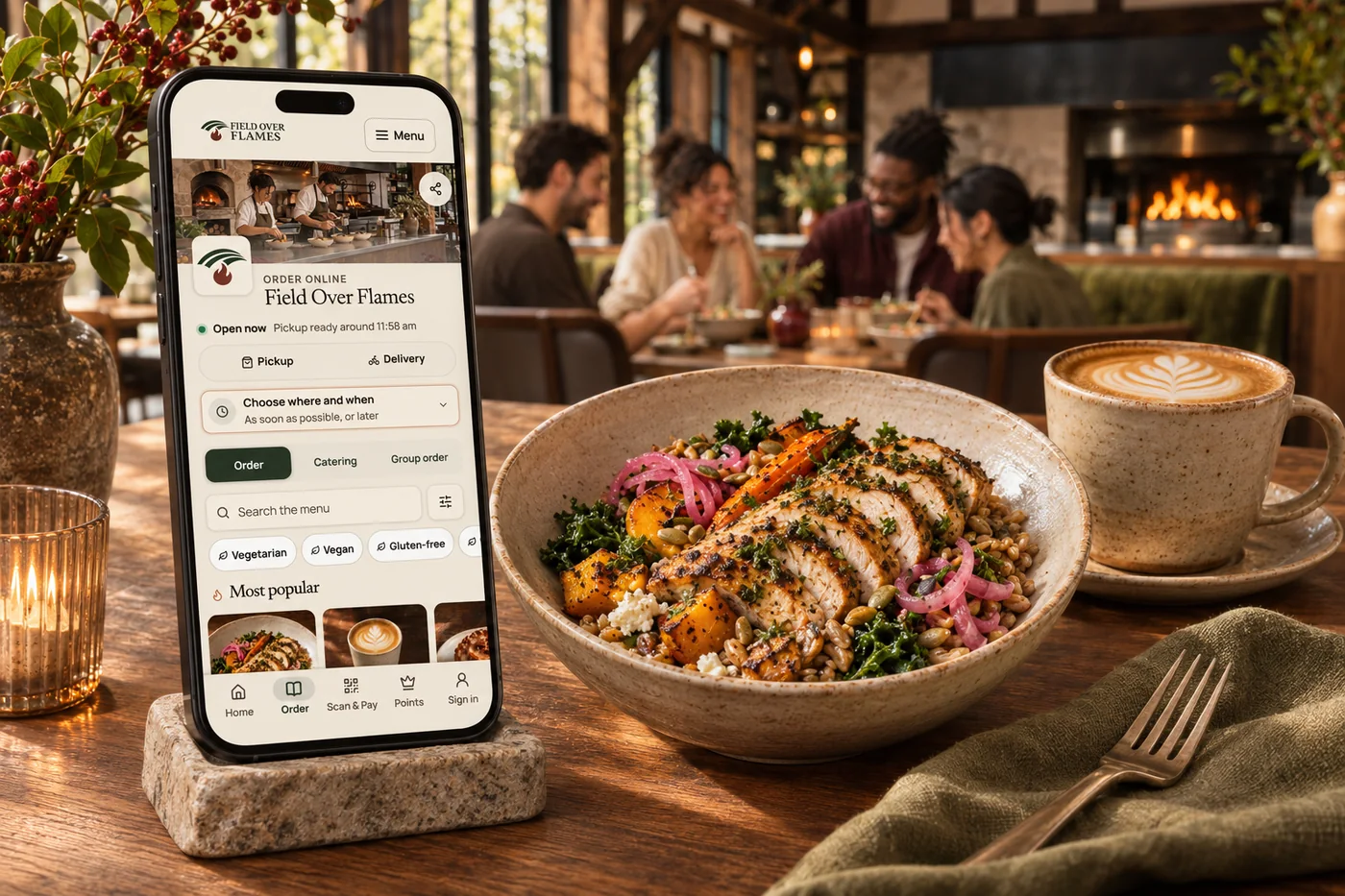
Help returning guests find past orders and the items they enjoy.
Guests can save dietary preferences for supported ordering experiences.
Bring points, offers, gift cards and memberships into the guest experience.
Use order and visit history to make your follow-up more relevant.
Explore customer experience
Your menu, hours and ordering on a website that feels like your restaurant. Identify an opportunity, prepare a content improvement for approval and review the available results after it goes live.
ExploreYour food. Your brand. Your guest relationship. Commission-free ordering brings menu choices, easy checkout, pickup and delivery together—with the controls your kitchen needs.
ExploreA birthday surprise. A thank-you for the team. Their next coffee, already covered. Branded gift cards make it easy to give, save and come back for more.
ExploreHelp callers get an answer, receive a useful link by text and take the next step toward ordering or visiting. Keep messages and call context ready for your team when a person needs to follow up.
ExploreA guest app in your own brand, with ordering, rewards and the reasons people come back. Shape the home screen around what matters to your business.
ExploreA self-order experience that feels like your business. Let guests explore the menu and make their choices while your team keeps service moving.
ExploreTurn screens into a natural part of your space. Show your food, your prices and what is ready to collect, in a design that belongs to your brand.
ExploreLet guests order catering packages, trays and meals online for a future pickup or delivery. Your menu, minimums and notice periods guide the order from the start.
ExploreLet a group build one order without passing around a spreadsheet. A shared link brings everyone’s choices together for your kitchen.
ExploreSend orders with partner couriers, or bring them in alongside your own drivers when the night gets busy.
ExploreBring dinners, tastings and neighborhood occasions into your website and guest experience, with tickets and check-in connected.
Explore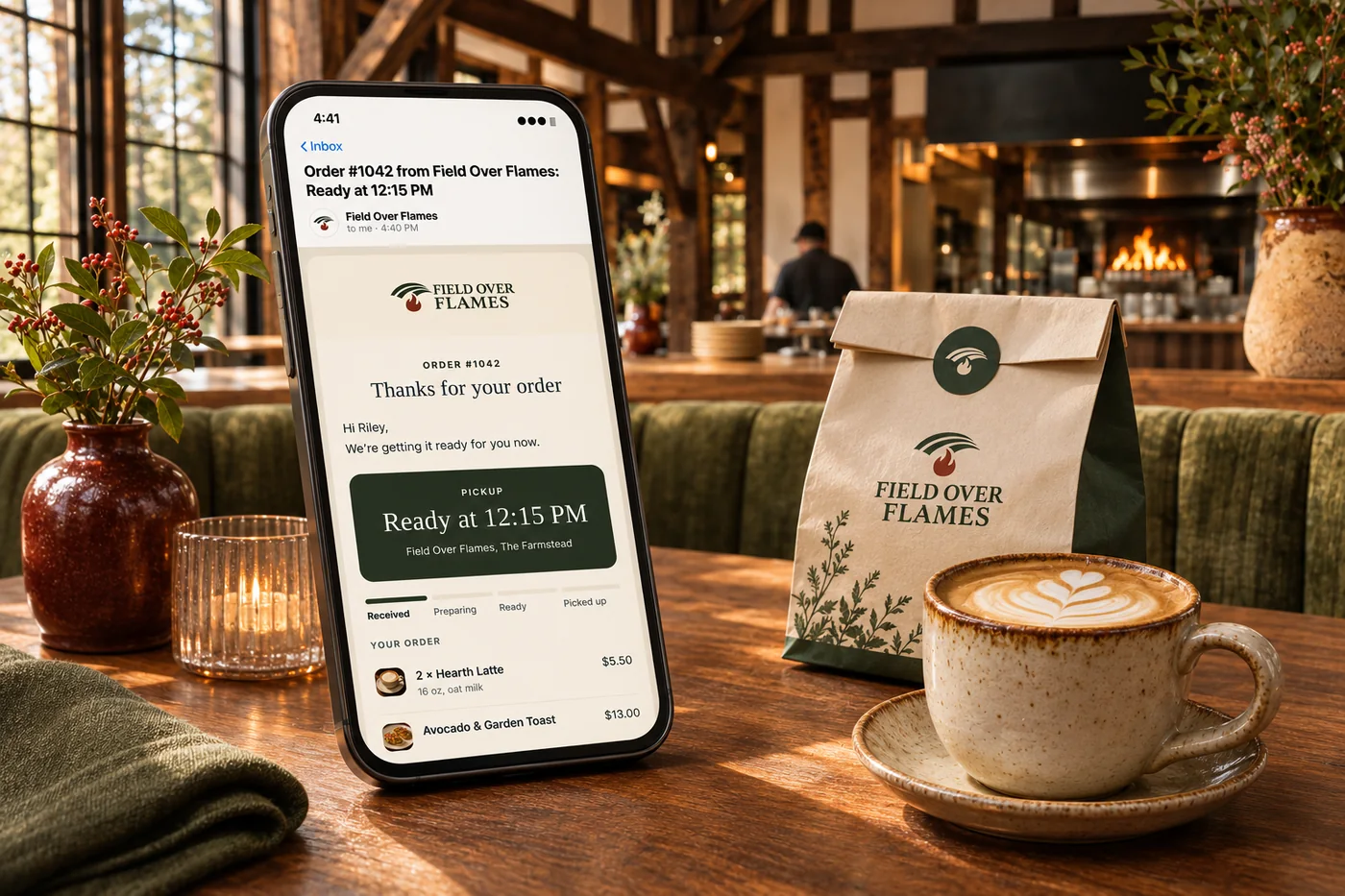
A campaign can give a guest a reason to return. In supported ordering flows, relevant suggestions and eligible offers help them choose; favorites, order history and available rewards make the following visit easier. Connect these moments through your restaurant’s website and app, while keeping marketing permissions separate from ordering and loyalty.
Part of a more connected business
Branded restaurant apps
A guest app in your own brand, with ordering, rewards and the reasons people come back. Shape the home screen around what matters to your business.
Explore branded restaurant apps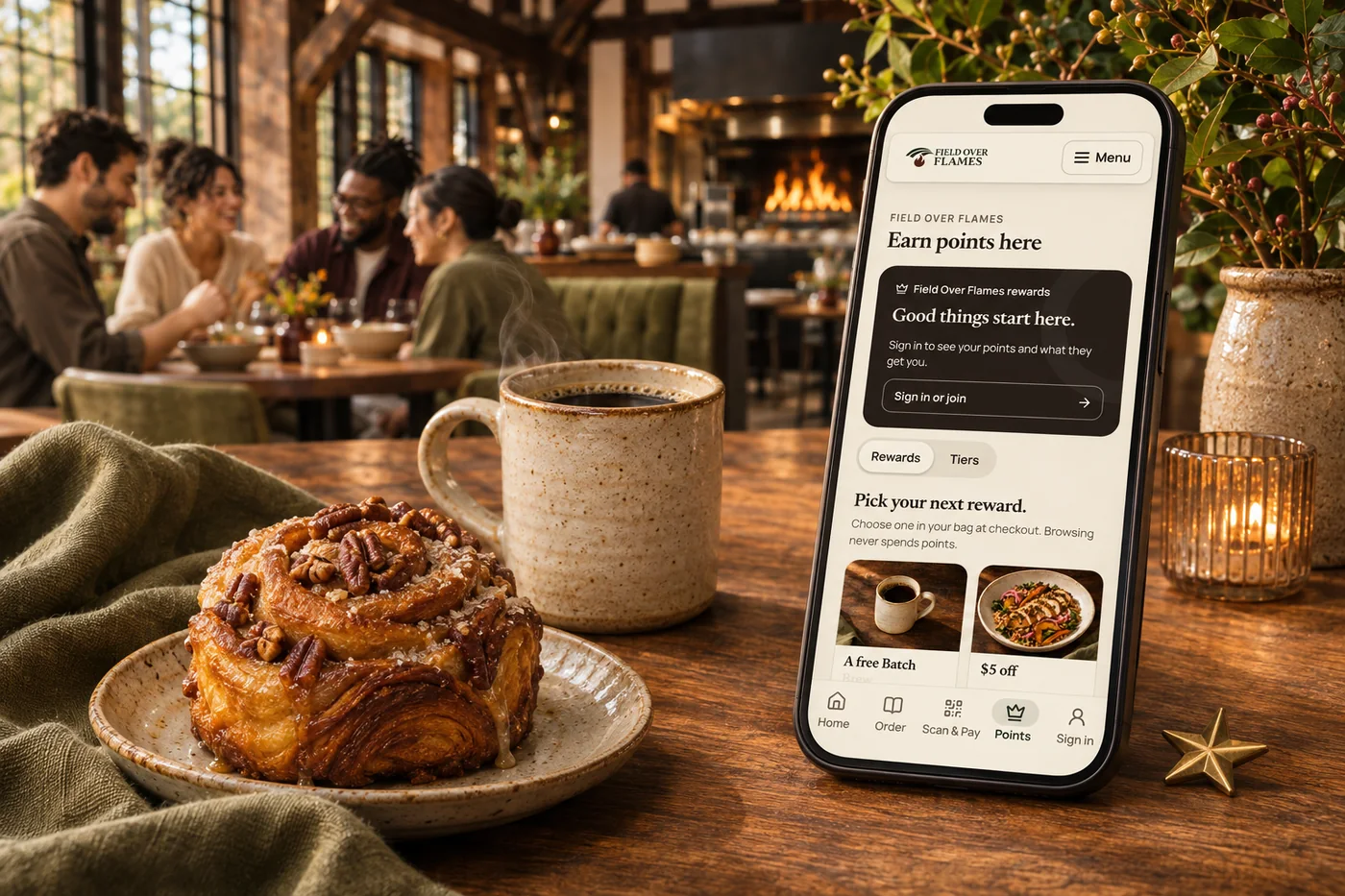
Loyalty & rewards
Build loyalty around your business, from smart customer groups and earned tiers to member pricing, exclusive benefits and recurring memberships. Connect Square points and rewards, then give guests more ways to belong.
Explore loyalty & rewardsFavorites, past orders and saved dietary preferences make supported ordering journeys more familiar. Rewards, offers and gift cards stay close to the guest, with fewer things to look up.
Use visit and order history to build relevant audiences and offers. Connect the guest experience with marketing so a welcome, birthday or return-visit message has a useful reason behind it.
The branded app brings points, available perks and gift cards into one guest experience. Membership benefits can also appear on the guest profile and supported ordering journeys.
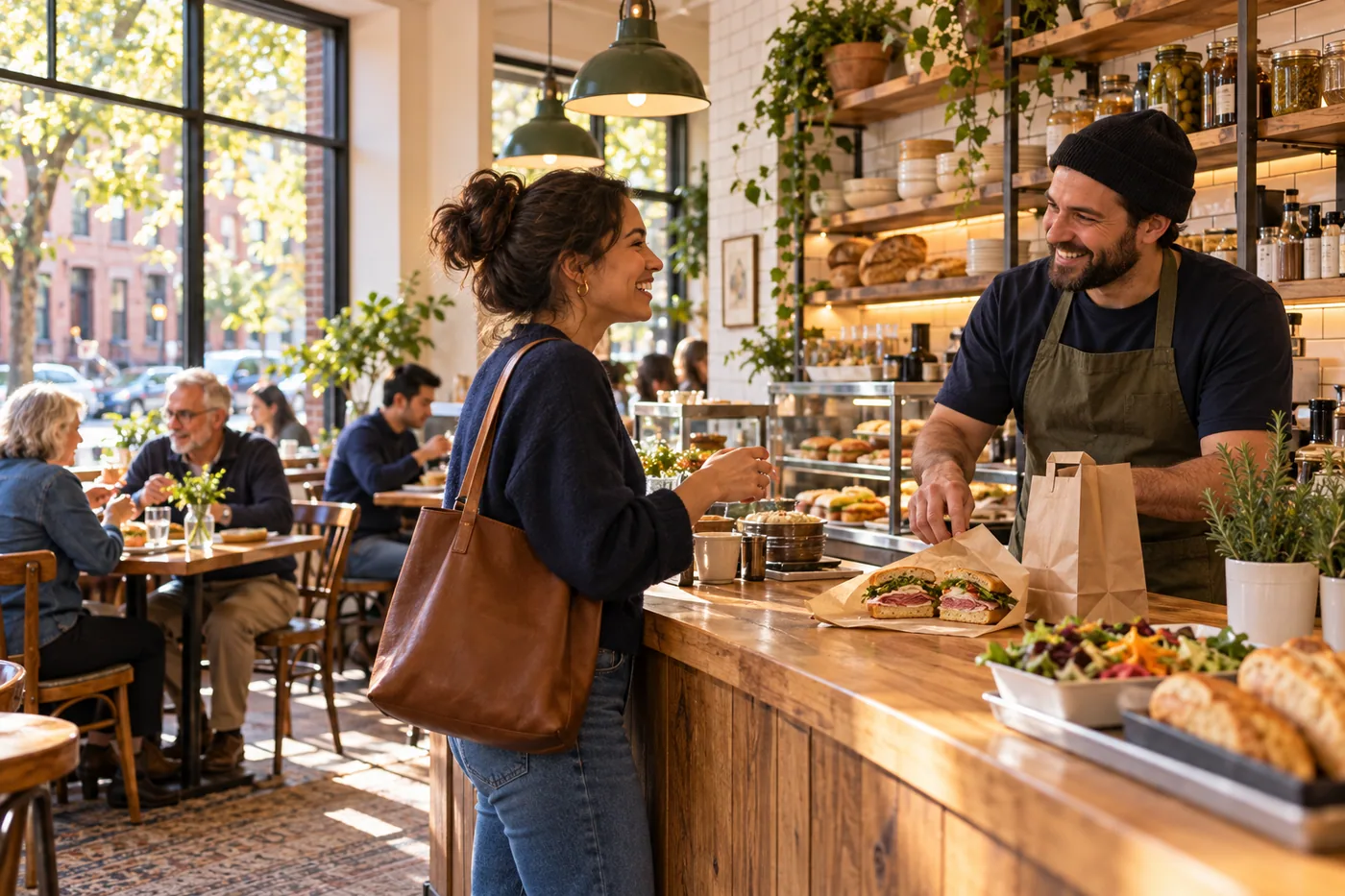
Help returning guests find past orders and the items they enjoy. Bring it together with your brand and the tools your team already uses.

You are leaving shopandtable.com
We link out when a vendor’s own documentation or a regulator is the right source. The site you are about to visit has its own terms, its own privacy practices and its own content; none of it is covered by our Privacy Policy or Terms of Service, and a link is not an endorsement. It will open in a new tab.