



Start with the opportunity
See what changed, why it matters and a practical recommendation for what to try.
One connected platform
Your business, beautifully connected.
Every detail, connected. Explore all features.
Built around your business
Your business has its own rhythm.
Ready to begin? Get started online.
Explore at your own pace
See the possibilities. Find your next step.
Looking for a definition? Browse the glossary.

One connected platform
Platform

Built around your business
Solutions
 Start with a fresh perspective.See how your website and listings show up online, and where there’s room to improve.Get your free audit All solutions

Explore at your own pace
Resources
 Your brand, elevated.Explore the curated looks in the visual studio and find your starting point.Explore the visual studio Explore the glossary
Email, SMS & campaigns
Decide what to promote, who to reach and when. Prepare a coordinated campaign across email, SMS, social, website updates and eligible app notifications, using your business data and brand.
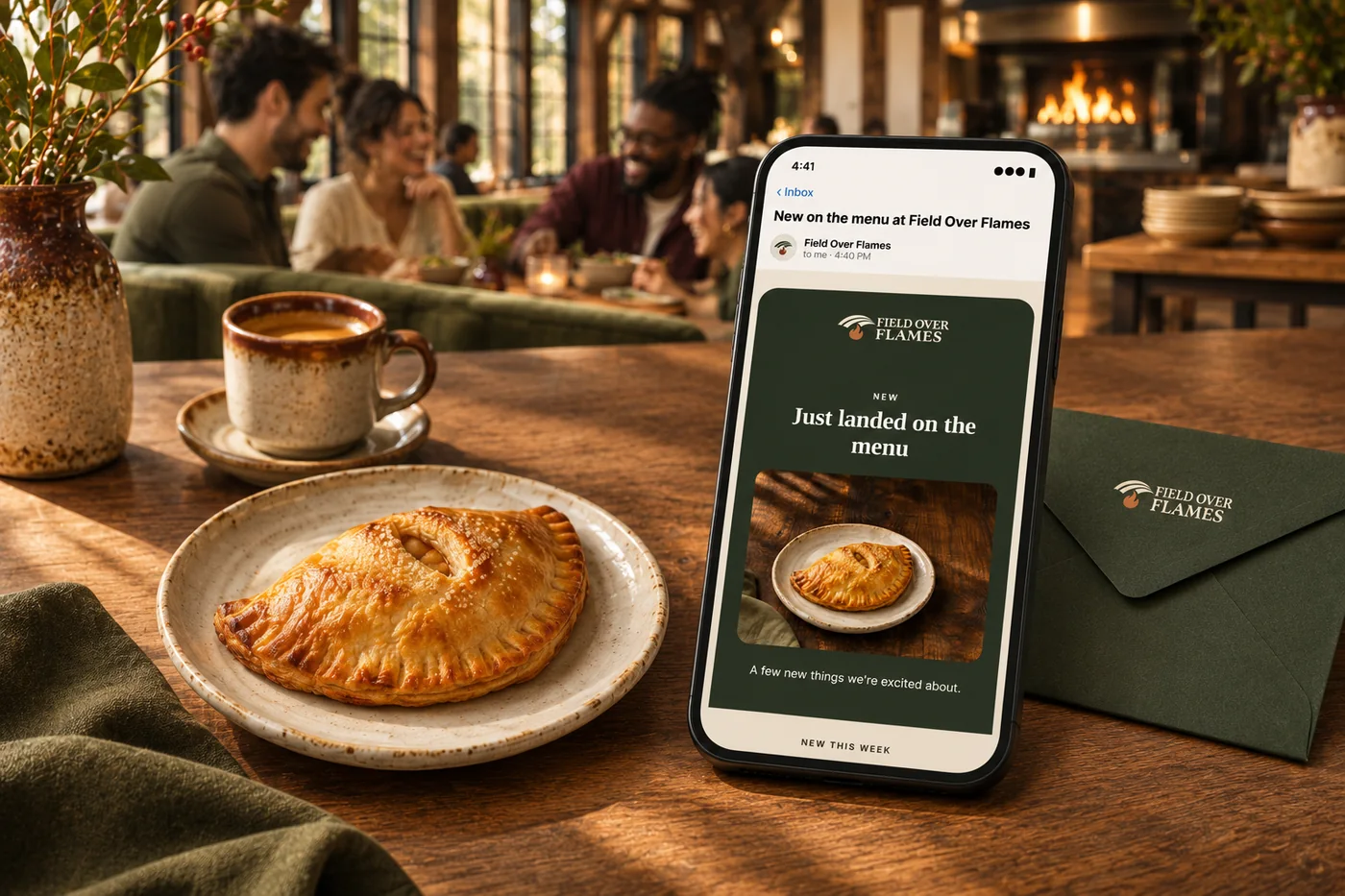
See what changed, why it matters and a practical recommendation for what to try.
Use available purchase history, preferences and marketing permissions to prepare relevant messages for different groups.
Bring the offer, audience, timing, words and visuals together for review across your connected channels.
Use the available results to refine the offer and prepare the next set of drafts.
More than a campaign send
Bring your audience, creative work, offers and follow-up into one plan. Start with a single campaign, then build the journeys that keep it useful.
01 / Email & SMS
Prepare branded emails and concise texts around your products, offers and occasions. Choose the audience, review the message and schedule the send with communication permissions in place.
02 / Customer groups
Build audiences using available purchase history, visit frequency, birthdays, loyalty and time since the last order. Welcome first-time guests differently from regulars who already know you.
03 / Automated flows
Start a journey from customer activity, add messages and waits, then branch based on what happens next. Set a goal so a guest can leave the flow when they return or take the intended action.
04 / Offers & rewards
Bring bundles, promotion codes, timed offers and loyalty benefits into the campaign. Review the offer’s limits and estimated cost before asking customers to act.
05 / Words, photos & channels
Use Andlen to develop the offer, audience, timing and channel drafts around your business. Bring written content and brand visuals together for email, SMS, social, website updates and eligible app notifications.
06 / Results & learning
Review available message engagement and connected sales alongside campaign results. Use flow goals and supported holdout comparisons to learn which follow-ups deserve another run.
A journey, in plain language
Welcome a new guest, wait a few days and check whether they have returned. If they have, end the journey; if they have not, prepare the next relevant invitation through an eligible channel.
Your flow can use conditions, yes-or-no branches and goals instead of sending the same sequence to everyone. Review the content and turn on the journey when it is ready.
Explore automated flows ↗Explore growth & reputation
Build loyalty around your business, from smart customer groups and earned tiers to member pricing, exclusive benefits and recurring memberships. Connect Square points and rewards, then give guests more ways to belong.
ExploreBring social, SMS, phone and email conversations into one place. Send and receive branded email on your own business domain, so customers hear from an address they recognize.
ExplorePrepare the words and visuals for your next campaign in one place. Start with your real products, photos and brand, adapt the drafts for each connected channel and review them before scheduling.
ExploreHelp more people discover accurate information and choose your business. Keep hours, addresses and supported details current across search, maps and directories, then use mismatches and review findings to guide improvements.
ExploreSee guest feedback, prepare thoughtful replies and spot recurring themes across your locations.
ExploreSee what nearby businesses offer, find opportunities to stand out and consider a response that fits your business. Use dated research alongside your own sales and local conditions.
ExploreBuild guest journeys around real activity: a first visit, a birthday or a regular who has not returned in a while.
ExploreCreate a recurring relationship with perks that suit your business, from member menus to a configured delivery pass.
ExploreStart with a prioritized recommendation: what changed, why it matters and what to do next. Bring your goals, sales, competitor activity and local conditions into the decision.
ExploreBuild offers around the food people love and the visits you want more of. Keep the deal, the message and the guest experience connected.
ExploreThoughtful printed pieces that look like your business and lead guests straight to ordering, rewards, reviews or your app.
ExploreSee how your business appears in local search and tracked AI answers. Find the gaps in your website and business information, then focus on improvements that matter.
Explore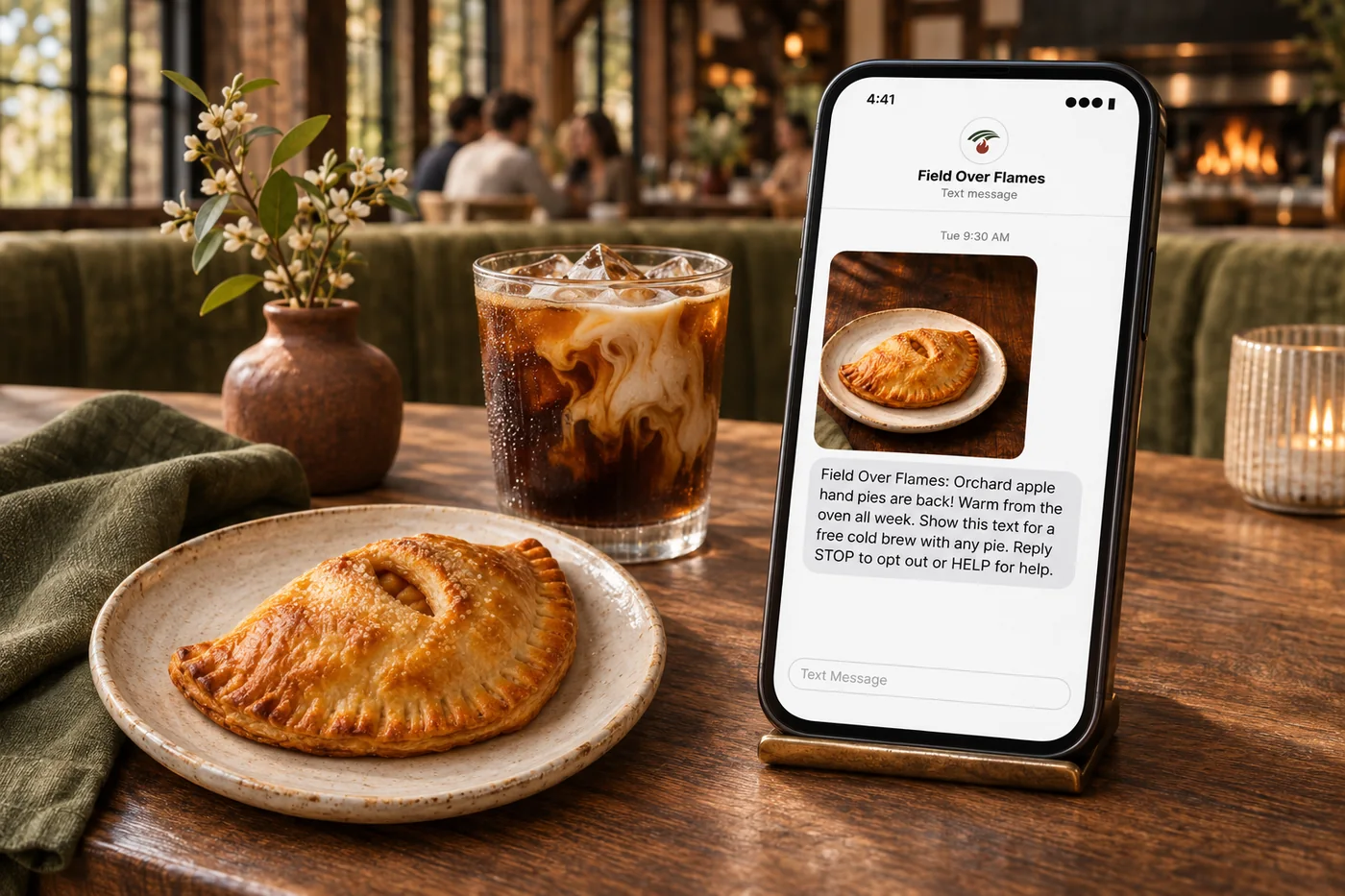
Start with a real question: what should we promote this week? Use available sales, competitor research and local conditions to choose an opportunity. Consider your goal, item availability and costs; a good reason to visit does not always need a discount. Prepare an offer, relevant audiences, timing, words and visuals for the channels you connect. Review the pieces and their permissions before sending. Use the available response and sales results to prepare the next campaign for review.
Part of a more connected business
Growth planning
Start with a prioritized recommendation: what changed, why it matters and what to do next. Bring your goals, sales, competitor activity and local conditions into the decision.
Explore growth planning
Offers & promotions
Build offers around the food people love and the visits you want more of. Keep the deal, the message and the guest experience connected.
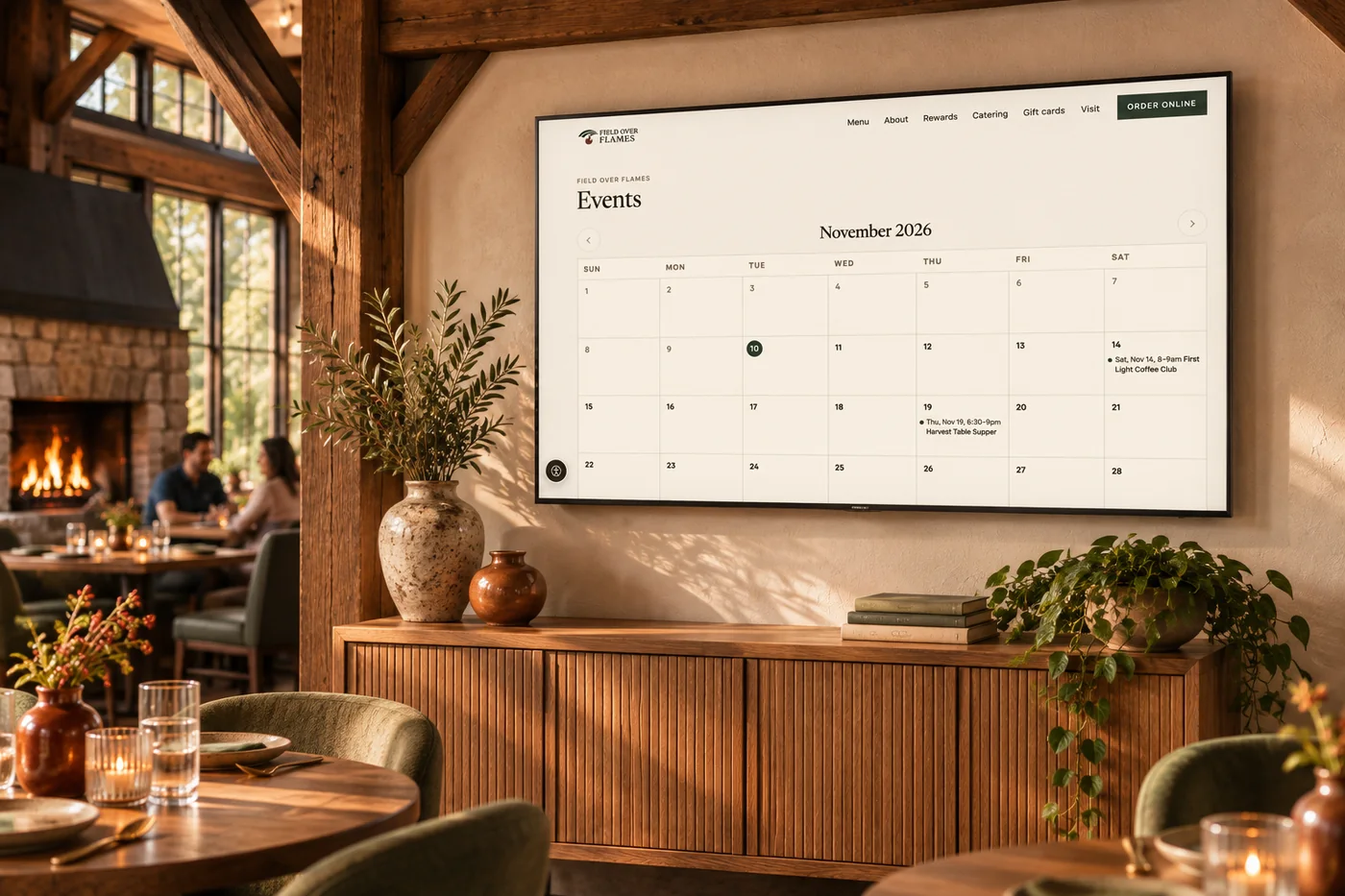
Explore offers & promotionsPlan campaigns around new arrivals, seasonal collections, store events and repeat purchases. Use customer groups, loyalty and purchase history to make offers more relevant, with email, text and social content prepared around your products and brand.
Build an audience using time since the last order, visit history and spending. Create a thoughtful email or text, connect a relevant offer, and follow the response. With marketing flows, a return visit or order can end the follow-up automatically.
Yes. Guest activity and audience conditions help you choose who receives a campaign. Use order and visit history alongside your offers and loyalty program to make follow-up more relevant than sending the same discount to everyone.
Plan email, SMS and MMS campaigns alongside app messaging, social posts and offers. Your guest records, brand assets and campaign calendar give the work a common starting point. Each channel uses its own audience permissions and delivery settings.
AI helps turn your menu, brand voice, reviews and business goals into campaign ideas and drafts. Sales, menu margins, weather and local research add context to planning. Andlen can help you explore an idea or understand the results; you choose what fits your business.
Create bundles, quantity deals, BOGO offers, codes or happy-hour promotions with dates, limits and exclusions. Where food-cost data is connected, margin checks and estimated discount costs help you weigh the offer before using it.
Review engagement, redemptions and available attributed visits or orders alongside sales and returning-guest trends. Flows also show progress toward their goals, and supported holdout tests help you compare a campaign with guests who did not receive it.

See what changed, why it matters and a practical recommendation for what to try. Bring it together with your brand and the tools your team already uses.

You are leaving shopandtable.com
We link out when a vendor’s own documentation or a regulator is the right source. The site you are about to visit has its own terms, its own privacy practices and its own content; none of it is covered by our Privacy Policy or Terms of Service, and a link is not an endorsement. It will open in a new tab.