


Assign.
See who is on duty, who is free and which orders are waiting. Offer a delivery to your own driver or send it to a partner courier from the store tablet.
One connected platform
Your business, beautifully connected.
Every detail, connected. Explore all features.
Built around your business
Your business has its own rhythm.
Ready to begin? Get started online.
Explore at your own pace
See the possibilities. Find your next step.
Looking for a definition? Browse the glossary.

One connected platform
Platform

Built around your business
Solutions
 Start with a fresh perspective.See how your website and listings show up online, and where there’s room to improve.Get your free audit All solutions

Explore at your own pace
Resources
 Your brand, elevated.Explore the curated looks in the visual studio and find your starting point.Explore the visual studio Explore the glossary
Restaurant delivery management
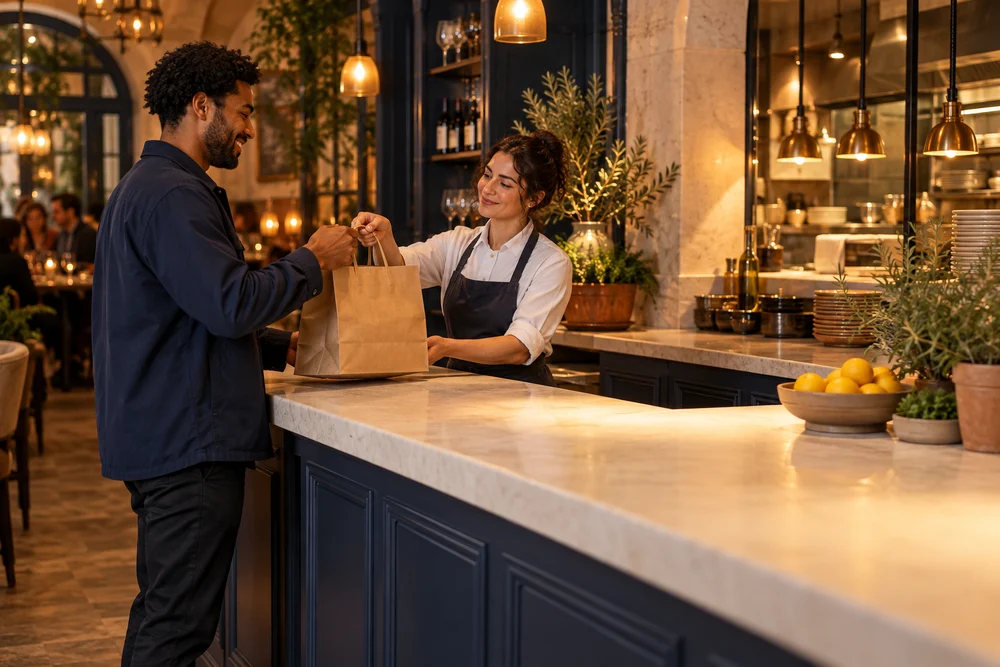
Assign orders, plan your drivers’ routes and follow every delivery from the store tablet. Bring your team, DoorDash Drive and Uber Direct together, with updates for your guests along the way.
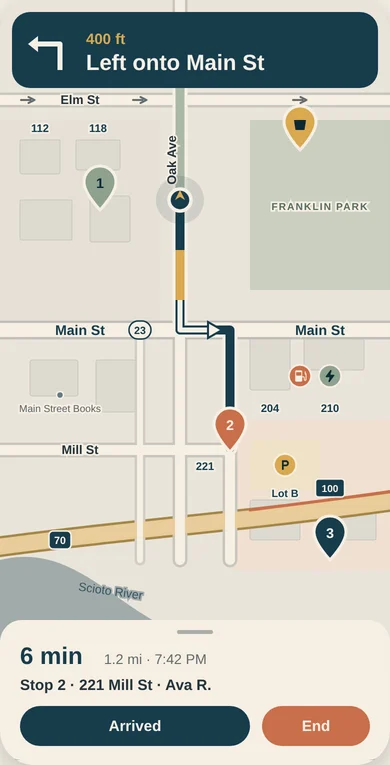
Driver app · example route
See who is on duty, who is free and which orders are waiting. Offer a delivery to your own driver or send it to a partner courier from the store tablet.
Put multiple stops in order for your own drivers, then send them on their way with directions in the Driver app. Route optimization is included with Pro and Unlimited.
Follow your drivers and partner couriers together. See delivery progress, estimated arrival times and late orders without jumping between separate views.
Open the tracking link, call or text the driver where the delivery service supports it. Keep guests informed with real-time order updates.
Route optimization is available with Pro and Unlimited own-driver delivery. Partner courier coverage depends on your location and setup.
Inside the delivery workspace
Your own team and partner couriers, with the information your counter needs to keep orders moving.
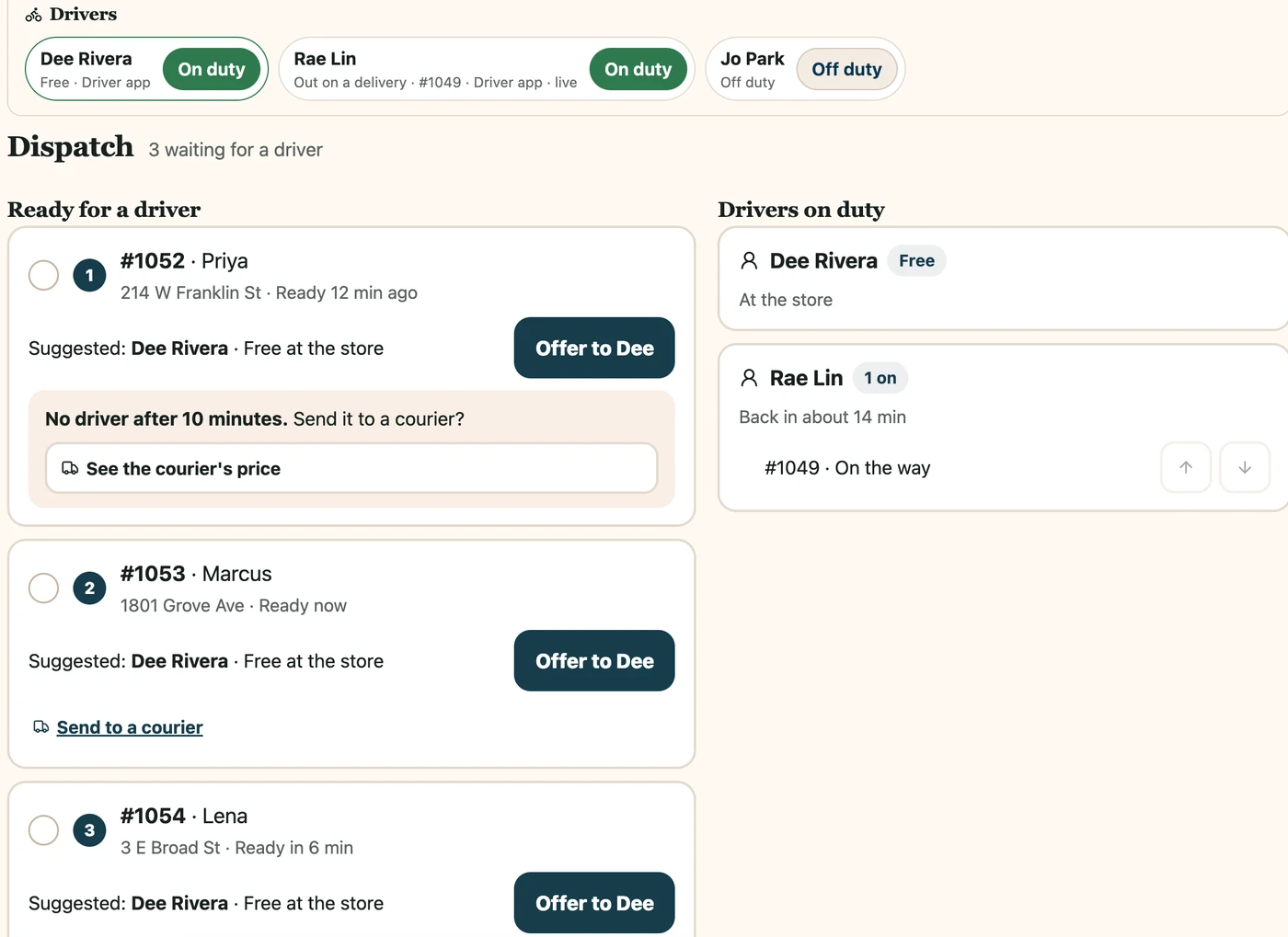
See driver availability and waiting orders. Offer a delivery to your team or send it to a partner courier.
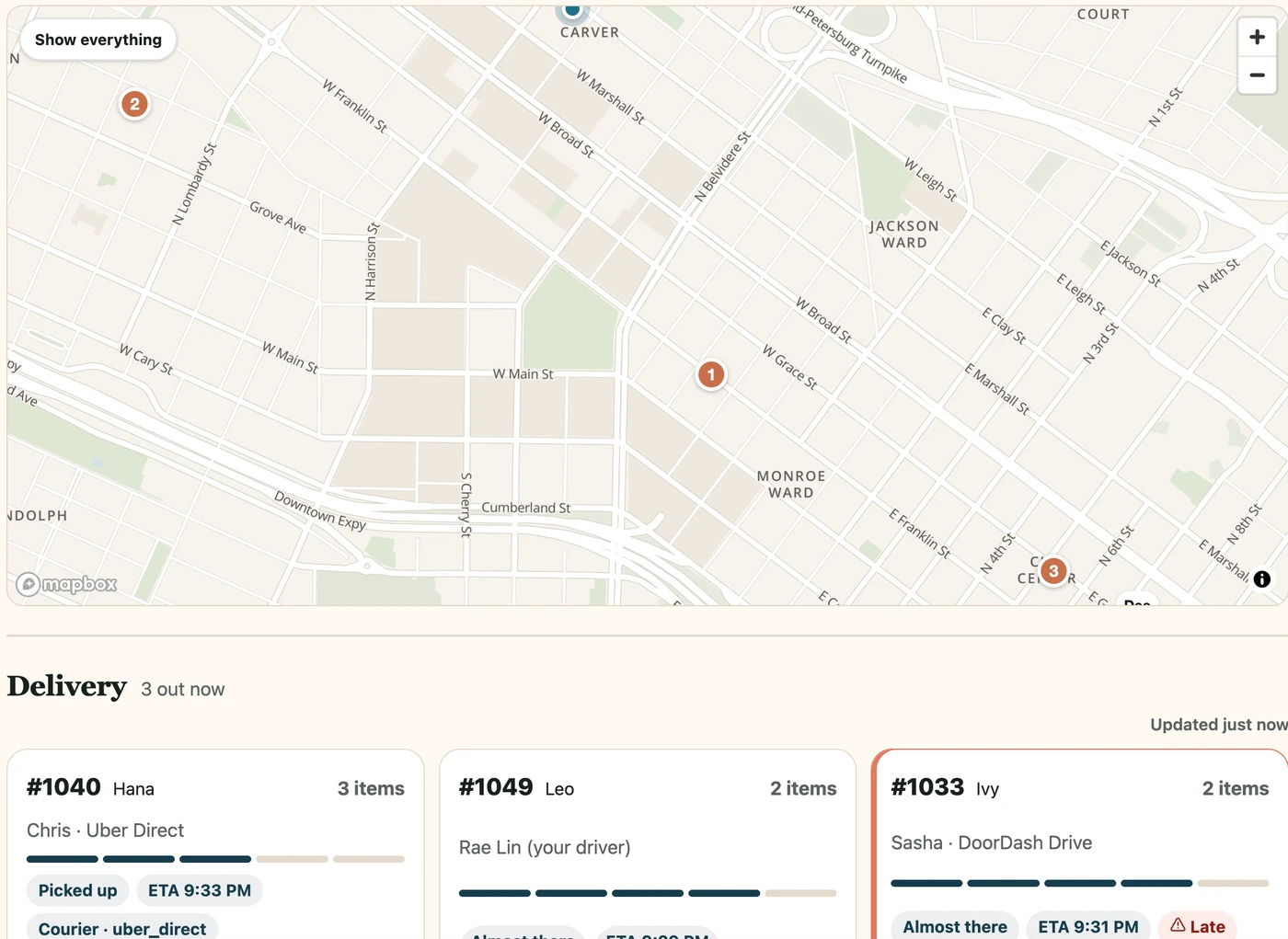
Keep your drivers and partner couriers in view, with progress, arrival estimates and late-order indicators.
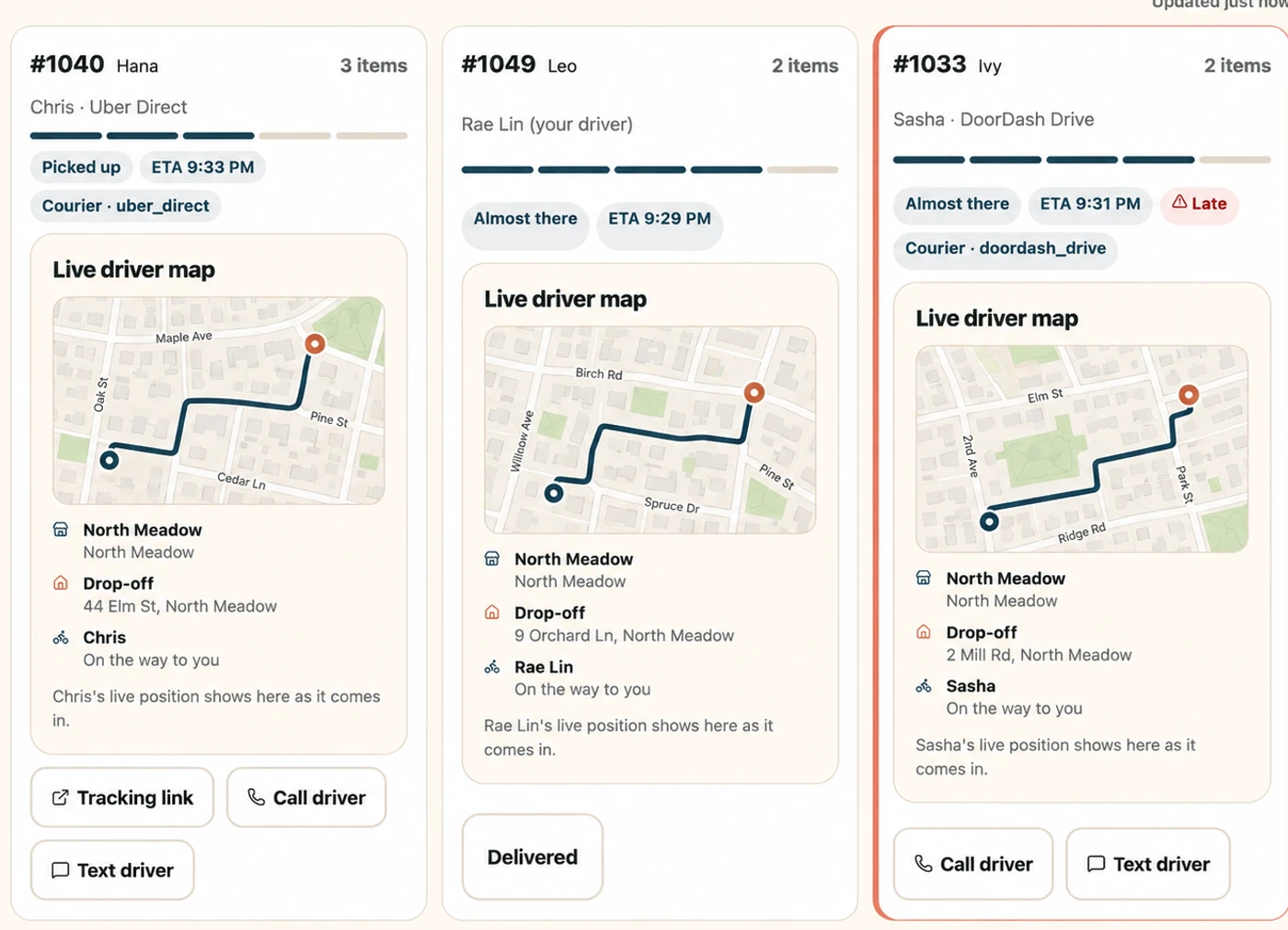
Open tracking, call or text from the delivery, where the driver’s service supports it. Route maps shown are illustrative.
Made for the everyday
When your drivers and partner couriers run through separate systems, a simple guest question can turn into several calls. Assign orders, plan your drivers’ routes and follow delivery progress from the same workspace. See what is running late, contact the driver and use courier backup when your team is busy, with updates that keep guests informed.
Part of a more connected business
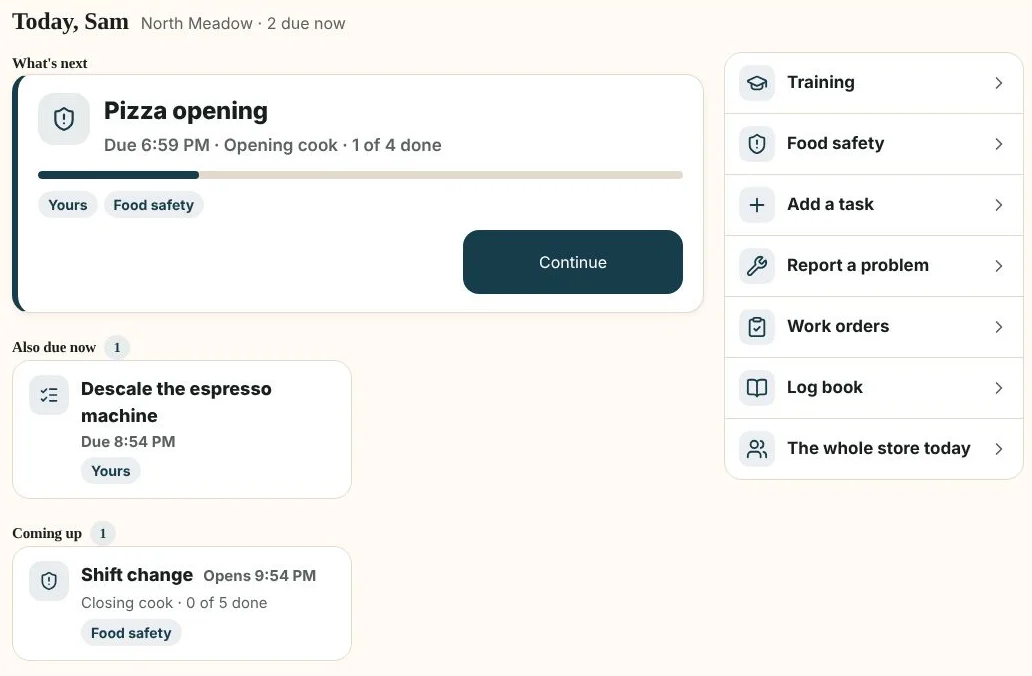
Operations
Keep daily tasks, training and the work between orders close to your team.
Explore operations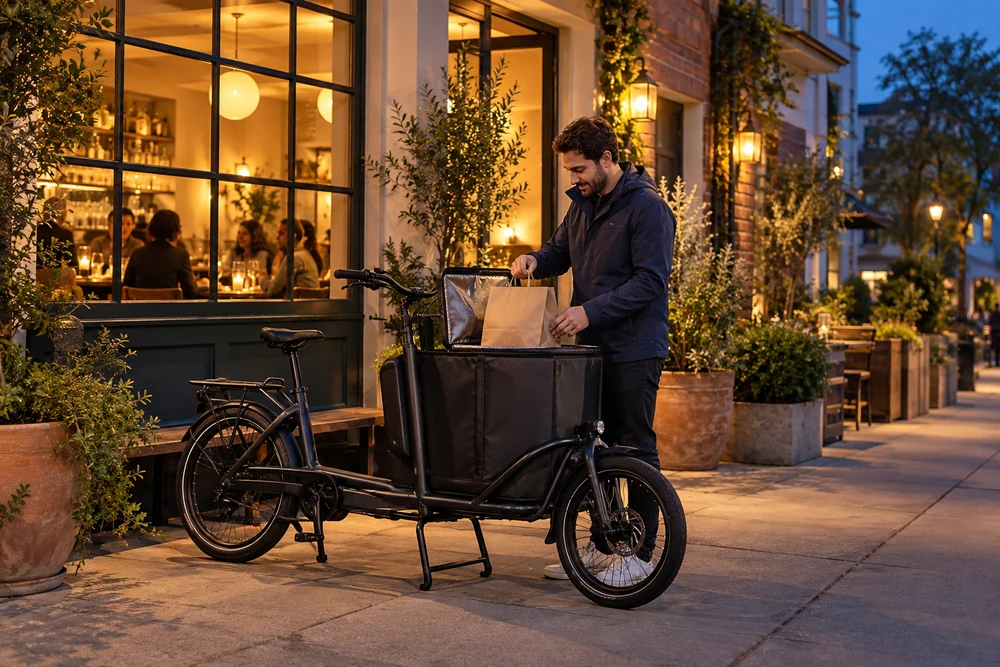
Partner delivery
Use partner couriers on their own, or alongside your drivers when you need more coverage.
Explore partner deliveryYes. Shop & Table brings your own drivers, DoorDash Drive and Uber Direct into one restaurant delivery workspace. Assign orders, follow delivery progress and reach drivers through the contact options supported by their service. Partner availability and fees depend on your location.
Drivers can use Apple Maps or Google Maps, or choose optional voice navigation inside the Shop & Table Driver app. In-app voice navigation is off by default.
Yes. Use partner couriers alongside your own team, ask before sending an order to a courier, or enable backup after a wait time you set. Your delivery workspace keeps own-driver and courier orders together.

Give your drivers and your counter team one clear picture, so every handoff takes less coordination.

You are leaving shopandtable.com
We link out when a vendor’s own documentation or a regulator is the right source. The site you are about to visit has its own terms, its own privacy practices and its own content; none of it is covered by our Privacy Policy or Terms of Service, and a link is not an endorsement. It will open in a new tab.