



A menu made for phones
Readable categories, clear prices and inviting photography make browsing comfortable on a small screen.
One connected platform
Your business, beautifully connected.
Every detail, connected. Explore all features.
Built around your business
Your business has its own rhythm.
Ready to begin? Get started online.
Explore at your own pace
See the possibilities. Find your next step.
Looking for a definition? Browse the glossary.

One connected platform
Platform

Built around your business
Solutions
 Start with a fresh perspective.See how your website and listings show up online, and where there’s room to improve.Get your free audit All solutions

Explore at your own pace
Resources
 Your brand, elevated.Explore the curated looks in the visual studio and find your starting point.Explore the visual studio Explore the glossary
Online menus & dish pages
Give your menu the photography, detail and attention it deserves. Searchable menu and dish pages help guests find a favorite and move naturally into an order.
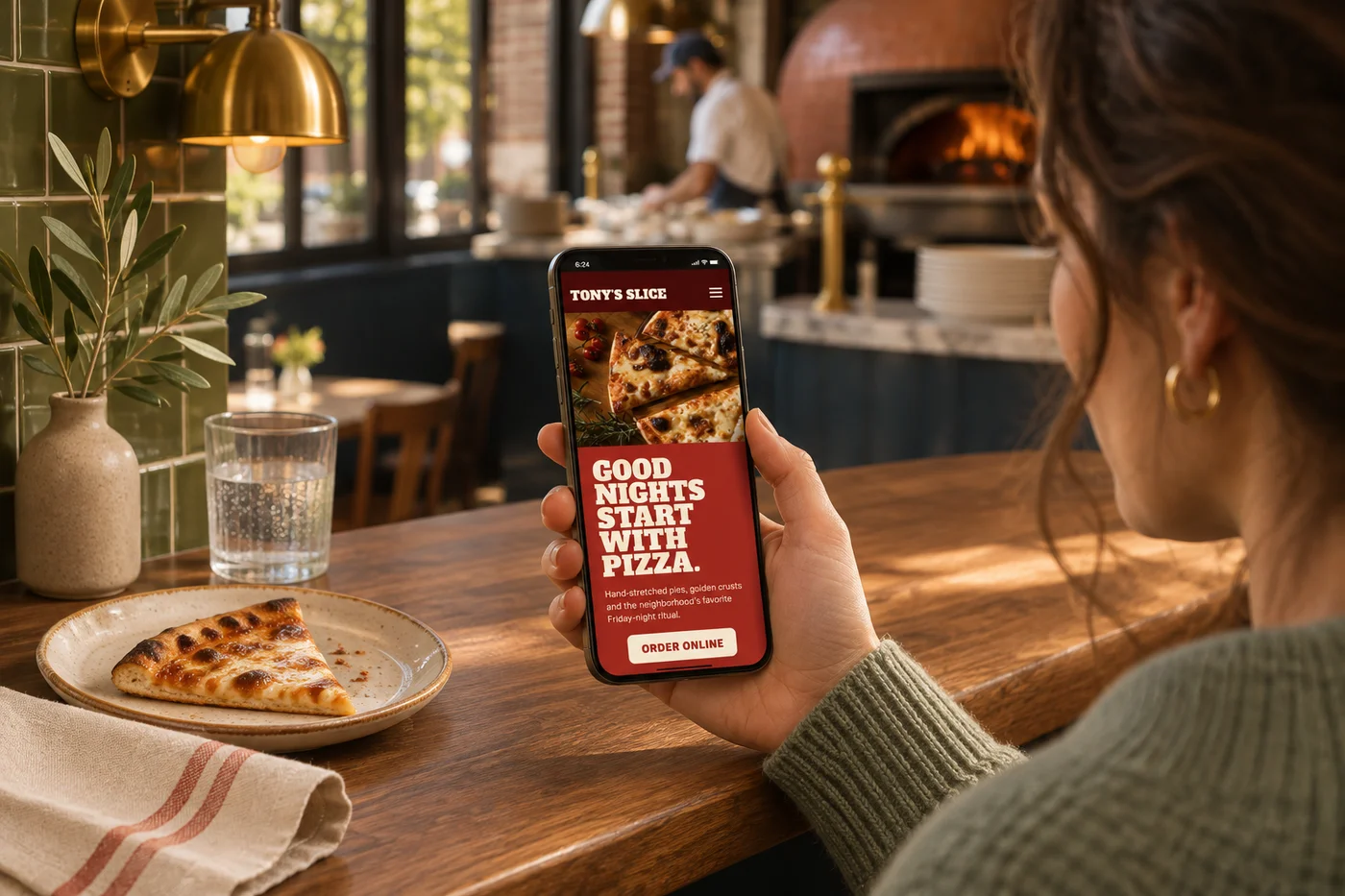
Readable categories, clear prices and inviting photography make browsing comfortable on a small screen.
Give a signature item its own page, with a description, image and a direct route to ordering.
Use catalog information across your website and ordering so the story and the menu stay together.
Send guests to the dish or menu they saw in a campaign, instead of asking them to find it again.
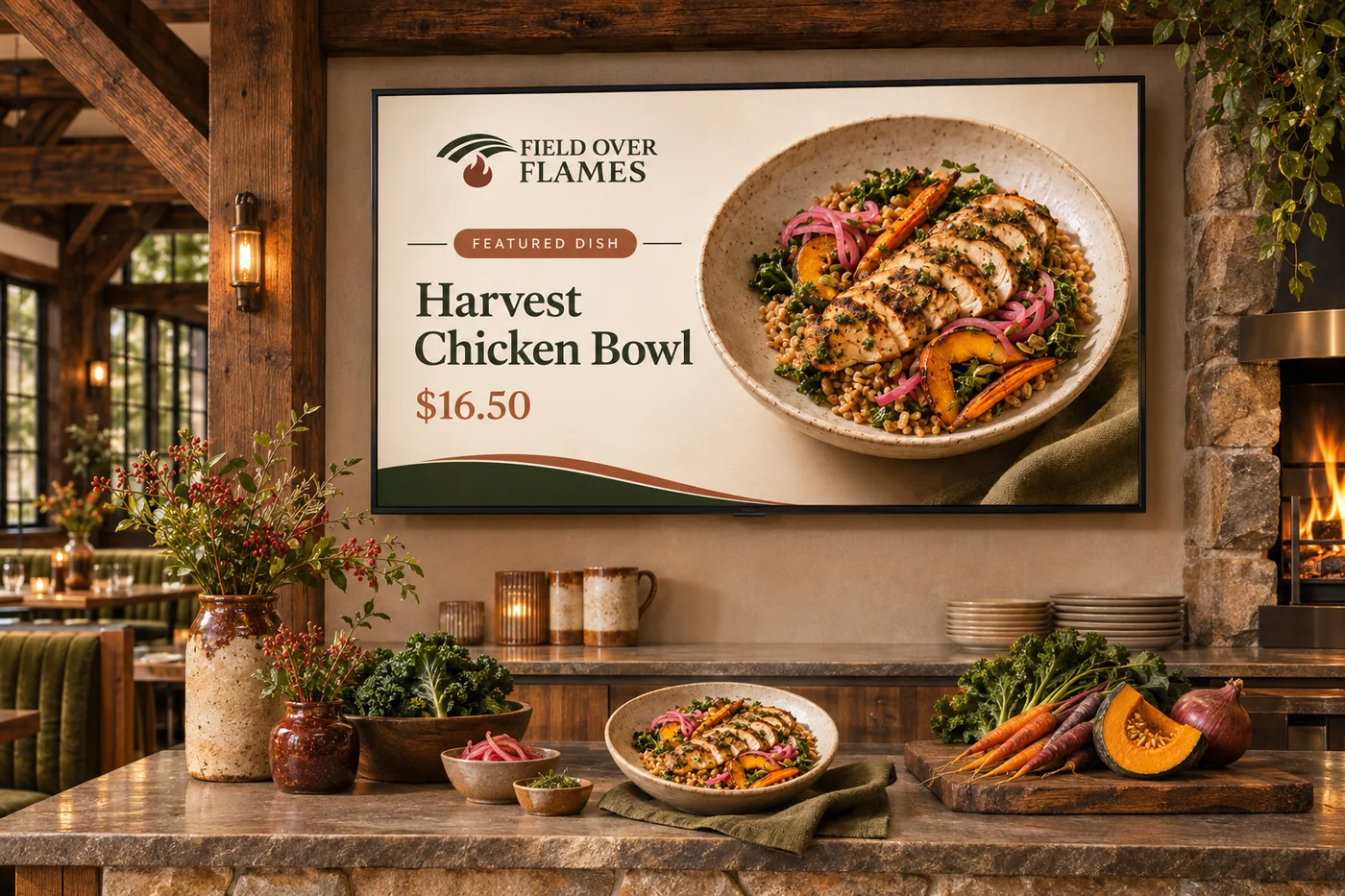
Guests should be able to discover your food without pinching, downloading or hunting for the ordering button. Your website presents the menu as useful pages, with room for photography and the details that help someone choose. Dish pages also give search and campaigns a more relevant destination. When they are ready, connected ordering carries them into sizes, extras and the options your kitchen offers.
Part of a more connected business
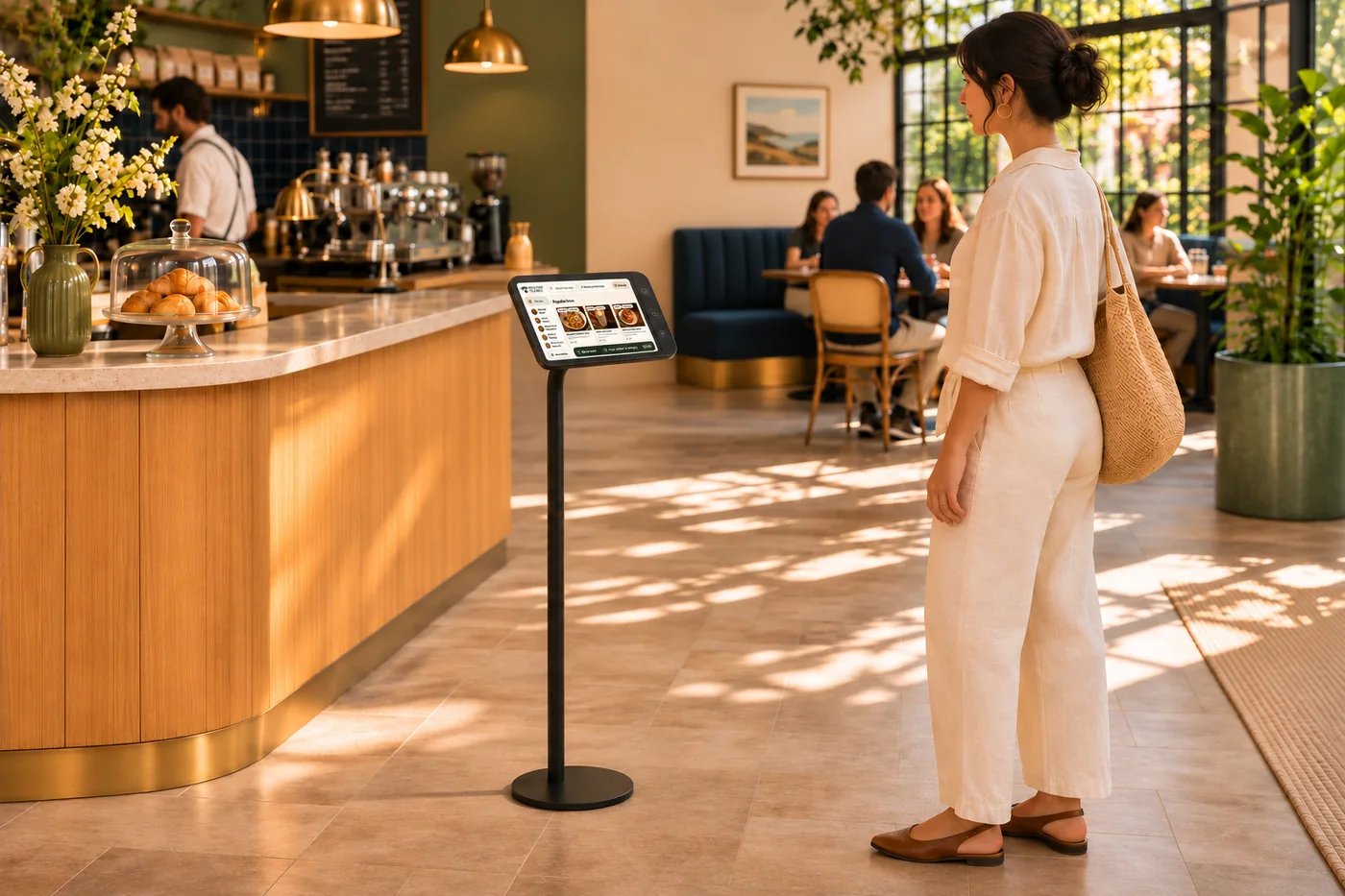
Order customization
Half-and-half pizza. Coffee with just the right sweetness. A cake with a personal message. Give guests the freedom to make an order their own, with choices that fit what you actually serve.
Explore order customization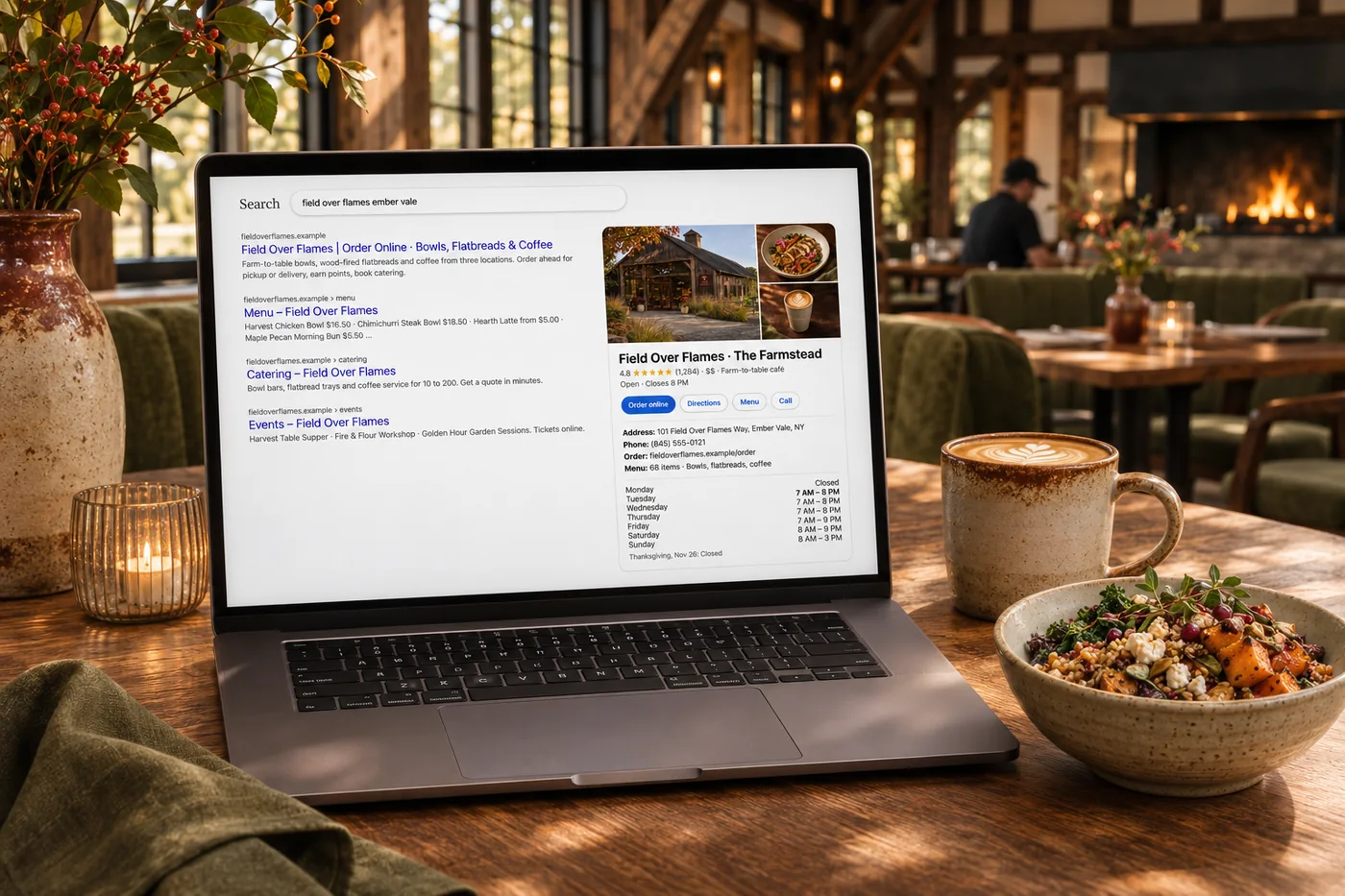
Restaurant SEO
Help nearby guests find your menu, your locations and the dishes they came looking for. Restaurant SEO connects clear content, local business details and ongoing search checks.
Explore restaurant SEOYes. Menu content and photography can feature seasonal dishes and specials. Catalog and availability controls help your team keep the ordering choices current.
Yes. Individual dish pages provide a specific destination for email, social and other campaigns, with a clear route into the ordering experience.
Use the dietary labels and item information your business maintains to help guests browse. Guests with allergies should still confirm their needs with the restaurant.
Readable menu and dish pages make information accessible to guests and search engines. Useful descriptions and structured information support discovery without promising a particular ranking.
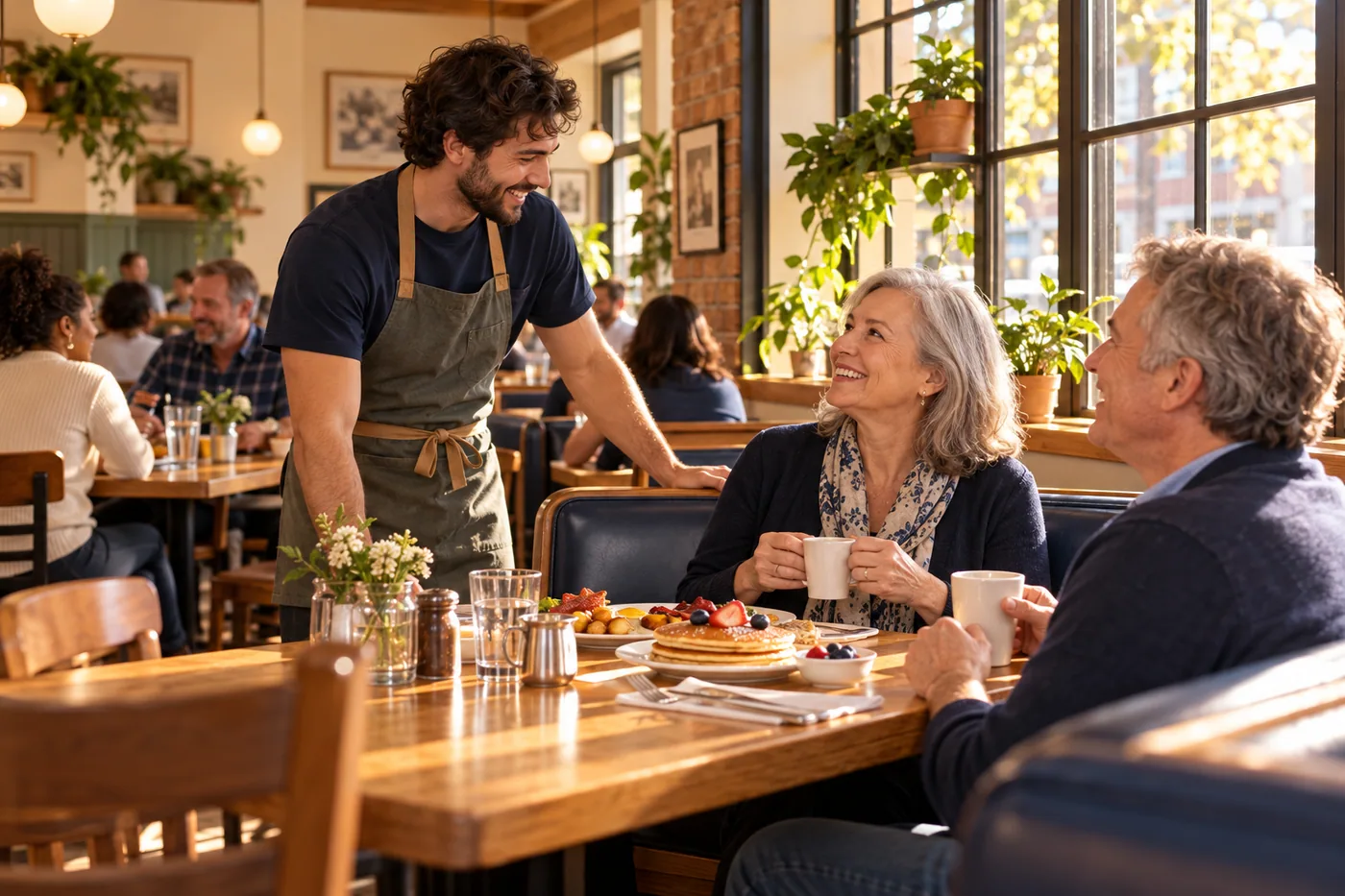
Readable categories, clear prices and inviting photography make browsing comfortable on a small screen. Bring it together with your brand and the tools your team already uses.

You are leaving shopandtable.com
We link out when a vendor’s own documentation or a regulator is the right source. The site you are about to visit has its own terms, its own privacy practices and its own content; none of it is covered by our Privacy Policy or Terms of Service, and a link is not an endorsement. It will open in a new tab.