



Reward your rhythm
Choose visits or spend, with tiers and rewards that fit your business.
One connected platform
Your business, beautifully connected.
Every detail, connected. Explore all features.
Built around your business
Your business has its own rhythm.
Ready to begin? Get started online.
Explore at your own pace
See the possibilities. Find your next step.
Looking for a definition? Browse the glossary.

One connected platform
Platform

Built around your business
Solutions
 Start with a fresh perspective.See how your website and listings show up online, and where there’s room to improve.Get your free audit All solutions

Explore at your own pace
Resources
 Your brand, elevated.Explore the curated looks in the visual studio and find your starting point.Explore the visual studio Explore the glossary
Loyalty & rewards
Build loyalty around your business, from smart customer groups and earned tiers to member pricing, exclusive benefits and recurring memberships. Connect Square points and rewards, then give guests more ways to belong.
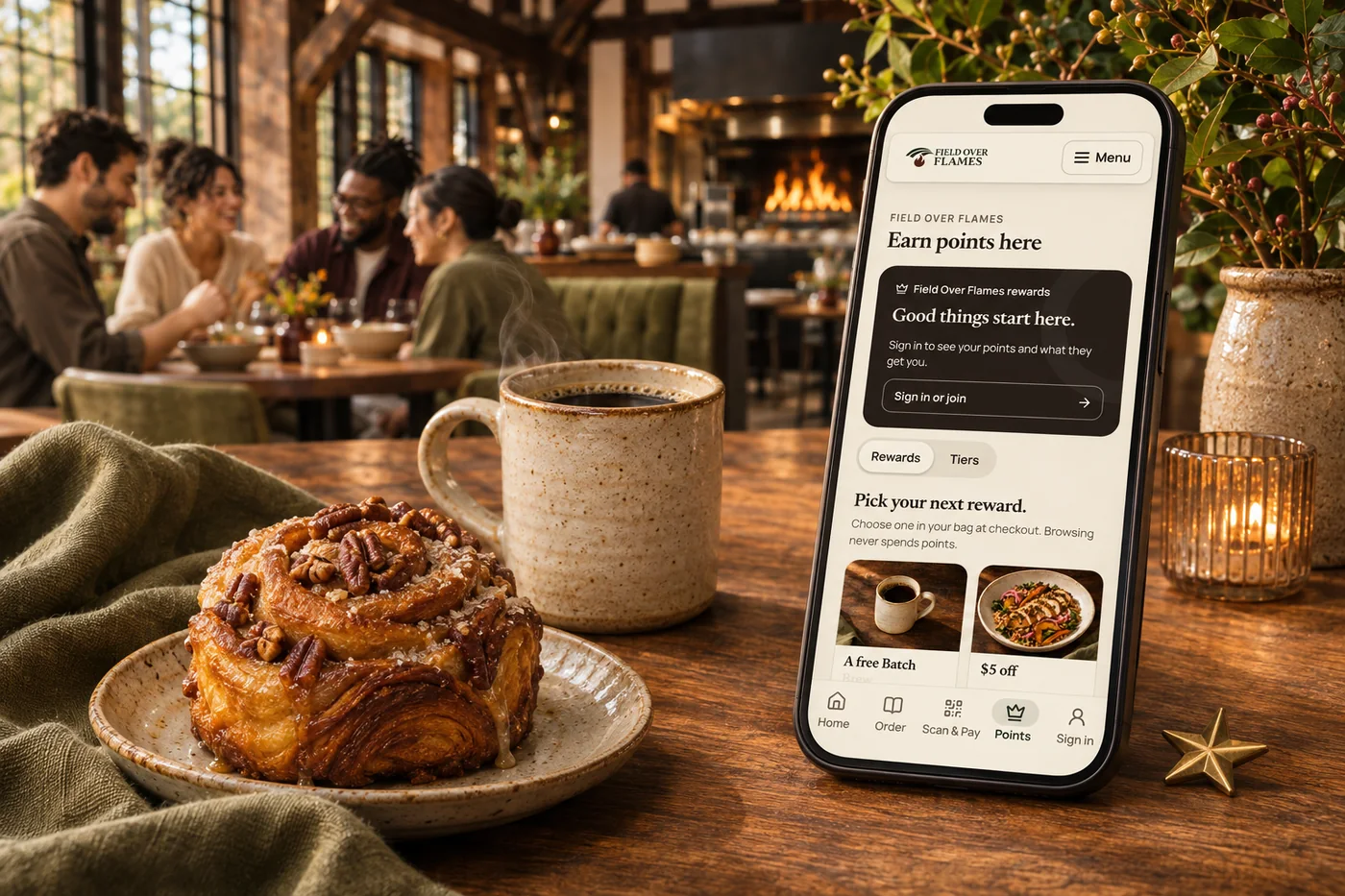
Choose visits or spend, with tiers and rewards that fit your business.
Add challenges around orders, spending or trying an item, with progress and bonus-point rewards.
Keep rewards close to customer history across your connected channels.
Track redemptions and compare results across your locations.
Beyond a points program
Groups, tiers and memberships bring different kinds of loyalty into the same guest experience. You choose what people earn, when it applies and where it works.
01 / Customer groups
Build smart groups around visits, spending, purchases, birthdays and time away, or choose members yourself. Use those groups to shape relevant perks and messages.
02 / Tiers & progression
Name your levels, choose visit or spending thresholds and show guests their progress. Add a bonus for reaching a new tier and benefits that make moving up meaningful.
03 / Real, restricted benefits
Reserve selected menu items and benefits for qualifying tiers, groups or memberships. Eligibility is checked at checkout, so a members-only benefit is more than a label on a card.
04 / Pricing & promotions
Set scheduled discounts, selected-item rewards and points boosts for the people you want to recognize. Choose timing, limits and whether discounts can combine.
05 / Automatic rewards
Configure welcome rewards, birthday benefits and monthly treats. Eligible order benefits apply when a signed-in guest checks out through Shop & Table, following the rules you set.
06 / Paid memberships
Offer recurring benefits such as item bundles, spending credit, member discounts or a delivery pass. Set eligible items and usage limits so the experience works for guests and your business.
Connected with Square
Connect Square customer and loyalty data so your existing points and rewards stay part of the picture. Shop & Table adds its own tiers, groups, memberships and configurable perks around that foundation.
Supported group-based scheduled discounts can sync to Square for use at the register. Other Shop & Table perks work in online and app checkout, including the shared kiosk experience; each benefit has its own channel scope. Square points require an active Square Loyalty program and a successful connection.
Explore memberships ↗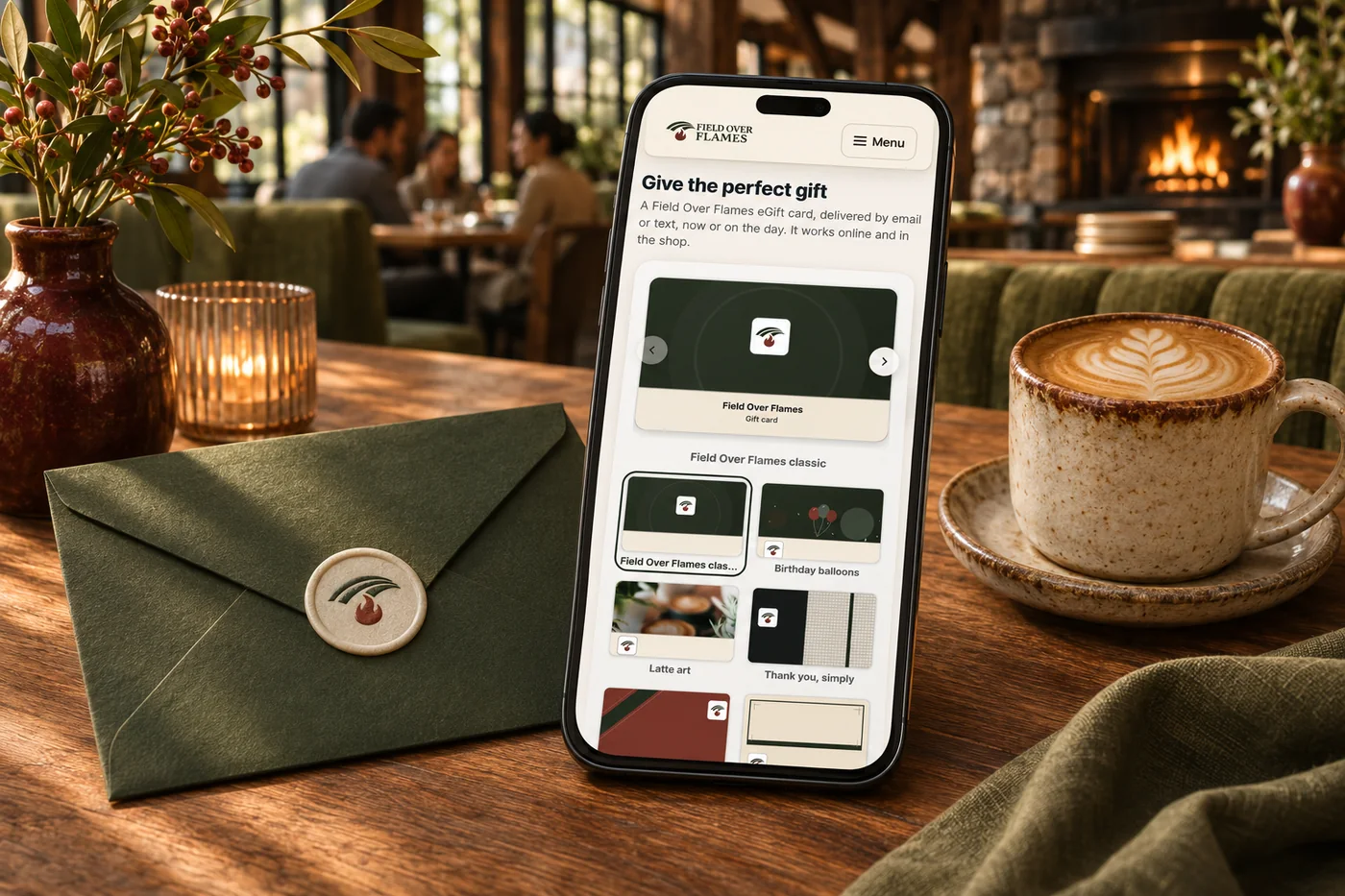
A birthday treat, a new tier or a benefit reserved for members can feel more personal than another discount code. Bring those moments into your branded guest experience, with clear progress and benefits that follow the rules you choose. Connected customer history helps you recognize the relationship and plan a thoughtful next invitation.
Part of a more connected business
Memberships & subscriptions
Create a recurring relationship with perks that suit your business, from member menus to a configured delivery pass.
Explore memberships & subscriptions
Gift cards
A birthday surprise. A thank-you for the team. Their next coffee, already covered. Branded gift cards make it easy to give, save and come back for more.
Explore gift cardsSquare points and rewards remain connected to your Square Loyalty program. Supported group-based scheduled discounts can sync to the register. Other Shop & Table benefits apply in its online, app and shared kiosk checkout, with eligibility and limits checked for the order.
Yes. Assign configured perks to a tier, customer group or membership plan. Members-only menu access and order benefits are checked for eligibility at checkout; descriptive notes on a loyalty card do not create a benefit by themselves.
Yes. Configure recurring plans around item bundles, spending credit, discounts or delivery benefits. Choose the qualifying items and usage limits, and let members see their available benefits in the ordering experience.
Build around visits or spending, with tiers and rewards that suit your business. A café can encourage a regular habit while a restaurant can recognize larger orders or frequent visits.
Create challenges around orders, spending or trying an item. Guests can follow progress toward bonus-point rewards, giving them another reason to explore your menu.
Yes. Configure your brand’s program and location rules together. Your connected payment and loyalty setup determines where each balance can be earned and redeemed.

Choose visits or spend, with tiers and rewards that fit your business. Bring it together with your brand and the tools your team already uses.

You are leaving shopandtable.com
We link out when a vendor’s own documentation or a regulator is the right source. The site you are about to visit has its own terms, its own privacy practices and its own content; none of it is covered by our Privacy Policy or Terms of Service, and a link is not an endorsement. It will open in a new tab.