



Share the invitation
Start a group and invite people with a link or QR code.
One connected platform
Your business, beautifully connected.
Every detail, connected. Explore all features.
Built around your business
Your business has its own rhythm.
Ready to begin? Get started online.
Explore at your own pace
See the possibilities. Find your next step.
Looking for a definition? Browse the glossary.

One connected platform
Platform

Built around your business
Solutions
 Start with a fresh perspective.See how your website and listings show up online, and where there’s room to improve.Get your free audit All solutions

Explore at your own pace
Resources
 Your brand, elevated.Explore the curated looks in the visual studio and find your starting point.Explore the visual studio Explore the glossary
Group & office orders
Let a group build one order without passing around a spreadsheet. A shared link brings everyone’s choices together for your kitchen.

Start a group and invite people with a link or QR code.
Each person adds their own items and modifiers.
Hosts can set limits, with supported payment for choices above the allowance.
Keep the group’s items together in an order your team can follow.
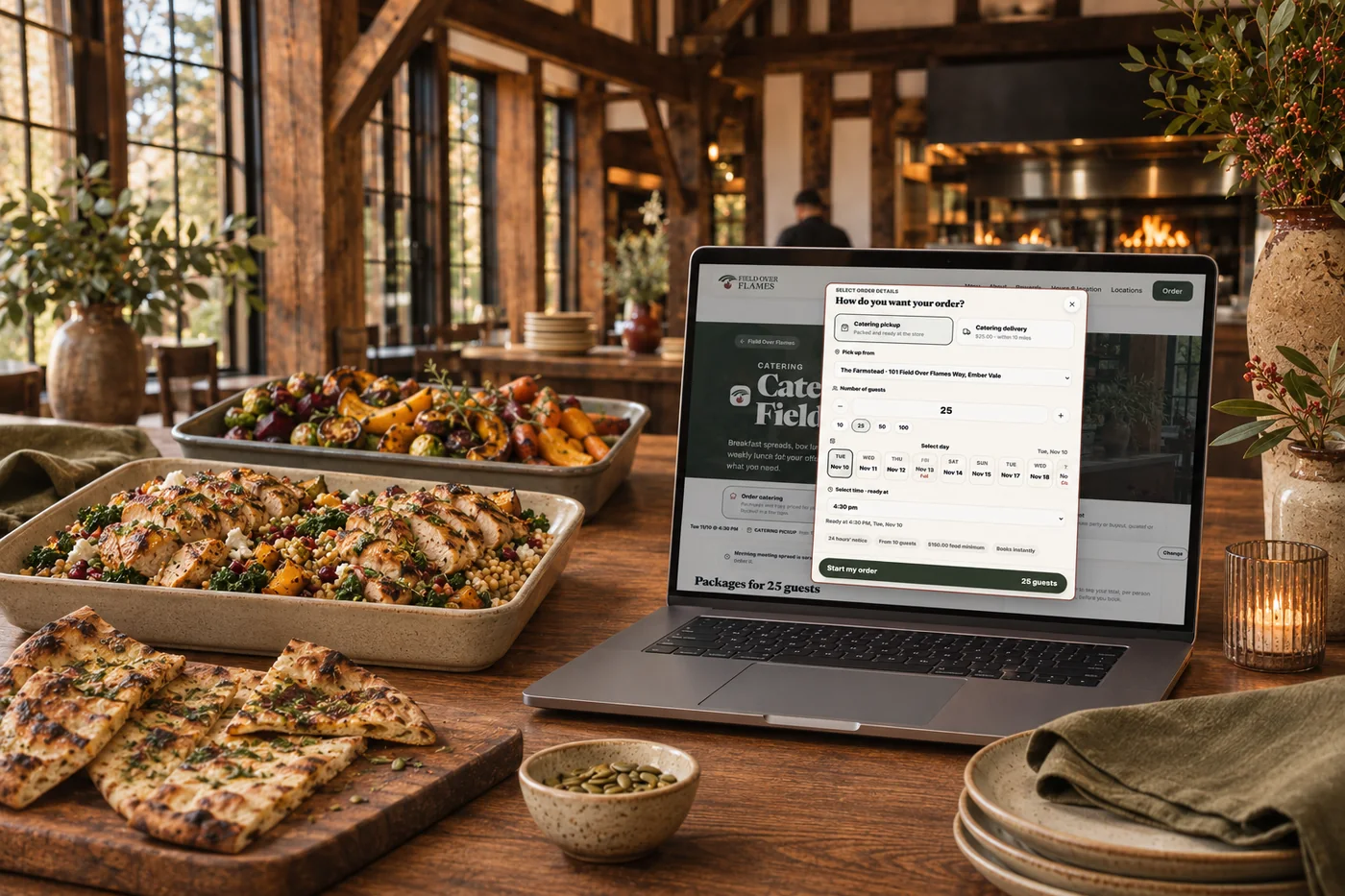
Collecting everyone’s choices and chasing extra payments can take longer than ordering the food. Let guests add their own selections to a shared order while the host sets limits. People who go over their allowance can pay the extra, keeping office lunches and team meals easier to organize.
Part of a more connected business
Online catering
Let guests order catering packages, trays and meals online for a future pickup or delivery. Your menu, minimums and notice periods guide the order from the start.
Explore online catering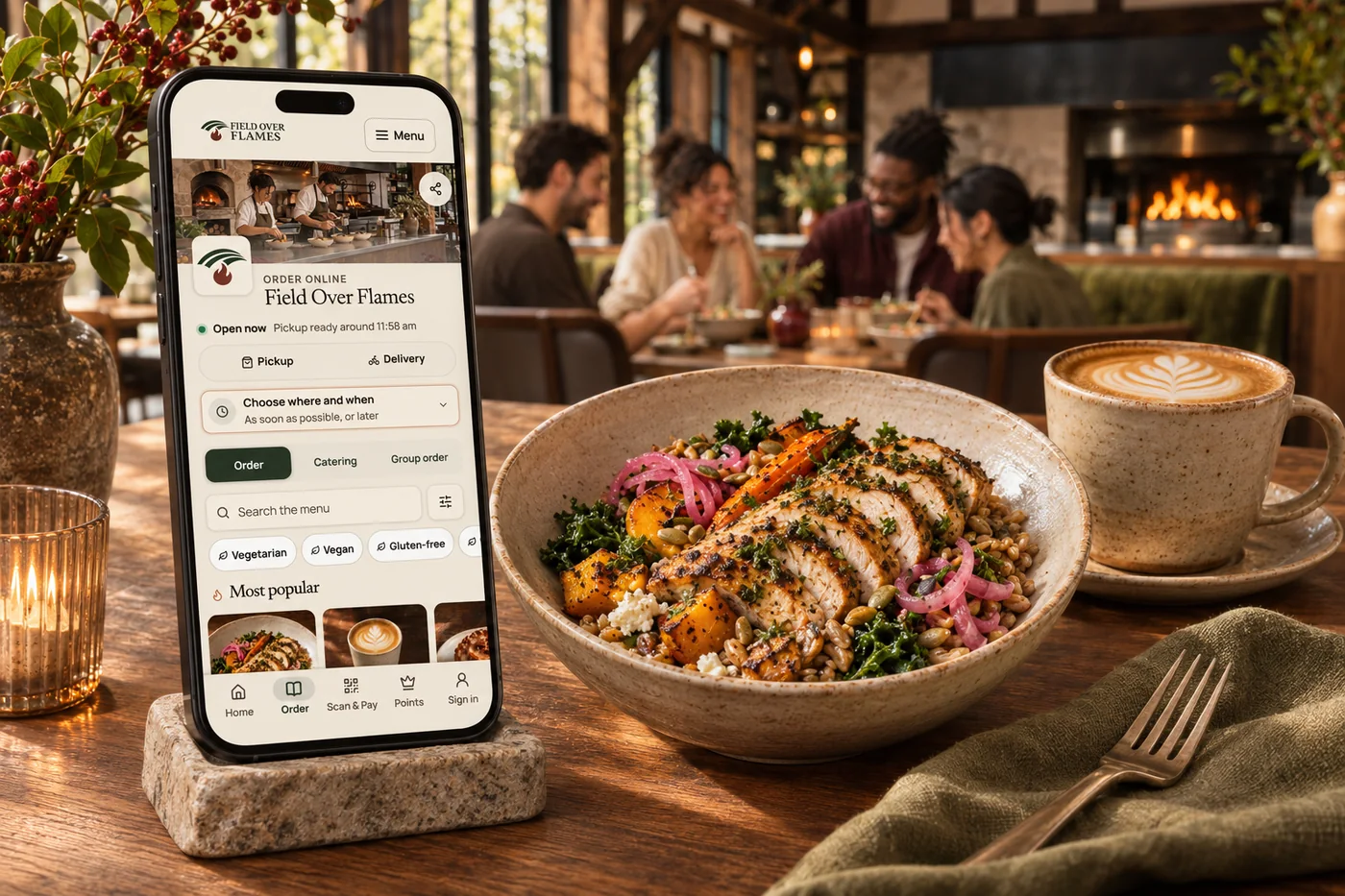
Online ordering
Your food. Your brand. Your guest relationship. Commission-free ordering brings menu choices, easy checkout, pickup and delivery together—with the controls your kitchen needs.
Explore online orderingA host shares a link or QR code and each person adds their own items and modifiers. The choices come together for one organized handoff.
Yes. Hosts can set limits, with supported individual payment for choices above the allowance. This is useful for office lunches where everyone wants something different.
The group’s items stay together in an order the team can follow, preserving individual selections without collecting them through a chain of messages.

Start a group and invite people with a link or QR code. Bring it together with your brand and the tools your team already uses.

You are leaving shopandtable.com
We link out when a vendor’s own documentation or a regulator is the right source. The site you are about to visit has its own terms, its own privacy practices and its own content; none of it is covered by our Privacy Policy or Terms of Service, and a link is not an endorsement. It will open in a new tab.