



Choose a useful time
Offer immediate or scheduled ordering according to your location’s hours and ordering settings.
One connected platform
Your business, beautifully connected.
Every detail, connected. Explore all features.
Built around your business
Your business has its own rhythm.
Ready to begin? Get started online.
Explore at your own pace
See the possibilities. Find your next step.
Looking for a definition? Browse the glossary.

One connected platform
Platform

Built around your business
Solutions
 Start with a fresh perspective.See how your website and listings show up online, and where there’s room to improve.Get your free audit All solutions

Explore at your own pace
Resources
 Your brand, elevated.Explore the curated looks in the visual studio and find your starting point.Explore the visual studio Explore the glossary
Pickup & scheduled ordering
Make ordering ahead feel simple. Give guests clear pickup choices while your team manages preparation times, availability and the pace of service.
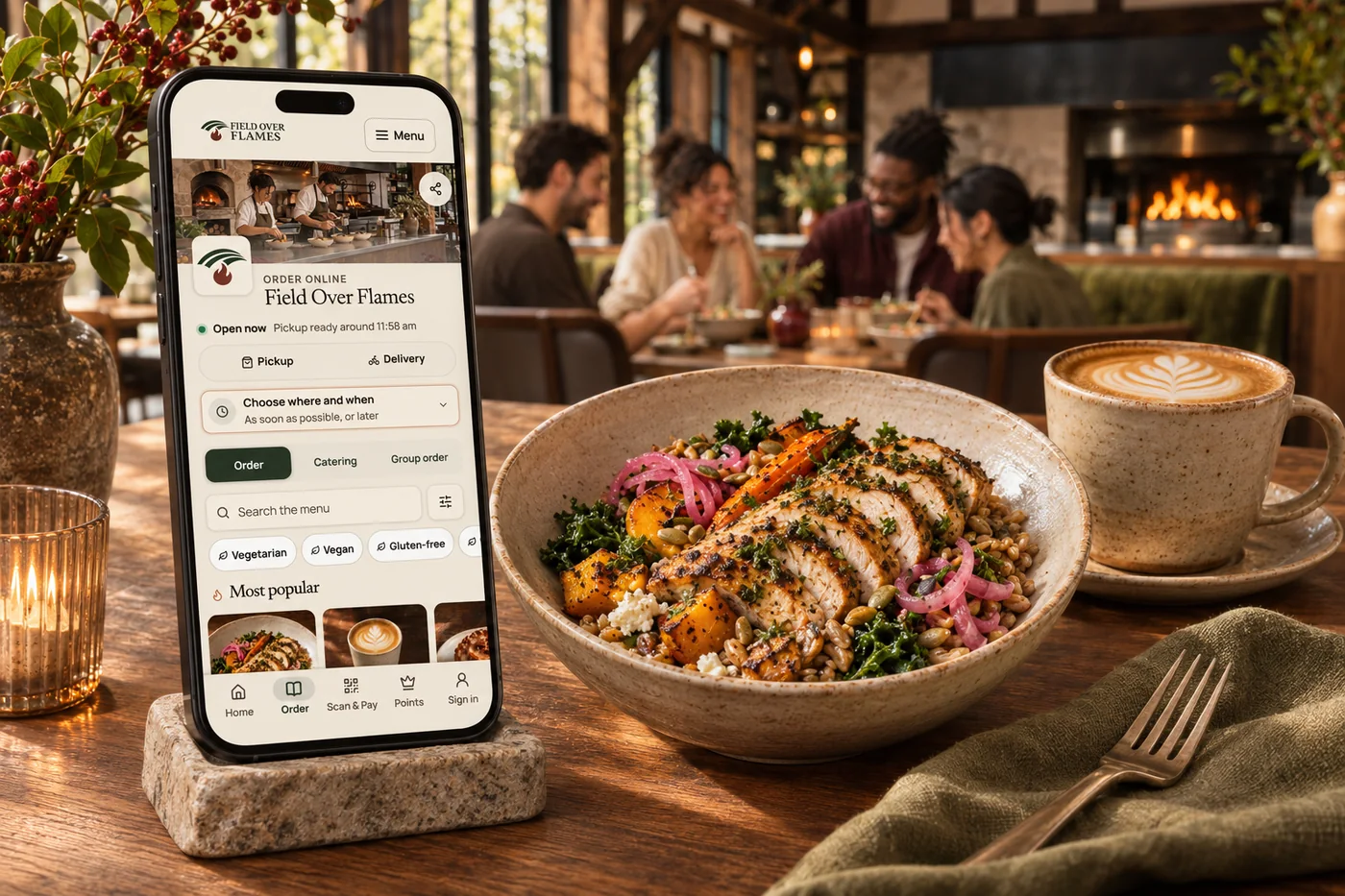
Offer immediate or scheduled ordering according to your location’s hours and ordering settings.
Show preparation and pickup information before the guest finishes their order.
Use busy-period and ordering controls to manage the flow when the kitchen needs breathing room.
Keep confirmation, pickup instructions and order status close to the order.
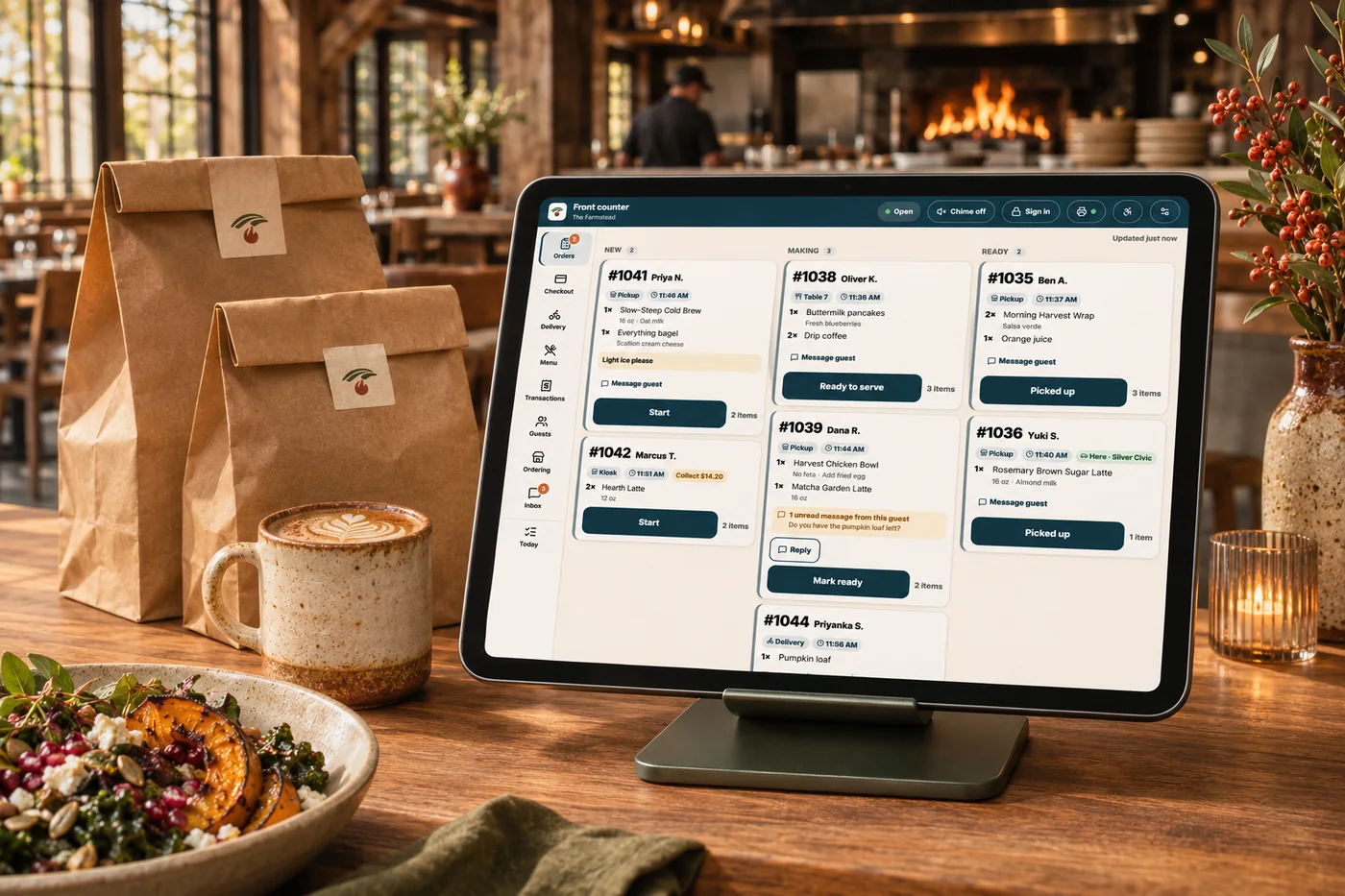
Guests want to know when to arrive. Your team needs enough time to prepare the food well. Shop & Table connects the ordering choices to your location, preparation settings and available times. Guests see a clearer path from choosing a meal to collecting it, and your team can manage the pace instead of relying on a single promise for every order.
Part of a more connected business
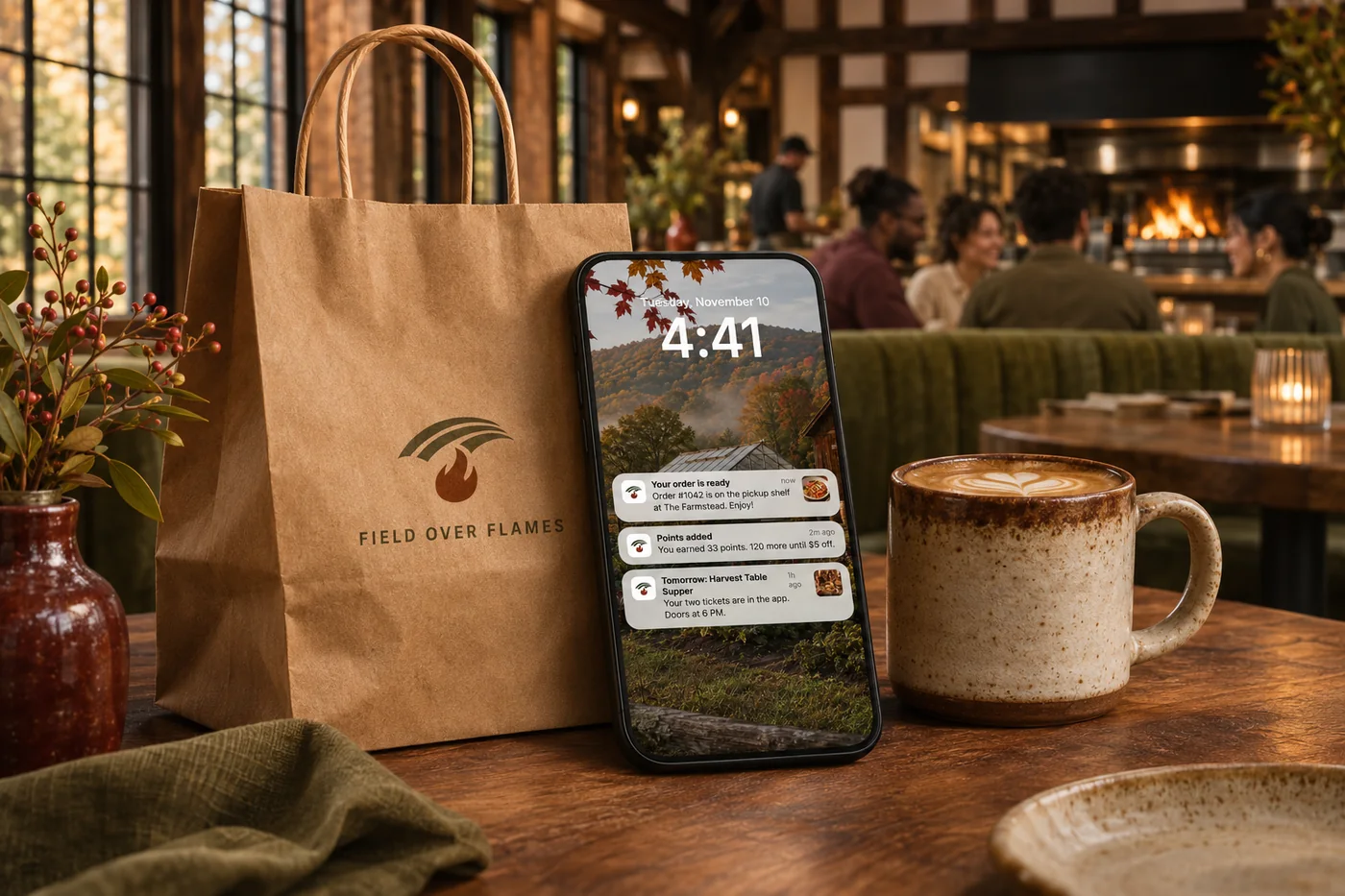
Order tracking & guest updates
Give guests a useful view of their order, from confirmation to collection or delivery. Keep your team and the customer working from the same progress.
Explore order tracking & guest updates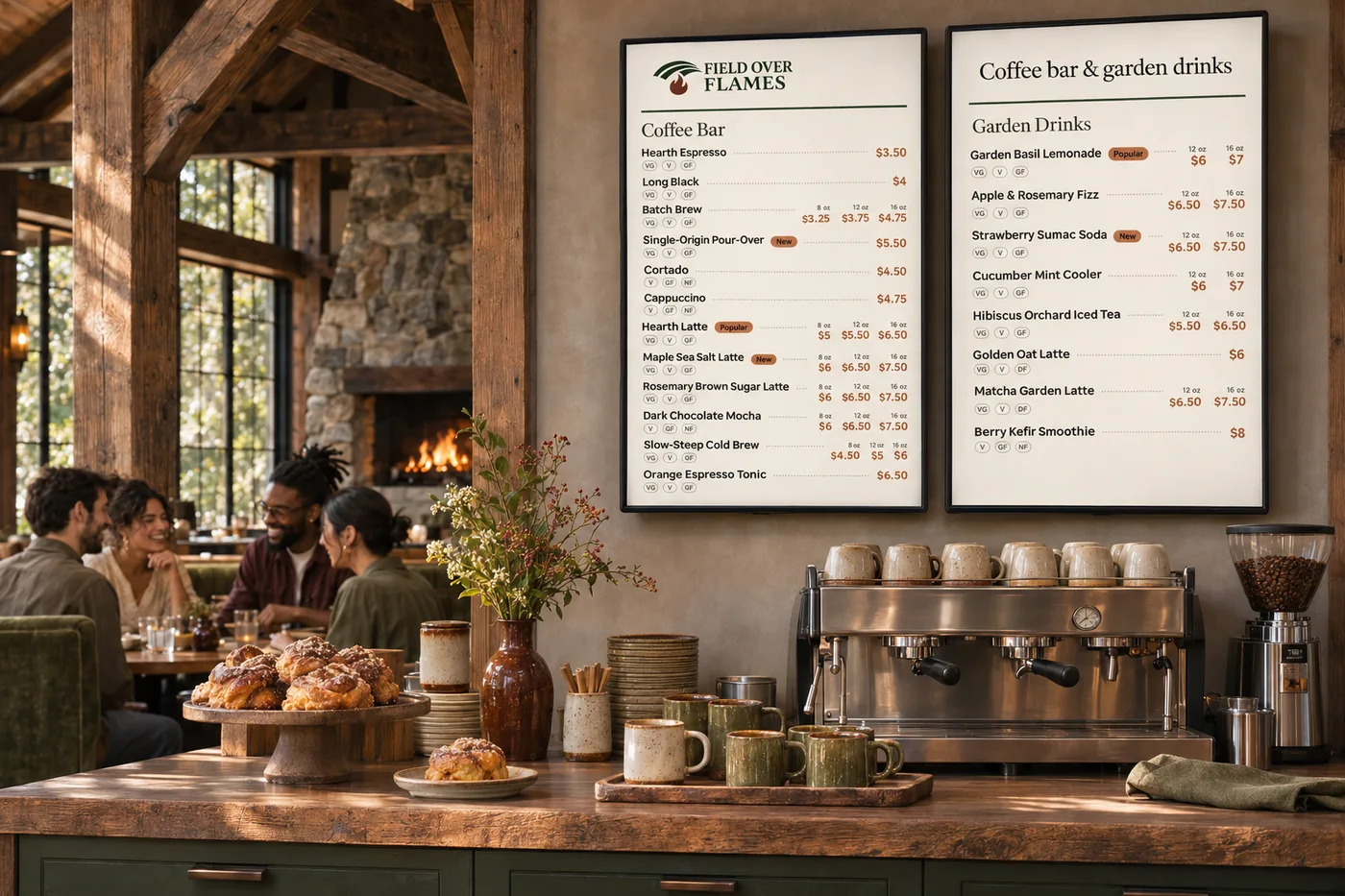
Menus & modifiers
One menu with the detail your kitchen needs. Organize sizes, toppings, combinations and availability across the places guests order.
Explore menus & modifiersYes, when scheduled ordering is enabled for the location. Guests choose from the times your ordering setup makes available.
The storefront reflects the location’s ordering status. When future ordering is enabled, guests can choose an available later time rather than placing an immediate order.
Yes. Menu availability controls help prevent guests from ordering items your kitchen cannot prepare.
Each location can have its own hours, ordering choices and preparation settings, helping guests choose the right place and time.
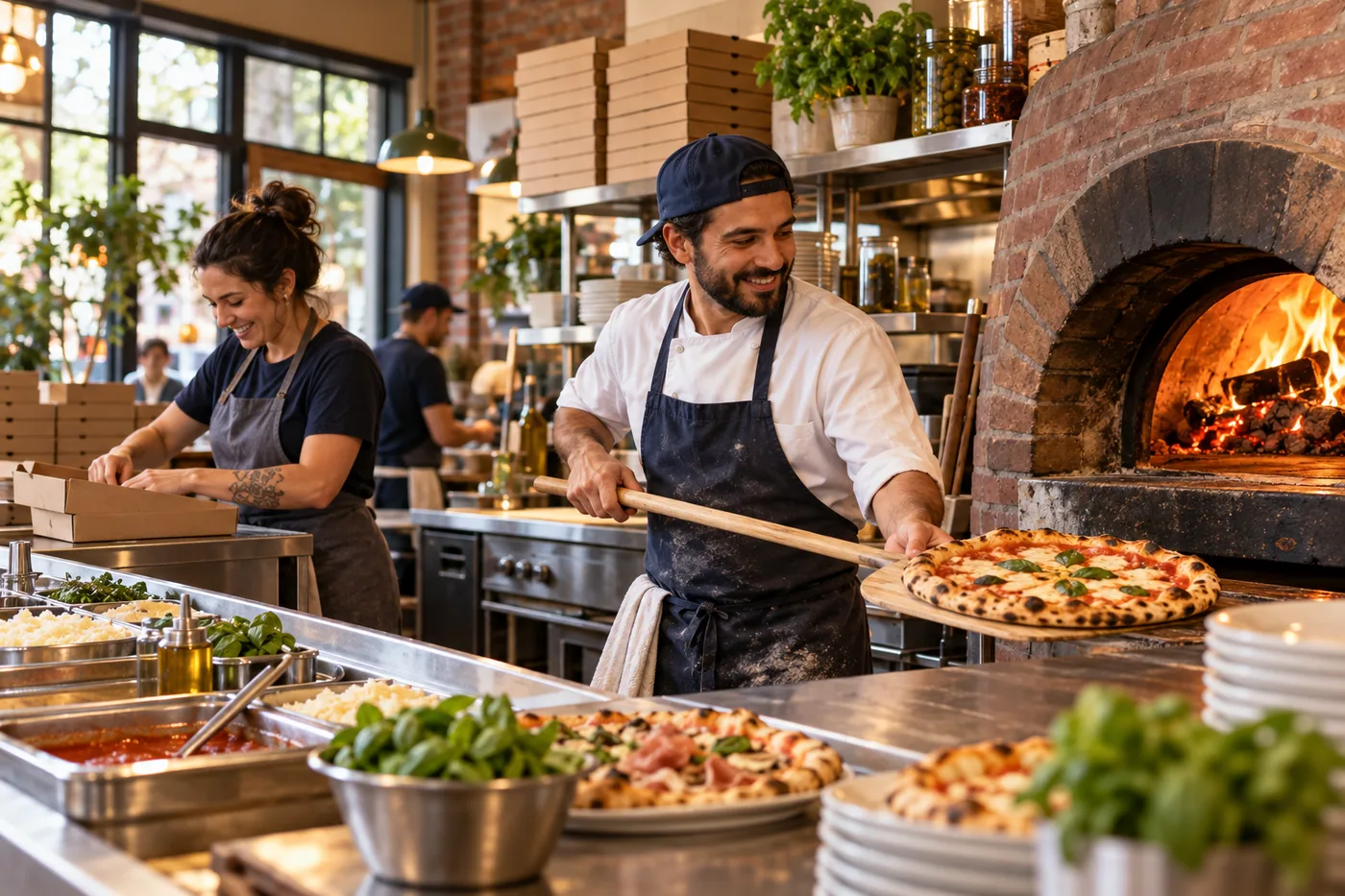
Offer immediate or scheduled ordering according to your location’s hours and ordering settings. Bring it together with your brand and the tools your team already uses.

You are leaving shopandtable.com
We link out when a vendor’s own documentation or a regulator is the right source. The site you are about to visit has its own terms, its own privacy practices and its own content; none of it is covered by our Privacy Policy or Terms of Service, and a link is not an endorsement. It will open in a new tab.