



Know what to feature
Use available sales, product information and local research to choose a timely focus.
One connected platform
Your business, beautifully connected.
Every detail, connected. Explore all features.
Built around your business
Your business has its own rhythm.
Ready to begin? Get started online.
Explore at your own pace
See the possibilities. Find your next step.
Looking for a definition? Browse the glossary.

One connected platform
Platform

Built around your business
Solutions
 Start with a fresh perspective.See how your website and listings show up online, and where there’s room to improve.Get your free audit All solutions

Explore at your own pace
Resources
 Your brand, elevated.Explore the curated looks in the visual studio and find your starting point.Explore the visual studio Explore the glossary
For retail shops
Bring your shop’s products, customers and goals into one plan. Bring product and customer information into your marketing, understand what to feature next and prepare campaigns that give shoppers a reason to return.

Built around your shop
Online, in store or both. Your next growth decision starts with more context.
Use available sales, product information and local research to choose a timely focus.
Bring audiences, email, SMS, social drafts and brand visuals together for review.
Use available results to refine the next recommendation and campaign.
Your retail workspace
Import supported product details, variants and collections from supported catalog connections. Use that context to identify gaps and prepare improvement recommendations.
Explore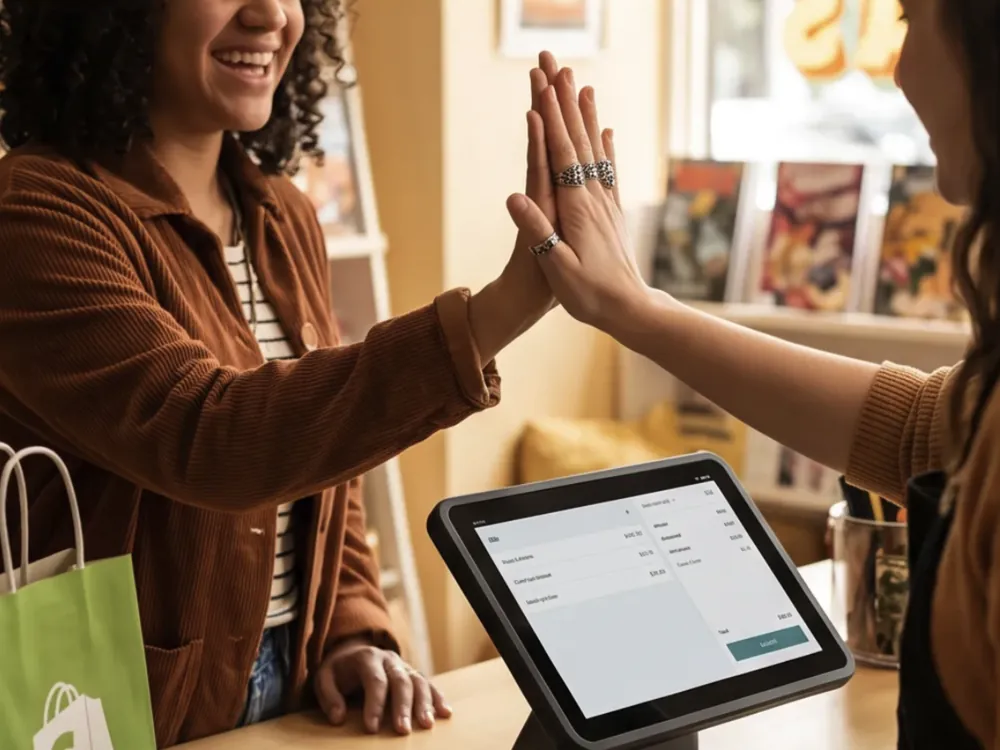
Consider available sales and customer activity when choosing products, collections and occasions to feature. Review recommendations against stock and your business goals.
Explore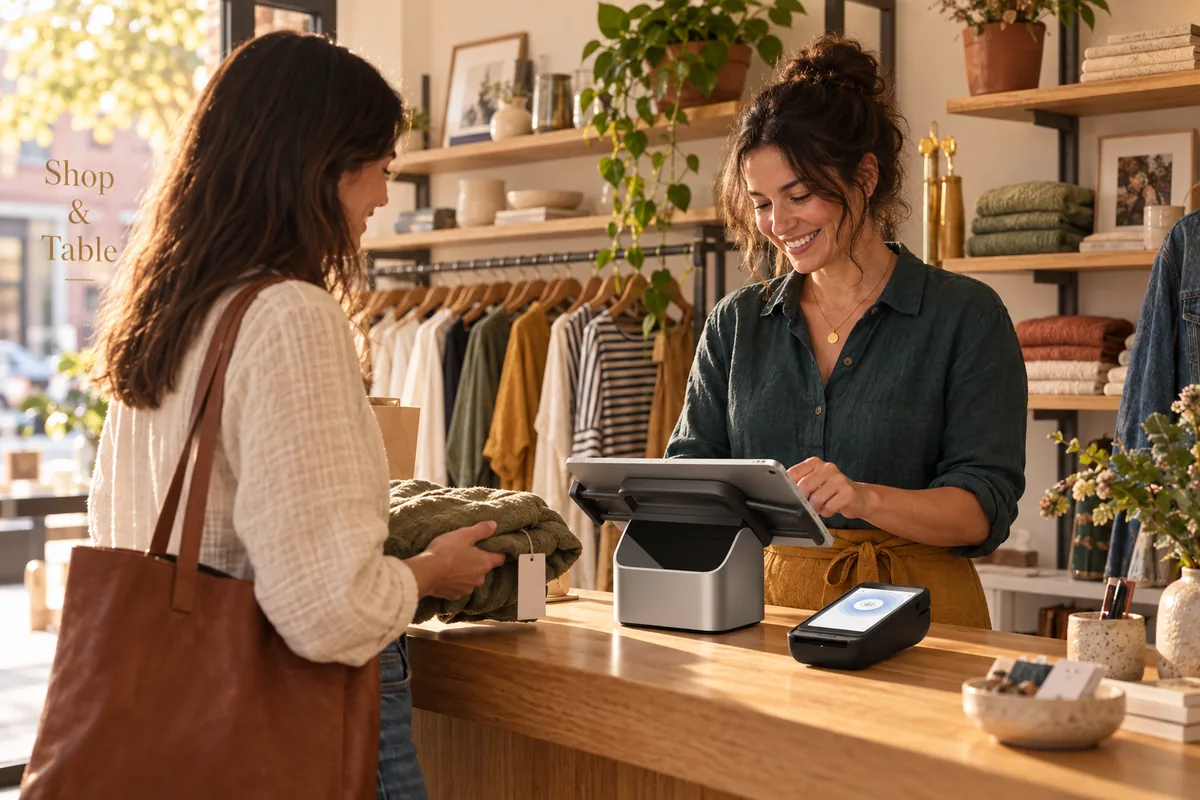
Use available purchase history, preferences and marketing permissions to reach different shoppers with messages that fit.
Explore
Keep supported business listings current and follow customer feedback. Help nearby shoppers find accurate information and a reason to visit.
Explore
Prepare social posts, email and SMS campaigns around real products, new arrivals and store events. Use your brand and photos, with optional AI-assisted creative tools.
Explore
See how shoppers respond to your campaigns alongside available order activity. Use what you learn to choose the next product to feature, refine an offer or reach a different customer group.
ExploreTwo ways to connect
With Shopify, keep your existing online store and POS. Add Shop & Table for listings, social posts, email, SMS, customer insights and recommendations grounded in your business.
With Square, choose the broader Shop & Table experience: your website, branded app, marketing and customer tools, with kiosk options where they fit the way you sell. Start with what you need and choose how much to bring together.
Your setup follows your business. We help you confirm the tools, connections and plan that fit before you get started.
Explore integrationsGetting started
01Your connection
Work through guided setup, connect the accounts you want to use and add your brand preferences. Available data depends on the store permissions and provider approvals.
02Your direction
Use an optional 15-minute kickoff call to set goals. Review product and customer information, then work with Andlen on your first recommendation and campaign drafts.

03Your launch
Use an optional 15-minute launch review for final questions and the checklist. Confirm audiences, permissions and channel settings; ask for support through the portal, email or SMS.

No. Retail is for shops selling online, in person or both. Shopify is one supported connection. We confirm which tools and data can connect during setup; listings, content and marketing can be planned around the information you provide.
Available actions depend on the connection. Product and collection publishing back to Shopify is not available through the current customer workspace. Review improvement recommendations and apply the changes in Shopify. Theme redesign and checkout changes are not included.
Yes. With Square, you can choose a branded app and kiosk alongside your website, marketing and customer tools. We confirm the kiosk workflow and plan with you before you start. The Shopify offering adds marketing and insights to your existing store and POS; it does not include a separate website, app or kiosk.
No. Available records depend on provider permissions, data access approval and the history your connection can retrieve. A store connection does not itself give permission to send marketing; email and SMS permissions still apply.
Setup is mostly self-guided, with optional 15-minute calls in your first 30 days (one a week, up to four) and questions answered through the portal, email or SMS. Additional project work is scoped separately. Confirm the retail plan and available connections before starting.
Tell us about your existing store and what you want to improve. We will confirm the retail scope and plan with you.

You are leaving shopandtable.com
We link out when a vendor’s own documentation or a regulator is the right source. The site you are about to visit has its own terms, its own privacy practices and its own content; none of it is covered by our Privacy Policy or Terms of Service, and a link is not an endorsement. It will open in a new tab.