



Order ahead
Let customers choose their meal and pickup time before they reach your counter.
One connected platform
Your business, beautifully connected.
Every detail, connected. Explore all features.
Built around your business
Your business has its own rhythm.
Ready to begin? Get started online.
Explore at your own pace
See the possibilities. Find your next step.
Looking for a definition? Browse the glossary.

One connected platform
Platform

Built around your business
Solutions
 Start with a fresh perspective.See how your website and listings show up online, and where there’s room to improve.Get your free audit All solutions

Explore at your own pace
Resources
 Your brand, elevated.Explore the curated looks in the visual studio and find your starting point.Explore the visual studio Explore the glossary
For quick-service restaurants
Help customers find their favorites, make them their own and order with confidence. Bring ordering, in-store screens, rewards and marketing together around your counter.
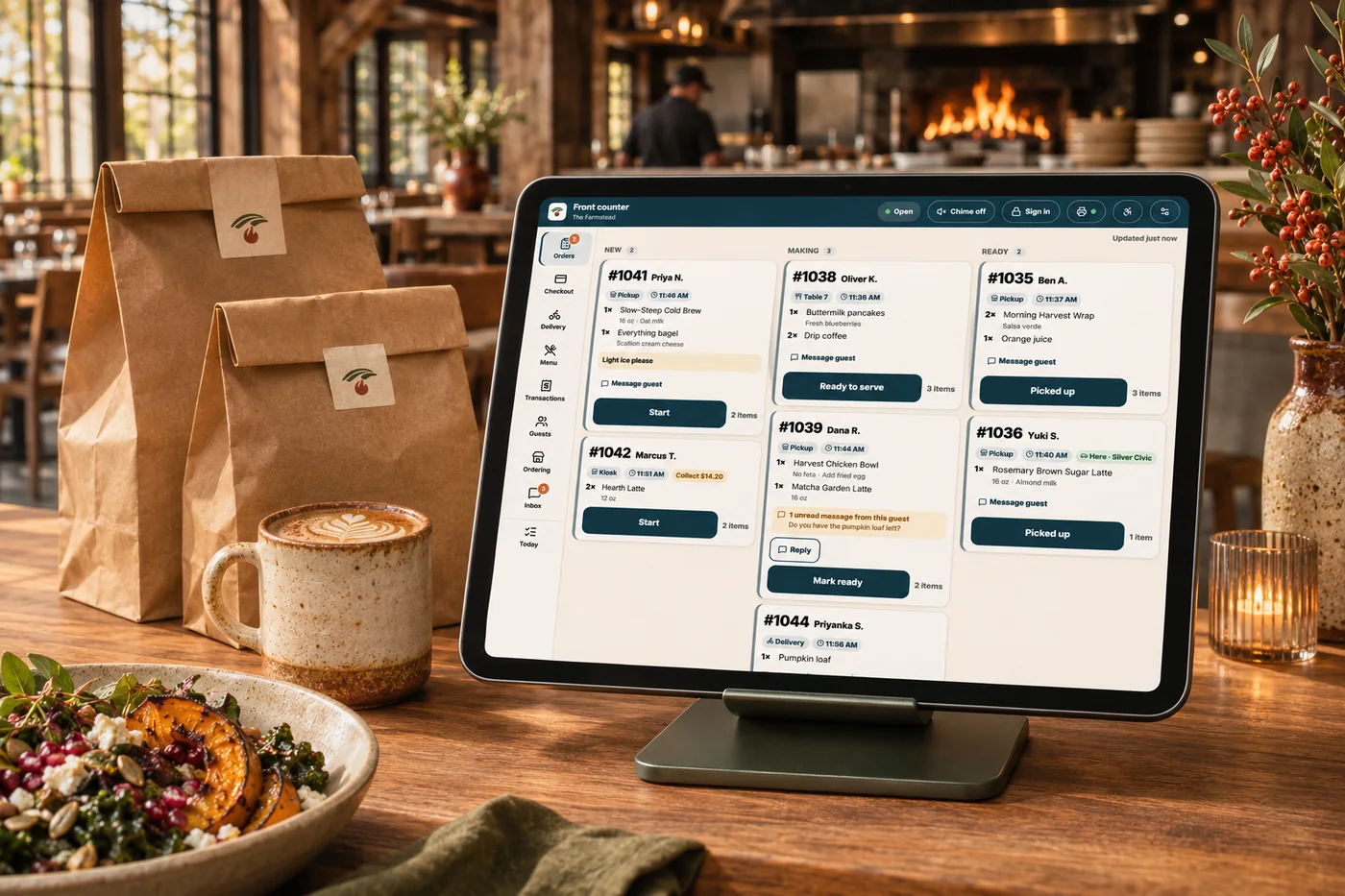
Around your counter
Connect the moments before, during and after an order without losing your brand along the way.
Let customers choose their meal and pickup time before they reach your counter.
Offer the sizes, toppings and follow-up choices your menu actually supports.
Bring favorites, repeat ordering and rewards into the next visit.
Made for the everyday
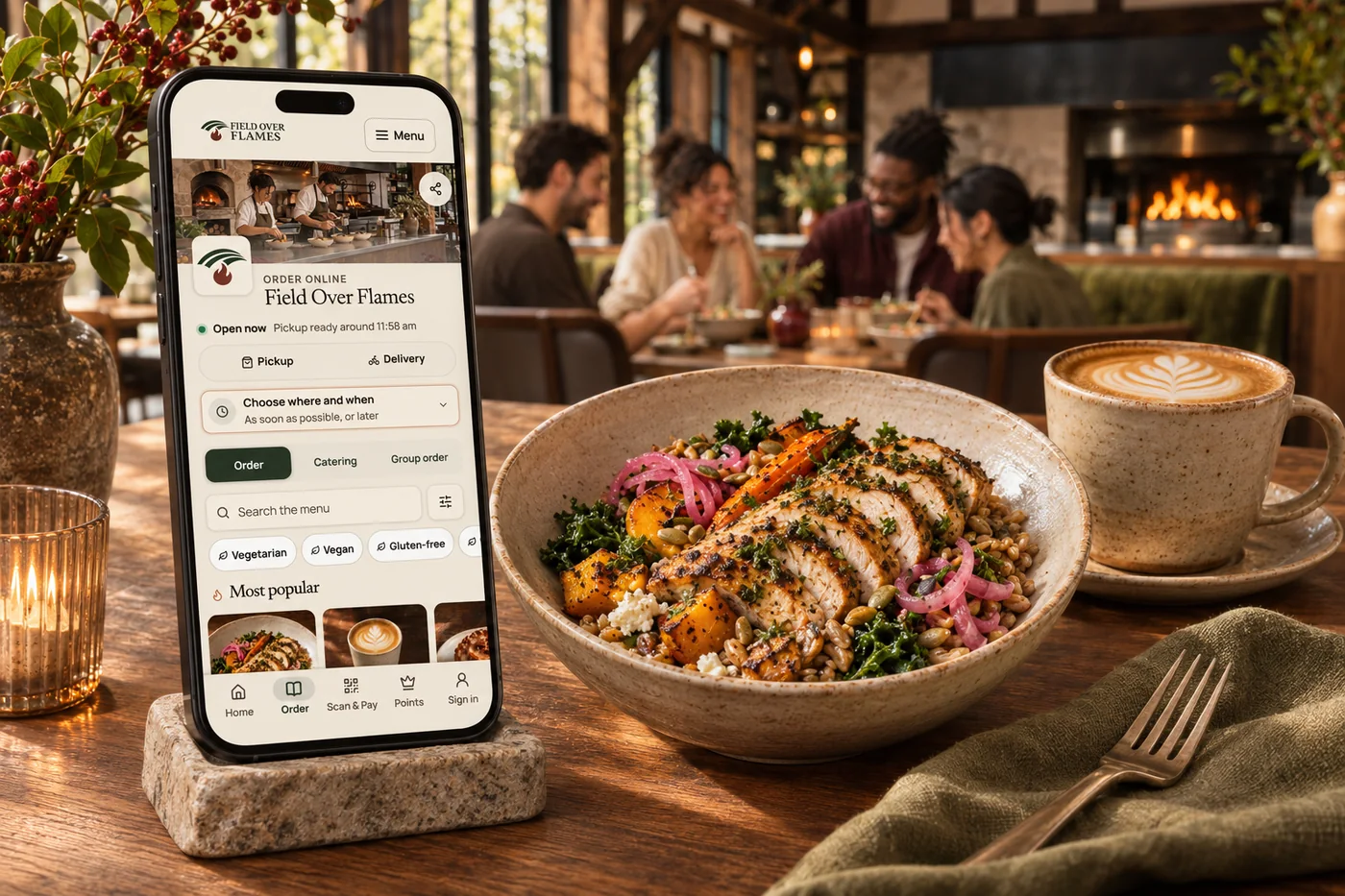
Keep the menu and checkout in your brand. Set preparation times and ordering availability to fit the way your team works.
ExploreBuild the choices your menu needs, from pizza halves to drink additions and nested options. Keep the prices and available choices under your control.
Explore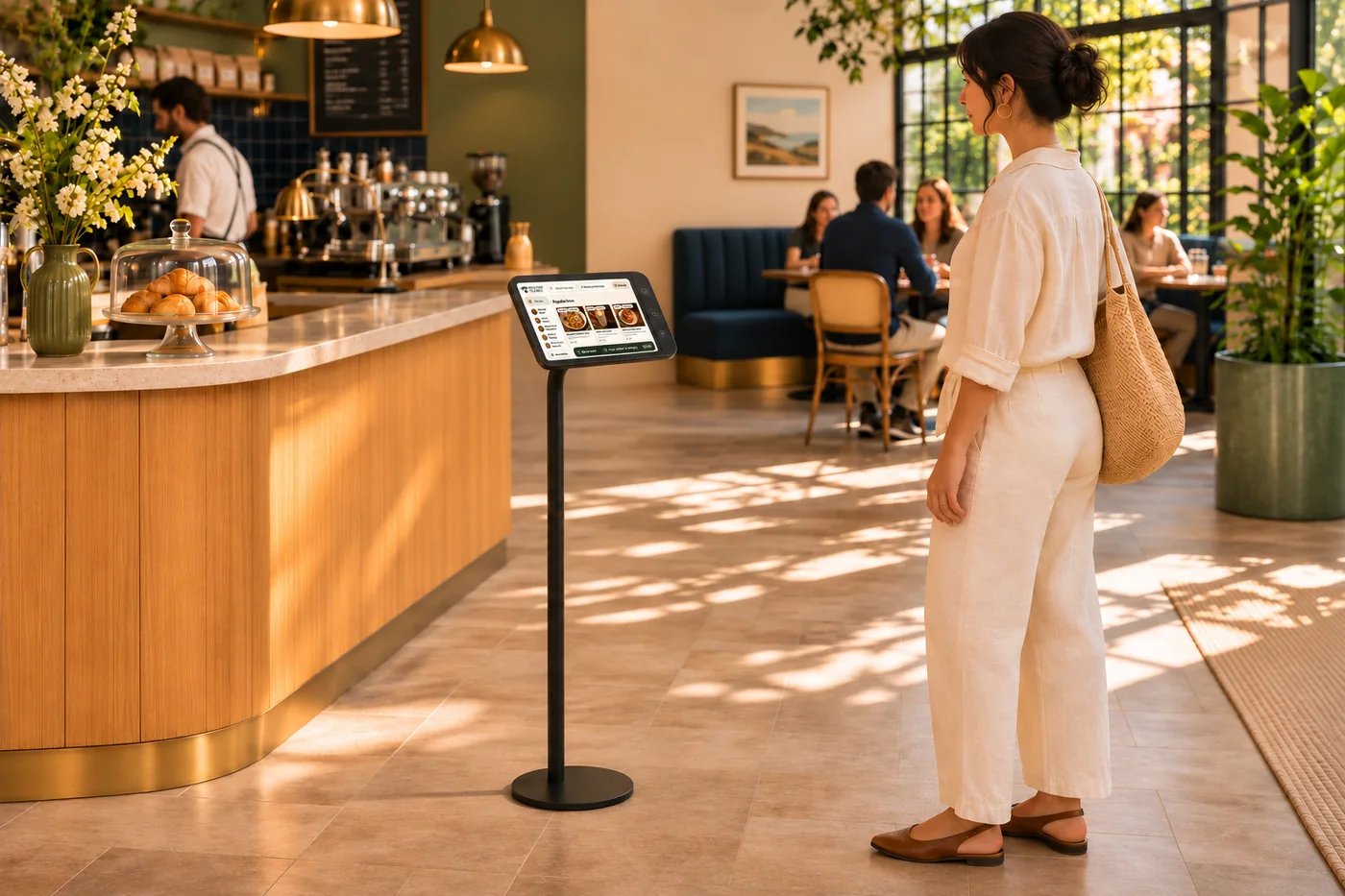
Give guests another way to explore the menu and make their choices in your space. Carry your brand from the website to the counter.
Explore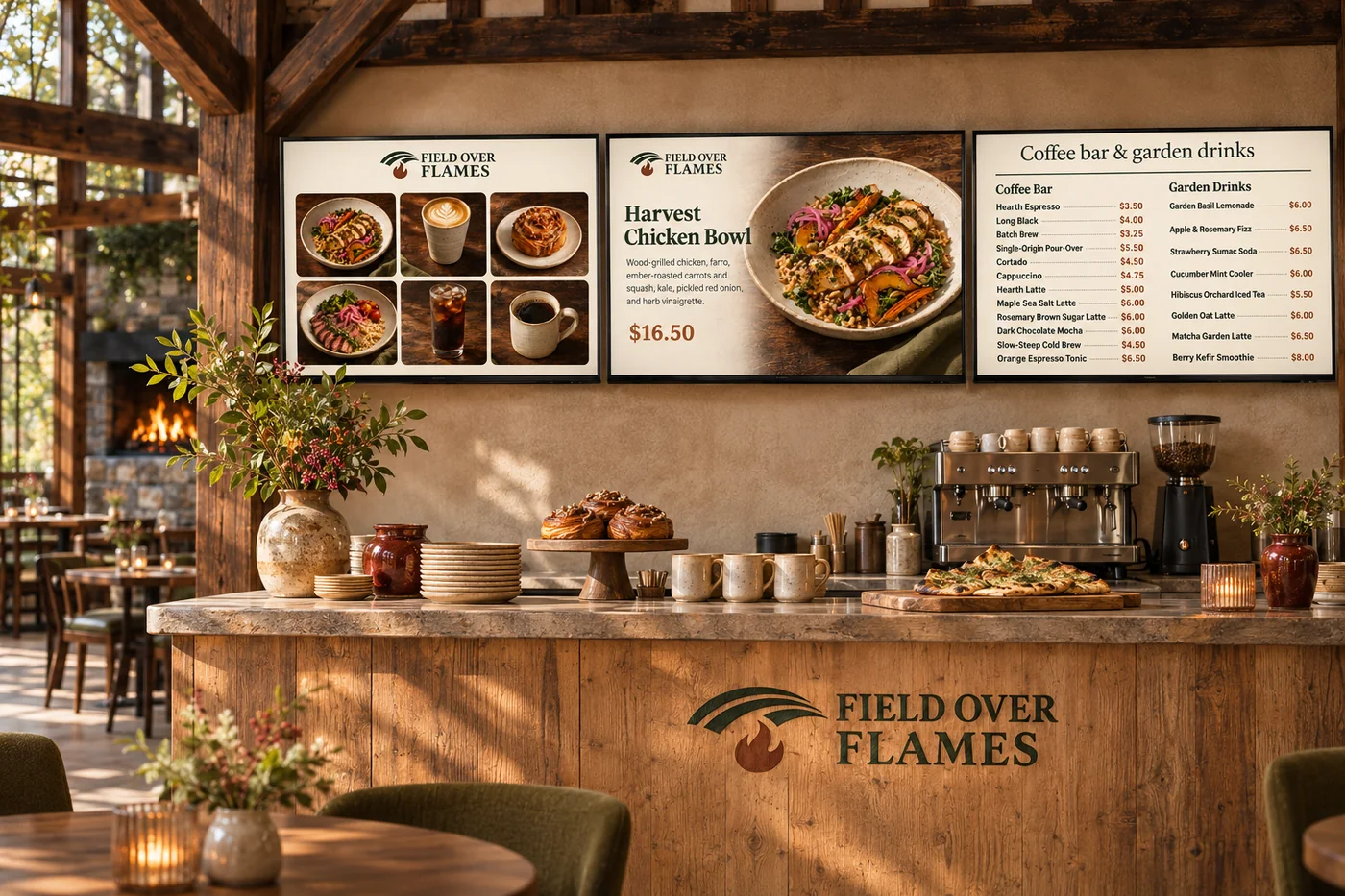
Show menu boards, featured items, promotions and videos. Arrange slide timing around what you want guests to notice.
Explore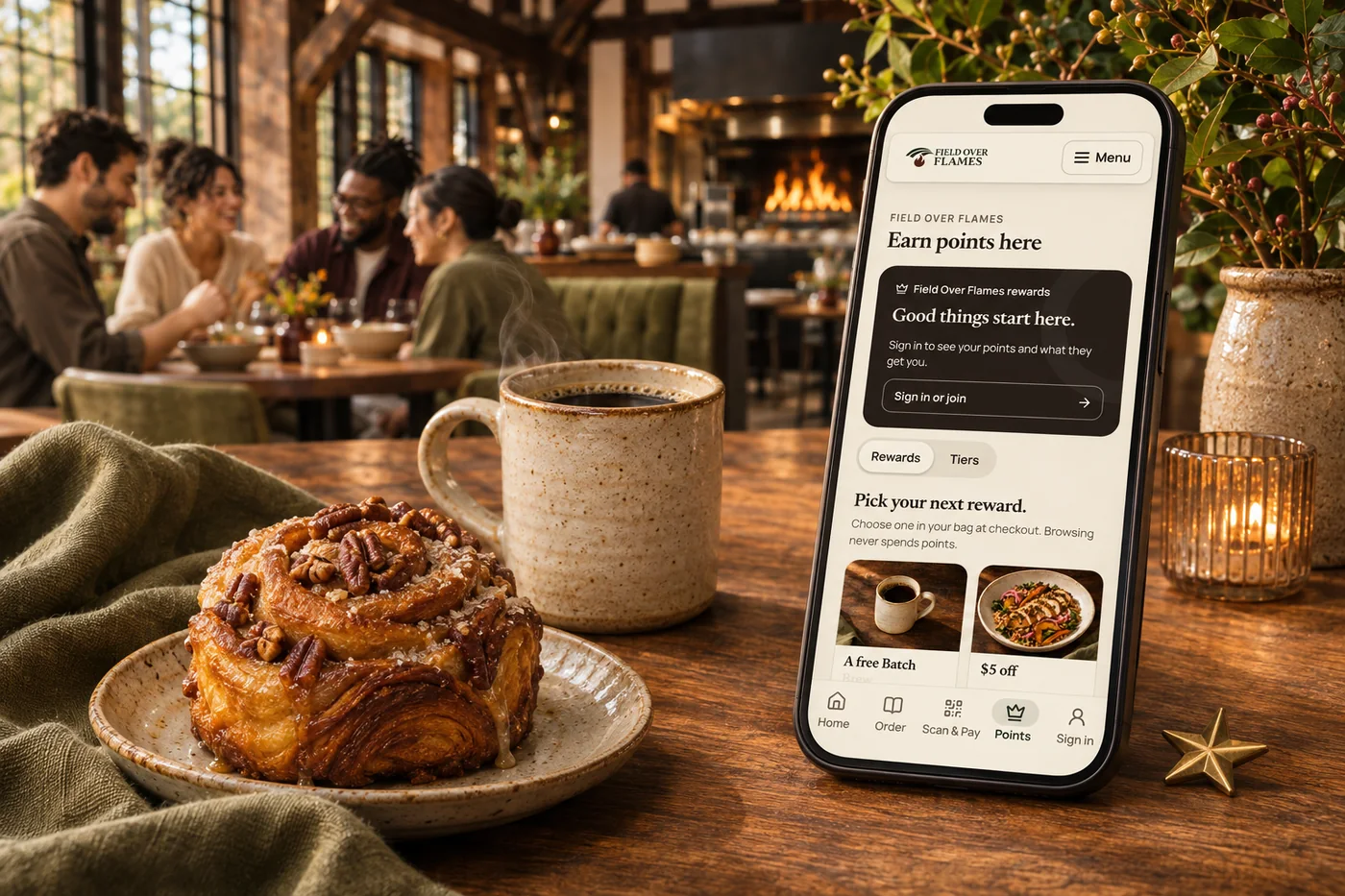
Combine customer groups, tiers, automatic rewards and memberships. Shape the benefits around the customers and visits you want to recognize.
Explore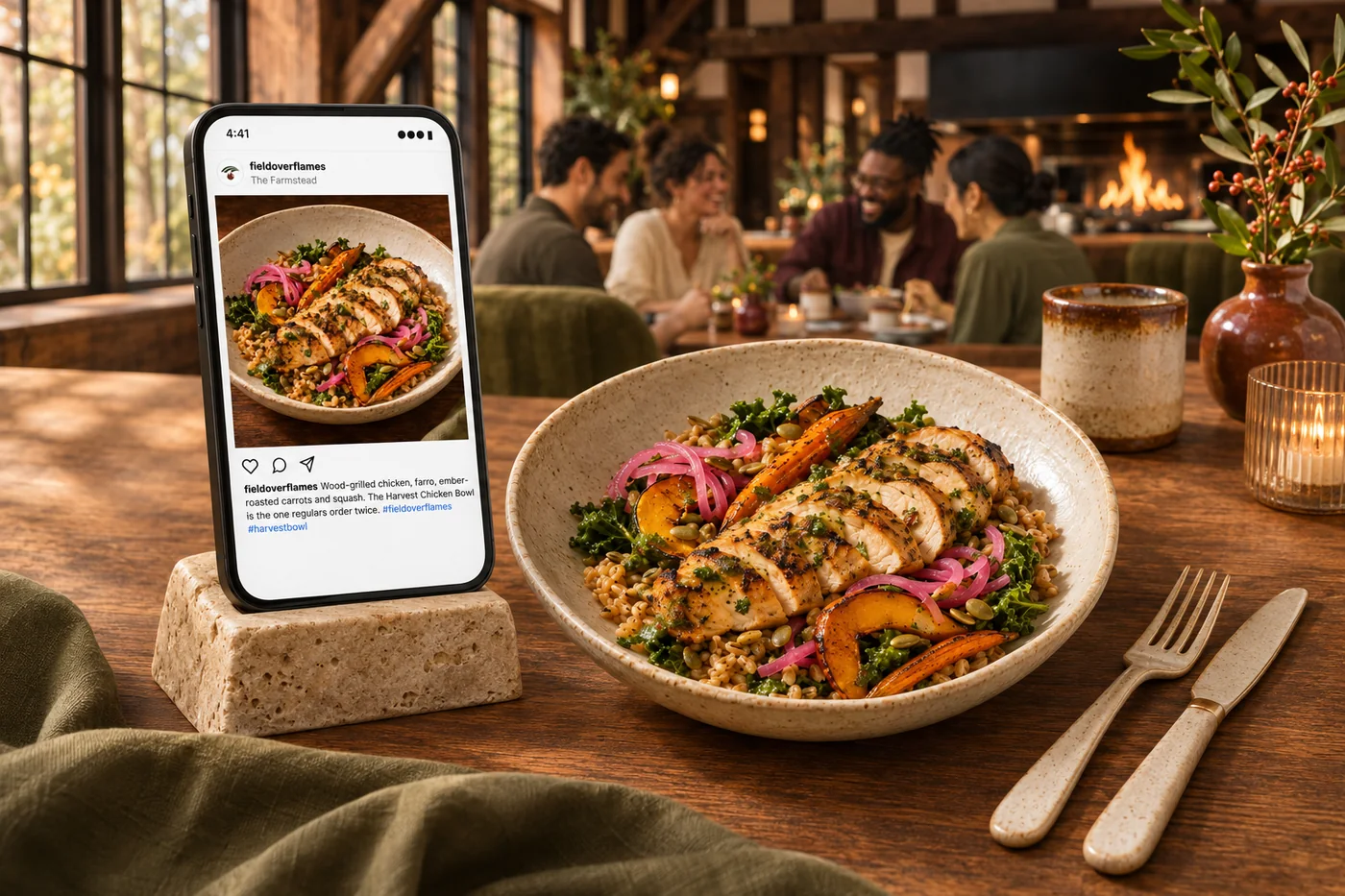
Use available sales and customer activity to choose what to promote. Prepare social posts, email and SMS for review, with flows for customers who have opted in.
ExploreGetting started
Work through self-guided setup, connect your supported accounts and review your menu and brand details. An optional 15-minute kickoff call helps you set goals and choose what to use first.
Use an optional 15-minute launch review to answer final questions and walk through your checklist. Calls are one a week, up to four, in your first 30 days. Our team can help through portal messages, email and SMS as questions come up.
How the catalog workflow goes
Yes. Your photography, colors, voice and business information give the website and campaigns a common foundation. Carry that identity into connected guest experiences so customers recognize you at each step.
Build audiences from customer activity, plan relevant messages and connect offers with the next visit. Email, text and supported app journeys give you different ways to stay useful between purchases.
Use AI to develop ideas, prepare content and understand reports in the context of your business. Sales trends, customer activity and local research help turn a broad goal into a practical next step.
Review available campaign results, attributed activity and business trends together. Use that evidence to refine the next offer, message or website change.
Start with the tools that fit your team’s daily work. Setup is self-guided, with optional 15-minute calls in your first 30 days (one a week, up to four) and support through the portal, email and SMS.
Choose what to launch first, with guided setup and our team available for support.

You are leaving shopandtable.com
We link out when a vendor’s own documentation or a regulator is the right source. The site you are about to visit has its own terms, its own privacy practices and its own content; none of it is covered by our Privacy Policy or Terms of Service, and a link is not an endorsement. It will open in a new tab.