



Catch up in one place
Review supported social messages, email and voice-assistant conversations without piecing the story together.
One connected platform
Your business, beautifully connected.
Every detail, connected. Explore all features.
Built around your business
Your business has its own rhythm.
Ready to begin? Get started online.
Explore at your own pace
See the possibilities. Find your next step.
Looking for a definition? Browse the glossary.

One connected platform
Platform

Built around your business
Solutions
 Start with a fresh perspective.See how your website and listings show up online, and where there’s room to improve.Get your free audit All solutions

Explore at your own pace
Resources
 Your brand, elevated.Explore the curated looks in the visual studio and find your starting point.Explore the visual studio Explore the glossary
Unified inbox
Bring social, SMS, phone and email conversations into one place. Send and receive branded email on your own business domain, so customers hear from an address they recognize.

Review supported social messages, email and voice-assistant conversations without piecing the story together.
Set up branded email on your domain, with ownership and delivery checks before activation.
See the conversation history and available customer details before following up.
Help your team track questions and follow up when a customer needs a person.
Guest CRM, close to the conversation
See available contact details, linked social handles, tags and the guest’s last visit alongside the conversation. Give your team a useful starting point before they reply.
Keep text opt-in status visible and use the reply channels available for that conversation. AI can help prepare a draft, while your team reviews the response before sending.
Use branded email such as hello@yourbusiness.com. Verify your domain and connect delivery to send from your own address; receiving messages requires the supported routing or forwarding setup.
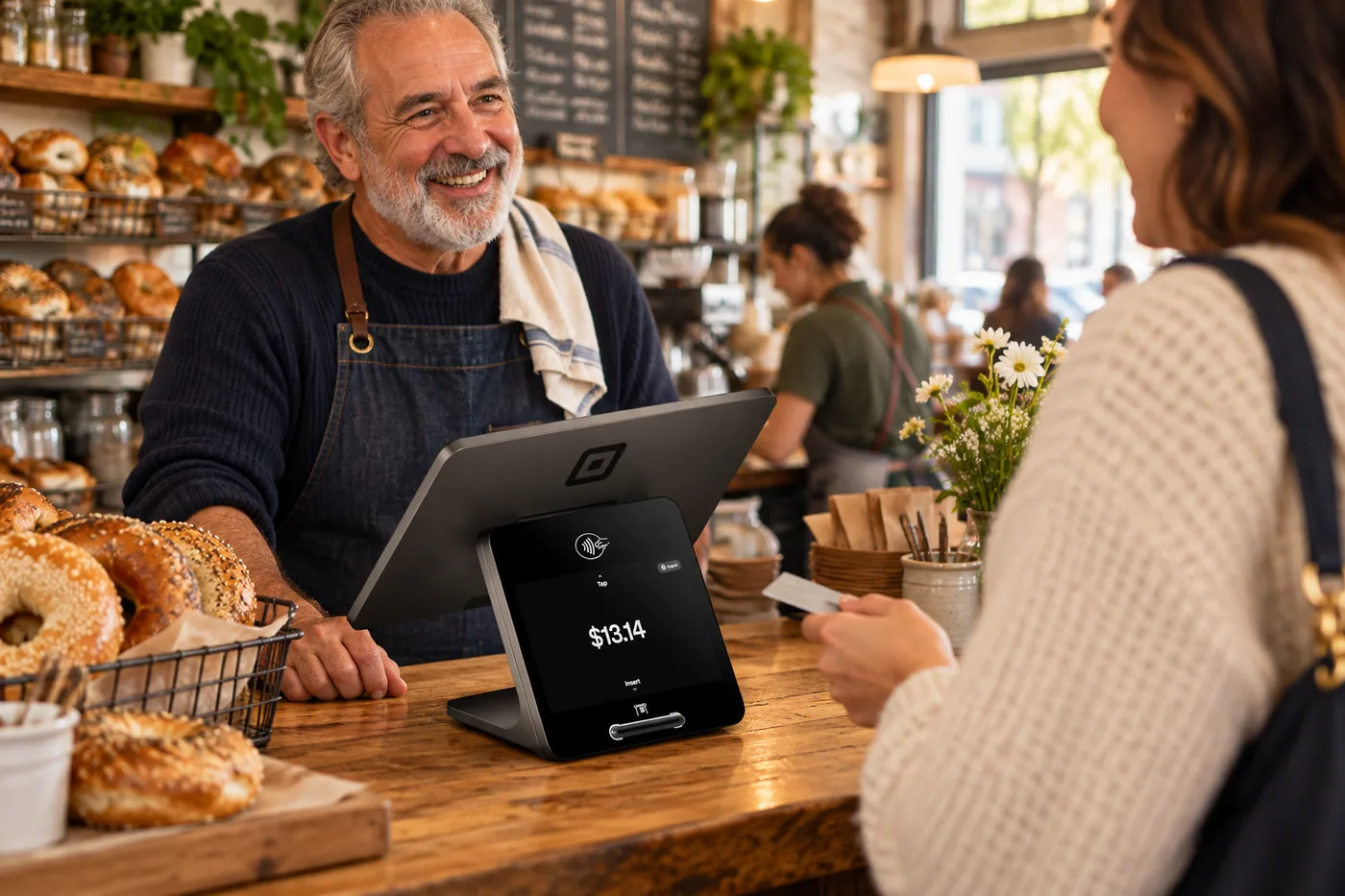
A shopper asks about a product on social, a caller leaves a question with your voice assistant, and another customer sends an email. Bring supported conversations into a shared inbox so your team can see the context and decide what needs a reply. Use an address such as hello@yourbusiness.com to keep that follow-up recognizably yours, with domain verification and delivery setup before activation.
Part of a more connected business

AI Voice
Help callers get an answer, receive a useful link by text and take the next step toward ordering or visiting. Keep messages and call context ready for your team when a person needs to follow up.
Explore AI voiceAndlen & your inbox
Ask Andlen what needs attention, talk through an idea and improve a draft in your business’s voice. Your connected information gives the conversation context.
Explore Andlen & your inboxReview supported social messages, email and voice-assistant conversations without piecing the story together. Bring it together with your brand and the tools your team already uses.

You are leaving shopandtable.com
We link out when a vendor’s own documentation or a regulator is the right source. The site you are about to visit has its own terms, its own privacy practices and its own content; none of it is covered by our Privacy Policy or Terms of Service, and a link is not an endorsement. It will open in a new tab.