



Answer the everyday questions
Share hours, location, menu information and the details your business supplies.
One connected platform
Your business, beautifully connected.
Every detail, connected. Explore all features.
Built around your business
Your business has its own rhythm.
Ready to begin? Get started online.
Explore at your own pace
See the possibilities. Find your next step.
Looking for a definition? Browse the glossary.

One connected platform
Platform

Built around your business
Solutions
 Start with a fresh perspective.See how your website and listings show up online, and where there’s room to improve.Get your free audit All solutions

Explore at your own pace
Resources
 Your brand, elevated.Explore the curated looks in the visual studio and find your starting point.Explore the visual studio Explore the glossary
AI Voice
Help callers get an answer, receive a useful link by text and take the next step toward ordering or visiting. Keep messages and call context ready for your team when a person needs to follow up.

Share hours, location, menu information and the details your business supplies.
Keep a clear message and call history for your team to follow up.
With the caller’s agreement, text an approved link to a supported ordering or inquiry journey.
Route calls to your team when the configured handoff is available.

A question about hours, a dish or an order can be the moment someone decides to visit. AI Voice uses approved business information, can text a configured link when the caller agrees, and hands over when a person is needed. Review the questions customers ask repeatedly and use them to improve menu details, website answers and future communication. The assistant identifies itself as AI; available actions depend on setup and connections.
Part of a more connected business

Andlen & your inbox
Ask Andlen what needs attention, talk through an idea and improve a draft in your business’s voice. Your connected information gives the conversation context.
Explore Andlen & your inbox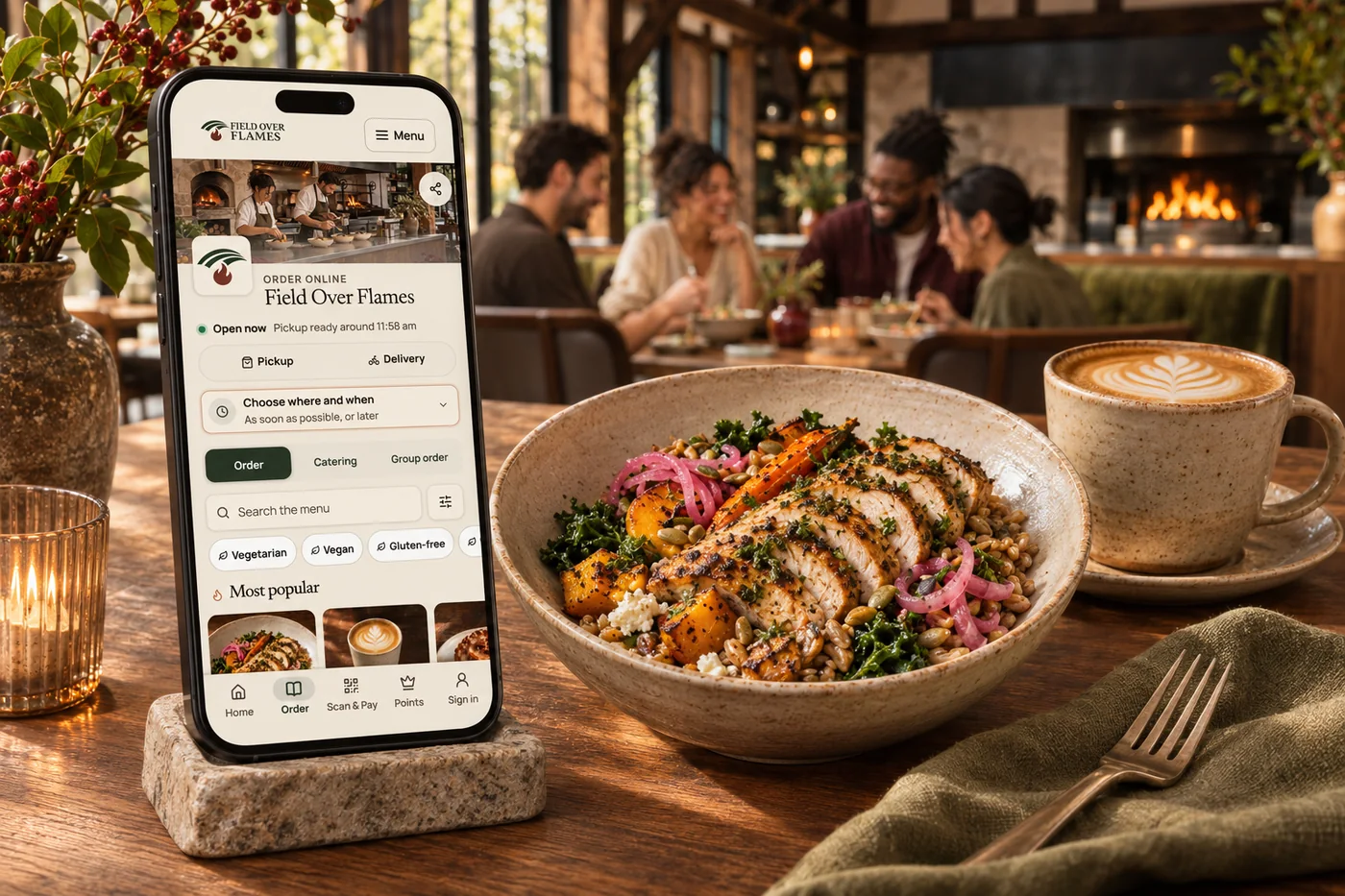
Online ordering
Your food. Your brand. Your guest relationship. Commission-free ordering brings menu choices, easy checkout, pickup and delivery together—with the controls your kitchen needs.
Explore online orderingYes. When the caller agrees, it can send an approved link for a supported next step, such as ordering or an inquiry. Texting needs to be configured for the business; consent, opt-outs and the available tools determine what can be sent.
Help callers with hours, location, menu information and the business details you supply. The assistant gives everyday questions a first answer while your team focuses on guests in front of them.
The assistant can guide callers into supported ordering and inquiry journeys, capture the reason for calling and keep a clear message for follow-up.
Yes. Call history and captured messages give the team context. Configured call handoffs can connect a caller with your team when that route is available.
Share hours, location, menu information and the details your business supplies. Bring it together with your brand and the tools your team already uses.

You are leaving shopandtable.com
We link out when a vendor’s own documentation or a regulator is the right source. The site you are about to visit has its own terms, its own privacy practices and its own content; none of it is covered by our Privacy Policy or Terms of Service, and a link is not an endorsement. It will open in a new tab.