



Designed around you
Choose a distinctive direction, then shape the photography, typography and pages around your business.
One connected platform
Your business, beautifully connected.
Every detail, connected. Explore all features.
Built around your business
Your business has its own rhythm.
Ready to begin? Get started online.
Explore at your own pace
See the possibilities. Find your next step.
Looking for a definition? Browse the glossary.

One connected platform
Platform

Built around your business
Solutions
 Start with a fresh perspective.See how your website and listings show up online, and where there’s room to improve.Get your free audit All solutions

Explore at your own pace
Resources
 Your brand, elevated.Explore the curated looks in the visual studio and find your starting point.Explore the visual studio Explore the glossary
Restaurant websites
Your menu, hours and ordering on a website that feels like your restaurant. Identify an opportunity, prepare a content improvement for approval and review the available results after it goes live.
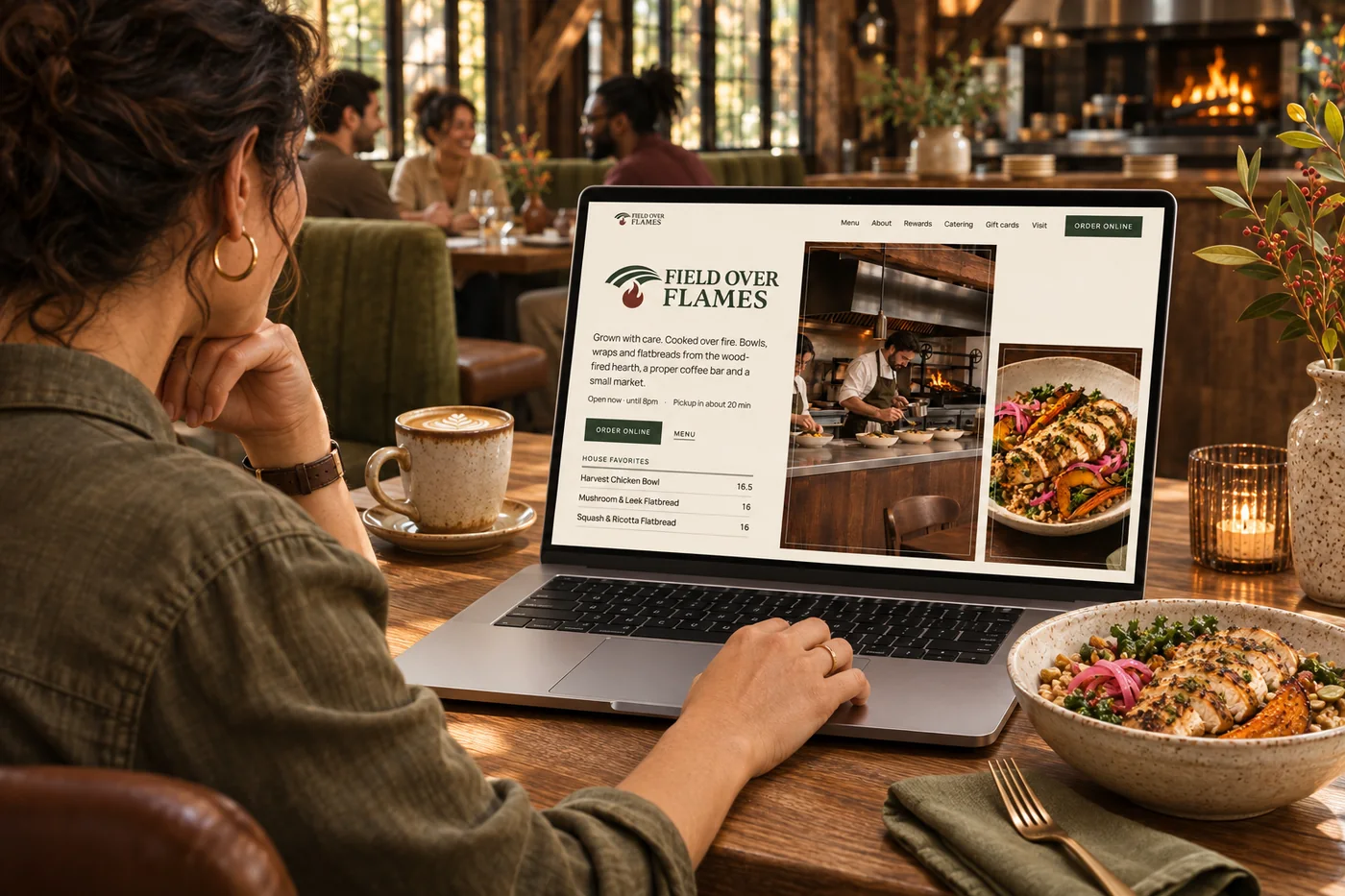
Choose a distinctive direction, then shape the photography, typography and pages around your business.
Give dishes their own pages, with photos, prices and clear paths to ordering.
Keep hours, menus and sold-out items connected to your business records.
Find improvements to speed, accessibility and search, alongside AI suggestions for your content and layout.
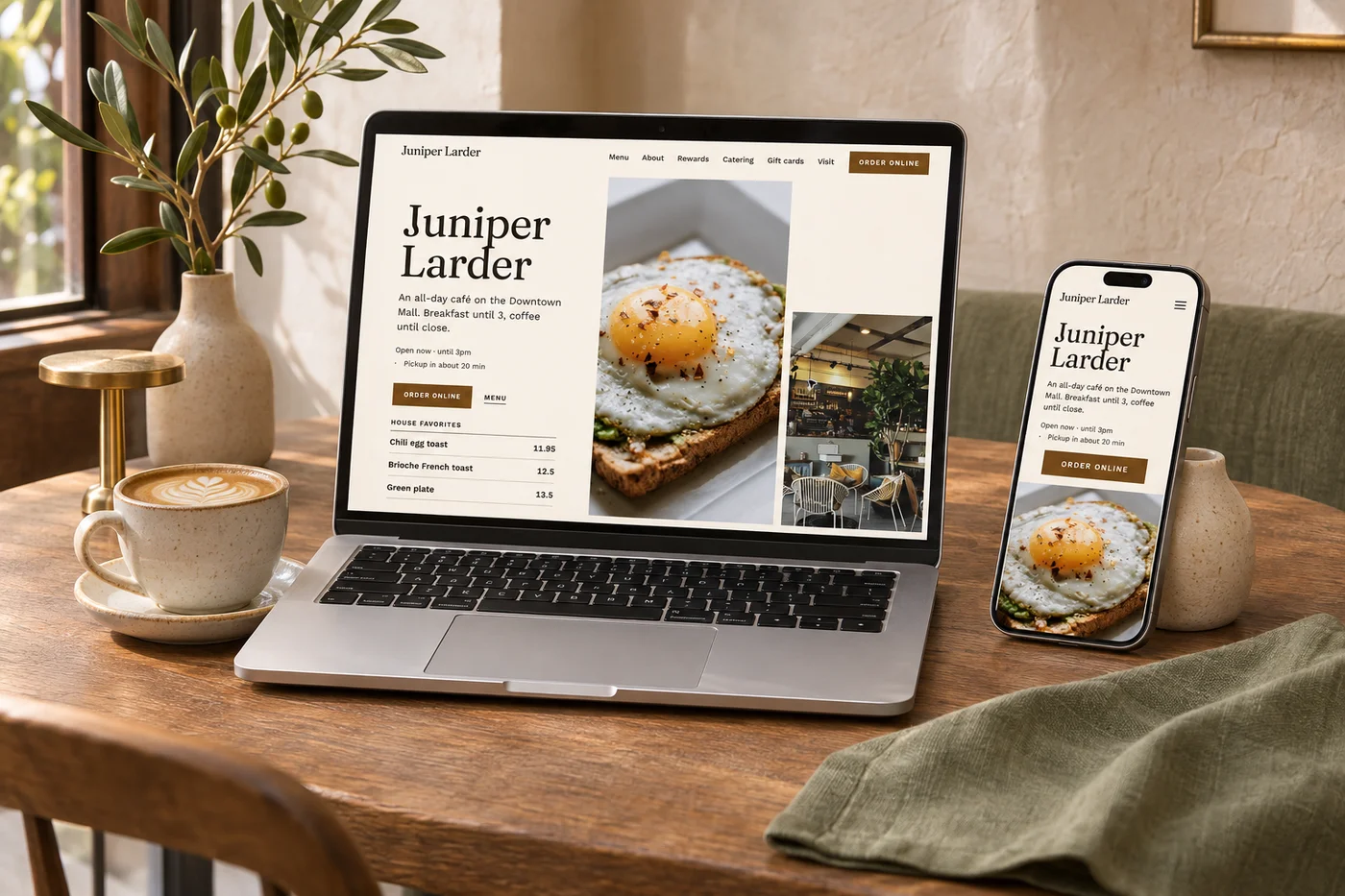
Beautiful on every screen
A late-night dinner search. A quick look at lunch. Your website meets people wherever they are, with a design that makes the next step feel natural.
Find your direction in the visual studioA starting point with personality
Start with a curated direction. Make it yours with your food, your story and the details that set your business apart.
Warm. Seasonal. From the field.
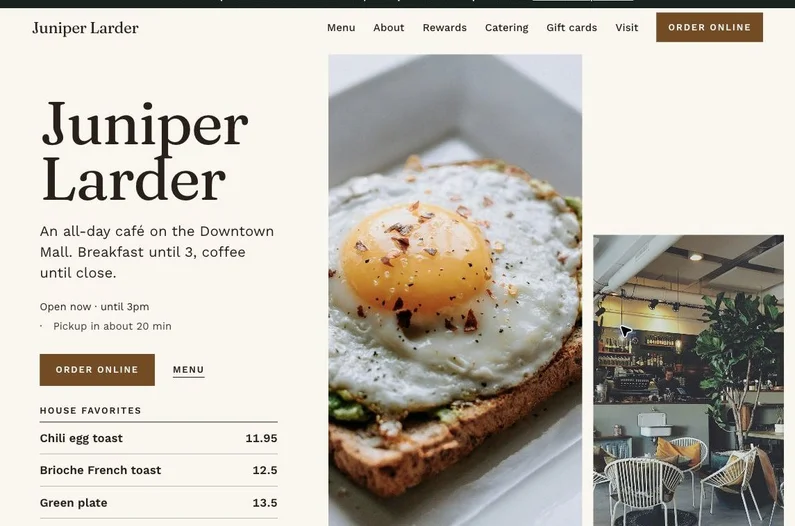
Fresh. Seasonal. Made here.
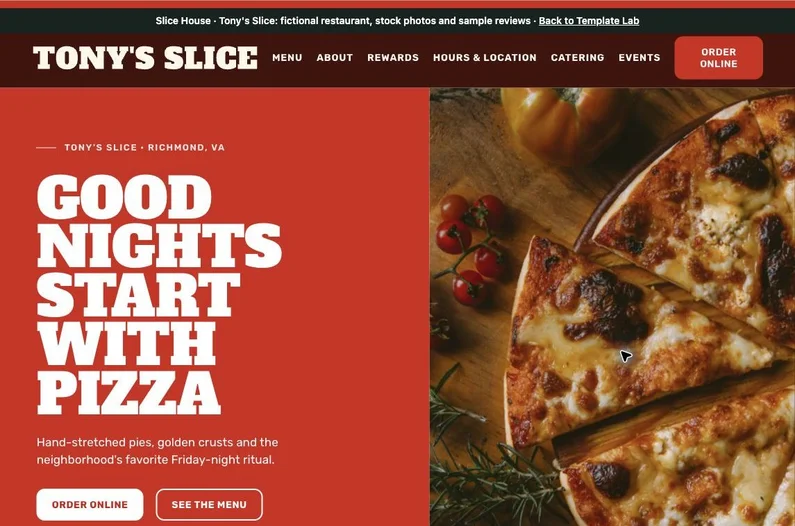
Bold. Welcoming. Full of character.
Designed to inform. Built to improve.
Give guests clear pages for your story, menu, hours and locations, with dish descriptions, photos and prices they can explore. Connect those details to ordering, events and ways to get in touch, so the next step feels natural.
Explore menu and dish pages
Start with your logo, colors, photography and voice, then use AI-assisted suggestions to refine wording, layouts and section order. Preview the changes and make them your own before approving the draft for publication.
Explore design directions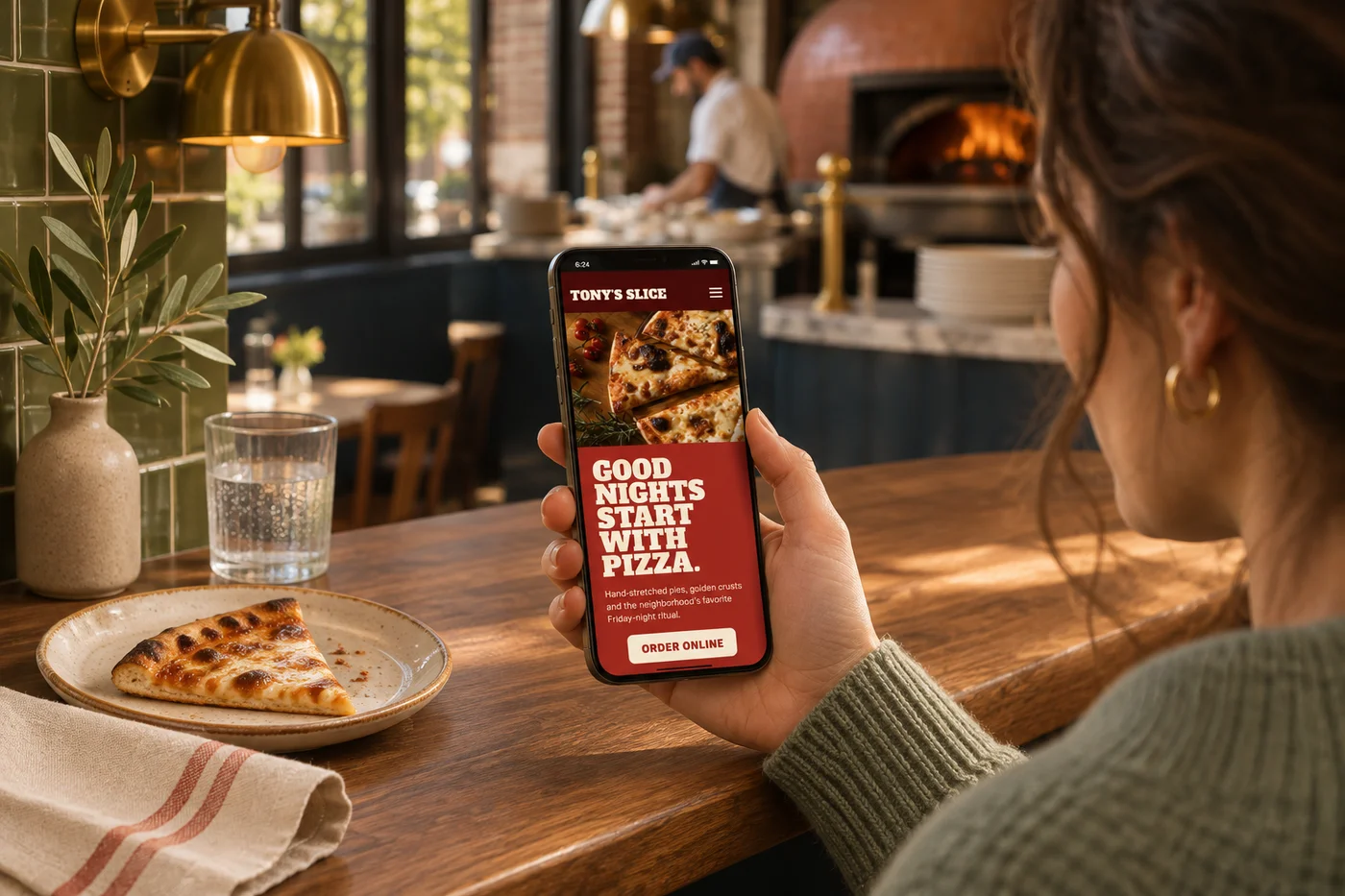
Turn your real business details and photography into clearer page copy and descriptions, with AI helping you refine the words. Website checks highlight content and accessibility improvements, while supported photos use suitable sizes and modern formats to reduce unnecessary loading.
Explore website optimization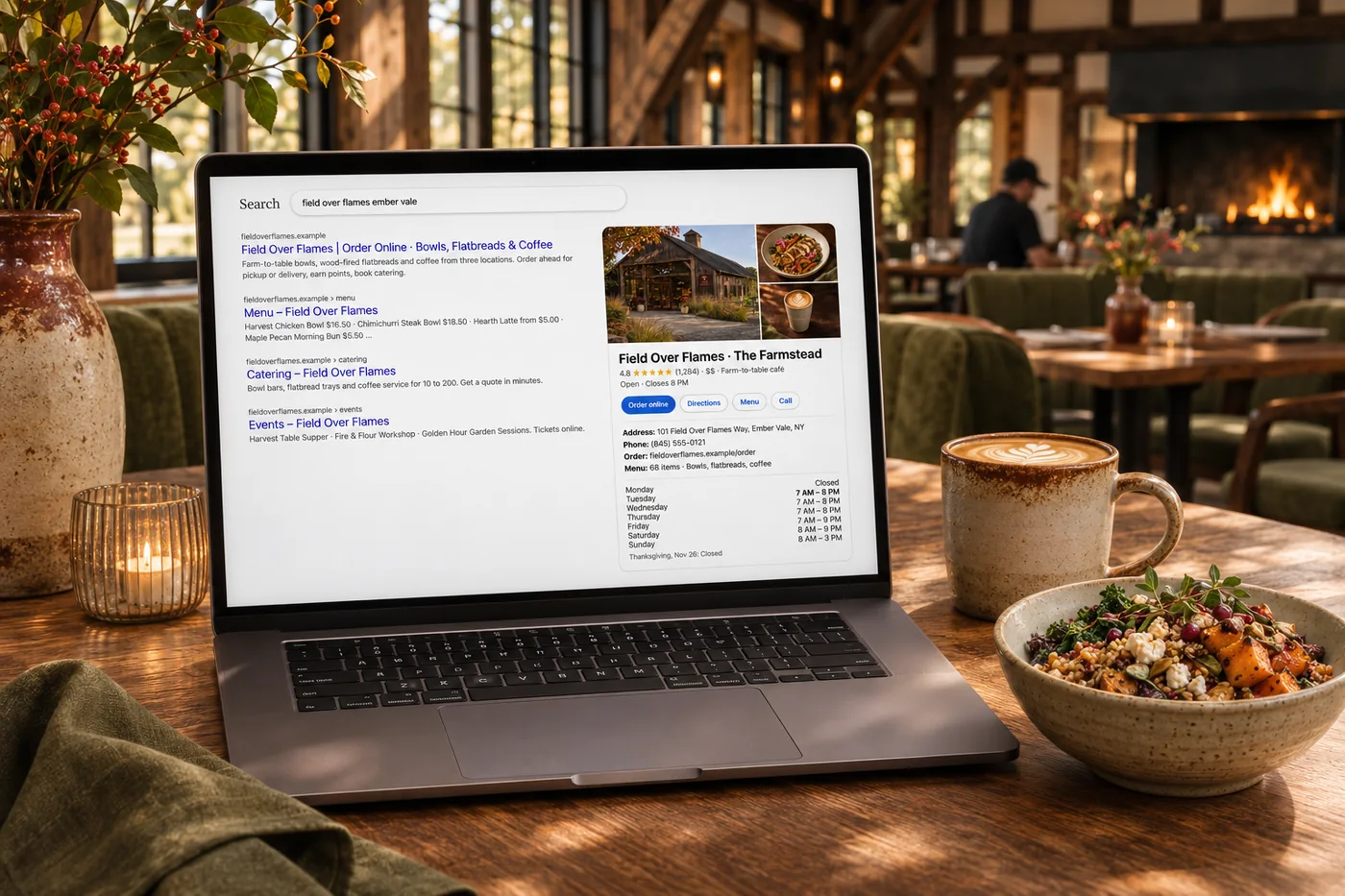
Give people more ways to discover you through searchable menu, dish and location pages, supported by structured business details and connected listings. Use search traffic, local rankings and page findings to decide what needs attention next.
Explore restaurant SEO
See how supported AI services describe your business when asked selected questions, including the sources and other restaurants they mention. Use that context to spot missing details and make your own website more useful.
Explore AI visibilityBring content, speed and accessibility findings together so you can choose the next useful improvement. Approved business records keep essentials current, while AI-written words and design changes go through your approval before publication. Review the available results to see what to work on next.
Explore ongoing improvementGo a little deeper
Give your dishes their own pages and a direct path into an order.
ExploreCarry the first impression through to the meal they choose.
Explore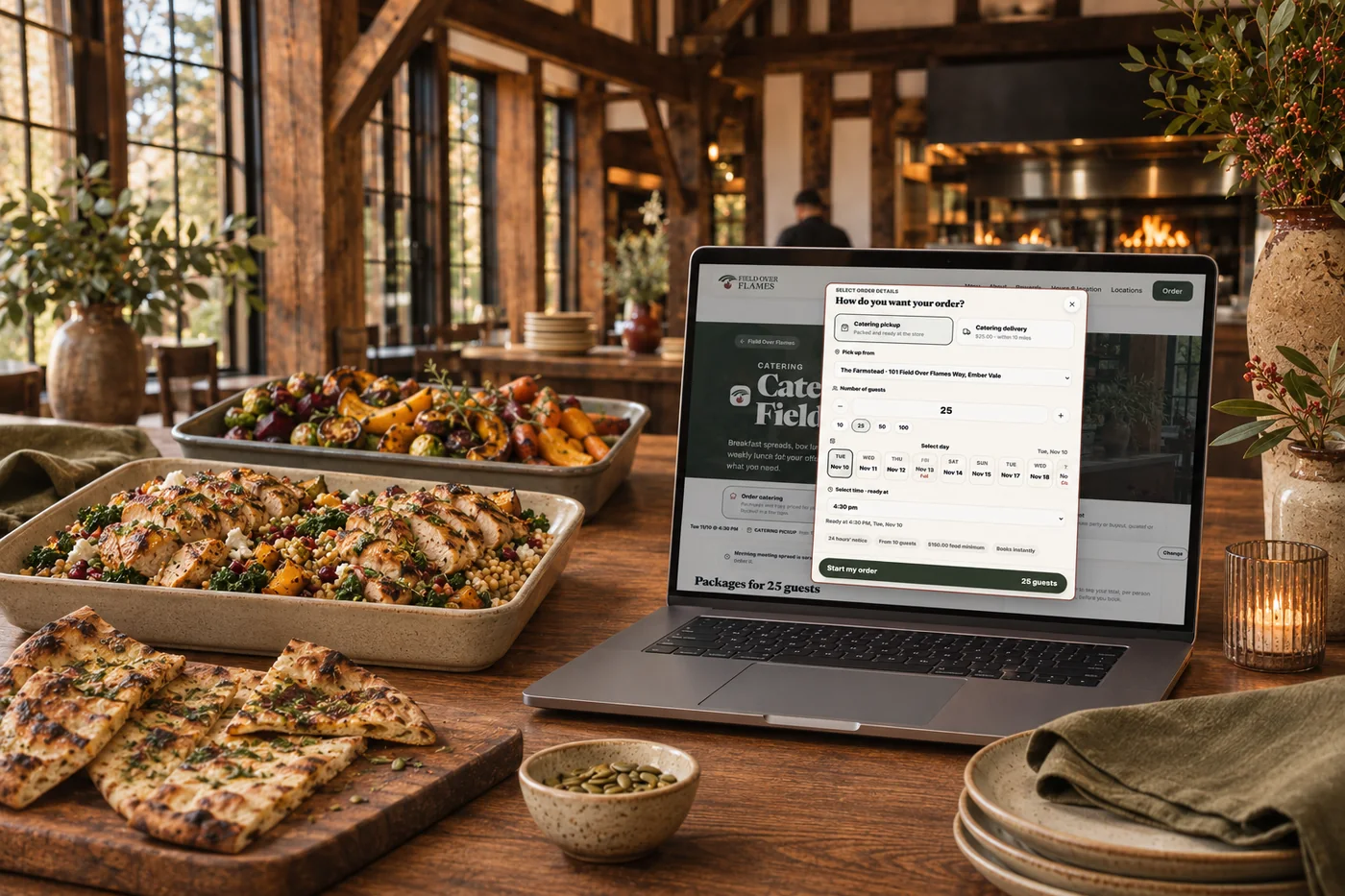
Bring catering, gifts and events into the same beautiful home.
ExploreBring your domain, content and familiar links into your new website.
ExploreA website should help someone choose a dish, place an order or plan a visit. Start with your brand and business details, then keep improving after launch. Website checks and search information help identify what needs attention; Andlen helps prepare content changes for review. Approved business facts and AI-written changes follow their respective publishing settings. Review available results before choosing the next improvement.
Part of a more connected business
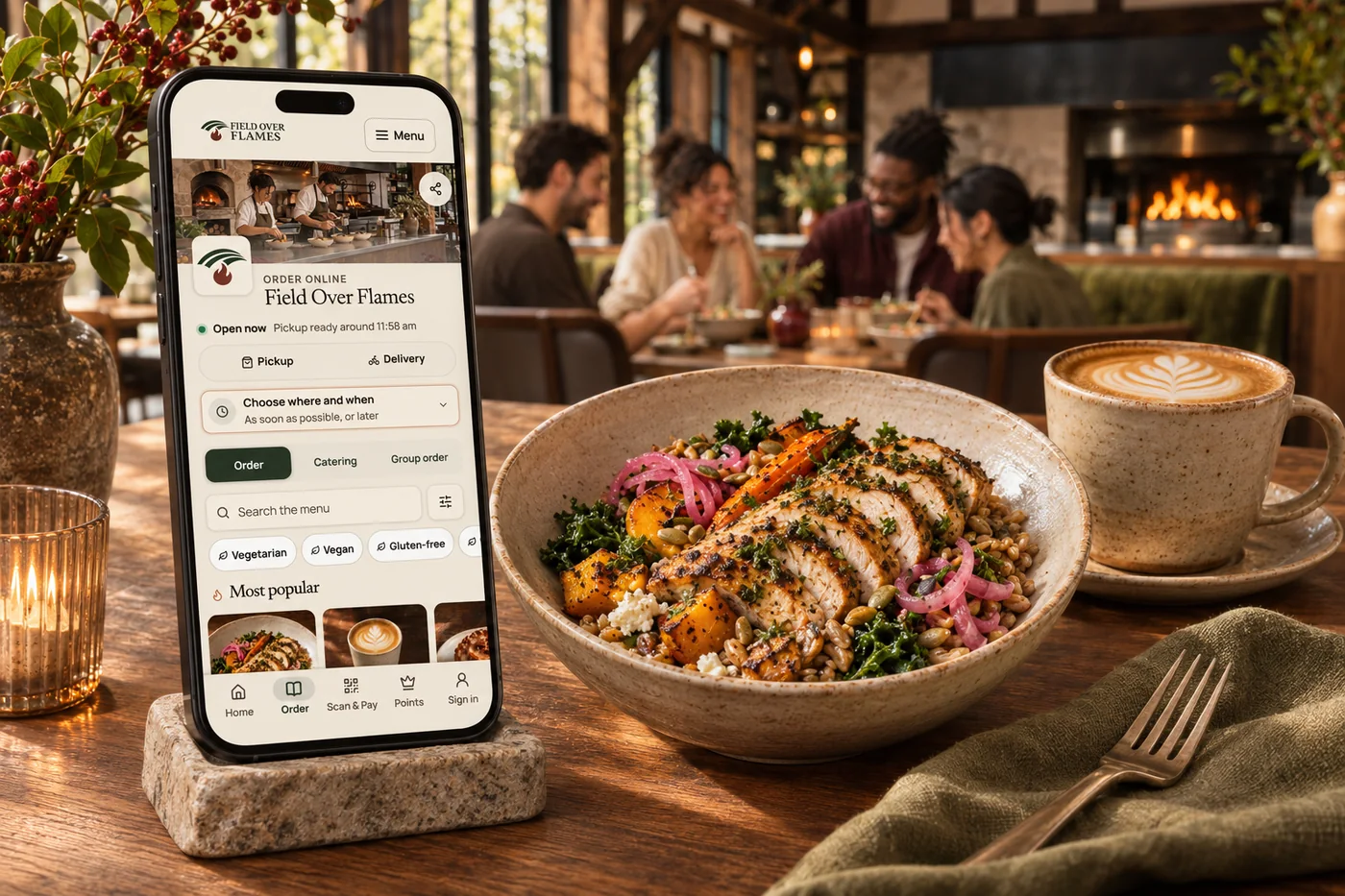
Branded restaurant apps
A guest app in your own brand, with ordering, rewards and the reasons people come back. Shape the home screen around what matters to your business.
Explore branded restaurant apps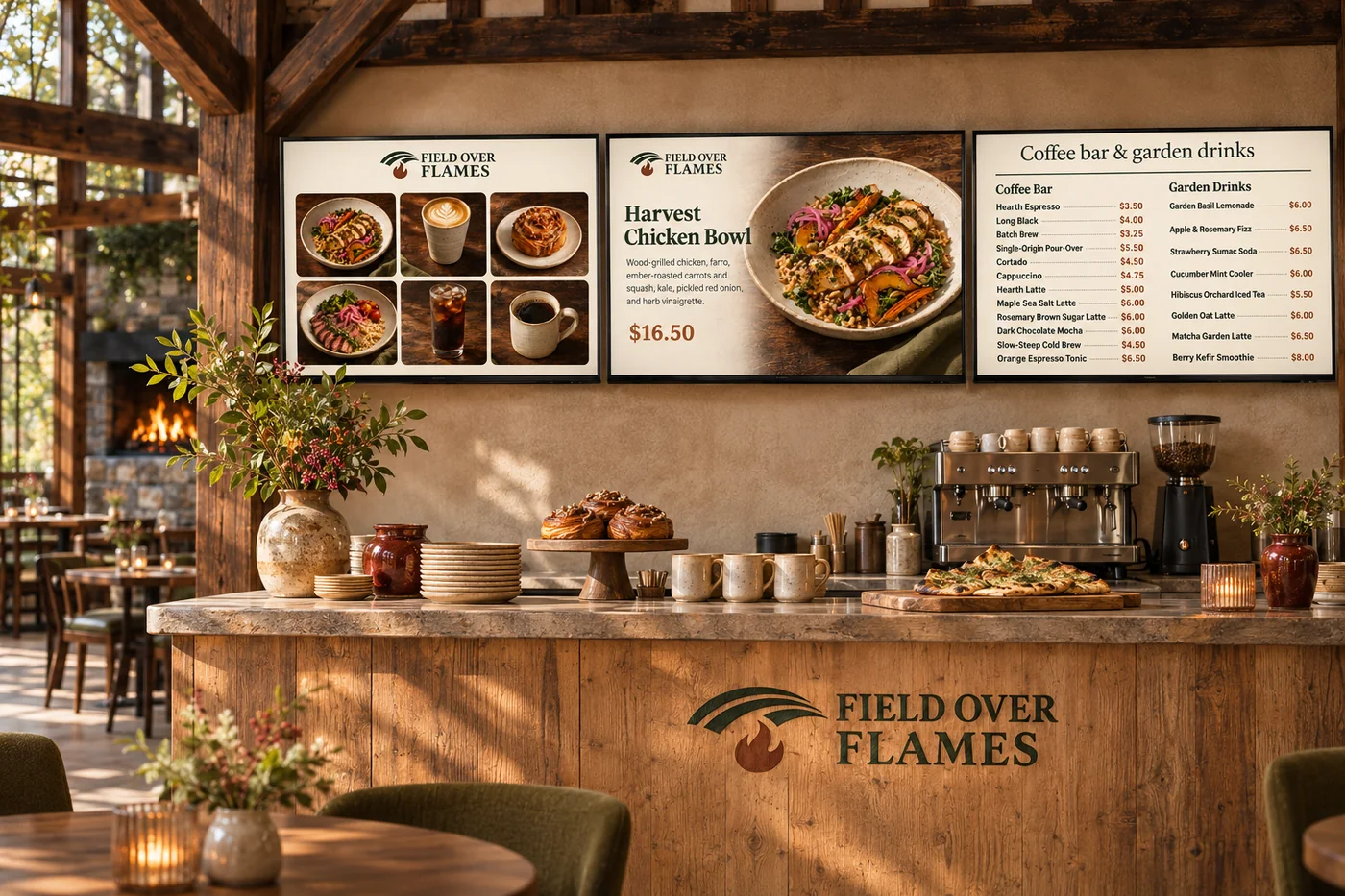
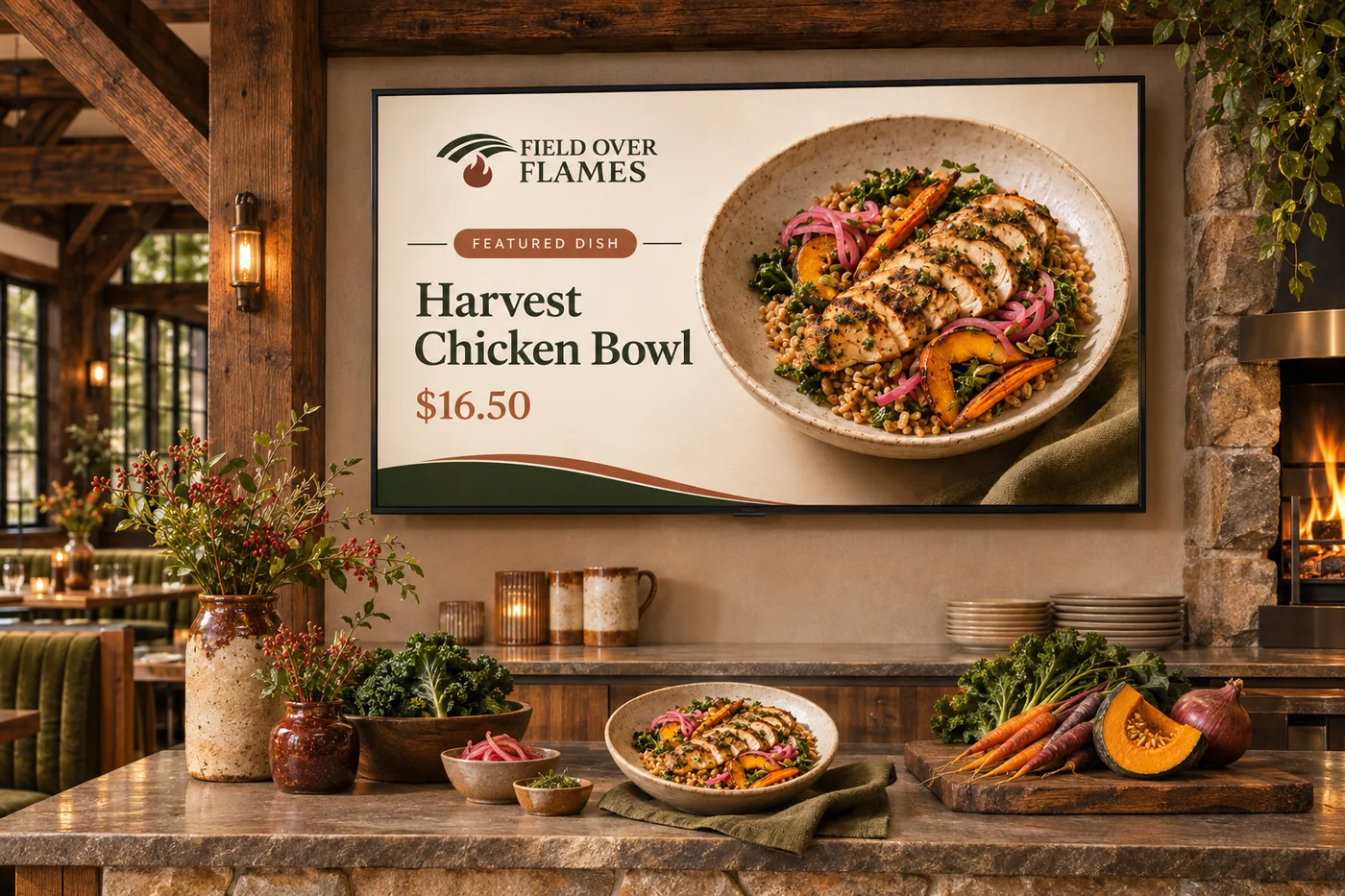
Digital menu boards
Turn screens into a natural part of your space. Show your food, your prices and what is ready to collect, in a design that belongs to your brand.
Explore digital menu boardsWith Shopify, keep your existing store and POS and add our marketing suite for listings, social posts, email, SMS and customer insights. With Square, choose the broader Shop & Table experience, including a website, branded app, marketing and customer tools, with kiosk options where they fit your business. Shopify store improvements are recommendations to review and apply in Shopify; the current customer workspace does not publish those edits back.
Your photography, typography, colors and story shape the design. Start with a curated direction, then make it your own with the pages, menu and guest journeys your business needs. That same identity can carry into your app, ordering and in-store screens.
Give guests a clear route from a dish they like to ordering it. Individual dish pages, photography, current prices and prominent ordering links help people decide. Gift cards, catering inquiries and events give them more ways to buy from you.
Yes. Dishes can have their own pages with descriptions, photos and prices, rather than being buried in a downloadable menu. Structured business, menu and event information helps search engines understand what you offer.
Website checks surface opportunities in page content, search descriptions, speed and accessibility. Search traffic, local rankings and tracked AI answers help you see where to focus next. Suggested changes go through your website review and publishing workflow.
Yes. Bring your domain, photography, logo and existing content. We help shape the new site around them and map old page addresses to the new ones so familiar links still lead somewhere useful.
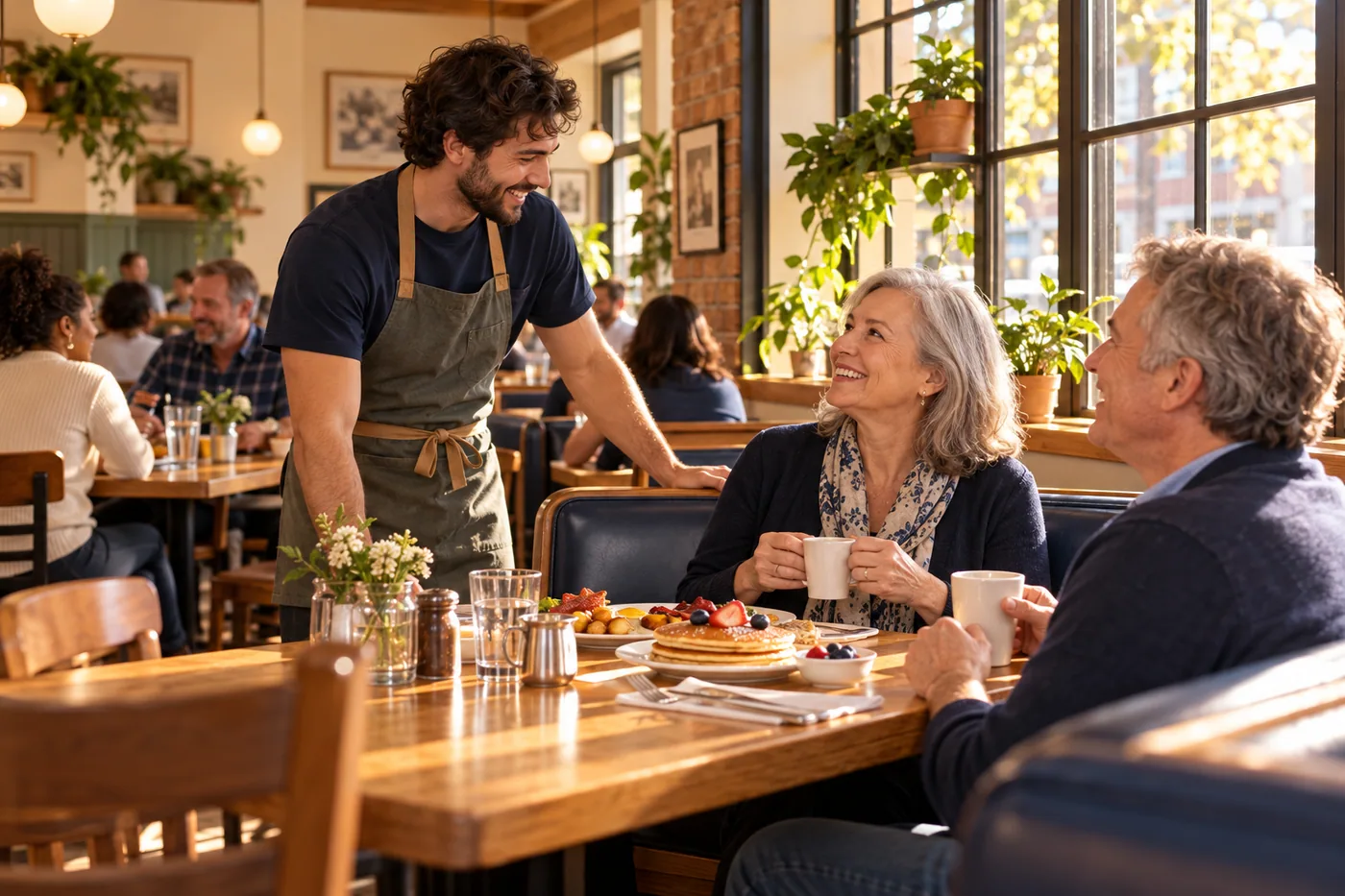
Choose a distinctive direction, then shape the photography, typography and pages around your business. Bring it together with your brand and the tools your team already uses.

You are leaving shopandtable.com
We link out when a vendor’s own documentation or a regulator is the right source. The site you are about to visit has its own terms, its own privacy practices and its own content; none of it is covered by our Privacy Policy or Terms of Service, and a link is not an endorsement. It will open in a new tab.