



Find the rough edges
Review page speed, broken links, missing descriptions and accessibility findings.
One connected platform
Your business, beautifully connected.
Every detail, connected. Explore all features.
Built around your business
Your business has its own rhythm.
Ready to begin? Get started online.
Explore at your own pace
See the possibilities. Find your next step.
Looking for a definition? Browse the glossary.

One connected platform
Platform

Built around your business
Solutions
 Start with a fresh perspective.See how your website and listings show up online, and where there’s room to improve.Get your free audit All solutions

Explore at your own pace
Resources
 Your brand, elevated.Explore the curated looks in the visual studio and find your starting point.Explore the visual studio Explore the glossary
Website optimization
Keep finding ways to make your website easier to discover and use. Bring performance checks, search findings and AI-assisted ideas into the same place as your business.
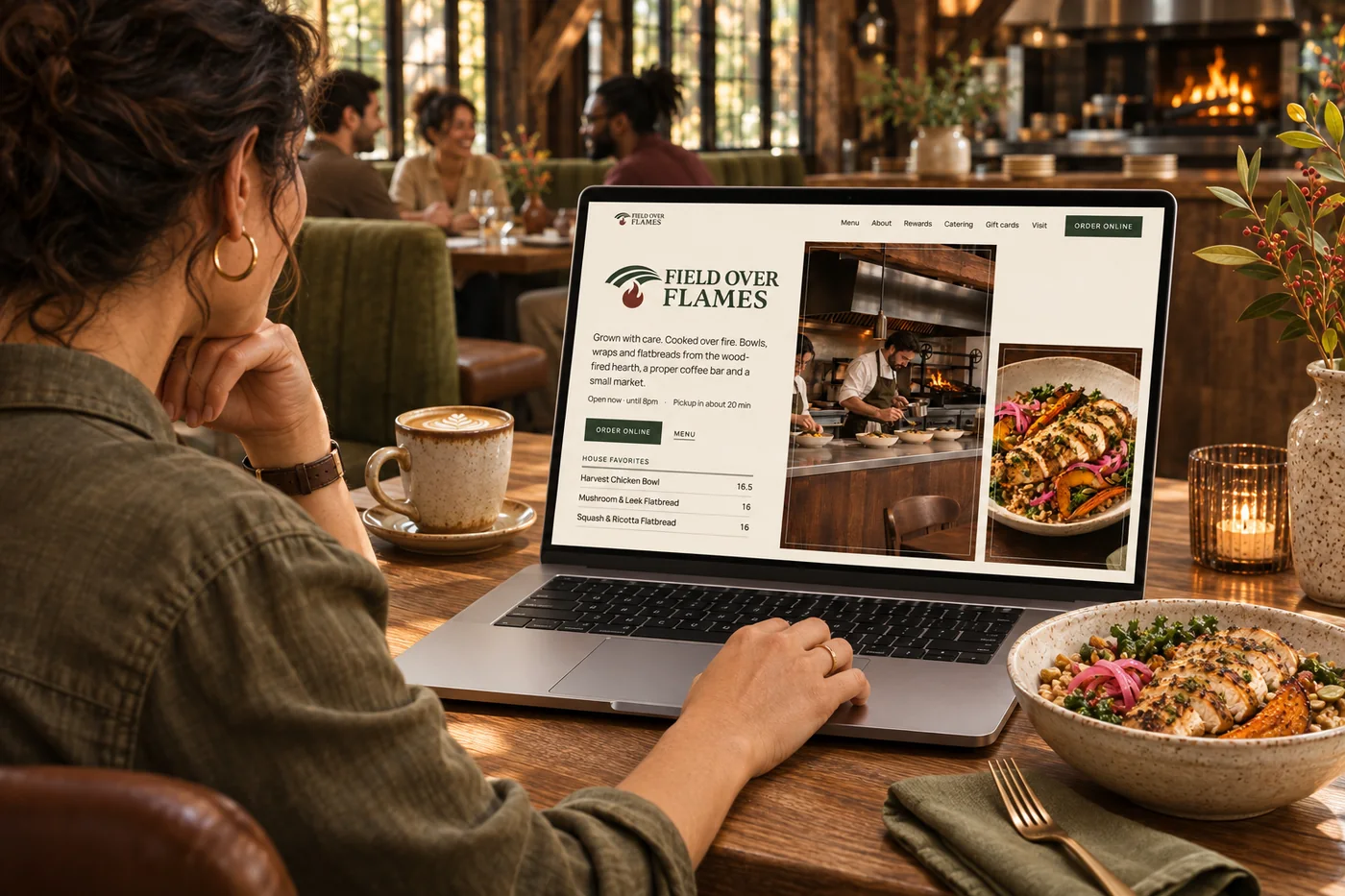
Review page speed, broken links, missing descriptions and accessibility findings.
Use search traffic and tracked visibility to see which pages and questions deserve attention.
AI helps prepare content and layout suggestions using your brand and business information.
Review changes and focus on the journeys that matter: ordering, catering, gifting and visiting.
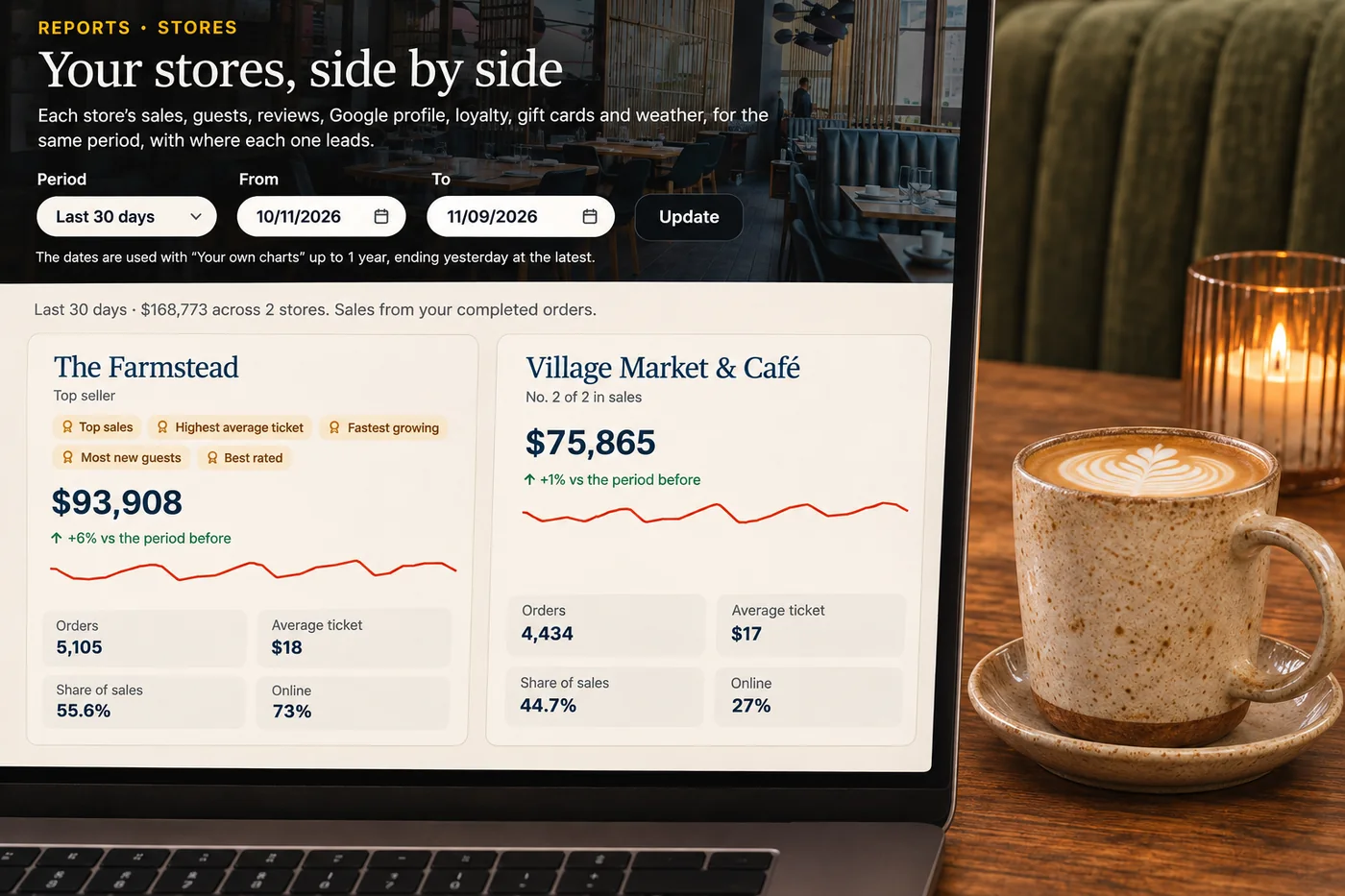
A new menu, a busy season or a growing catering business can change what your website needs to do. Ongoing checks help surface stale details and missed opportunities. AI-assisted suggestions make it easier to move from a finding to a useful change, while your review workflow keeps the result connected to your brand. The aim is a site that keeps supporting the business long after launch day.
Part of a more connected business

Search & AI visibility
See how your business appears in local search and tracked AI answers. Find the gaps in your website and business information, then focus on improvements that matter.
Explore search & AI visibility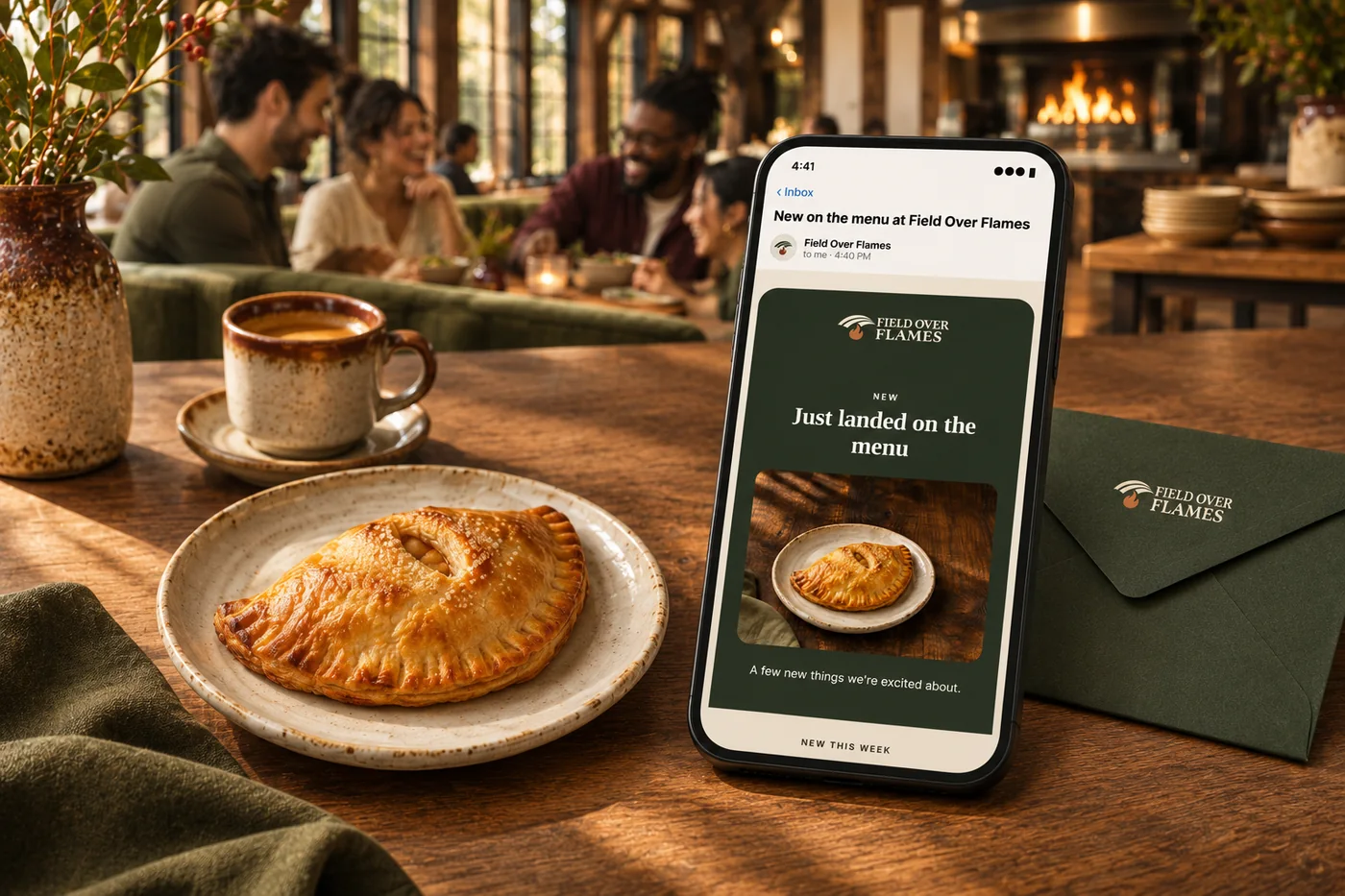
Email, SMS & campaigns
Decide what to promote, who to reach and when. Prepare a coordinated campaign across email, SMS, social, website updates and eligible app notifications, using your business data and brand.
Explore email, SMS & campaignsChecks can surface findings in speed, page structure, metadata, links and accessibility. Search and business reports add context for deciding which improvements matter most.
Content and design suggestions go through your review and publishing workflow. Connected business facts can follow the update rules configured for your site.
Connected search and analytics reporting helps you review traffic and discovery trends. Use it alongside your website findings to prioritize improvements.
Yes. Bring seasonal menus, offers, events and campaigns into the website so the destination matches the message guests receive.

Review page speed, broken links, missing descriptions and accessibility findings. Bring it together with your brand and the tools your team already uses.

You are leaving shopandtable.com
We link out when a vendor’s own documentation or a regulator is the right source. The site you are about to visit has its own terms, its own privacy practices and its own content; none of it is covered by our Privacy Policy or Terms of Service, and a link is not an endorsement. It will open in a new tab.