



A gift that feels like you
Gift-card designs carry your colors, logo and personality. Guests choose an occasion, add a personal message and pick their amount.
One connected platform
Your business, beautifully connected.
Every detail, connected. Explore all features.
Built around your business
Your business has its own rhythm.
Ready to begin? Get started online.
Explore at your own pace
See the possibilities. Find your next step.
Looking for a definition? Browse the glossary.

One connected platform
Platform

Built around your business
Solutions
 Start with a fresh perspective.See how your website and listings show up online, and where there’s room to improve.Get your free audit All solutions

Explore at your own pace
Resources
 Your brand, elevated.Explore the curated looks in the visual studio and find your starting point.Explore the visual studio Explore the glossary
Gift cards
A birthday surprise. A thank-you for the team. Their next coffee, already covered. Branded gift cards make it easy to give, save and come back for more.

Gift-card designs carry your colors, logo and personality. Guests choose an occasion, add a personal message and pick their amount.
Send a digital gift now or schedule it for a birthday, holiday or special thank-you.
Guests can save gift cards in your branded app and add eligible digital cards to Apple Wallet or Google Wallet, keeping their next visit close at hand.
Let guests add value to an existing card, so it stays useful long after the first gift.
Guests can opt in to top up when their balance runs low, with their chosen reload amount and monthly limit.
Bulk gift cards make employee rewards, client thank-yous and holiday gifting easier to organize.
Let friends or colleagues contribute to a shared group gift for someone worth celebrating.
Keep gift-card balances connected across participating locations, with store-level records for your business.
Already using Square?
Keep the Square gift cards your guests already know. With Square POS connected, eligible physical cards work within your Shop & Table experience alongside digital gifts—bringing your counter and online gifting together.
Digital gift cards carry your brand, with designs for every occasion and the option to add eligible cards to Apple Wallet or Google Wallet.
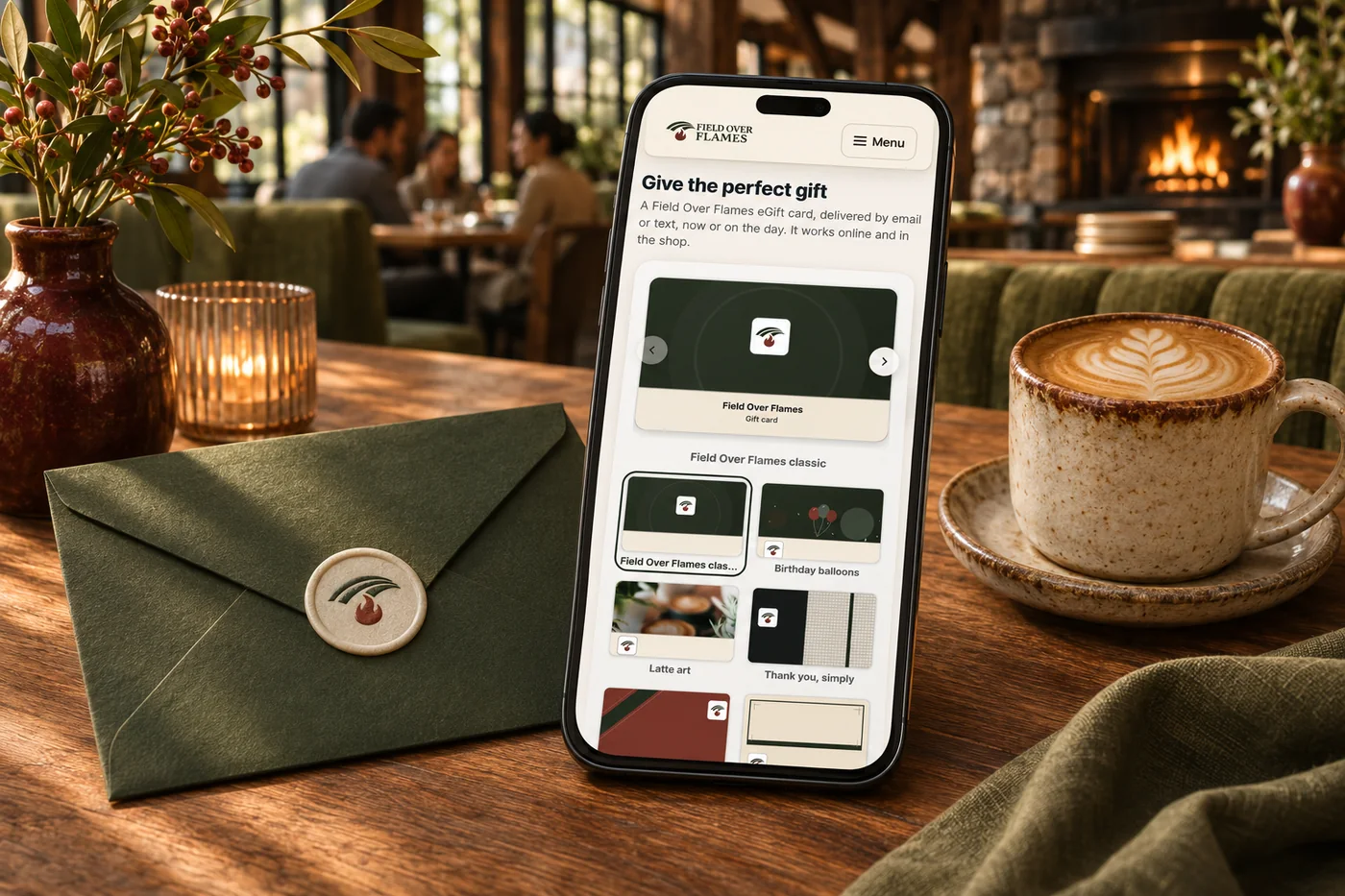
Cards get forgotten when the balance is hard to find or use. Give guests on-brand gifts for personal occasions and bulk purchases, with balances close at hand in your app and eligible Apple or Google Wallet passes. Reloads and optional auto-reload make it easier to keep visiting; connected Square businesses can also bring eligible physical gift cards into the experience.
Part of a more connected business
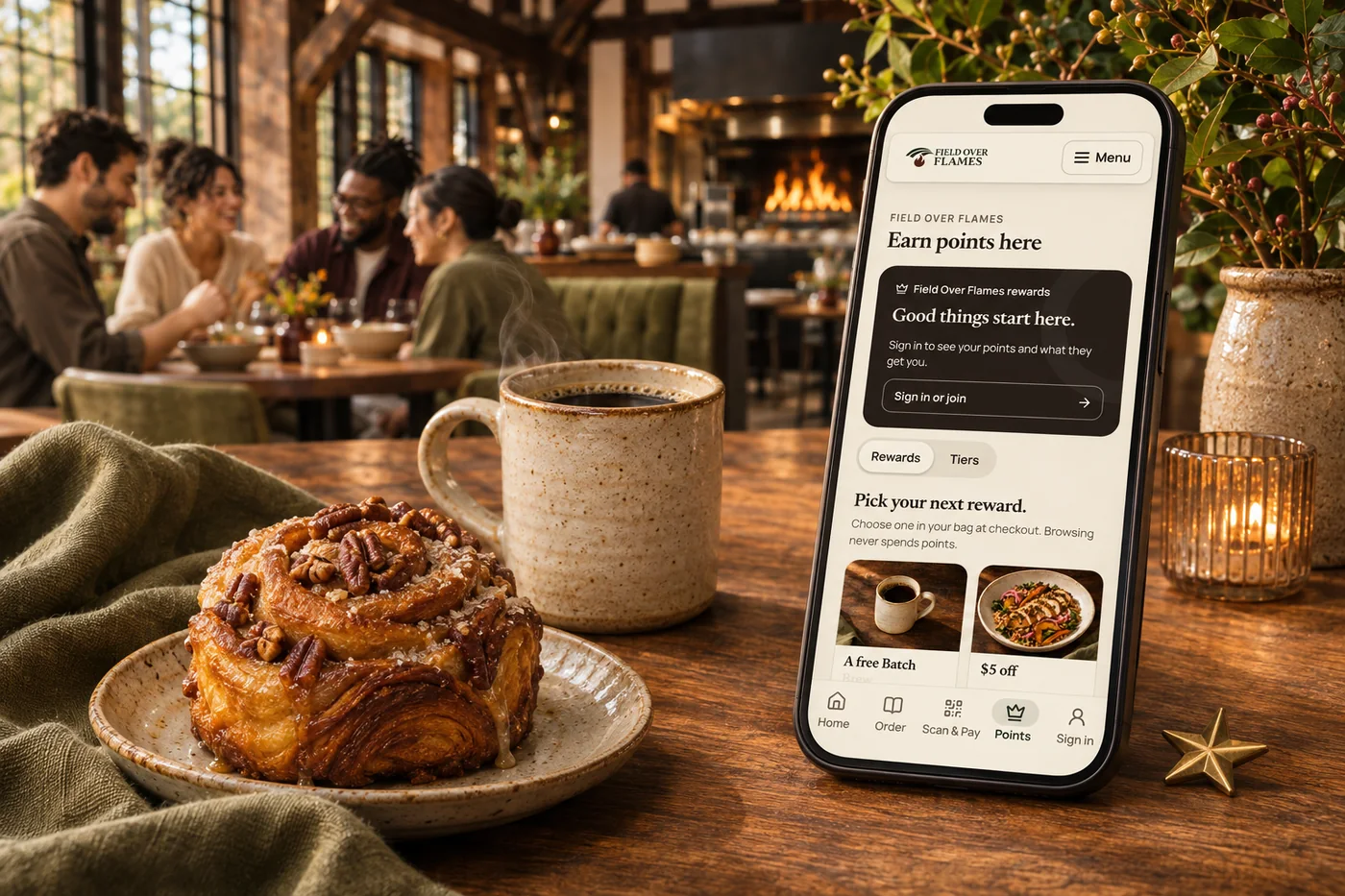
Loyalty & rewards
Build loyalty around your business, from smart customer groups and earned tiers to member pricing, exclusive benefits and recurring memberships. Connect Square points and rewards, then give guests more ways to belong.
Explore loyalty & rewards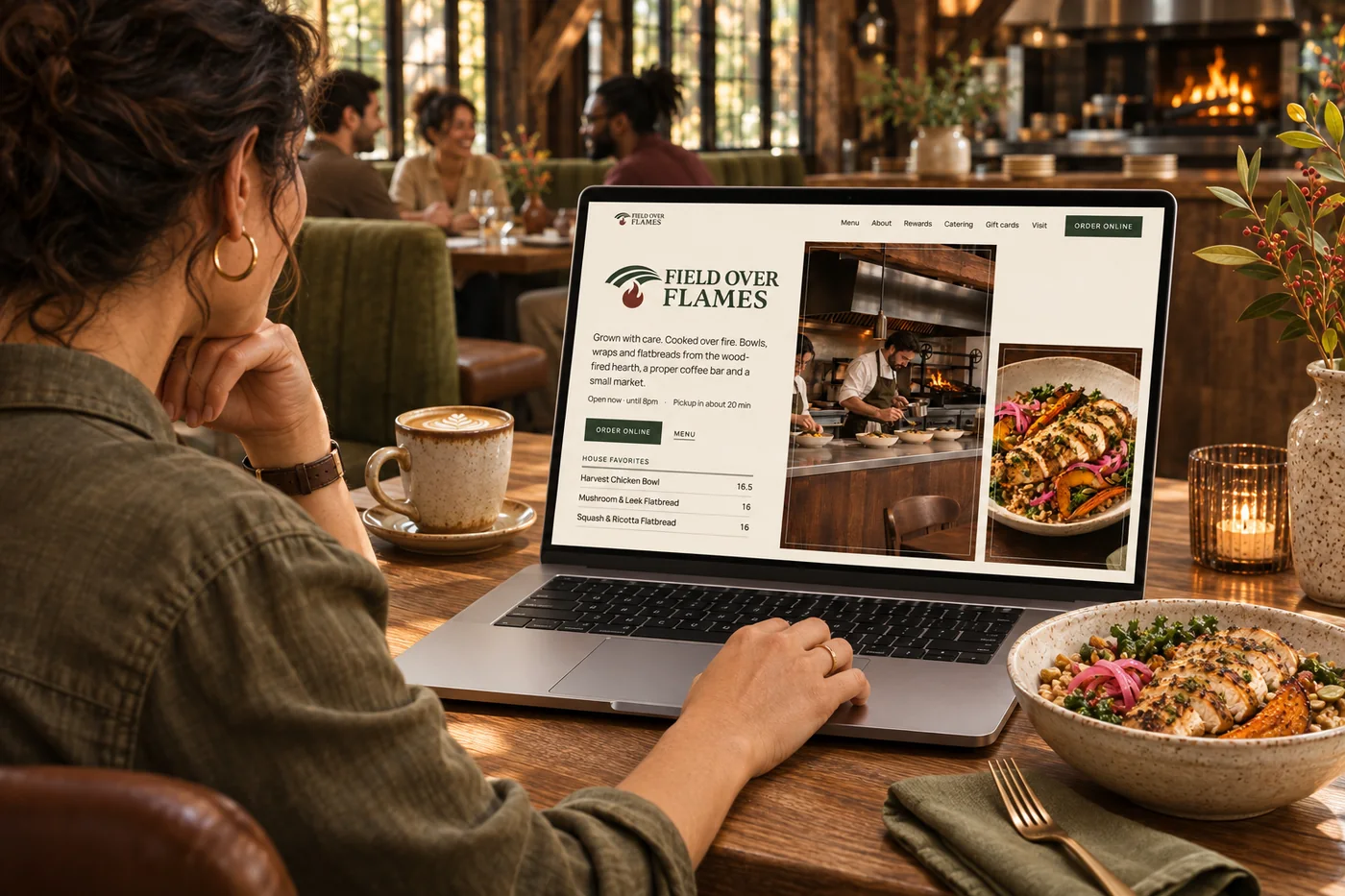
Restaurant websites
Your menu, hours and ordering on a website that feels like your restaurant. Identify an opportunity, prepare a content improvement for approval and review the available results after it goes live.
Explore restaurant websitesYes. Guests can add value to an existing card and opt into auto-reload with their chosen amount and monthly limit. A gift can become a convenient way to keep coming back.
Use your colors, logo and occasion-led designs. Guests can add a personal message, choose an amount and send a digital gift now or on a meaningful date.
Bulk gift cards help organize employee rewards, client thank-yous and holiday giving. Shared group gifts let friends or colleagues contribute to one gift.
With Square POS connected, eligible physical Square gift cards work within your Shop & Table experience alongside digital gifts, connected to the business’s Square gift-card balance.
Yes. Guests can save cards in your branded app and add eligible digital cards to Apple Wallet or Google Wallet when wallet passes are enabled for your business.

Make it easy to give your brand, keep a balance close and return for something they love.

You are leaving shopandtable.com
We link out when a vendor’s own documentation or a regulator is the right source. The site you are about to visit has its own terms, its own privacy practices and its own content; none of it is covered by our Privacy Policy or Terms of Service, and a link is not an endorsement. It will open in a new tab.