



Keep your identity
Start with your logo, colors, photography and story, then shape a design that feels like your business.
One connected platform
Your business, beautifully connected.
Every detail, connected. Explore all features.
Built around your business
Your business has its own rhythm.
Ready to begin? Get started online.
Explore at your own pace
See the possibilities. Find your next step.
Looking for a definition? Browse the glossary.

One connected platform
Platform

Built around your business
Solutions
 Start with a fresh perspective.See how your website and listings show up online, and where there’s room to improve.Get your free audit All solutions

Explore at your own pace
Resources
 Your brand, elevated.Explore the curated looks in the visual studio and find your starting point.Explore the visual studio Explore the glossary
Restaurant website migration
Bring your domain, photography and the parts of your website people already love. Build a more connected experience with guided setup and a clear path to launch.
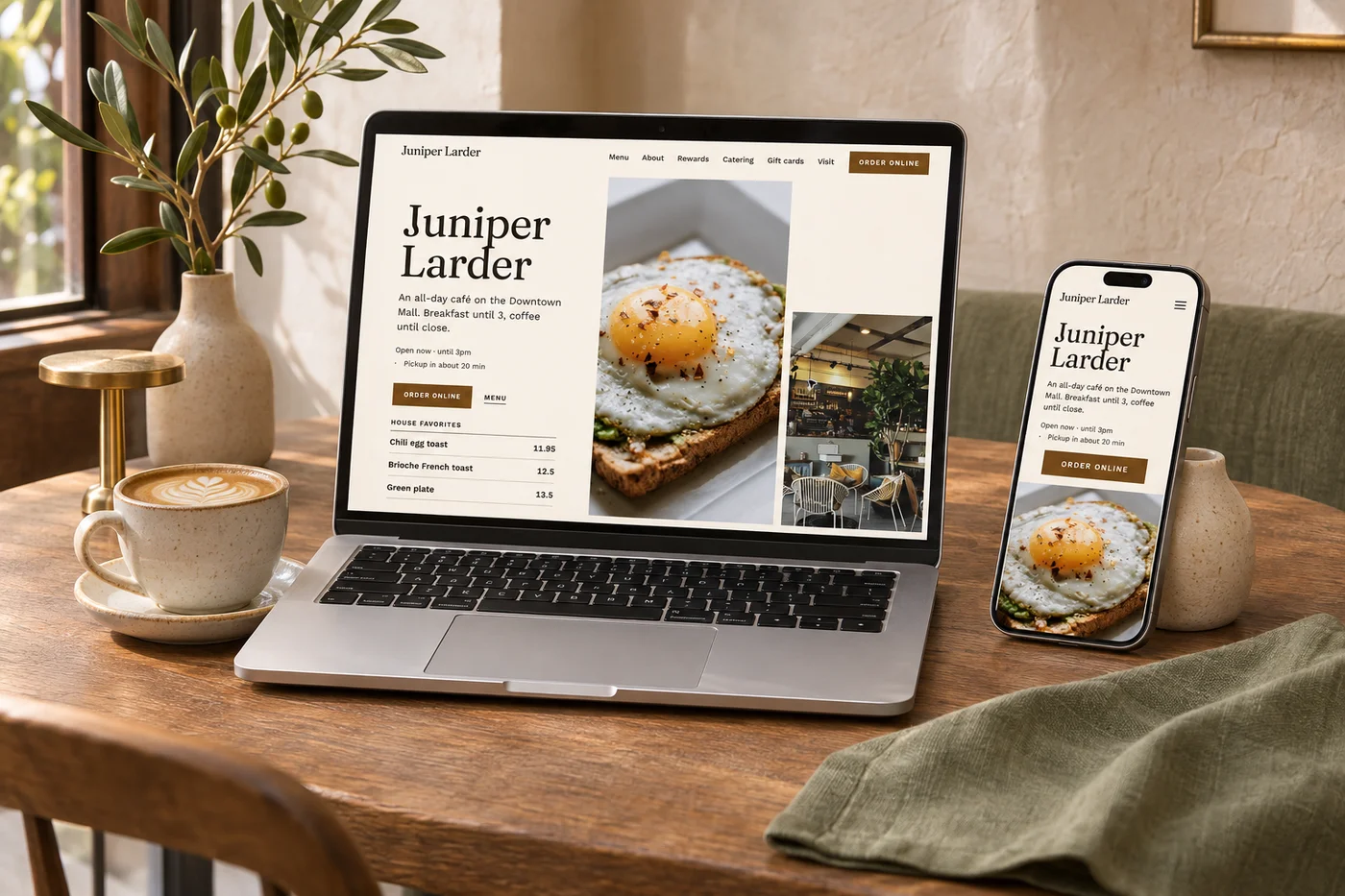
Start with your logo, colors, photography and story, then shape a design that feels like your business.
Review menus, locations, contact details and important pages as part of the move.
Map important old addresses to their new pages so visitors have a useful place to land.
Check your website and ordering journey before connecting the finished experience to your domain.
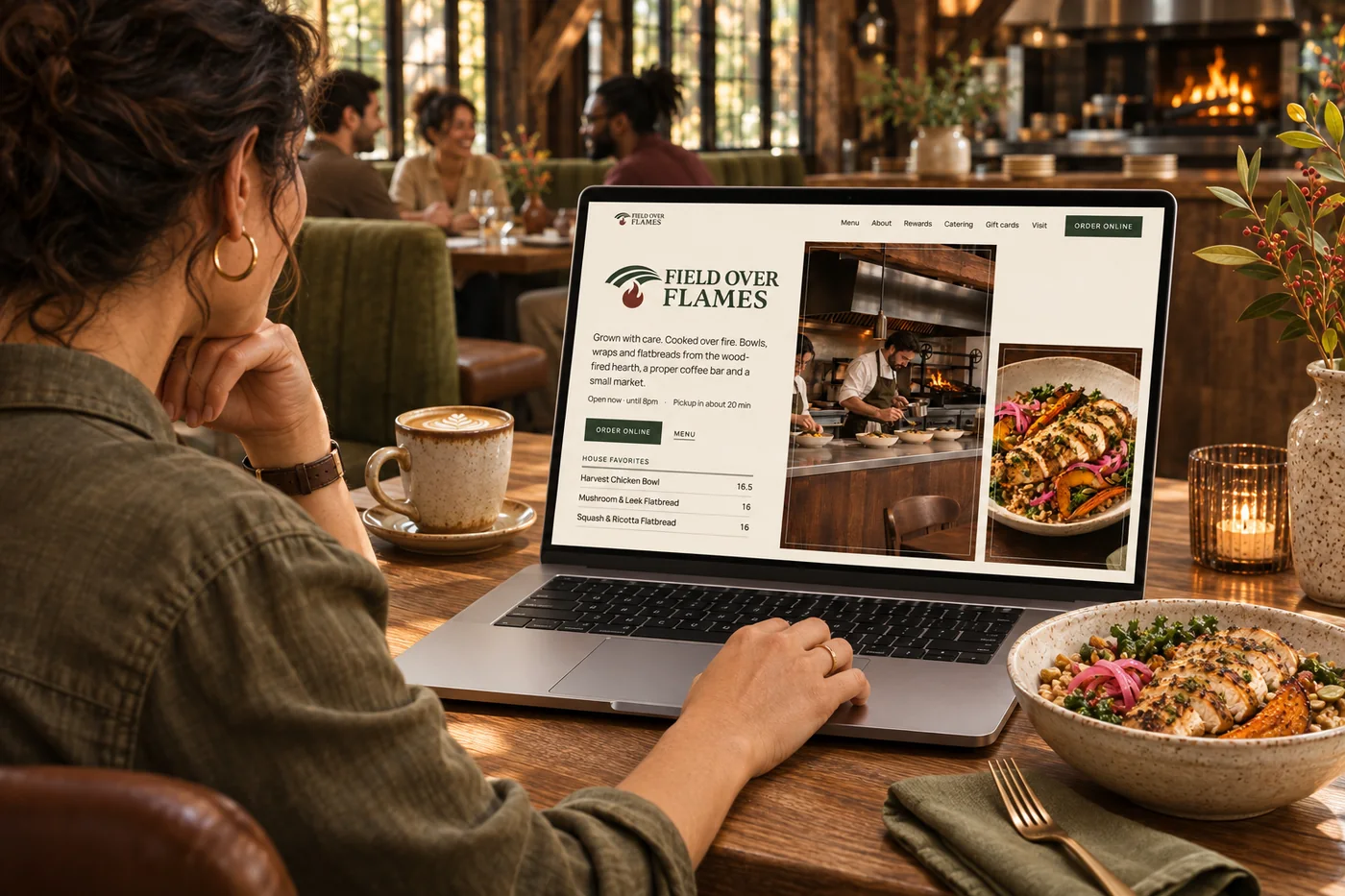
You have already put work into your brand and earned attention from guests. Guided implementation brings that work into the new site: a design direction, a content review, your menu and a plan for important links. You can follow the setup steps in your workspace, with optional white-glove help if you want us more involved. Launch becomes a series of clear decisions, rather than a blank page.
Part of a more connected business
Restaurant websites
Your menu, hours and ordering on a website that feels like your restaurant. Identify an opportunity, prepare a content improvement for approval and review the available results after it goes live.
Explore restaurant websitesWebsite optimization
Keep finding ways to make your website easier to discover and use. Bring performance checks, search findings and AI-assisted ideas into the same place as your business.
Explore website optimizationYes. Use your existing domain for the new website. Setup includes the connection steps, with access from whoever manages your domain.
Yes. Review the pages, menu and guest journeys before launch. The visual studio gives you a starting direction for the look and feel.
Important existing page addresses can be mapped to the new site using redirects. Reviewing those links is part of planning a careful migration.
Guided implementation gives you a clear path through the work. Optional white-glove onboarding provides more hands-on help bringing the site and connected experience together.

Start with your logo, colors, photography and story, then shape a design that feels like your business. Bring it together with your brand and the tools your team already uses.

You are leaving shopandtable.com
We link out when a vendor’s own documentation or a regulator is the right source. The site you are about to visit has its own terms, its own privacy practices and its own content; none of it is covered by our Privacy Policy or Terms of Service, and a link is not an endorsement. It will open in a new tab.