



Plan the occasion
Create one-off or repeating events with the details guests need.
One connected platform
Your business, beautifully connected.
Every detail, connected. Explore all features.
Built around your business
Your business has its own rhythm.
Ready to begin? Get started online.
Explore at your own pace
See the possibilities. Find your next step.
Looking for a definition? Browse the glossary.

One connected platform
Platform

Built around your business
Solutions
 Start with a fresh perspective.See how your website and listings show up online, and where there’s room to improve.Get your free audit All solutions

Explore at your own pace
Resources
 Your brand, elevated.Explore the curated looks in the visual studio and find your starting point.Explore the visual studio Explore the glossary
Events & ticketing
Bring dinners, tastings and neighborhood occasions into your website and guest experience, with tickets and check-in connected.
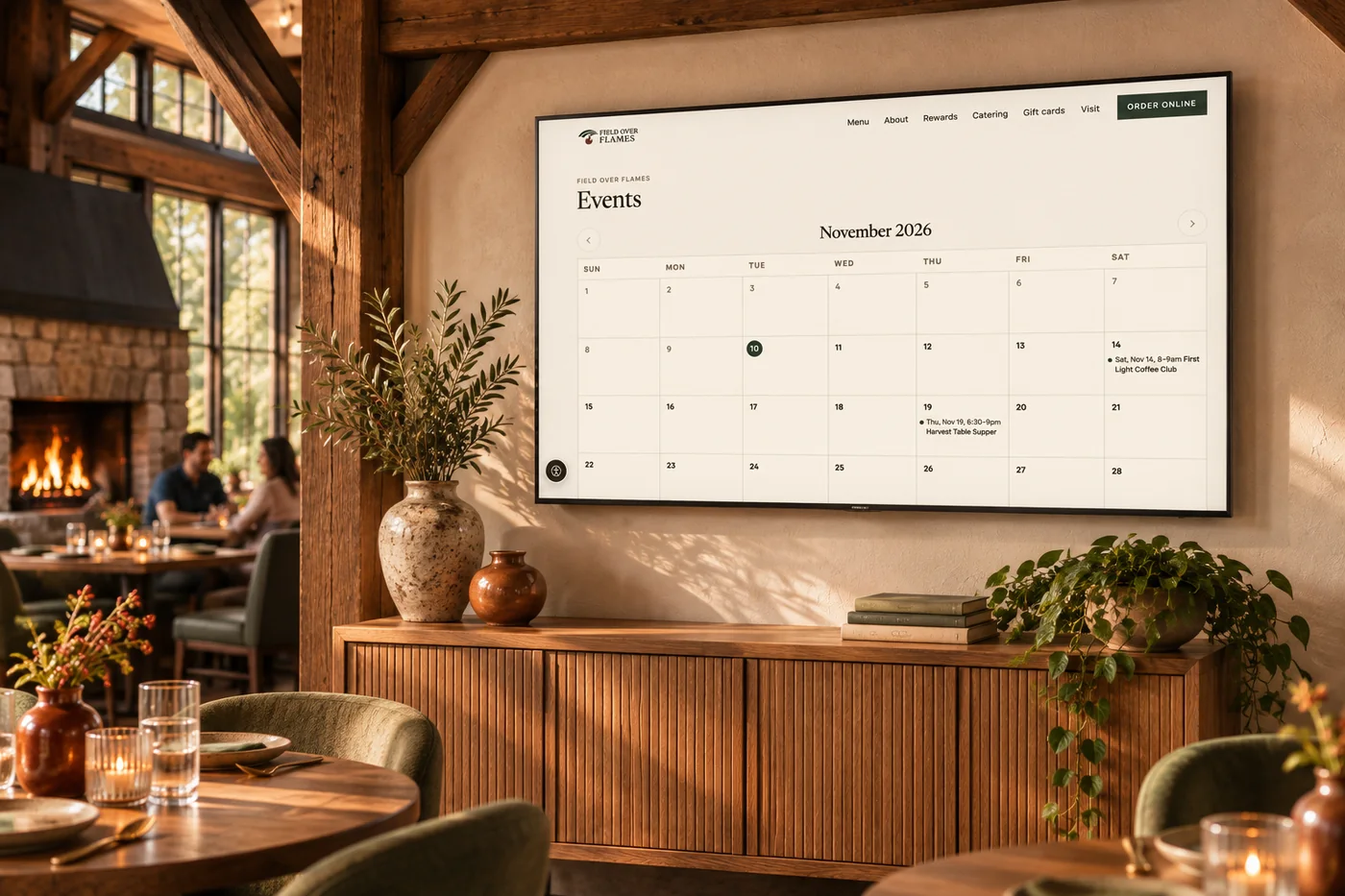
Create one-off or repeating events with the details guests need.
Offer ticket options, collect RSVPs or link to your existing ticket destination.
Show events across your website, app, kiosk and boards.
Use the team app’s scanner to check tickets in.
Scattered announcements, changing dates and separate guest lists make hosting harder. Give one-off and repeating occasions a home across your connected guest channels, with RSVP or ticket options and check-in support. Keep the details together so your team can spend more of the evening welcoming people.
Part of a more connected business
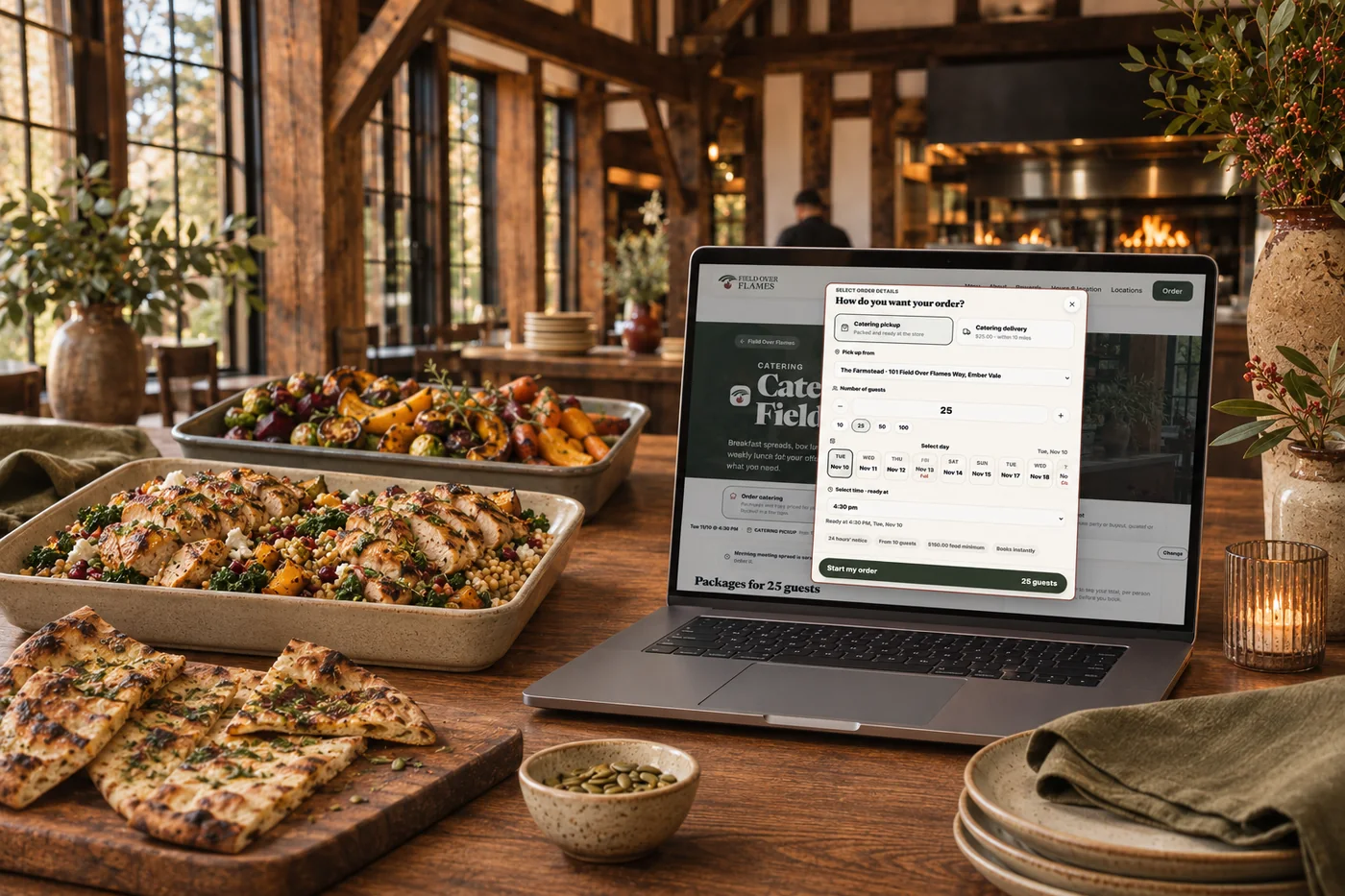
Online catering
Let guests order catering packages, trays and meals online for a future pickup or delivery. Your menu, minimums and notice periods guide the order from the start.
Explore online catering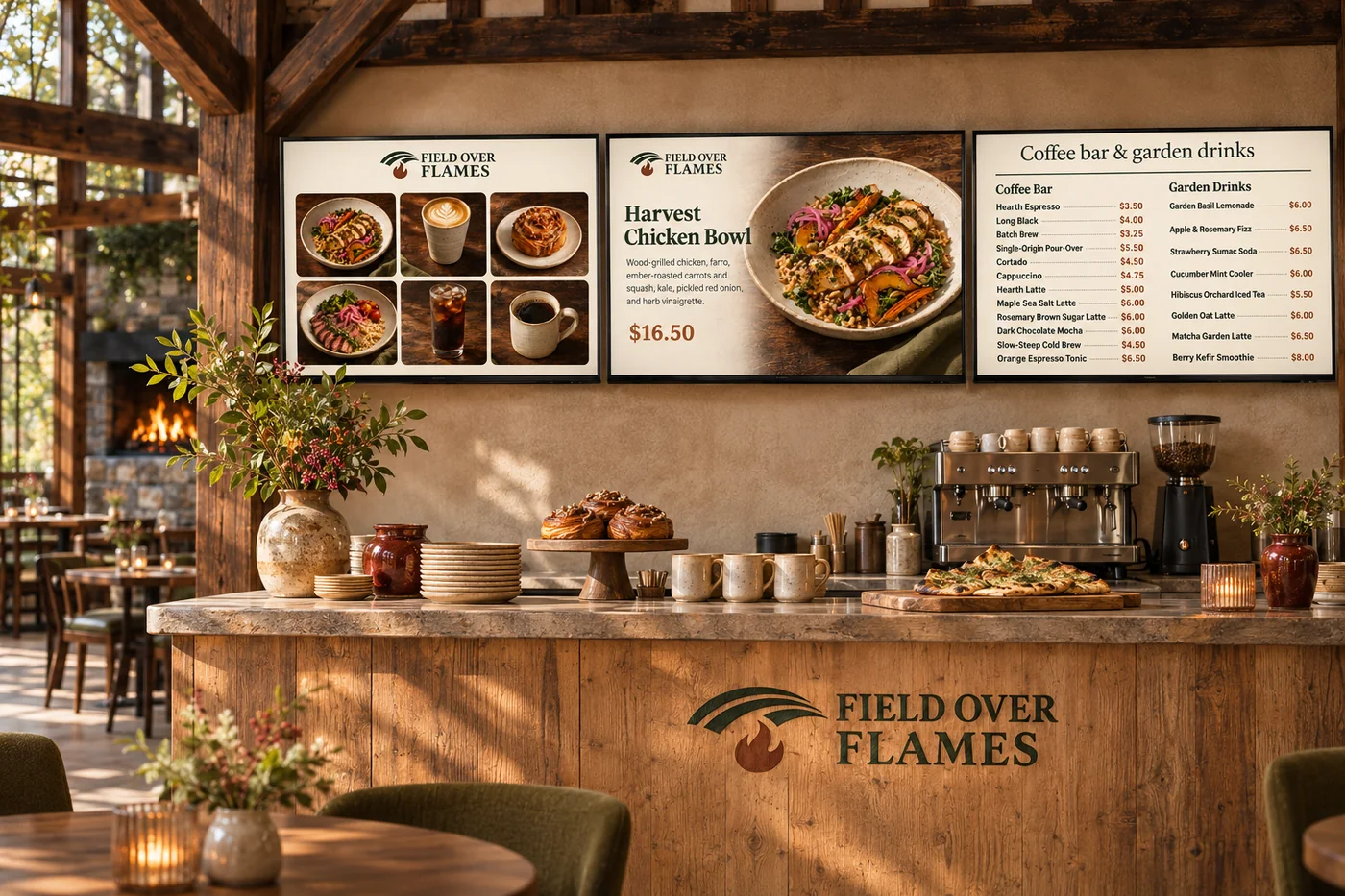
Digital menu boards
Turn screens into a natural part of your space. Show your food, your prices and what is ready to collect, in a design that belongs to your brand.
Explore digital menu boardsCreate one-off or repeating events with ticket options, RSVPs or a link to an existing ticket destination.
Carry event information across your website, app, kiosk and digital boards, then support the occasion with your marketing calendar.
Use the team app’s scanner to check tickets in, connecting promotion and booking with the welcome on the night.

Create one-off or repeating events with the details guests need. Bring it together with your brand and the tools your team already uses.

You are leaving shopandtable.com
We link out when a vendor’s own documentation or a regulator is the right source. The site you are about to visit has its own terms, its own privacy practices and its own content; none of it is covered by our Privacy Policy or Terms of Service, and a link is not an endorsement. It will open in a new tab.