


Protect the brand
Set common menu, website and listing standards.
One connected platform
Your business, beautifully connected.
Every detail, connected. Explore all features.
Built around your business
Your business has its own rhythm.
Ready to begin? Get started online.
Explore at your own pace
See the possibilities. Find your next step.
Looking for a definition? Browse the glossary.

One connected platform
Platform

Built around your business
Solutions
 Start with a fresh perspective.See how your website and listings show up online, and where there’s room to improve.Get your free audit All solutions

Explore at your own pace
Resources
 Your brand, elevated.Explore the curated looks in the visual studio and find your starting point.Explore the visual studio Explore the glossary
Multi-location management
Keep shared standards together while giving each store the local details and permissions it needs.
Set common menu, website and listing standards.
Manage hours, availability and store-specific information.
Use brand, regional and store roles to organize the work.
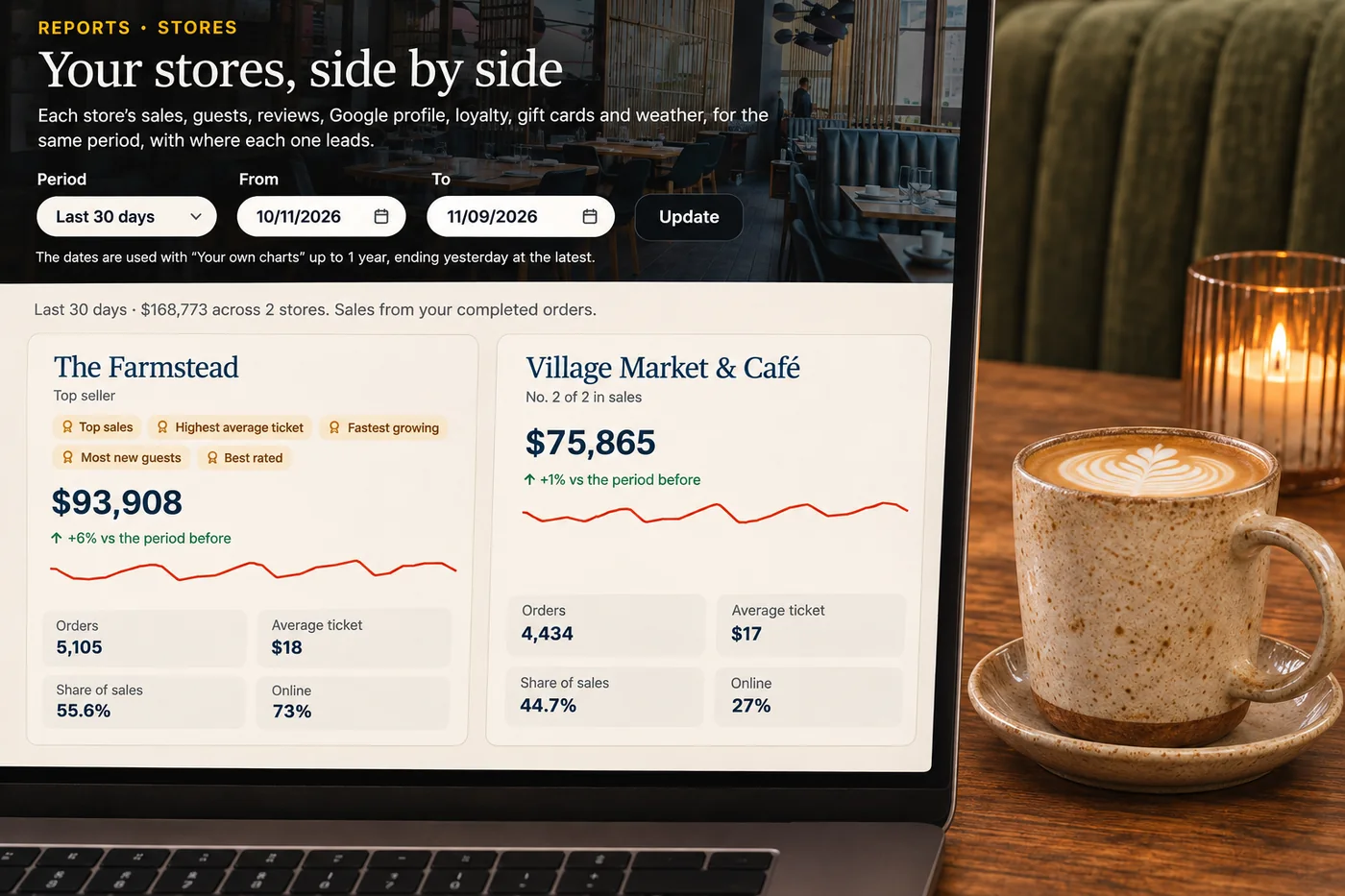
Review location-level reports and guest activity side by side.
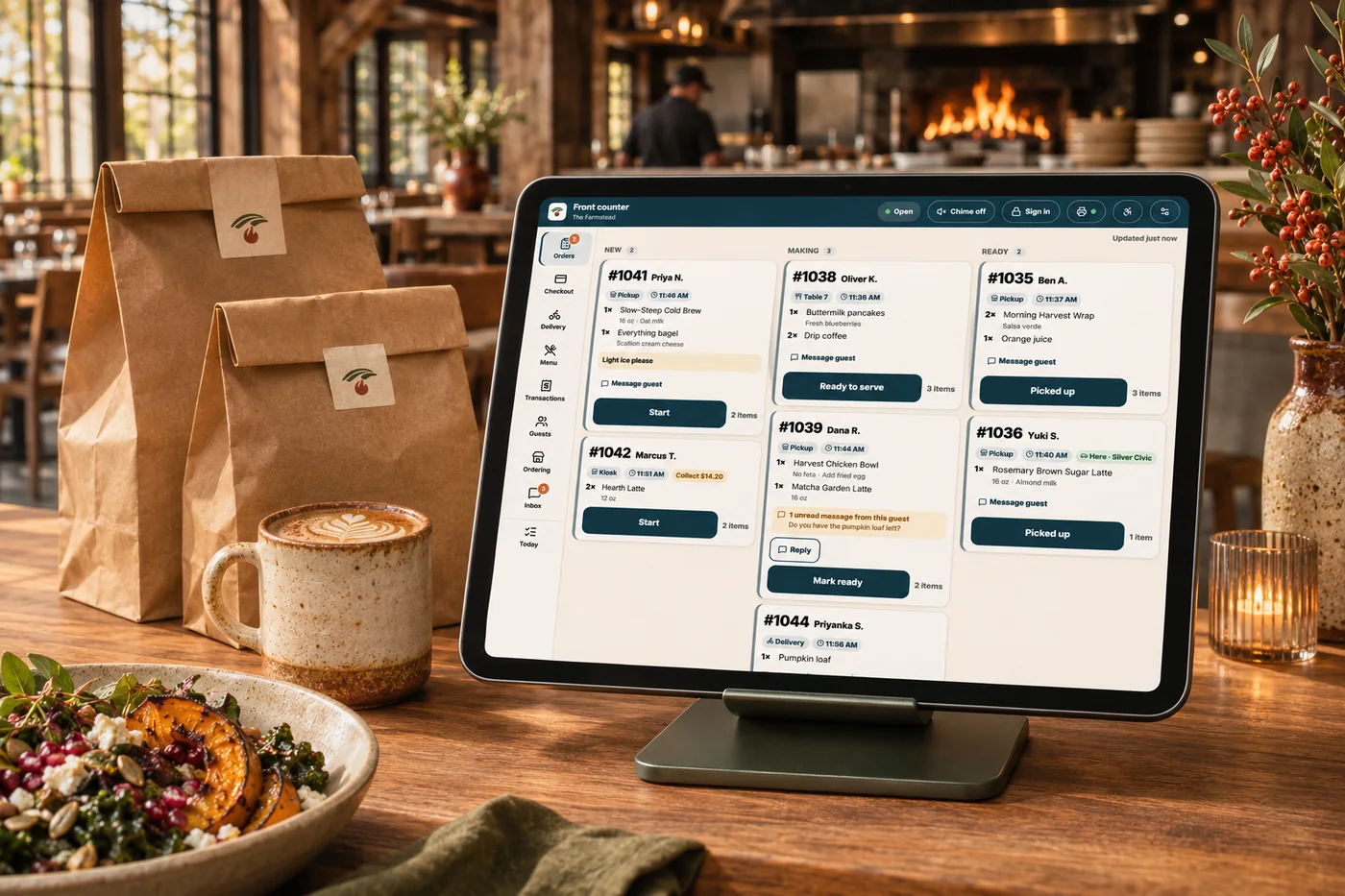
Separate menus, campaigns and reports can make each address feel like a business of its own. Share the brand foundation while keeping local details and team responsibilities clear. Compare locations and coordinate changes from a connected view, without losing sight of what each store needs.
Part of a more connected business
Operations
Keep daily tasks, training and the work between orders close to your team.
Explore operations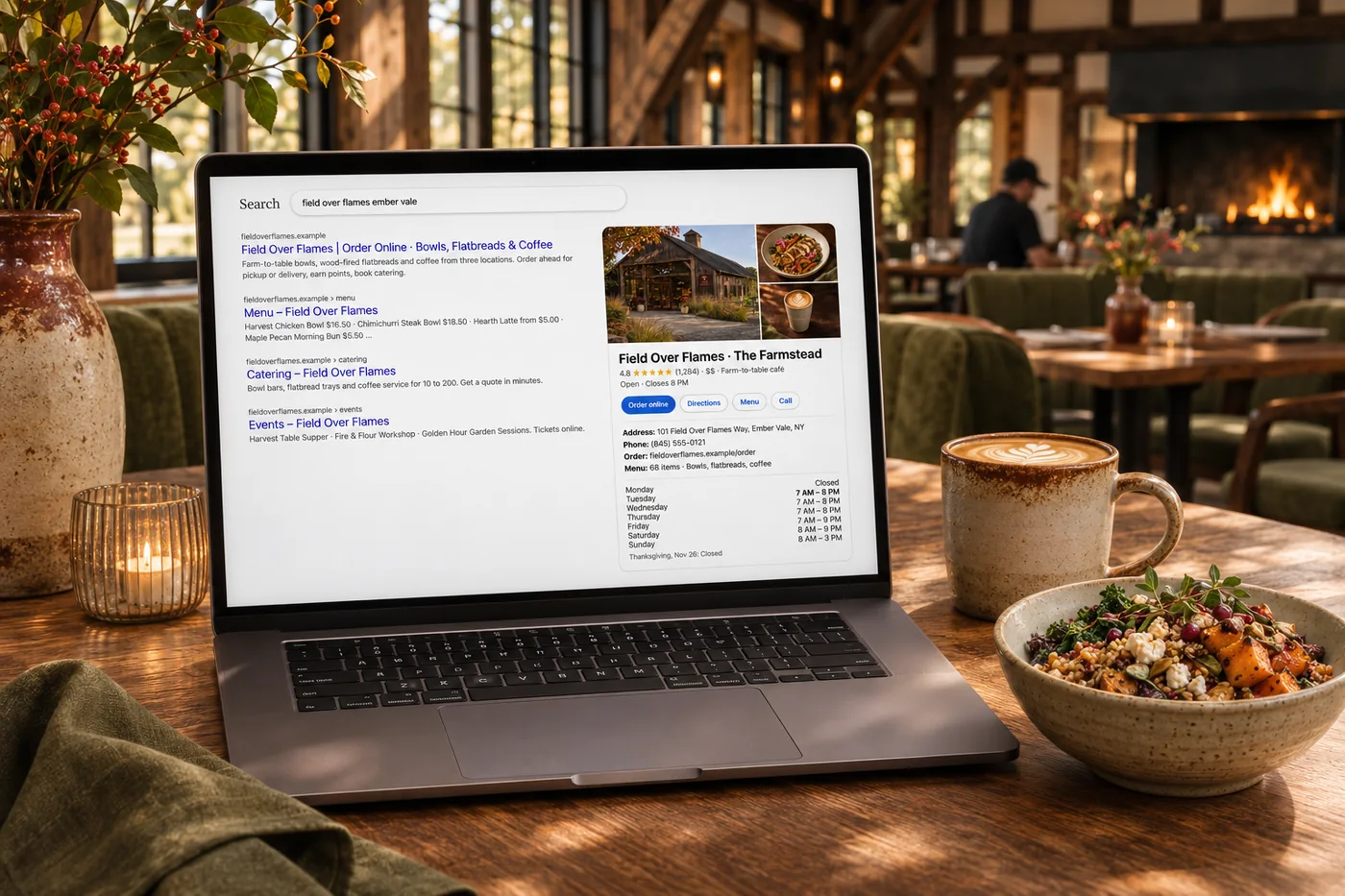
Listings management
Help more people discover accurate information and choose your business. Keep hours, addresses and supported details current across search, maps and directories, then use mismatches and review findings to guide improvements.
Explore listings managementSet shared menu, website and listing standards while managing local hours, availability and store information.
Organize work with brand, regional and store roles so teams can focus on their responsibilities.
Review location-level reports and guest activity side by side, then investigate differences and carry useful lessons between stores.

Set common menu, website and listing standards. Bring it together with your brand and the tools your team already uses.

You are leaving shopandtable.com
We link out when a vendor’s own documentation or a regulator is the right source. The site you are about to visit has its own terms, its own privacy practices and its own content; none of it is covered by our Privacy Policy or Terms of Service, and a link is not an endorsement. It will open in a new tab.