



Spot the strong performers
See which items combine demand with a useful margin.
One connected platform
Your business, beautifully connected.
Every detail, connected. Explore all features.
Built around your business
Your business has its own rhythm.
Ready to begin? Get started online.
Explore at your own pace
See the possibilities. Find your next step.
Looking for a definition? Browse the glossary.

One connected platform
Platform

Built around your business
Solutions
 Start with a fresh perspective.See how your website and listings show up online, and where there’s room to improve.Get your free audit All solutions

Explore at your own pace
Resources
 Your brand, elevated.Explore the curated looks in the visual studio and find your starting point.Explore the visual studio Explore the glossary
Menu optimization
Look at popularity and margin together. Find the dishes, prices and combinations worth revisiting, with your own sales and costs as the starting point.

See which items combine demand with a useful margin.
Review low-margin items and ingredient cost changes.
Build bundles and promotions around real menu economics.
Compare results after a change before deciding what to do next.

An overlooked dish, a confusing option or an unhelpful photo can get in the way of an order. Review item performance and costs alongside recommendations for descriptions, photography, choices and bundles. Make considered changes that help guests decide while keeping the kitchen’s economics in view.
Part of a more connected business
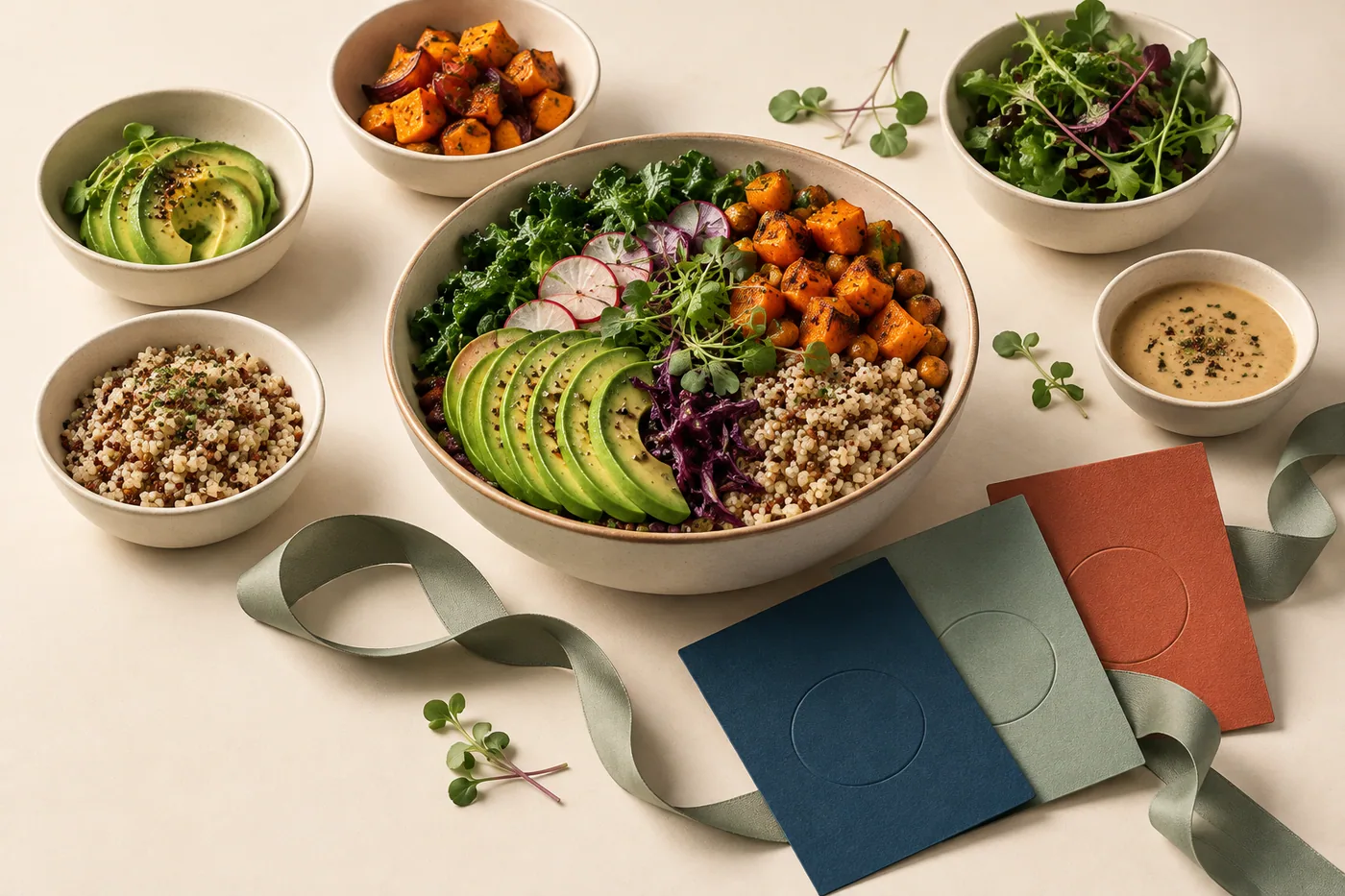
Food costing & recipes
Connect ingredients, recipes and invoices to the items you sell. See the cost of a portion, a size or an extra before changing the menu.
Explore food costing & recipes
Email, SMS & campaigns
Decide what to promote, who to reach and when. Prepare a coordinated campaign across email, SMS, social, website updates and eligible app notifications, using your business data and brand.
Explore email, SMS & campaignsCompare demand and margin to find strong performers and dishes under pressure. Ingredient cost changes help explain why a familiar bestseller may be less profitable than it looks.
Use menu economics to shape bundles and promotions. Review likely costs alongside the items guests choose before putting an offer in front of them.
Compare results after menu and offer changes. Use the evidence to decide what to keep, adjust or try next.
See which items combine demand with a useful margin. Bring it together with your brand and the tools your team already uses.

You are leaving shopandtable.com
We link out when a vendor’s own documentation or a regulator is the right source. The site you are about to visit has its own terms, its own privacy practices and its own content; none of it is covered by our Privacy Policy or Terms of Service, and a link is not an endorsement. It will open in a new tab.