



Bring feedback together
Review supported reviews and guest messages in one workspace.
One connected platform
Your business, beautifully connected.
Every detail, connected. Explore all features.
Built around your business
Your business has its own rhythm.
Ready to begin? Get started online.
Explore at your own pace
See the possibilities. Find your next step.
Looking for a definition? Browse the glossary.

One connected platform
Platform

Built around your business
Solutions
 Start with a fresh perspective.See how your website and listings show up online, and where there’s room to improve.Get your free audit All solutions

Explore at your own pace
Resources
 Your brand, elevated.Explore the curated looks in the visual studio and find your starting point.Explore the visual studio Explore the glossary
Reviews & reputation
See guest feedback, prepare thoughtful replies and spot recurring themes across your locations.
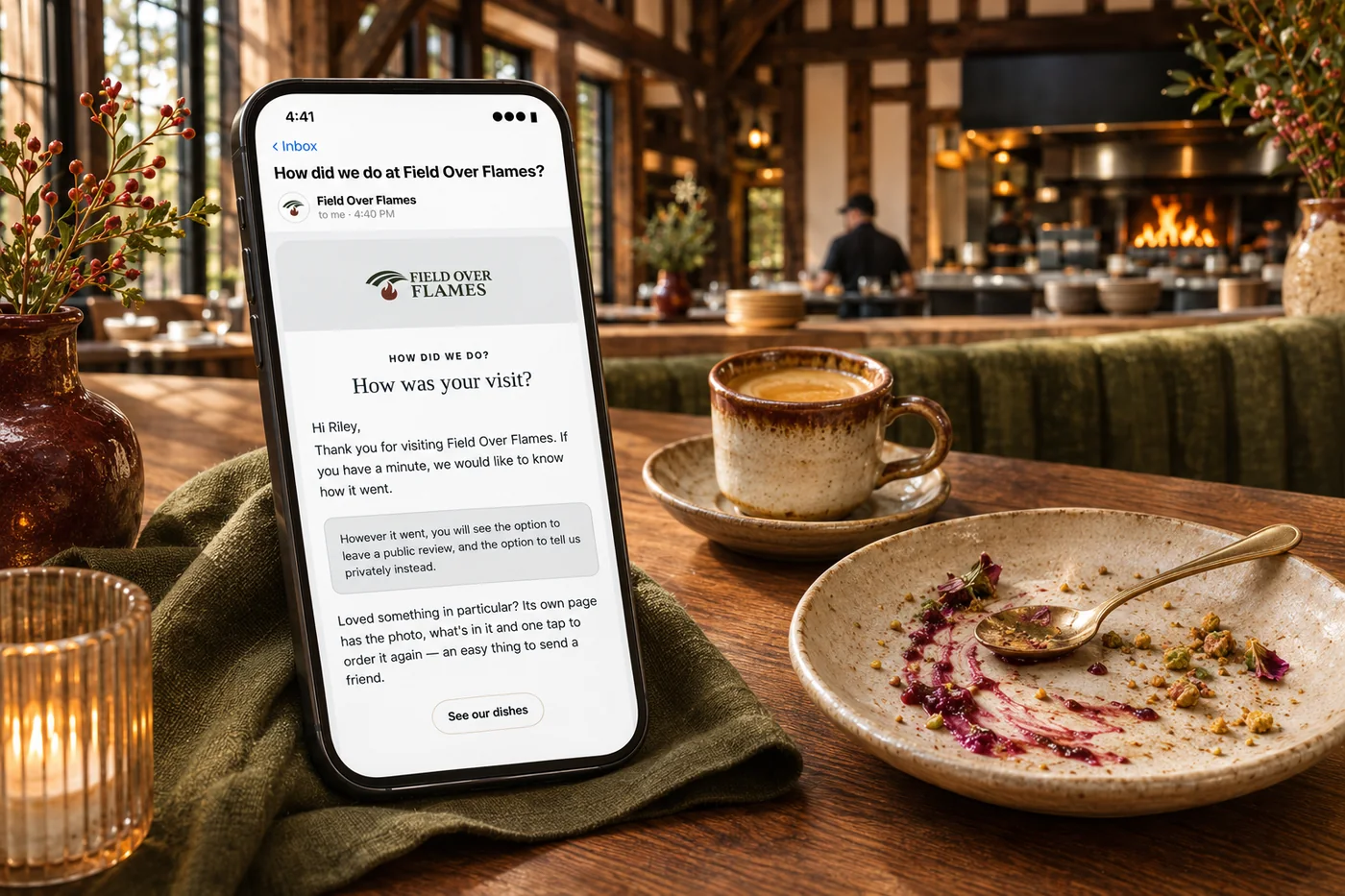
Review supported reviews and guest messages in one workspace.
Use your reply playbook, approved examples and AI drafts.
Route sensitive feedback and lower ratings for a person to review.
Look at recurring themes, response time and ratings by store.

When reviews are scattered, it is easy to miss a pattern or leave a guest unanswered. Bring supported reviews together, prepare thoughtful responses and look for recurring themes. Give your team the context to address the experience behind the feedback, as well as the review itself.
Part of a more connected business
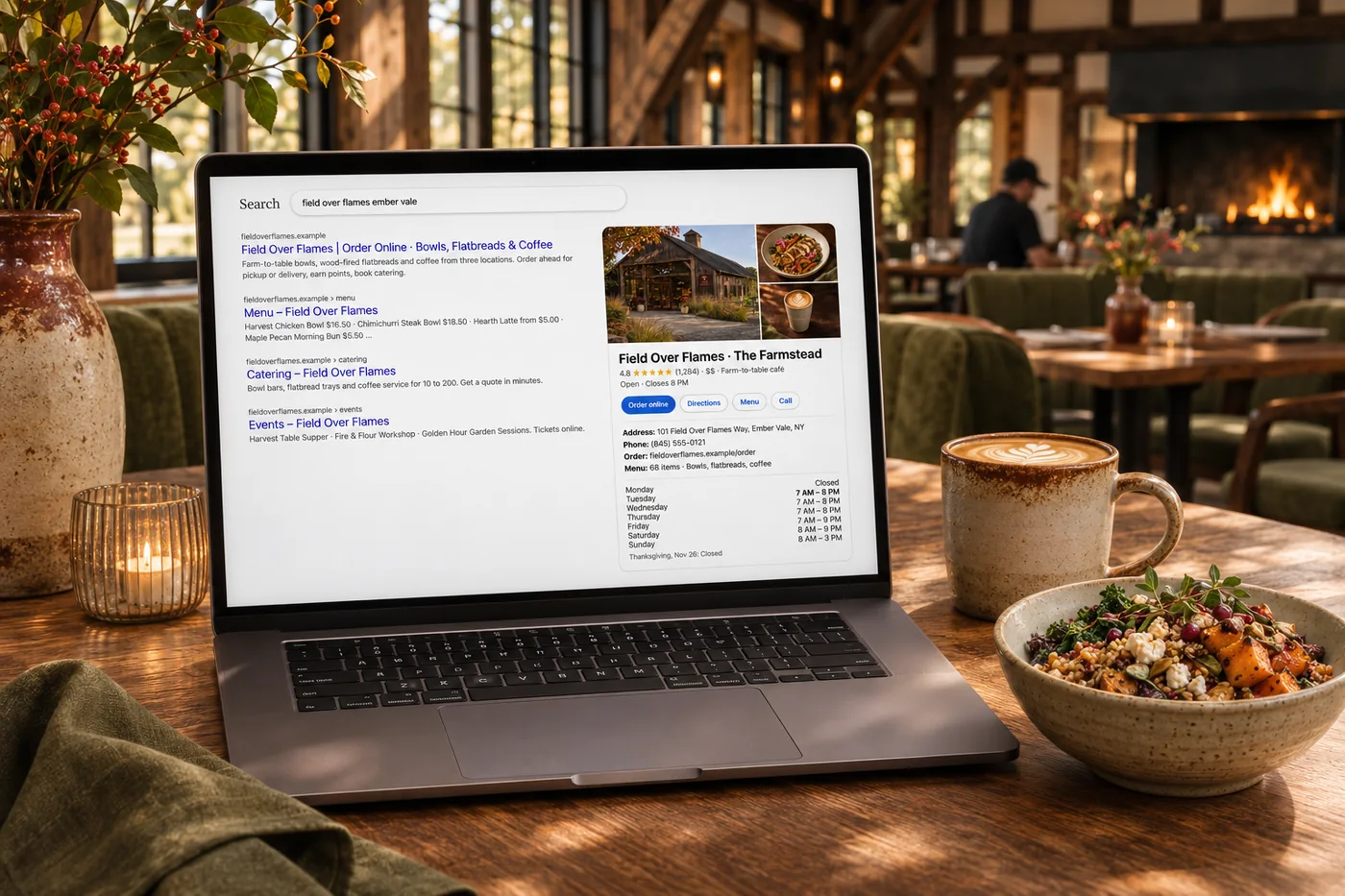
Listings management
Help more people discover accurate information and choose your business. Keep hours, addresses and supported details current across search, maps and directories, then use mismatches and review findings to guide improvements.
Explore listings management
Andlen & your inbox
Ask Andlen what needs attention, talk through an idea and improve a draft in your business’s voice. Your connected information gives the conversation context.
Explore Andlen & your inboxBring supported reviews and messages into a shared workspace so your team can spot what needs attention and respond with context.
Use a reply playbook and approved examples to guide AI drafts. Sensitive feedback and lower ratings can be routed for a person to review.
Look at recurring themes, ratings and response times by location. Turn feedback into priorities for the team, not just another notification.
Review supported reviews and guest messages in one workspace. Bring it together with your brand and the tools your team already uses.

You are leaving shopandtable.com
We link out when a vendor’s own documentation or a regulator is the right source. The site you are about to visit has its own terms, its own privacy practices and its own content; none of it is covered by our Privacy Policy or Terms of Service, and a link is not an endorsement. It will open in a new tab.