



Start with a trigger
Use guest activity and audience conditions to begin a flow.
One connected platform
Your business, beautifully connected.
Every detail, connected. Explore all features.
Built around your business
Your business has its own rhythm.
Ready to begin? Get started online.
Explore at your own pace
See the possibilities. Find your next step.
Looking for a definition? Browse the glossary.

One connected platform
Platform

Built around your business
Solutions
 Start with a fresh perspective.See how your website and listings show up online, and where there’s room to improve.Get your free audit All solutions

Explore at your own pace
Resources
 Your brand, elevated.Explore the curated looks in the visual studio and find your starting point.Explore the visual studio Explore the glossary
Marketing automation
Build guest journeys around real activity: a first visit, a birthday or a regular who has not returned in a while.
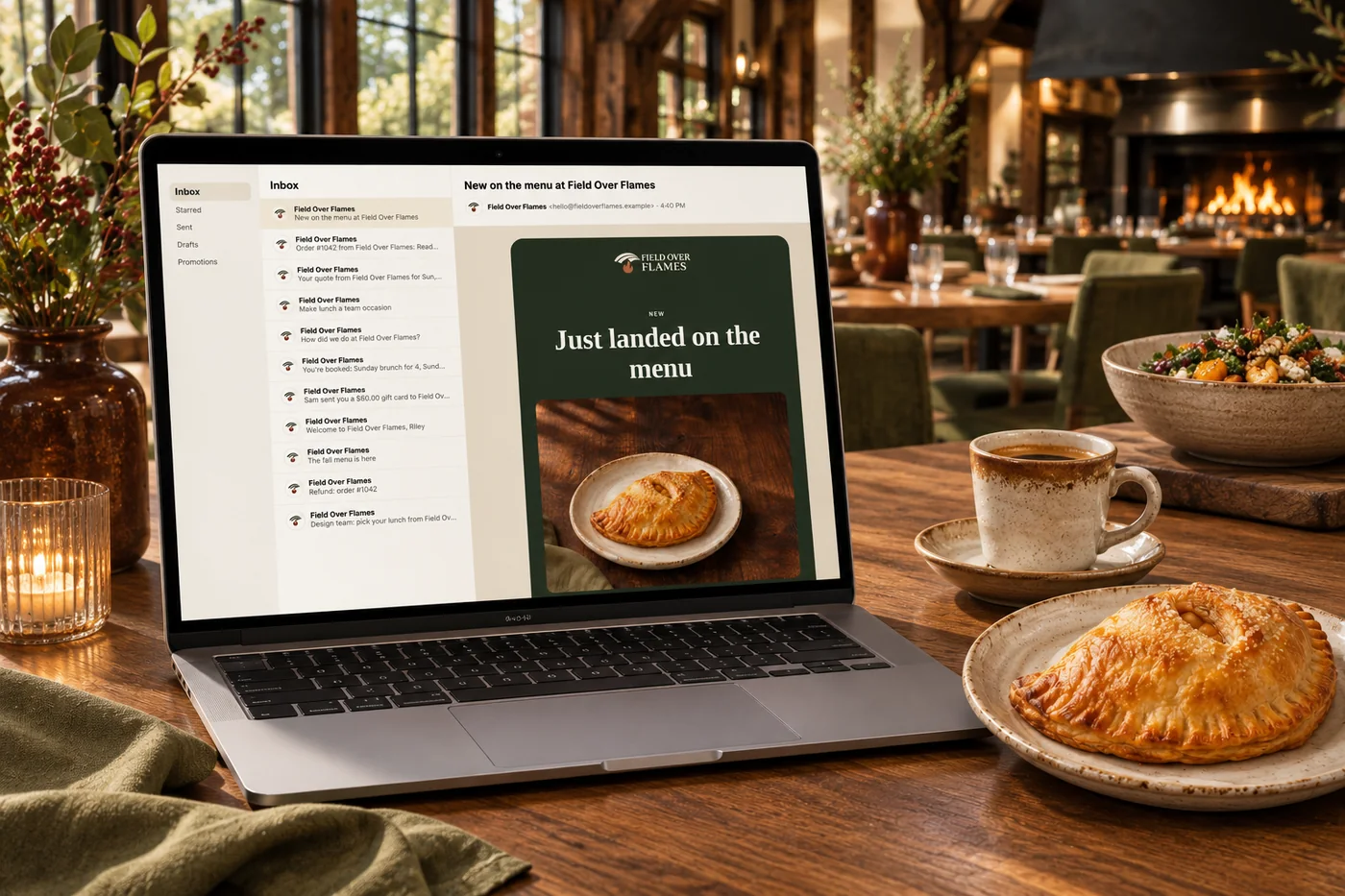
Use guest activity and audience conditions to begin a flow.
Combine supported messages, waits, checks and branches.
Set exit goals so a guest does not keep receiving the wrong follow-up.
Review results and supported holdout tests rather than guessing.
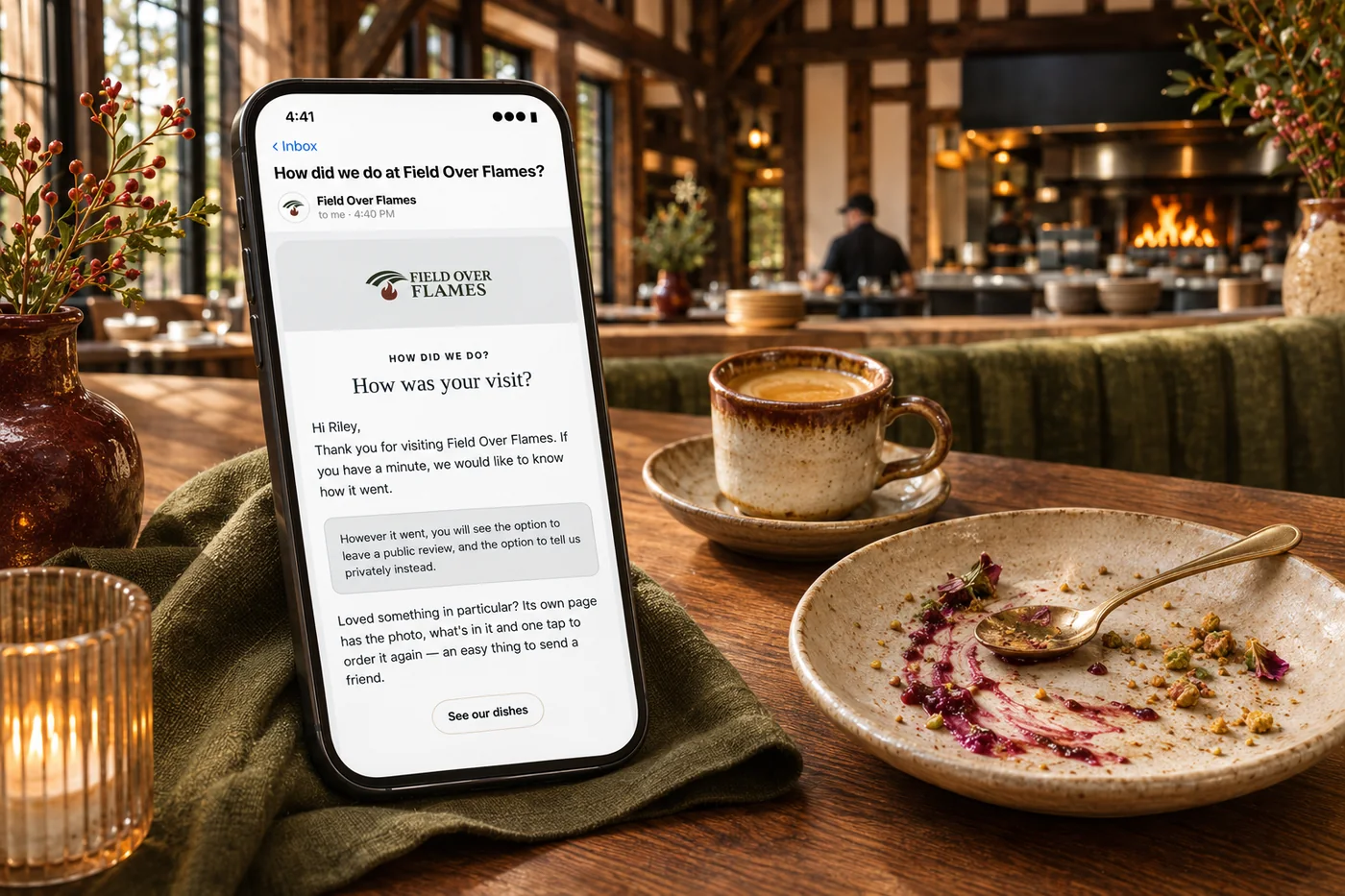
A first order, a birthday or a long gap between visits can pass without a useful message. Build connected journeys with triggers, timing, conditions and clear goals, while respecting guest communication permissions. Prepare the messages before a flow goes live and review results to keep the follow-up relevant.
Part of a more connected business
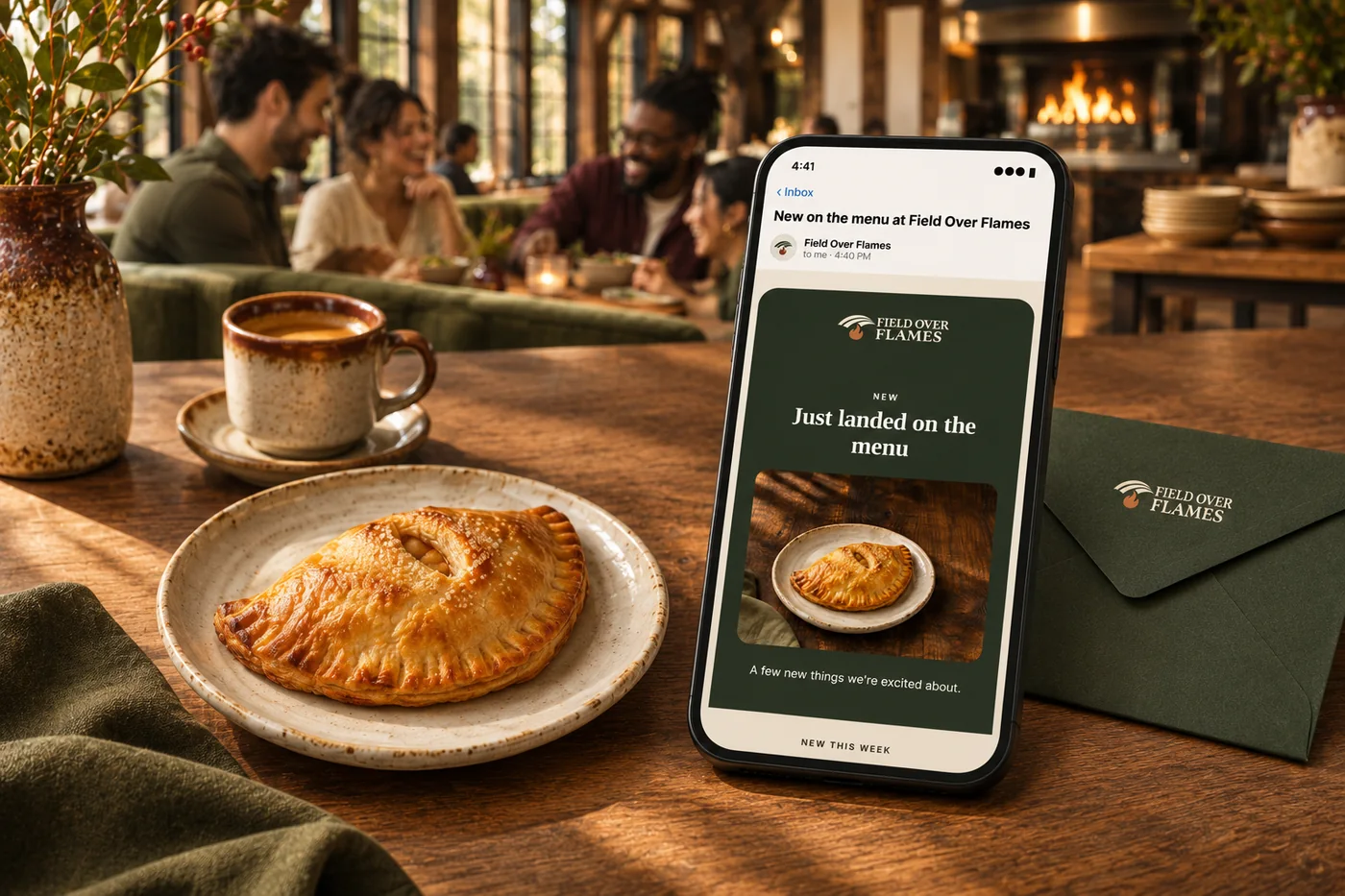
Email, SMS & campaigns
Decide what to promote, who to reach and when. Prepare a coordinated campaign across email, SMS, social, website updates and eligible app notifications, using your business data and brand.
Explore email, SMS & campaigns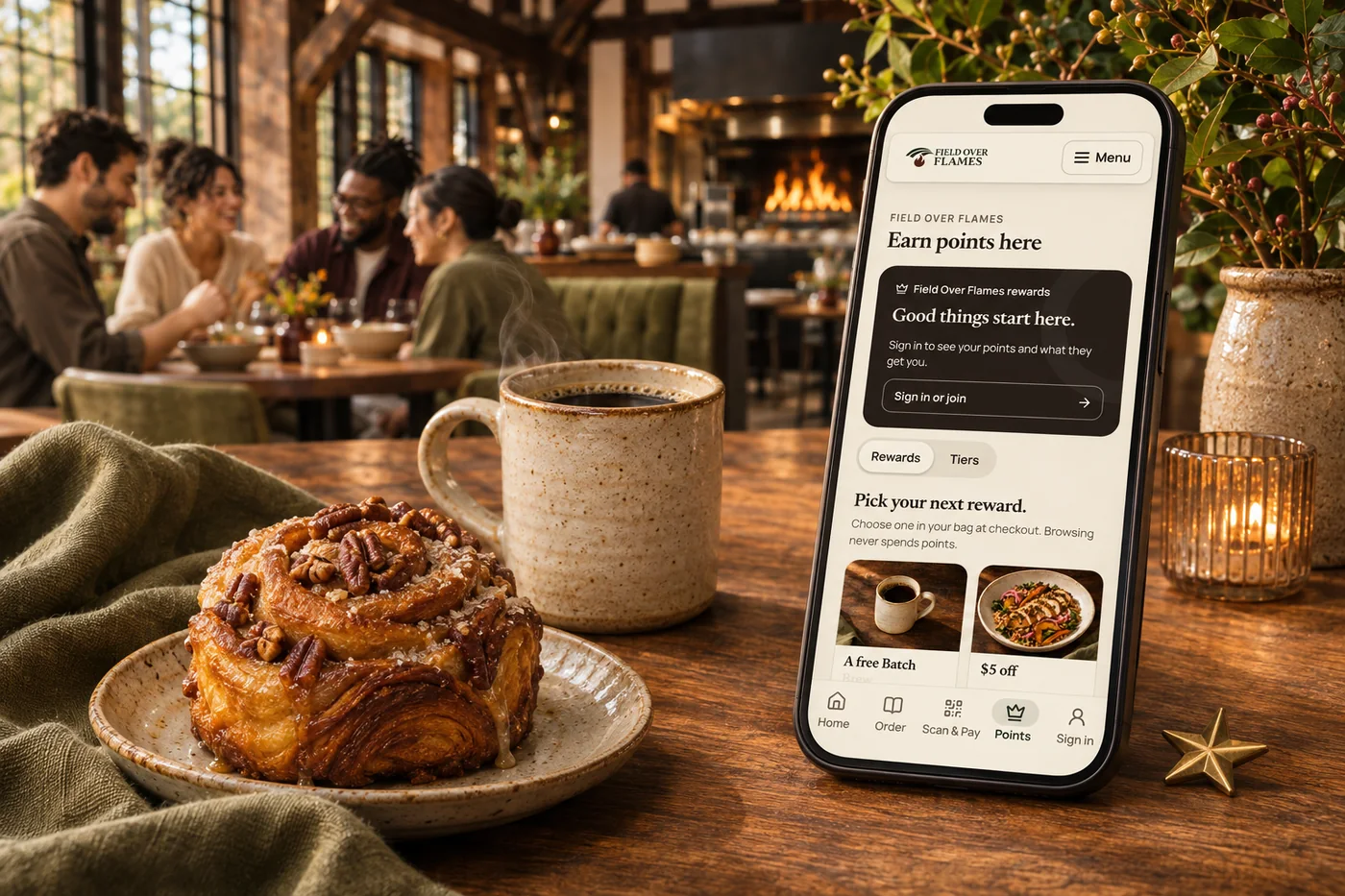
Loyalty & rewards
Build loyalty around your business, from smart customer groups and earned tiers to member pricing, exclusive benefits and recurring memberships. Connect Square points and rewards, then give guests more ways to belong.
Explore loyalty & rewardsSupported guest activity and audience conditions can trigger a flow. Use a recipe or build a sequence for welcoming guests, reconnecting with regulars or following up on an inquiry.
Combine messages, waits, checks and branches. Set an exit goal—such as a return visit or order—so someone who has already responded leaves that follow-up.
Review per-step results and goal progress, send tests and use supported holdout comparisons. Improve the sequence based on what happens rather than the number of messages sent.

Use guest activity and audience conditions to begin a flow. Bring it together with your brand and the tools your team already uses.

You are leaving shopandtable.com
We link out when a vendor’s own documentation or a regulator is the right source. The site you are about to visit has its own terms, its own privacy practices and its own content; none of it is covered by our Privacy Policy or Terms of Service, and a link is not an endorsement. It will open in a new tab.