



Make ordering feel like you.
Give guests a direct path from your website or branded app to pickup and delivery, with no Shop & Table order commission.
One connected platform
Your business, beautifully connected.
Every detail, connected. Explore all features.
Built around your business
Your business has its own rhythm.
Ready to begin? Get started online.
Explore at your own pace
See the possibilities. Find your next step.
Looking for a definition? Browse the glossary.

One connected platform
Platform

Built around your business
Solutions
 Start with a fresh perspective.See how your website and listings show up online, and where there’s room to improve.Get your free audit All solutions

Explore at your own pace
Resources
 Your brand, elevated.Explore the curated looks in the visual studio and find your starting point.Explore the visual studio Explore the glossary
Square for restaurants & cafés
Your Square counter is the starting point. Add a bespoke website, branded ordering and tools for repeat visits, with your menu and guest experience at the heart of it all.
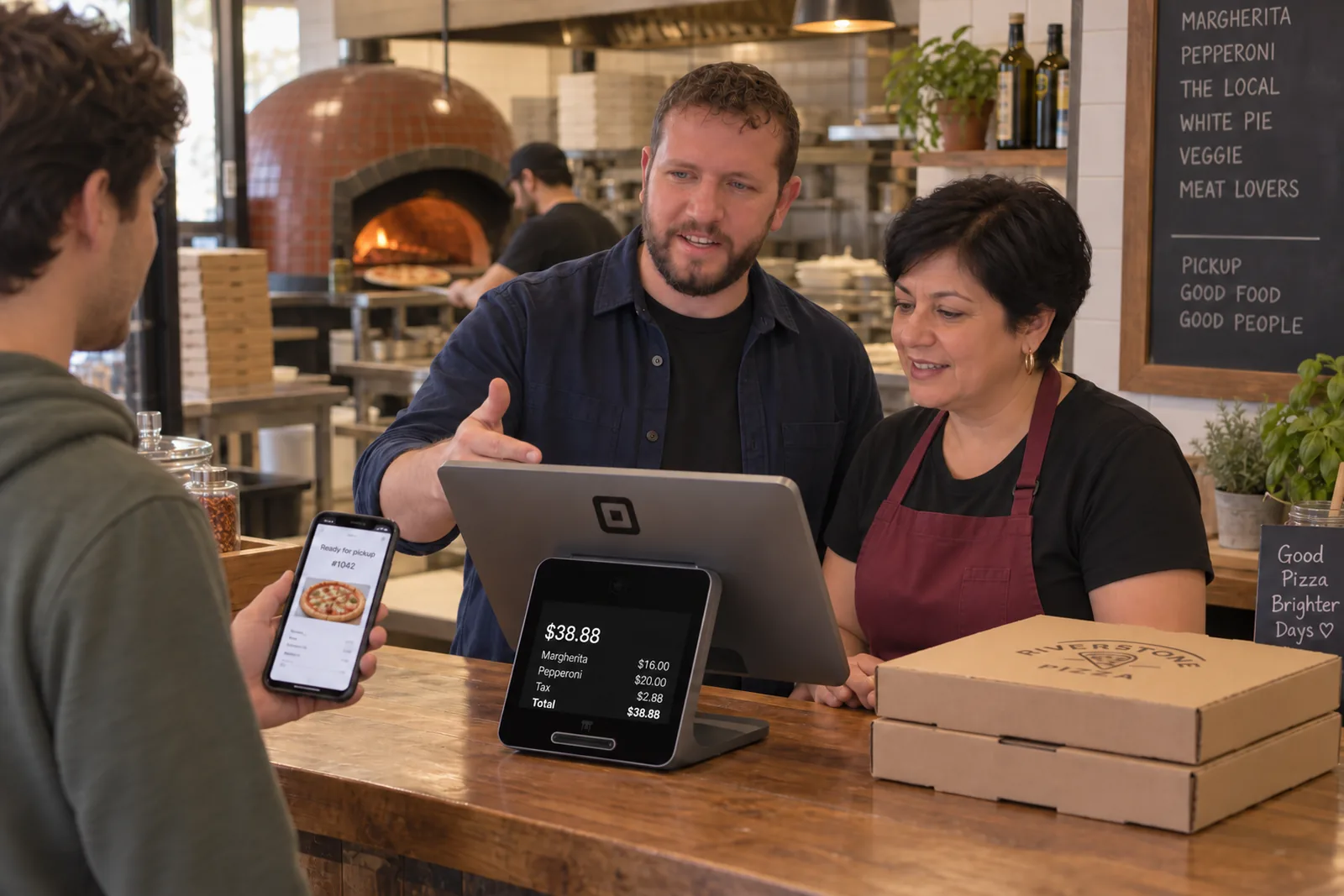
Give guests a direct path from your website or branded app to pickup and delivery, with no Shop & Table order commission.
Bring items, prices and modifiers into the guest experience. Review your Square menu and order flow as part of setup.
Use loyalty, branded gift cards and timely email or text campaigns to give guests a reason to come back.
Self-guided, with our support
Follow the setup steps in your workspace and choose what to bring online first. Book optional 15-minute calls in your first 30 days, one a week and up to four: a kickoff to set goals, check-ins for questions and a launch review of your checklist.
Ask questions along the way through portal messages, email or SMS. We can arrange a call when useful and offer practical advice as your business grows.
See Plans & Setup Options ↗No. Shop & Table builds around your Square account. We review your menu, order routing and equipment during setup to confirm the right workflow for your restaurant.
Yes. With a connected Square POS, supported Square physical gift cards can be used within your Shop & Table gift-card experience. We review your existing program during setup.
Shop & Table does not take an order commission. Your subscription, payment processing, delivery and any optional usage charges remain separate. The pricing page explains Shop & Table costs.
Square hardware, software and payment processing are separate from Shop & Table. Features depend on your plan and connected setup.

You are leaving shopandtable.com
We link out when a vendor’s own documentation or a regulator is the right source. The site you are about to visit has its own terms, its own privacy practices and its own content; none of it is covered by our Privacy Policy or Terms of Service, and a link is not an endorsement. It will open in a new tab.